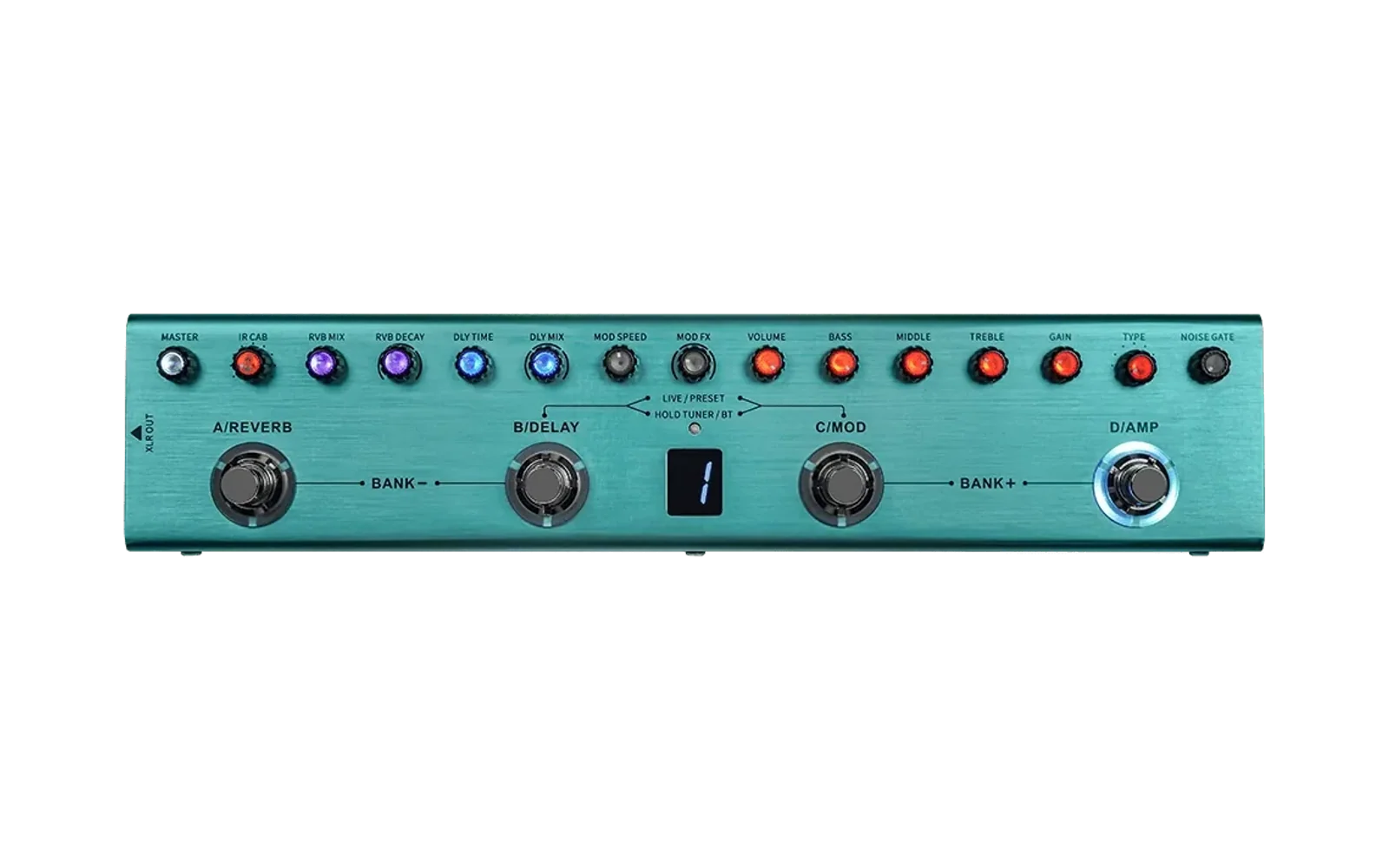

UltraRig for the M-VAVE Tank-G v1 and v2
UltraRig is an alternative firmware for the M-VAVE Tank-G v1 and v2 guitar multi-effects pedals: NAM (Neural Amp Modeler) A2-Lite amp captures, an editable effects chain with parallel branches, cabinet IRs, 32 presets with 4 scenes each, a tuner, and a control page that runs in your browser, plus an optional Android app over Bluetooth. Out of the box the footswitches work like the factory firmware (8 banks of 4 presets, a Live mode for the effects and the knobs), or you can give each one your own actions.
Status: public alpha. Expect bugs. It works well, but it keeps changing: I build it on my own and the community helps me by testing it, so you use it at your own risk, at home or on stage. Keep the backup the installer makes. UltraRig is not affiliated with or endorsed by M-VAVE / Cuvave / Sinco or JieLi. "M-VAVE" and "Tank-G" are trademarks of their owners and are used here only to name the compatible hardware.
Website and release news: ultrarig.app. Leave your email there to get a note when a new version is out.
Download
Every version is in Releases. Pick the file for your pedal:
| File | For |
|---|---|
UltraRig-<version>-v2-win.zip | Tank-G v2: the installer and the control page, for Windows |
UltraRig-<version>-v1-win.zip | Tank-G v1: the same, for the v1 |
UltraRig-<version>-android.apk | Optional: the Android app |
Not sure which one you have? The installer tells you, and it refuses a package made for the other board.
Before you install
- Factory firmware 97 or 98. On 96, 53 or older, update first with M-VAVE's M-UPGRADE from m-vave.com/download (it installs 98). That update puts the factory presets, amps and cabs back, so save your own with M-EFCS first. Newer than 98 is not tested, and rebrands (Lekato, Playwell, Yuimer, NMD) haven't been tested either.
- Windows 10 or 11 to install, Chrome or Edge for the control page, and a USB data cable plugged straight into the computer (no hub).
- The installer checks your pedal before writing anything and, if it isn't supported, stops without changing anything.
Install
- Unzip the package for your pedal and read
README.txtinside. Keep all its files together. - Connect the pedal, switch it on, close M-EFCS and M-UPGRADE, and unplug other USB MIDI or audio devices.
- Run
UltraRig-Installer.exe(on the v1, as administrator) and click "Install UltraRig". If Windows asks to format a disk, click Cancel: that disk is the pedal. - It backs up the whole pedal first, then writes UltraRig and restarts the pedal. Don't unplug or switch off the pedal until the window says it's installed.
- Open
web\index.htmlfrom the package in Chrome or Edge and click "Connect", or use the Android app.
Updating from an older UltraRig is the same installer: click "Update UltraRig". Your presets, captures and IRs are kept.
Your backup is in Documents\tankg_installer\backup_<date>. It is the only way back to the factory firmware (installer: "Go back to
the factory firmware"). Copy it somewhere safe and never share it: it holds data unique to your unit. Error reports never include it.
Pedal check (optional)
Want to know first whether your pedal is supported? The UltraRig Check only reads the pedal and never writes
anything. Unzip it, read README-CHECK.txt, run UltraRig-Check.exe and, if you like, send the report file through a
Check report issue.
Bugs and ideas
Use "Send report to the developer…" on the control page, or open an issue with the output of "Copy diagnostics". Pedal requests are welcome too.
License
UltraRig is free for personal, non-commercial use under the PolyForm Noncommercial License 1.0.0: you may not sell the firmware or pedals with it installed. It comes with no warranty of any kind; installing a non-official firmware may void your warranty. Third-party components keep their own licenses: see NOTICE.md. The source code is not published at this time.