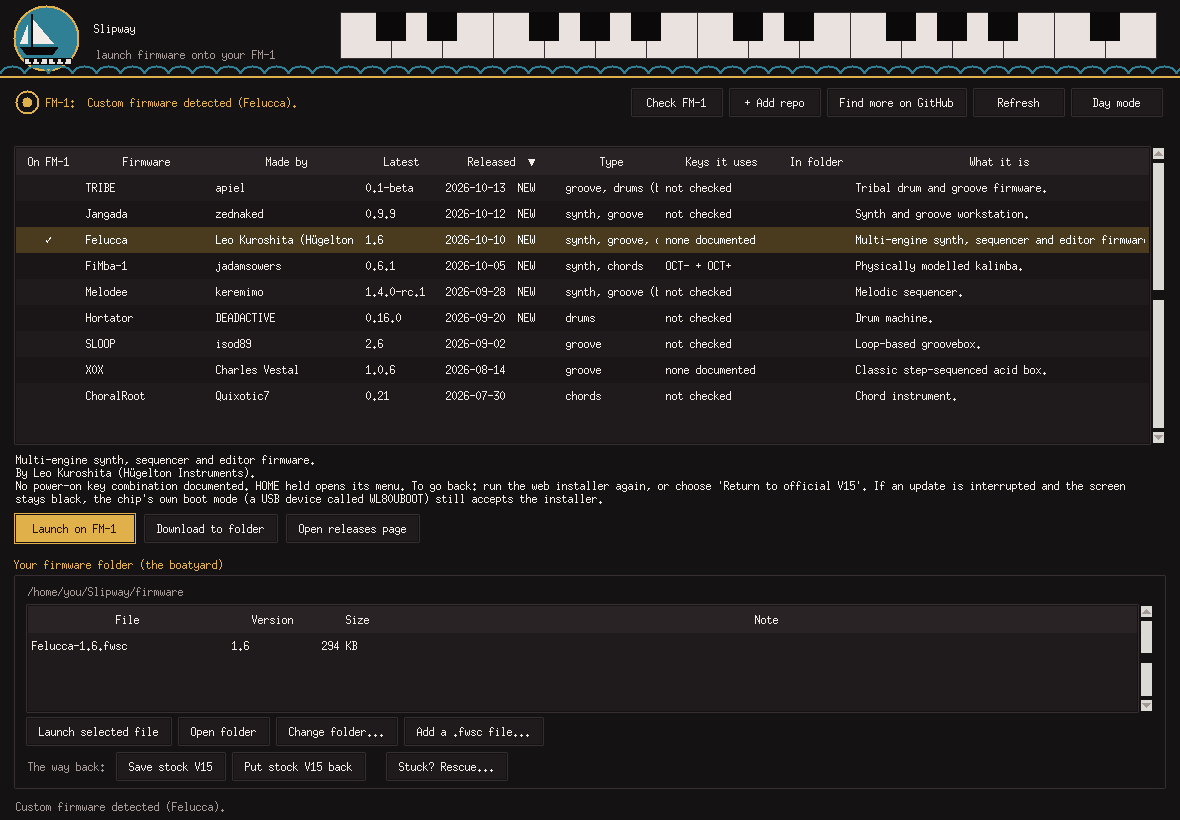
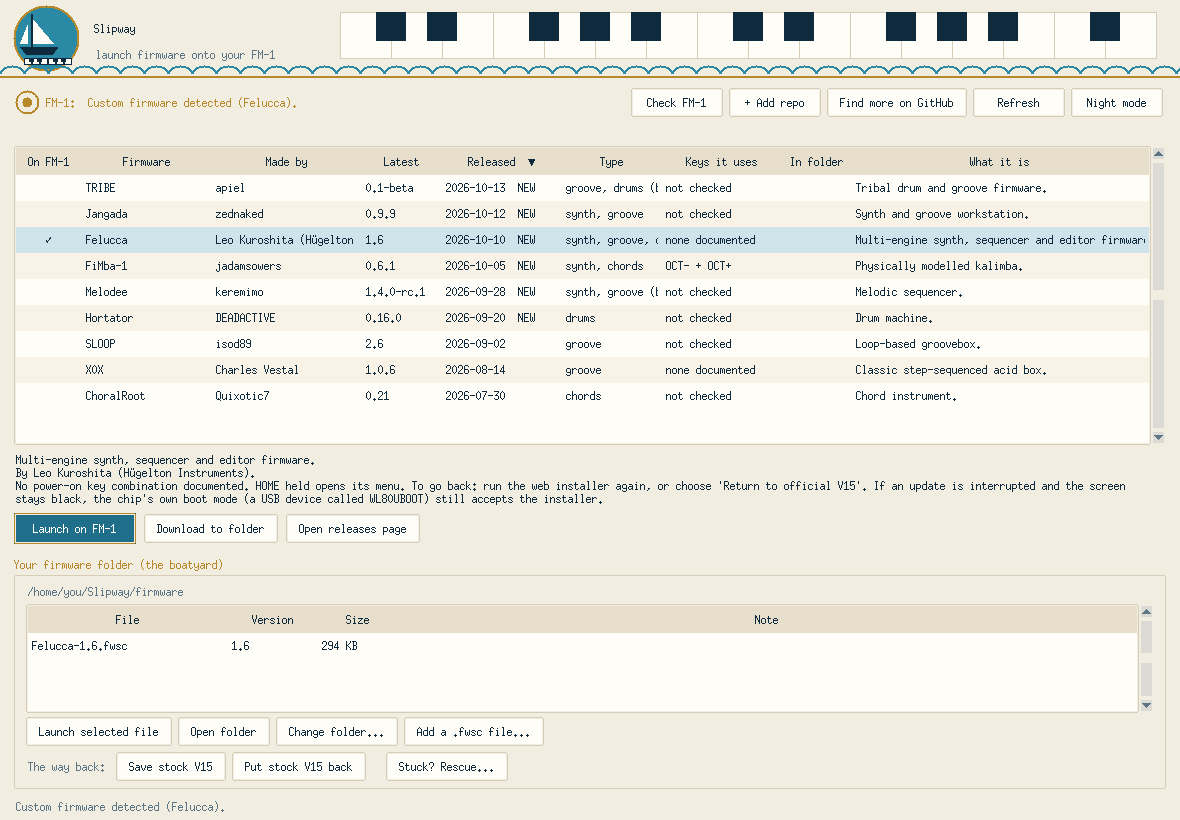
slipway
Loud80/100Find, check and install custom firmware on the M-VAVE FM-1. Windows and Mac. Stock-first safety, one-click rescue, black-screen recovery guide.
slipway is custom firmware for the M-VAVE FM-1, by @Discodave-Glitch. Open source under MIT, latest release v1.1.1 (October 2026), 5 stars on GitHub.
forM-VAVE FM-1·by@Discodave-Glitch
Unclaimed. Is this yours? Sign in with GitHub as @Discodave-Glitch to claim it.
Slipway.zip· 1.5 MB
MIT· Discodave-Glitch/slipway·downloads come from the creator’s GitHub releases
v1.1.1Slipway 1.1.1 - tested on Windows, Mac and one Android phoneLatest1 file
Tested on a real Mac (MacBook Air, Apple silicon, Python 3.15 from python.org): app, firmware list, FM-1 detection, put stock V15 back, and installing a custom firmware all worked. Intel Macs not yet tried.
Fixes from that test:
- Apple-silicon Macs now always start Slipway natively
- Python's certificates step is run for you (fixes "couldn't reach GitHub")
- Clearer help if the MIDI library needs Apple's developer tools
- Install progress no longer shows stray [K characters
- README: a "something goes wrong on a Mac" section
- Notes that M-VAVE's V16 download is identical to V15
New: Slipway Web, an Android/Chrome version (simulated only, not yet tried on a real phone). Mac users: download Slipway.zip from this page, not the green Code button.
v1.1.0Slipway 1.1.0 - now with macOS1 file
What's new
- macOS support. Right-click install.command → Open. It sets itself up and adds Slipway (with the sailboat logo) to your Applications folder. Needs Python from python.org.
- Mac Dock icon and Mac-friendly fonts.
- Recovery guide: new "Plan C" for people who only have a Mac, because the USB recovery tool doesn't support macOS.
- The ship's bell is now credited on the front page (sound by Sojan, via Pixabay).
Please note
- The Mac version is not yet tested on a real Mac. If anything goes wrong, please open an issue and paste what you see.
- Mac users: download Slipway.zip below, not the "Source code" links. The source download can't run install.command.
- Windows users: nothing changes. Use install.bat as before.
v1.0.1Slipway 1.0.11 file
Clearer install steps (Python PATH), screenshots, wider Released column. Unzip, then double-click install.bat. Use at your own risk, see README.
v1.0Slipway 1.01 file
Find, check and install custom firmware on the M-VAVE FM-1. Unzip, double-click install.bat. Use at your own risk, see README.