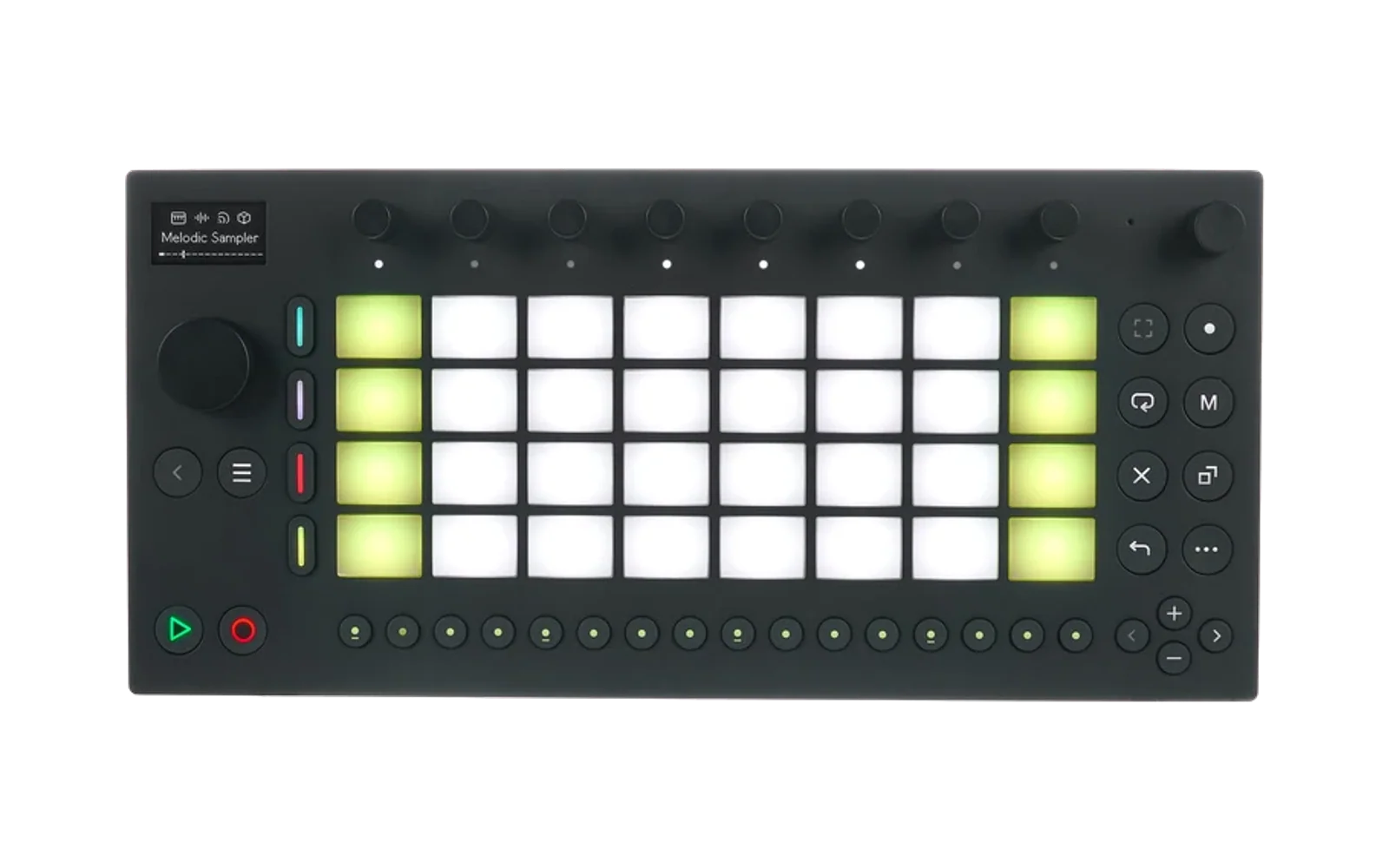
schwung-monomodule
Hype12/100Monomodule (Monomachine emulation) for Schwung on Ableton Move
schwung-monomodule is custom firmware for the Ableton Move, by @legsmechanical. Open source under AGPL-3.0, 4 stars on GitHub.
forAbleton Move·by@legsmechanical
Unclaimed. Is this yours? Sign in with GitHub as @legsmechanical to claim it.
Betamonomodule-fx-0.1.0-test.5.tar.gz· 1003 KB· +1 file
AGPL-3.0· legsmechanical/schwung-monomodule·downloads come from the creator’s GitHub releases
v0.1.0-test.5Monomodule 0.1.0-test.5 (test build, Schwung 1.4.0)Beta2 files
Test build of Monomodule One and Monomodule FX for Schwung 1.4.0 on Ableton Move.
Monomodule FX no longer asks the host to keep it running through silence. It never needed that: the engine only renders as the host takes blocks and parks its own DSP when idle. On a host that honours the request, it kept the whole track's effects chain running every block even when nothing was playing. Monomodule One is unchanged apart from the version number.
Install: Schwung's web manager → Modules → Install from File, once per tarball. Reinstalling removes the OS file: upload
Elektron_SFX6-60_OS1.32B.syxagain (free from Elektron: unzip, keep the name) on Monomodule One's page — one copy serves both. Restart Move.Please report LOAD and PEAK from the Main page for the machines you try, any crackles or dropouts, your LTNCY setting, and which Move you have. If the engine will not start or crashes,
modules/sound_generators/monomodule-one/mnm-engine.logsays why. Details in the README.v0.1.0-test.4Monomodule 0.1.0-test.4 (test build, Schwung 1.4.0) — supersededBeta2 files
Test build of Monomodule One and Monomodule FX for Schwung 1.4.0 on Ableton Move.
Fixes "engine process crashed (signal 6)" /
std::bad_allocon a standard Move. Each engine claimed ~850 MB of memory it never used (the emulator reserved its address space as committed memory); on a Move with 2 GB of RAM and no swap that could leave nothing for real allocations. Now ~60 MB per engine. The sound is unchanged (verified sample-for-sample).Install: Schwung's web manager → Modules → Install from File, once per tarball. Reinstalling removes the OS file: upload
Elektron_SFX6-60_OS1.32B.syxagain (free from Elektron: unzip, keep the name) on Monomodule One's page — one copy serves both. Restart Move.Please report LOAD and PEAK from the Main page for the machines you try, any crackles or dropouts, your LTNCY setting, and which Move you have. If the engine will not start or crashes,
modules/sound_generators/monomodule-one/mnm-engine.logsays why. Details in the README.🤖 Generated with Claude Code
v0.1.0-test.3Monomodule 0.1.0-test.3 (test build, Schwung 1.4.0) — supersededBeta2 files
Can crash on a standard Move (std::bad_alloc). Use 0.1.0-test.4.
Test build of Monomodule One and Monomodule FX for Schwung 1.4.0 on Ableton Move.
Fixes "engine process exited (1)" on a stock Move. The engine needed a newer C++ runtime than a stock Move has (
GLIBCXX_3.4.30 not found); it now carries its own. (0.1.0-test.2 blamed something else; that was wrong.) Monomodule FX no longer reports the OS file missing when it is uploaded to Monomodule One.Install: Schwung's web manager → Modules → Install from File, once per tarball. Reinstalling removes a module's OS file, so then upload
Elektron_SFX6-60_OS1.32B.syxagain (free from Elektron: unzip, keep the name) on Monomodule One's page — one copy serves both. Restart Move.Please report LOAD and PEAK from the Main page for the machines you try, any crackles or dropouts, your LTNCY setting, and which Move you have. If the engine will not start,
modules/sound_generators/monomodule-one/mnm-engine.logsays why. Details in the README.🤖 Generated with Claude Code
v0.1.0-test.2Monomodule 0.1.0-test.2 (test build, Schwung 1.4.0) — supersededBeta2 files
Does not start on a stock Move (engine process exited (1)). Use 0.1.0-test.3.
Test build of Monomodule One and Monomodule FX for Schwung 1.4.0 on Ableton Move.
Fixes "engine process exited (1)" on a stock Move: the engine mistook the Move's host process for a dead parent and quit at start. If you installed 0.1.0-test.1, install these over it (Install from File again) and restart Move.
Install: Schwung's web manager → Modules → Install from File, once per tarball. Then put the Monomachine OS file (free from Elektron, unzip it, keep the name
Elektron_SFX6-60_OS1.32B.syx) in Monomodule One's module page upload, or inmodules/sound_generators/monomodule-one/os/. Restart Move.Please report LOAD and PEAK from the Main page for the machines you try, any crackles or dropouts, your LTNCY setting, and which Move you have. If the engine will not start, the file
modules/sound_generators/monomodule-one/mnm-engine.logsays why. Details in the README.🤖 Generated with Claude Code
v0.1.0-test.1Monomodule 0.1.0-test.1 (test build, Schwung 1.4.0) — supersededBeta2 files
Does not start on a stock Move (engine process exited (1)). Use 0.1.0-test.3.
Test build of Monomodule One and Monomodule FX for Schwung 1.4.0 on Ableton Move.
Install: in Schwung's web manager → Modules → Install from File, once per tarball. Then upload the Monomachine OS file (free from Elektron, see the README) on Monomodule One's module page, and restart Move.
Please report LOAD and PEAK from the Main page for the machines you try, any crackles or dropouts, your LTNCY setting, and which Move you have. Details in the README.
The Monomachine OS file is not included and never will be.
🤖 Generated with Claude Code