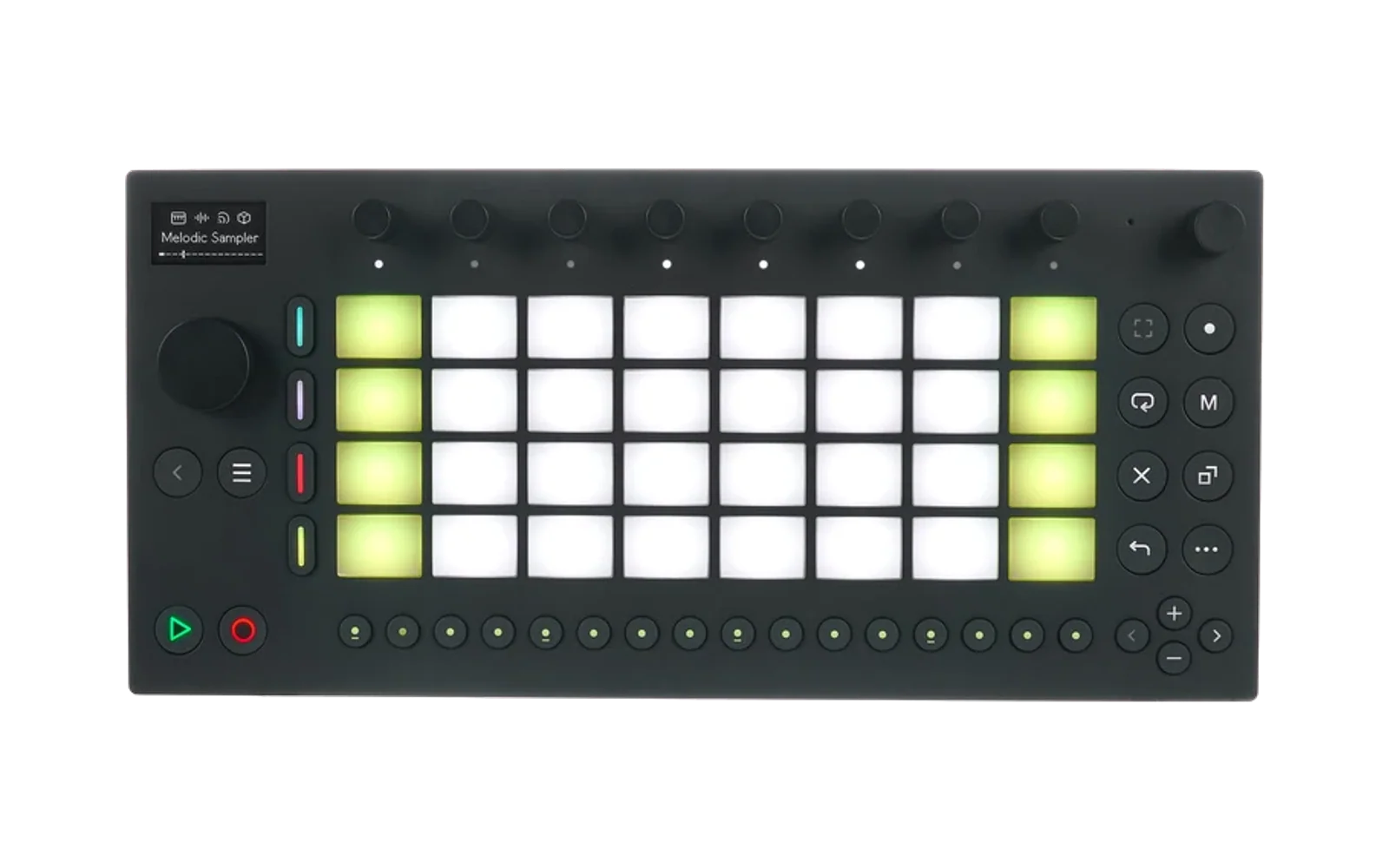
Monomodule for Schwung
Monomodule by shnolk — a chip-level emulation of the Elektron Monomachine (SFX-6 / SFX-60) that runs the Monomachine's own sound engine inside an emulated DSP — ported to Schwung on Ableton Move.
- Monomodule One: one Monomachine track, 15 synth machines (GND, SWAVE, SID, DPRO, FM+, VO-6), played from the keys, with the hardware's SYN / AMP / FILT / EFX / LFO pages.
- Monomodule FX: the seven FX machines (THRU, REVERB, CHORUS, DYNAMIX, RINGMOD, PHASER, FLANGER) as an audio effect.
Not affiliated with, endorsed by or sponsored by Elektron. Licensed GPLv3, as upstream.
Test build (Schwung 1.4.0)
Install
- Download
monomodule-one-<version>.tar.gzandmonomodule-fx-<version>.tar.gzfrom the Releases page. - Open Schwung's web manager, go to Modules, and use Install from File for each tarball.
- Download the Monomachine OS file from Elektron (free):
Elektron_SFX6-60_OS1.32B.zip.
Unzip it and upload
Elektron_SFX6-60_OS1.32B.syxon Monomodule One's module page (one upload serves both modules). It is never included here. - Restart Move, then add Monomodule One to a track (or Monomodule FX as an effect).
Optional: upload Monomachine .syx kit dumps to the module's dumps folder; their sounds appear in the
Presets browser.
What to report
The most useful thing is how hard the engine works on your Move. On the Main page:
- LOAD — the engine's current CPU use.
- PEAK — the worst moment since you picked the current machine.
Please send, for the machines you try: the machine name, LOAD while playing, PEAK, whether you heard any crackles or dropouts, and your LTNCY setting (1 or 2). Also say which Move you have, if you know (a standard Move is a CM4). Anything that sounds wrong, or does not match the Monomachine, is welcome too.
Building
Cross-compiled for Move (aarch64) in Docker:
git submodule update --init
scripts/build.sh                                   # dist/  (the pages for the next Schwung release)
BUILD_DIR=build-arm-test CMAKE_EXTRA=-DMNM_UI_COMPAT=ON DIST_DIR=dist-test VERSION=0.1.0-test.1 \
  scripts/build.sh                                 # dist-test/  (the test build, for Schwung 1.4.0)
tools/gen/gen_ui.py generates the pages from upstream's display spec; docs/PLAN.md, docs/PERF.md and
docs/UI-PROPOSAL.md describe the engine hosting, the performance work and the UI.