rome
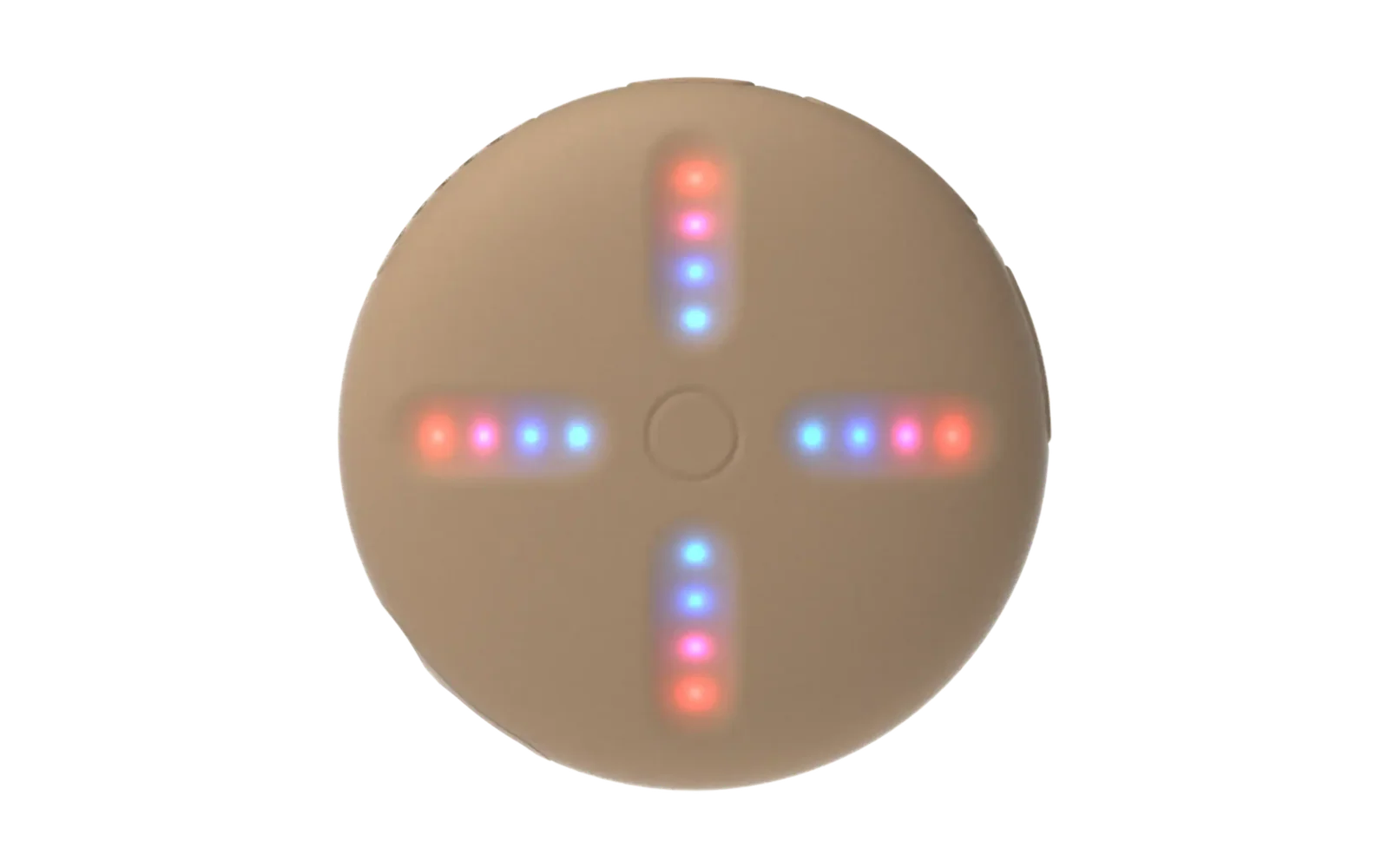
cli companion for marisko - custom firmware for the teenage engineering sp-1 stem player.
flashes firmware over the bootloader and manages stems (songs) on the device's storage over usb.
rome is required to use marisko — it flashes firmware and loads music onto the device.
install (one line)
macOS / Linux (sh):
curl -sSL https://raw.githubusercontent.com/jackiscool123123121/rome/main/install.sh | sh
Windows (PowerShell):
irm https://raw.githubusercontent.com/jackiscool123123121/rome/main/install.ps1 | iex
the installer pulls in Rust (if missing), then builds and installs rome from this
repo. libusb is compiled from source (vendored), so no system libusb step is
needed — it works on macOS, Linux, and Windows with just the one-liner. afterwards,
on a fresh device you must rome format before loading any music (see below).
features
- firmware flash — write a
.binto the device via the sp-1 bootloader (uart) - bootloader entry — power the device off (SYSTEM_OFF) and wake it into the bootloader with
rome bootloader - stem upload — encode 4 stereo stems (
song add) to 8-channel ima adpcm and upload at ~390 KB/s - disk management — list / add / remove songs, format, read disk info
- diagnostics — codec bring-up (CS42L42 + TAS2505), feed-thread / eMMC health, EXT_CSD dump, raw block read/decode, write probe, write stress
first-time setup (required)
on a new device, the eMMC has no valid disk header, so you must format it before
loading any music — otherwise rome song add / playback will fail:
# plug in the SP-1 running marisko, then:
rome format --yes
rome format writes the disk header (v3) and erases everything. it only needs to
be run once per device (or after a re-flash where you want to clear the library).
verify with rome info — it should report Disk: v3 songs: 0.
usage
# flash firmware (via bootloader serial)
rome flash -p /dev/ttyACM0 build/sp1_firmware.bin
rome flash -l            # list available serial ports

# enter bootloader (powers the device off; press function to wake into bootloader)
rome bootloader -p /dev/ttyACM0

# add a song (4 stereo WAV stems → 8ch IMA-ADPCM)
rome song add "my song" drums.wav vocals.wav bass.wav other.wav

# list / remove / format
rome song list
rome song rm <idx>       # index shown by `rome info`
rome format --yes
diagnostics
# device info (disk header + song list)
rome info

# audio codec bring-up (CS42L42 + TAS2505 register state, osc-switch, live HP_CTL)
rome codec

# feed-thread health — underrun recoveries + eMMC read times bookkeeping.
# poll while playing: -c N samples 1s apart so you can watch the counters climb
rome audio
rome audio -c 5

# raw eMMC block dump (512 bytes)
rome dump -b 1234

# EXT_CSD register dump
rome extcsd

# host-side decode of N blocks, prints amplitude envelope
rome decode -s 0 -c 16

# write+verify a test pattern to specific blocks — DESTRUCTIVE, only touches writable region
rome probe -b 1000 1001 1002
permissions
stem management talks raw usb bulk (libusb) to the running firmware so i need to bypass the kernel cdc-acm tty for full throughput. install a udev rule so it works without sudo:
echo 'SUBSYSTEM=="usb", ATTRS{idVendor}=="2fe3", ATTRS{idProduct}=="0101", MODE="0666", TAG+="uaccess"' \
  | sudo tee /etc/udev/rules.d/99-sp1.rules
sudo udevadm control --reload-rules && sudo udevadm trigger
(firmware flashing uses the bootloaders serial and doesnt need sudo)
build
cargo build --release
requires a Rust toolchain; libusb is vendored (compiled from source) so no
system dependency is needed. (plain cargo install --path . works too.)
android
rome-android/ is a Kotlin/Compose companion app (USB-OTG,
not a rebuild of rome-core) for battery status and song upload from a
phone. battery is a straight port of the same wire protocol above, live-
verified against real hardware. song upload's opcodes/payload layout and its
IMA-ADPCM encoding were extracted by disassembling this repo's own compiled
rome binary rather than guessed, and the whole write path (song_begin →
chunked song_multiblock → song_commit) was confirmed end-to-end against
a real device — see rome-android/romecore/BRIDGE_TODO.md
for the full verification trail and what's still assumption rather than
confirmed fact. build with ./gradlew :app:assembleDebug from that
directory (needs a JDK 17+ and the Android SDK; see that directory's own
README for setup).
license
MIT