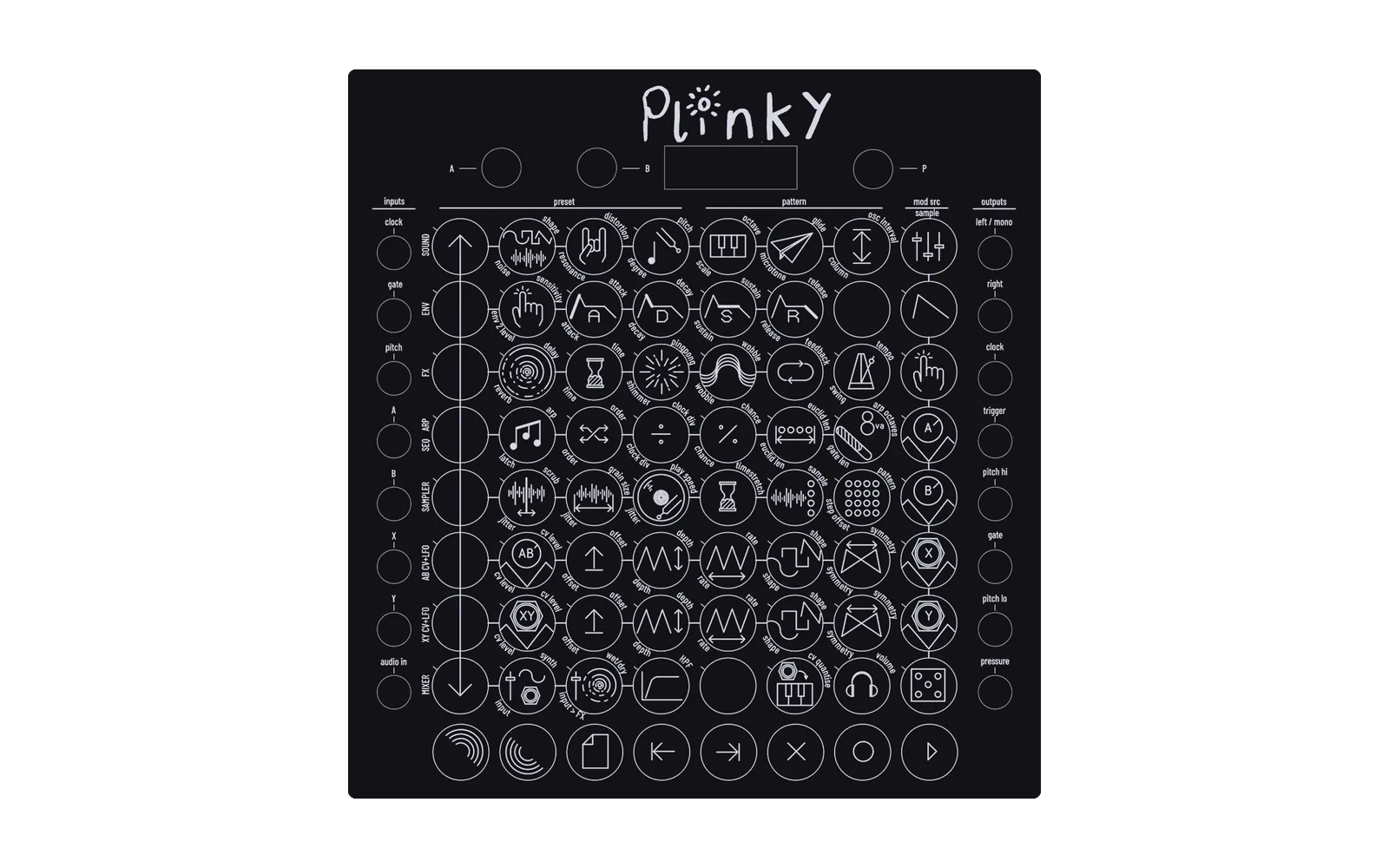
Plinky Firmware - Lucky Phoenix Edition
This is a user-maintained branch of firmware for the Plinky and Plinky+ synths. For the official firmware and information about the Plinky devices, visit the official firmware repo and official website
Current Release: v0.4.0 - The one with the manual saving
Release date: 26 November 2025
Important:
- If you are very attached to your presets, please back them up before upgrading!
- We're experiencing some issues with sequencer step-recording, these will be fixed in a future update
Binary:
How to install:
- Download the binary above
- Follow the firmware installation instructions on the official website
- If you're updating from an older firmware version, it might be necessary to rename the file to CURRENT.UF2 before installing
Please report any bugs as a github issue or in the #bug-reports channel of the Plinky discord, so I can fix them
Release v0.4.0 highlights
- The currently active preset and pattern are no longer automatically saved
- The load UI screen has been redesigned to make better use of the entire display
- In the load UI, one of the brightly lit pads (selected preset, pattern or sample) softly pulses. This indicates that this item will get cleared when long-pressing the Clear-pad
- The load UI now works as follows:
- Short press
- Select this section to be cleared with the Clear pad
- Long press (arrow at the right edge of the screen points up)
- Load the pressed preset
- Load the pressed pattern
- Load/deactivate the pressed sample
- Hold the Load-pad + long-press (arrow at the right edge of the screen points down)
- Save current preset to selected slot
- Save current pattern to selected slot
- Open pressed sample in sample editor
- Short press
There are many more improvements in this version, the full list can be found in the release notes
Roadmap to v1.0
Here's a tentative(!) roadmap for upcoming versions:
v0.5.0 Midi & CV
- More robust midi-in to midi-out pipeline
- MPE
- Adjustable pressure-from-midi setting
- Pitch glide over CV-out
- Fix displayed notes
- ...and more
v0.6.0 Arp, Sequencer & LFOs
- Upgrades to make the sequencer more user-friendly
- Bring back knob-recording in sequencer
- Additional arp orders and lfo shapes
- Iron out some bugs
- ...and more
v0.7.0 Visuals
- Final pass over all graphics that haven't been updated yet in previous updates
- Control over the led brightness/business
v0.8.0 Sampler / Audio
to be determined
v1.0
- Any finishing touches and cleanups
- Merge with the OG firmware