op1-sdk
Rising67/100SDK for building synth engines, effects and other features for the Teenage Engineering OP-1 (firmware R246)
op1-sdk is a tool for the Teenage Engineering OP-1, by @BertBrandstifter. Open source under MIT, latest release v0.1.0 (October 2026), 6 stars on GitHub.
forTeenage Engineering OP-1·by@BertBrandstifter
Unclaimed. Is this yours? Sign in with GitHub as @BertBrandstifter to claim it.
No release files yet. Build from source.
MIT· BertBrandstifter/op1-sdk·downloads come from the creator’s GitHub releases
v0.1.0v0.1.0 — first public releaseLatest0 files
op1-sdk v0.1.0 — first public release
Everything needed to add your own synth engines, effects, sequencer tools and other features to the Teenage Engineering OP-1 (stock firmware R246): a hook-based build pipeline, a C/asm SDK with simulator test benches, and a feature library.
This release contains no firmware binaries. The SDK never ships TE firmware or anything derived from it — you supply your own copy of
op1_246.op1and build images locally.Feature library (the op1plus recipe)
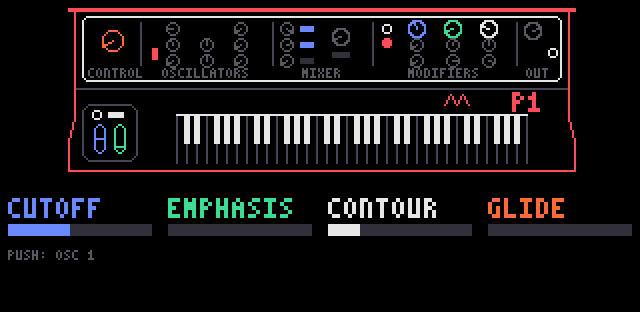
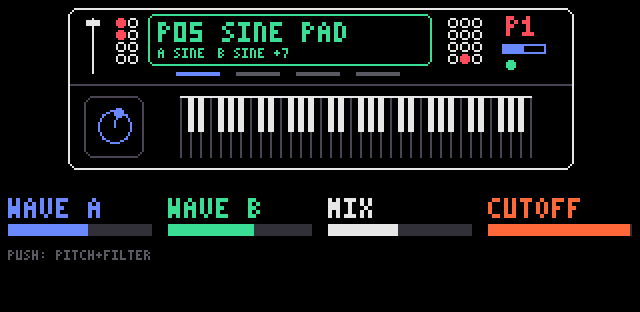
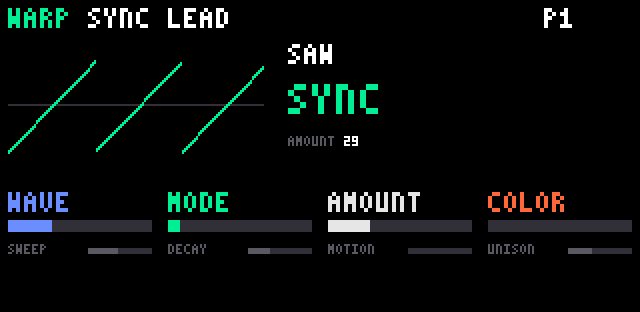
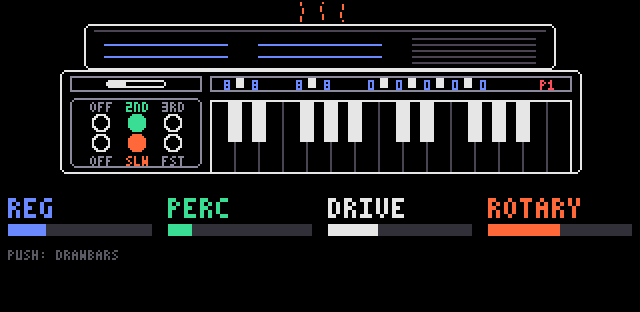
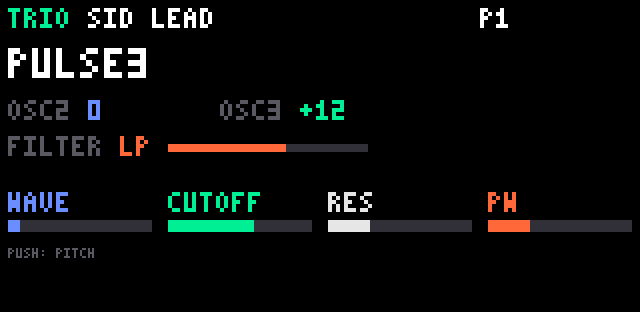
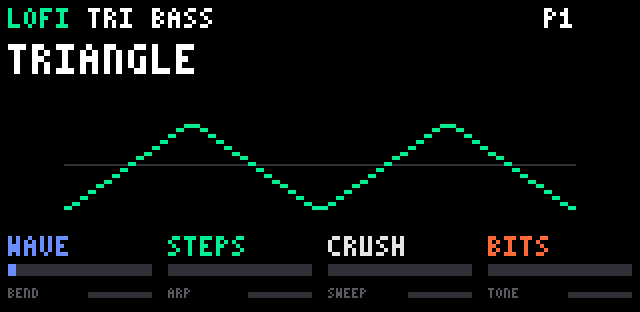
recipes/op1plus.jsoncomposes these into one image:feature version what chordplus 0.3 chord keyboard (shift + insert) lofi 0.7 chiptune waves + bytebeat synth engine wheel 0.7 tonewheel organ engine warp 0.1 8 waves x 16 warps engine trio 0.1 SID-style 3-oscillator engine reso 0.3 tuned-string resonator effect shimmer 0.2 pitch-shifting reverb effect fxpack 0.4 seven effects behind one FX slot ("fx mix") drumroll 0.8 drum step sequencer requantize 3.2 take quantizer + piano roll engine_plus 2.0 extra parameters for TE's engines plus shared libraries (enginehost, quantcore) and debug/demo features (key_probe, midi_filter, fxdiag). Details:
docs/features.mdand eachfeatures/<name>/README.md.Build the op1plus firmware yourself
-
Get the stock firmware. Download
op1_246.op1(R246) from Teenage Engineering's official support/download page and verify it:shasum -a 256 op1_246.op1 # c5315218f825f143b415ca554516541898abee843d3a236df0b54c04e1fb13a9The build tools check this hash and refuse any other image.
-
Build the bfin-elf toolchain (binutils 2.43.1, GCC 14.2.0, GDB 16.3) — exact
configure/makecommands are indocs/toolchain.md. -
Compose the image:
python3 tools/compose.py recipes/op1plus.json /path/to/op1_246.op1
# -> build/apps/op1plus/build/op1plus.op1
Reference: the maintainer's build of this tag (macOS arm64, toolchain per README) is SHA-256
eca94ada9cb2e2a487d00f82ff59fb5ac1cae0d978fe6d83946625085699f4c0. -
Flash. OP-1 off → hold COM while switching on → choose Firmware Upload, then:
python3 tools/flash.py build/apps/op1plus/build/op1plus.op1 --ejectRestoring stock works the same way with the original
op1_246.op1(te-boot is never modified).
Full test suite:
python3 tools/test_all.py.Make your own feature and share it
- Scaffold:
python3 tools/features.py new my_feature --prefix mf_ --author "Your Name" - Start from
examples/(minimal asm/C hooks) or copy the layout of anyfeatures/<name>/. - Share as a .zip:
python3 tools/features.py pack my_feature; others install it withfeatures.py install my_feature.zip(standard:docs/feature-package.md). - Or open a pull request to add it to the library for every SDK user (
CONTRIBUTING.md).
Notes
- Images you build contain TE's firmware and are for your own device — do not redistribute
.op1/.ldrfiles. - Not affiliated with or endorsed by Teenage Engineering. Flashing firmware carries a risk; proceed at your own responsibility.
-