nam2zoom
Retrain Neural Amp Modeler captures into Zoom-ready A2 Lite NAM files at 44.1 kHz. Training runs locally on Windows and macOS, with optional NVIDIA GPU acceleration on Windows.
Retraining
Add NAM files or a folder, choose the training device and epoch count, then select Retrain & export NAMs. Files are processed independently. Compatible A2 Lite 44.1 kHz models are exported directly; other supported captures are rendered and retrained. Quality checks and an A/B preview help assess the result.
Exports go into Converted_NAM, beside nam2zoom.exe on Windows or
nam2zoom.app on macOS, with names such as MyAmp-441-resampled.nam.
They can be shared and used without retraining again.
Only redistribute models you have permission to share.
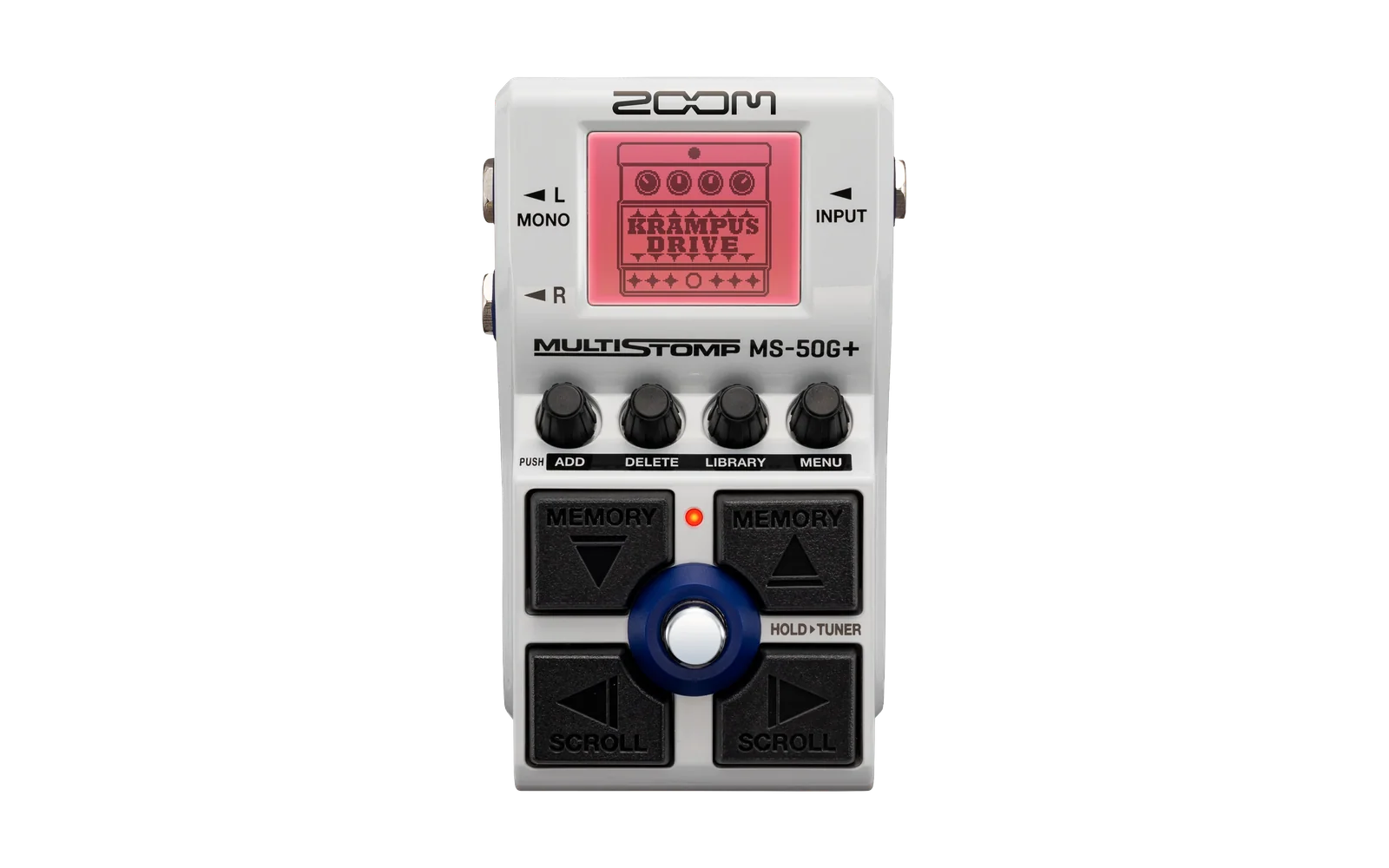
Use the NAM loader at sym.bios.is to load exported NAMs onto compatible Zoom pedals, or build a local effect in the app. sym.bios.is does not host or share retrained NAM models.
Build effect
Package one to five retrained models into each of three independent, named NAM effect slots, then install or remove the selected slot through Build effect. Building works offline; installation includes device checks, backups and readback verification.
| Parameter page | Controls |
|---|---|
| 1 | Model, Gain, Volume, Mix |
| 2 | Bass, Middle, Treble |
Full runs the network at 44.1 kHz. Compact runs it at 33.075 kHz with
filtered 44.1 kHz I/O, trading some fidelity for lower DSP demand. Compact builds
have a small compact label on the amp artwork. Retraining always exports the
same full A2 Lite 44.1 kHz format, regardless of build mode.
Getting started
Extract the complete portable package into a writable folder and run
nam2zoom.exe or open nam2zoom.app. Keep the bundled files together. No pedal
connection is needed for retraining.
- User guide: retraining, sharing and pedal installation.
- Development: source builds, tests and packaging.
- Changelog: release changes.
The current desktop app is in apps/nam2zoom-avalonia. The repository also
contains the Python backend, pedal DSP and the earlier WinForms frontend.

License
MIT, copyright 2026 Aleksandar Vukasinovic. Third-party dependencies retain their licenses and notices. NAM captures and trained model weights are not distributed with the app.