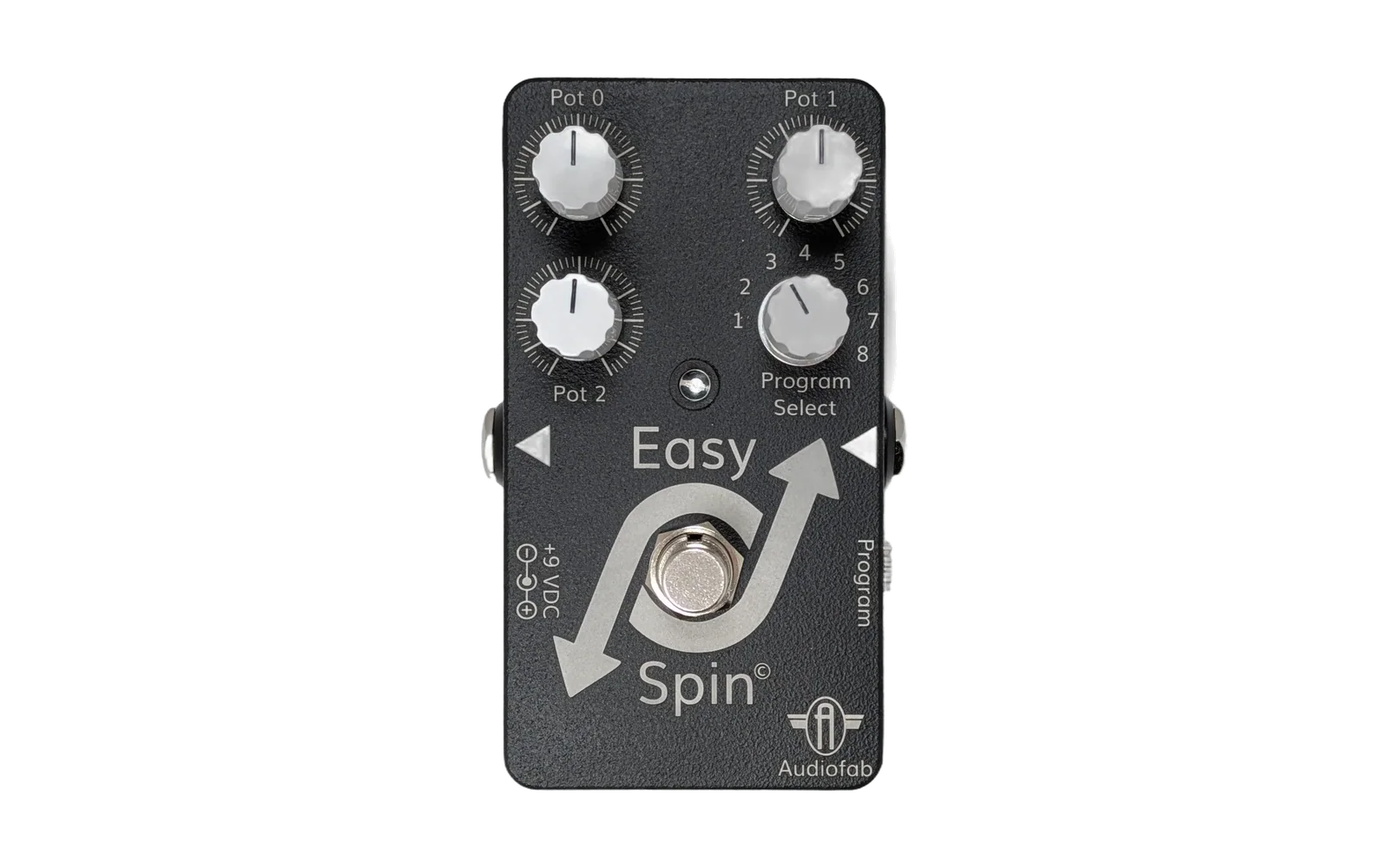
Audiofab Easy Spin (FV-1) Programming Extension


A professional Visual Studio Code extension for developing, simulating, and deploying audio effects code for the Spin Semiconductor FV-1 DSP.
This extension provides a unified environment for both traditional assembly programming and modern visual block-based design, specifically tailored for the Audiofab Easy Spin platform.
Official Documentation
For complete guides, command references, and tutorials, please visit our documentation site:
https://audiofab.github.io/fv1-vscode/
Key Objectives
- Visual Programming: Design complex effects (reverbs, delays, pitch-shifters) by connecting functional blocks without writing a single line of assembly.
- Professional Assembly: Full syntax highlighting, real-time diagnostics, and hover-docs for the native FV-1 instruction set.
- Performance Optimization: Advanced compiler that prunes unused registers and folds static math to fit more into the 128-instruction hardware limit.
- Integrated Simulator and Debugger: Verify logic with an integrated emulator featuring real-time audio, multi-trace oscilloscope, and step-through debugging.
- Hardware Integration: One-click deployment to the Audiofab USB Programmer and Easy Spin pedal.
🛠️ Installation
- Install Visual Studio Code.
- Open the Extensions view (
Ctrl+Shift+X). - Search for "Audiofab FV-1".
- Click Install.
Contributing & Support
- Bug Reports: Please use the GitHub Issue Tracker.
- Inspiration: This project is inspired by the "OG" SpinCAD Designer.
- License: MIT License. See LICENSE for details.
© 2026 Audiofab Inc.