ChronoStretch
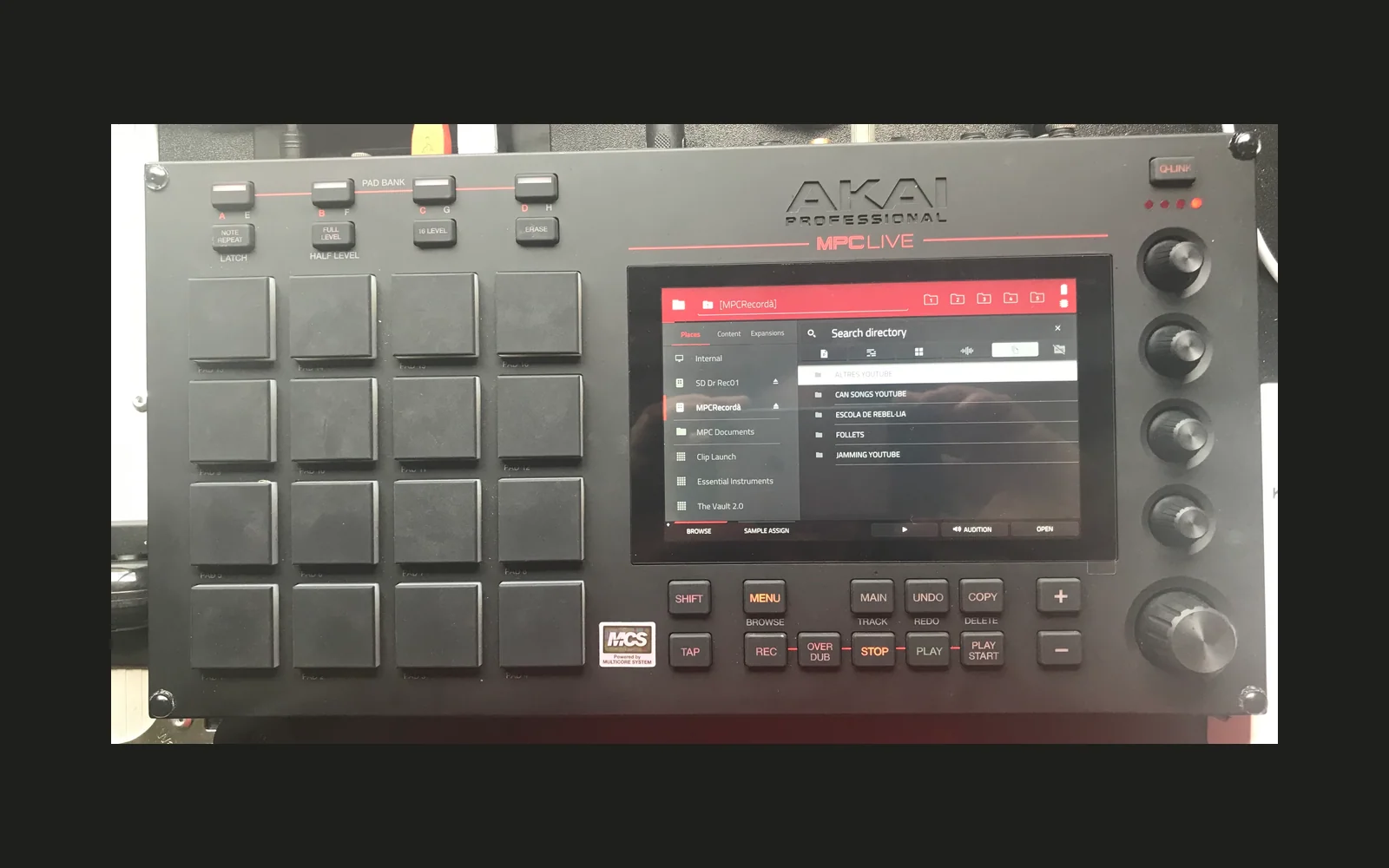
A cue sampler for the Akai MPC (MPC OS 3.x, tested on an MPC Live II). Browse your drives, load a sample, and ChronoStretch finds its tempo, key and hits, chops it across 64 pads in four banks, and plays the chops in time and in key with your project.
Install
Download the zip from Releases, unpack it on the MPC (or a computer with the MPC's drive) and run
install.sh; it stops and restarts MPC. Then add ChronoStretch to a plugin track. User/README.txt in the zip is
the full user guide.
What it does
- Browser: the MPC's internal drive, SSD and USB drives. Drag the list (it coasts after a flick), turn the data wheel to step through files with a preview of each, double-tap or push the wheel to open a folder or load a sample. BACK returns to the page you were on.
- Analysis on load: tempo and beat grid, key (with the file name's "85 BPM" or "C# min" as hints), the hits, and a waveform you can zoom down to a sample a column.
- Chopping: by TRANSIENT (SENSITIVITY), EQUAL slices, BPM (every half beat to 2 bars), MANUAL (hit pads as it plays), or RANDOM. Up to 64 chops, numbered through banks A-D; the other banks' chops show faded in their pads' colours. Drag a chop's tab (double-tap it to select it), or move it with CUE and NUDGE (sample-fine at deep zoom); SNAP ZERO CROSS for clean loop starts; ADD, DEL and a 10-step UNDO.
- Playing: in time with the project (SYNC, 1/2 SPEED for double-time patterns) and in key (KEY - and + by semitones, tempo kept). Per pad: level, filter, attack, release, pitch, speed, reverse, length, mode (ONE SHOT, CONTINUE, GATE, HOLD), choke groups and layer groups (pads that play together). MIDI KEYS (KEYS) lets a keyboard play every chop from C1 up, across all banks.
- FX per pad: 16 presets (LOFI, TELEPHONE, filters, shelves, NOTCH, SWEEP, RISER, ROBOT, RADIO, V CURVE, WARP-SPEED half-time, TAPE) with AMOUNT, SWEEP / RISE, MIX, DRIVE, TONE, WIDTH and RESONANCE. Double-tap presets to layer up to 4 on a pad; the page lights them all.
- Drums: a two-pass harmonic/percussive split in the background (long windows for pitch, short for hits), then drums OFF or SOLO, for the whole sound or per pad.
- Output: 32-bit float to MPC, clean below a limiter that only acts near full scale.
- MPC's STOP stops everything while a sequence plays; the on-screen STOP buttons always do.
CPU
Measured on an MPC Live II (tools/bench.sh, 1.0.32): WARN, p99 32.5-34.1% of a block, worst block 57-62%, 16 voices
about 7% on average. Fine for one or two instances alongside a normal project. See bench.txt.
Build
ChronoStretch is a port for sd88me/mpc-vst-plugins (MIT), which provides
the VST2 wrapper, skin builder and toolchain. It is not included here, except for two files: toolkit/wrapper/ holds
that toolkit's vst2_wrap.c and engine.h with changes ChronoStretch relies on (AUTOMATE_PER_BLOCK,
STEP_TWICE_FRAMES, SCAN_PER_BLOCK, DISPLAY_REV_FRAMES, UPDATE_DISPLAY_FRAMES, opt-in through vst.json, and the optional float
output mpc_engine_render_f). Their licence is toolkit/LICENSE.
- Clone mpc-vst-plugins, copy this repo's files (except
windows/andtoolkit/) intoports/chrono/, andtoolkit/wrapper/'s two files over the toolkit'swrapper/. - Generate the parameters and the art:
tools/gen.ps1(Docker), orpython3 tools/gen_params.pyandpython3 art/make_art.py(needs Pillow; run inside the toolkit, whosetools/html_art/fontsTitillium it uses). - Build:
tools/build_port.sh ports/chrono/vst.jsonfrom the toolkit's root. On Windows with Docker Desktop only, usewindows/mpc-build.ps1(build the helper image first:docker build -t mpc-builder windows/mpc-builder). - Test:
test/demo.ps1(the offline checks under ASan/UBSan: analysis, chopping, playback, the browser, the touch and wheel handling) and the toolkit'stools/test_port.sh ports/chrono/vst.json. - Release:
sh tools/release.sh <version>(in a python:3 container with the toolkit mounted).
| Path | What |
|---|---|
src/chrono.c | the engine: analysis, chopping, the stretch, pads, FX, the browser, the screen |
src/pffft/ | PFFFT, the FFT (see THIRD-PARTY-NOTICES.md) |
tools/gen_params.py | the parameters (params.json, src/pdefs.h); params.lock keeps their order for saved projects |
art/make_art.py | the skin: layout.conf, the artwork and art/geometry.json |
skin_post.py | after the build: transparent pad lamps, exact waveform strips, the drag and tap strips |
test/demo.c | the offline tests; test/prof.c, test/sweep.c and test/mlbench.c are CPU measurements |
Licence
MIT, see LICENSE. Third-party parts: THIRD-PARTY-NOTICES.md.