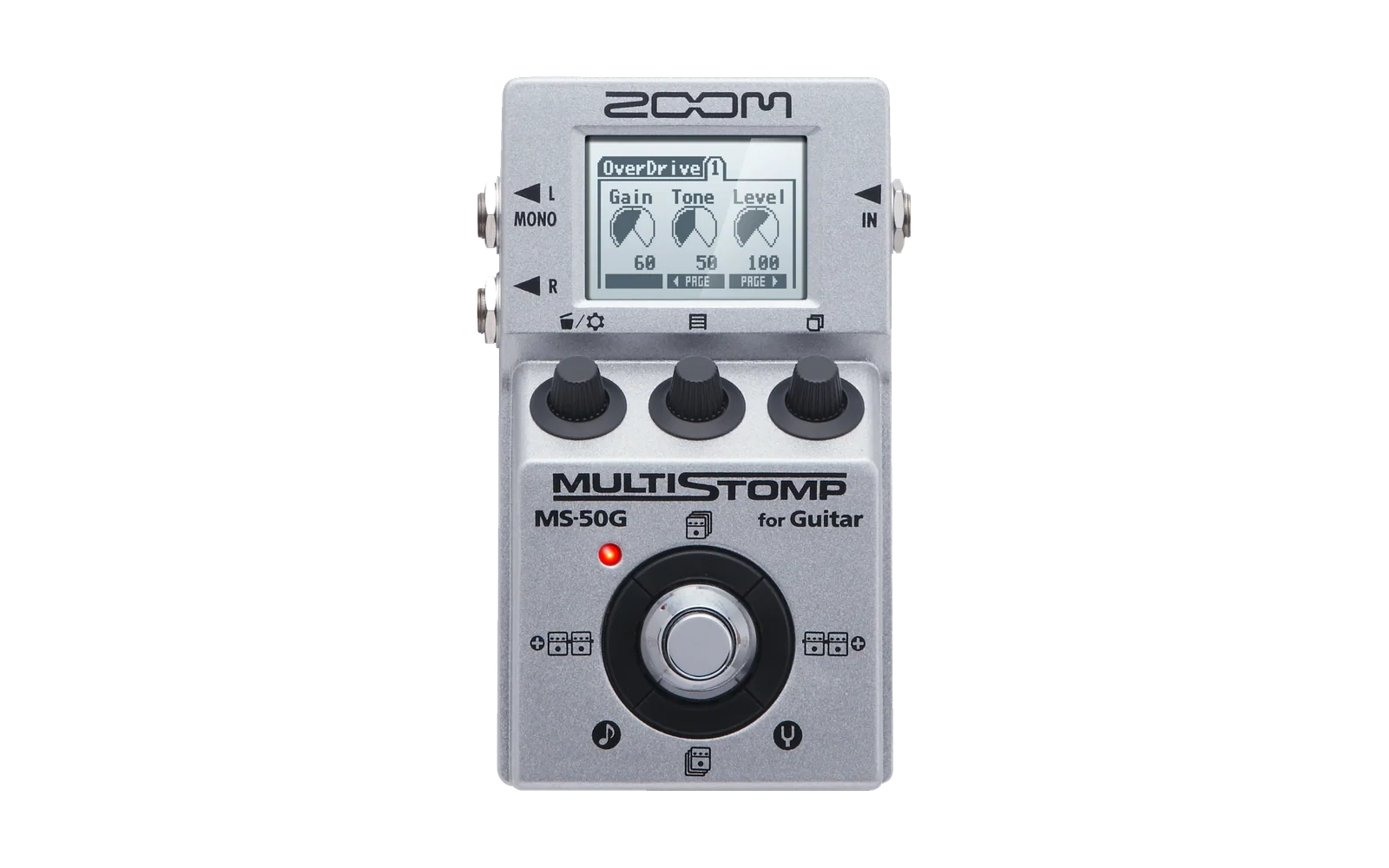
Zoom ZDL FX
Ready-to-use custom effects for the original Zoom MS-series ZDL platform.
Amp models, cabinet effects, synthesizers and games collected in one place.




English · Русский
Target devices:
MS-50G · MS-70CDR · MS-60B · G1on · G1Xon · B1on
Compatibility varies by effect. Check each project's model-specific notes before installing.
Download all effects
Individual downloads · Installation · Support on Ko-fi · Support on Patreon
This repository is my collection of finished, working ZDL effects for the legacy/original Zoom MS-series ecosystem. It is intended for users who want ready-made effects without building them from source.
Development is ongoing. The target device family is MS-50G / MS-70CDR / MS-60B / G1on / G1Xon / B1on. Hardware behavior can depend on the exact pedal, firmware, effect chain and DSP load, so treat every custom ZDL as experimental and test it carefully.
Effects
Every effect is distributed as a complete folder package. Keep the .ZDL, matching .json, PNG icon/image and any accompanying files together.
Cards in the project catalogues are separate opaque-white preview copies. The original Manager
icons inside zdl/ and the downloadable effect packages are unchanged.
| Type / Group | Project | Effects | Catalog / Description |
|---|---|---|---|
| Filter (2) | HYBRID IR | 5 | Catalog |
| Filter (2) | DUAL IR loaders | 4 | Catalog |
| Drive (3) | Experimental NAM captures | 2 | Catalog |
| GuitarAmp (4) | Modified Guitar Amps | 6 | Catalog |
| SFX (7) | SYNTHESIS SYNx2 | 1 | Catalog |
| PedalOperated (11) | Games | 1 | Catalog |
A tagged release also contains All-ZDL-FX-.zip with the complete collection.
Browse a project above for its effect cards and downloads. Each project also has
a All_<PROJECT>.ZIP release package. Catalogue maintenance.
SYNTHESIS SYNx2 + MIDI controller
Effect, Windows installer and DAW instructions.
DINO RUN — a game on your Zoom pedal
LM_DINO: instructions, compatibility and downloads.
Requires MS-70CDR firmware. Works on MS-70CDR and on MS-50G / MS-60B running MS-70CDR firmware. Does not work with native MS-50G / MS-60B firmware or on the G1on / B1on family. The author reports no harm to G1on/B1on pedals.
Installation with Zoom Effect Manager
1. Install Zoom Effect Manager
Download the current Zoom Effect Manager here:
Zoom Effect Manager — Download
2. Create a folder for custom effects
A convenient layout is:
Zoom Effect Manager/
└─ Custom Effects/
   ├─ MS1960/
   │  ├─ MS1960.ZDL
   │  ├─ MS1960.json
   │  └─ HYBRIDIR.png
   ├─ GJ_IR/
   │  ├─ GJ_IR.ZDL
   │  ├─ GJ_IR.json
   │  └─ GJ_IR.png
   └─ ...
For packaged effects, extract the ZIP itself into Custom Effects/. Do not move only the ZDL out of its folder; keep the JSON, image/icon and other accompanying files beside it.
Standalone ZDL files can also be placed in Custom Effects/ or in a subfolder of your choice.
3. Tell Zoom Effect Manager where to look
In Zoom Effect Manager:
- Open Settings.
- Enable Read effects from folder for ZDL effects.
- Add/select the parent folder you created, for example:
Zoom Effect Manager/Custom Effects/ - Restart Zoom Effect Manager after adding or changing files.
Zoom Effect Manager scans the selected directory recursively, so each effect can stay in its own subfolder.
More details: Reading effects from a folder.
4. Write the effect to the pedal
Connect the Zoom device before starting Zoom Effect Manager, open the Effects section, select the effect and write it to the pedal.
See also: Zoom Effect Manager — Quick start.
Test one custom effect at a time in an otherwise simple patch before building a larger chain. Back up your existing effects/presets before experimenting.
Build your own cabinet effects
If you want to prepare your own cabinet responses instead of only downloading finished effects, see HYBRID IR.
HYBRID IR can prepare conventional IRs and hybrid FIR/IIR models and package them for supported Zoom workflows.
Releases
A repository tag matching v* (for example v1.0.0) creates:
- one ZIP for every effect package listed in
catalog.json, keeping the existing asset names; - one All_.ZIP per project, including SYNTHESIS with the Windows controller;
- the standalone SYNTHESIS Windows installer and DAW guide;
- one complete collection ZIP:
All-ZDL-FX-<version>.zip.
The workflow can also be started manually on a branch from GitHub Actions to build the same ZIPs as workflow artifacts without publishing a Release. Manual dispatch on a tag also runs the release job. Pull requests and ordinary branch pushes do not start Actions automatically.
Support the project
If these effects are useful to you, you can support my work on Ko-fi or Patreon. It helps fund development, testing and documentation.
The effects remain freely available; a donation does not buy features, priority support or a release deadline.
License
This repository is distributed under the MIT License.
Zoom is a trademark of Zoom Corporation. This is an independent community project and is not affiliated with or endorsed by Zoom Corporation.