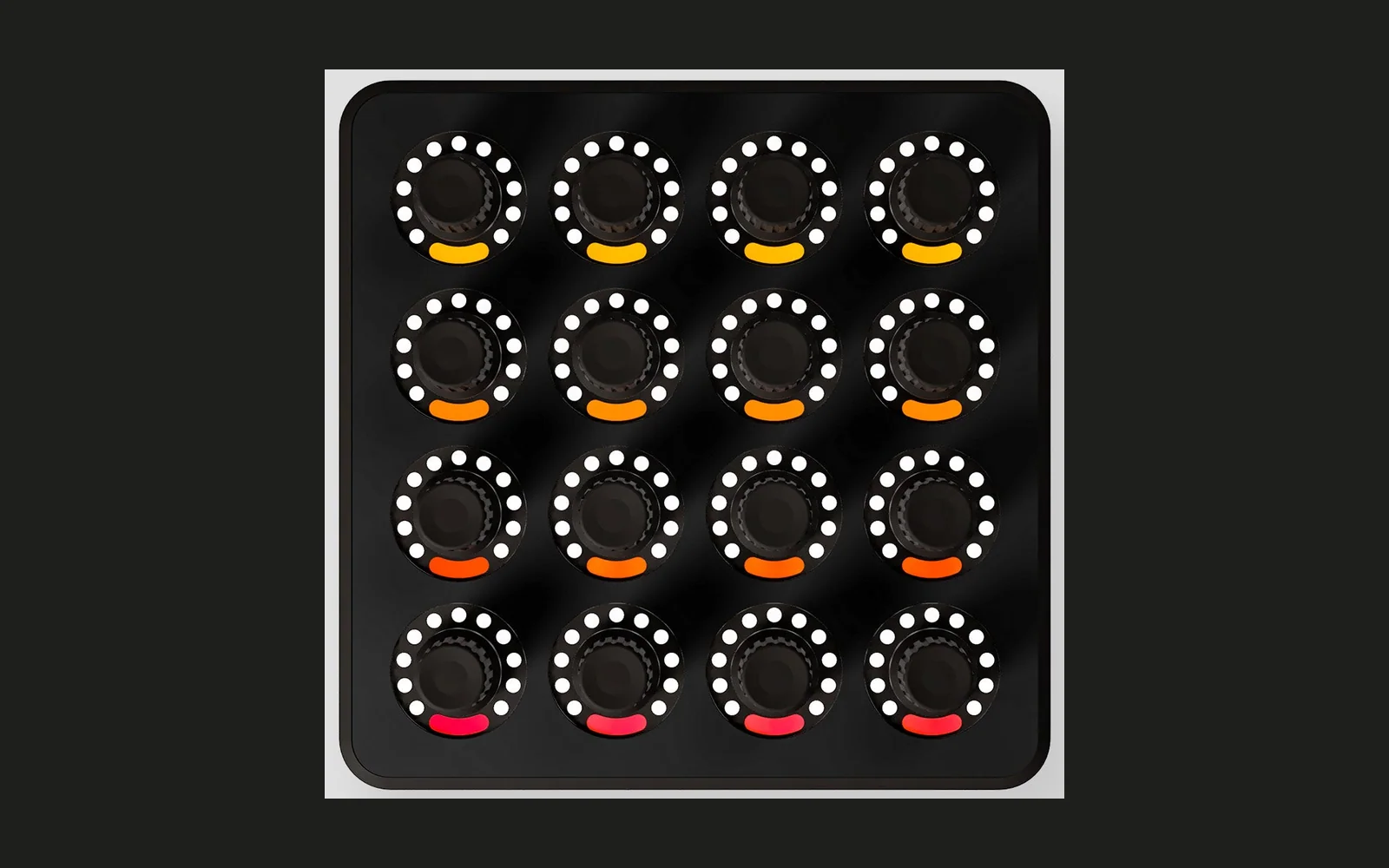
Midi Fighter Twister - Open Source Firmware
Compilation
The MF Twister Project makes use of the Atmel ASF extensions & LUFA Module.
To compile, the following symbols must be defined
DEBUG
F_USB=48000000UL
F_CPU=32000000UL
USE_LUFA_CONFIG_HEADER
ARCH=ARCH_XMEGA
BOARD=USER_BOARD
The compiler must also link libm
The project also requires a user board configuration header file. If this is missing add the following to conf_board.h
#define CONF_BOARD_ENABLE_USARTD0
How to build using Microchip Studio (Windows-only)
You need Microchip Studio which can be downloaded here
- Inside Micropchip Studio, open the Midi_Fighter_Twister.atsln solution
- Select the desired configuration (Debug or Release)
- Build the solution via Build > Build Solution
The resulting Midi_Fighter_Twister.hex file now can be found in the respective Debug or Release target directory
Installation
You need the Midi Fighter Utility which can be downloaded here
- Connect the Midi Fighter Twister to your computer directly (DO NOT USE A USB HUB!)
- Launch the Midifighter Utility software which should automatically detect the connected device. (If not, make sure that no other software is currently using the Midifighter Twister!)
- Tools > Midifighter > Load Custom Firmware > For a Twister
- Navigate to the Midi_Fighter_Twister.hex file and open it
- Choose "Yes" to proceed
- Wait until the firmware update process is completed
Native mode
The native mode enables extended bidirectional communication via MIDI for advanced integration of the Midi Fighter Twister with other software.
User control input can be received via MIDI control change (CC) messages. Fixed CC addresses are used for reproducable behaviour. Also the visual state can be remotely configured via well-defined CC/SysEx messages. This allows, for example, to directly set an individual knob RGB LED color via SysEx.
More details can be found in the native mode documentation.