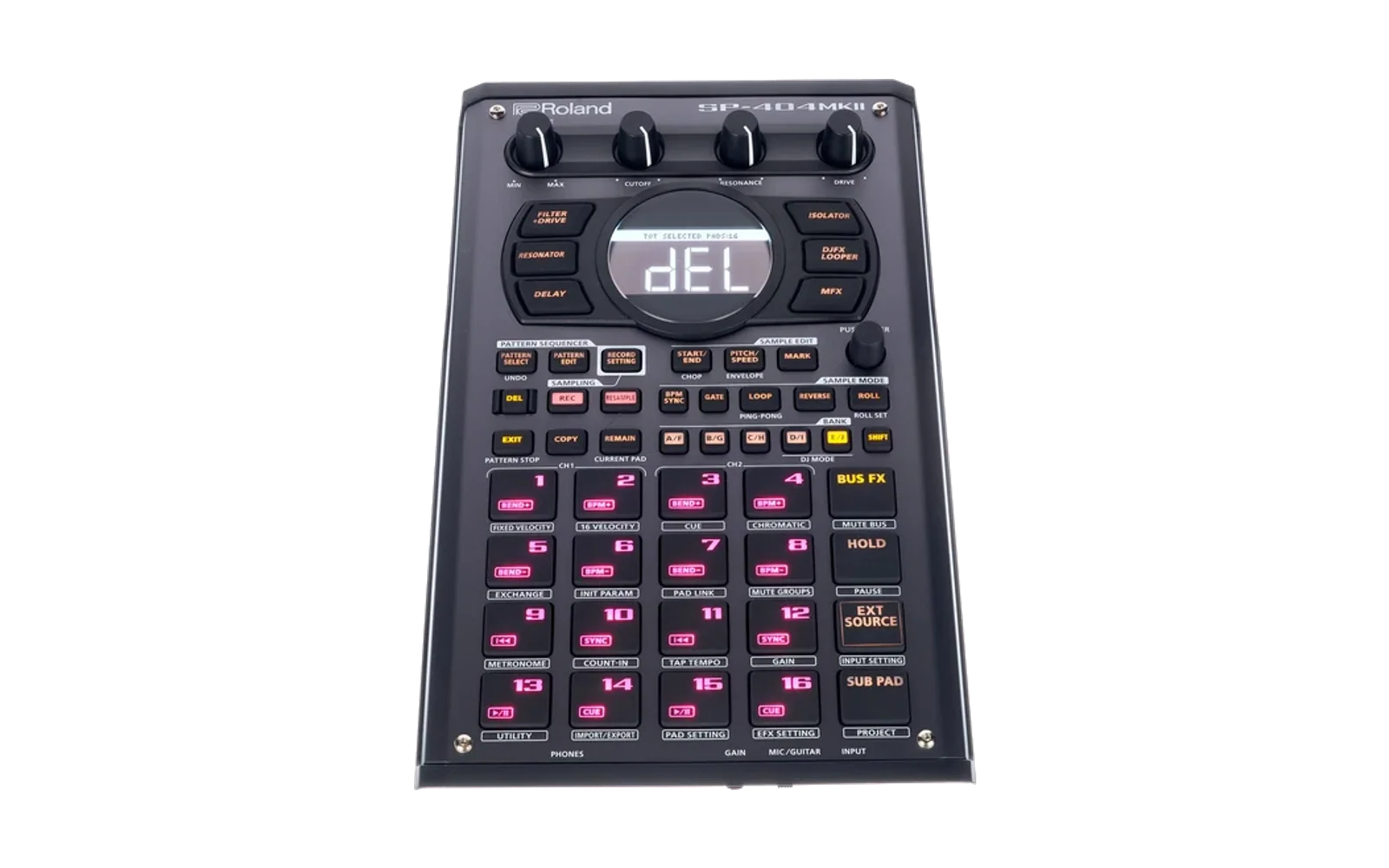
Tallfree
Tallfree is a screen reader for the Roland SP-404MKII. It's modified firmware that reads the screen aloud, so a blind musician can get at the menus, settings and sample names that are otherwise locked behind the display.
The voice is OpenEVV, a reimplementation of IBM's Embedded ViaVoice, running on the SP itself. If you've used Eloquence, it will sound familiar.
Tallfree isn't made or supported by Roland. You install it at your own risk, but you can always go back to Roland's firmware; see below.
What it reads
- When you open a screen you hear its title and what's selected, and after that only what changes.
- Moving through a menu reads the item you land on. Turning a value reads the new value, and a setting is read with its name.
- Tabbed pages announce the tab. A dialog is read on its own, then its selected button.
- On the main screen, which Roland calls the top screen, you hear "top screen" when you get there, and a bank change is its letter, on every screen. Pads are silent wherever they play a sound, and named on screens where you pick one, such as sampling, export or delete.
- GATE, LOOP, REVERSE, BPM SYNC and EXT SOURCE say whether they're on or off, and turning an effect on says its name.
- In the file lists, a sample's name is read once you've stayed on it for two seconds, so you can scroll through a folder hearing the previews. Folders are read straight away, and the entry that goes back up is "parent folder".
- In TR-REC, each pad you press says the step it sets, such as "step 5 on".
Speech plays through the main outputs over whatever the SP is playing, and it isn't recorded when you sample or resample.
Speech settings
Hold SHIFT and press EXIT on any screen. Turn VALUE to choose Speed, Pitch, Voice, Volume, Abbreviations or Screen reading, press VALUE to edit it, turn to change it, and press again when you're done. EXIT saves and closes. The settings are kept on the SP.
What's different
The firmware is Roland's SP-404MKII System Program Ver.5.52 with 13 bytes changed and a small boot loader added. To make room for the speech engine, the looper and skip-back buffer is cut in half, from 27.3 to 13.65 seconds per channel. Nothing else changes.
Installing
You need an SD card of up to 32 GB and a computer. Each release is a zip laid
out the way the card should be: Tallfree's firmware, SP404MKII_APP1.bin;
Roland's own SP404MKII_APP0.bin from the same system program, unchanged, so
the update brings the whole SP to 5.52 as Roland's update would; and the
speech engine, TALLFREE.BIN, in a folder called TALLFREE.
- Format the card as FAT32. Use a freshly formatted card: old deleted files can stop the SP finding the update.
- Unzip everything onto the top of the card, keeping the
TALLFREEfolder. - With the SP off, put the card in, hold SHIFT, switch on and press the VALUE
knob. The update makes no sound. When it has worked, the screen shows
APP0 UPDATER OKandAPP1 UPDATER OK; check that with a phone app that reads text if you can, and otherwise wait at least three minutes. Don't switch off in the middle. - Switch off and on again. You'll hear "ready".
- Delete
SP404MKII_APP0.binandSP404MKII_APP1.binfrom the card. They are only needed for the update, and while they're there, starting with SHIFT held runs it again, which rewrites the SP's USB and control chip for nothing.
A few seconds after it starts, the engine copies itself into the SP's
internal memory, so from then on it works without the card. To update the
engine, put the new TALLFREE.BIN in the TALLFREE folder and restart.
If you hear "No speech engine found", the firmware is installed but there's
no engine on the card or in internal memory. Put TALLFREE.BIN in the
TALLFREE folder and restart.
If something goes wrong
If the SP won't start after an engine update, put an empty file called
NOENGINE in the TALLFREE folder, and it will start without the engine.
To go back to Roland's firmware, download the system program from Roland's website and install it the same way as in steps 1 to 3. The updater can't touch the part of the SP that runs it, so this always works.
Building
OpenEVV is a git submodule, pinned to the version the engine was tested with. The rest builds in Nix shells:
git submodule update --init
cd engine
(cd openevv && nix develop -c make RULES=bytecode build/evv)
nix develop .. -c make lib device sims check
The third line builds the desktop OpenEVV for make check to compare
against. make device writes engine/build/TALLFREE.BIN, make sims runs
the screen reader against recorded screens under QEMU, and make check makes
sure the engine's speech matches the desktop OpenEVV's sample for sample,
with no more memory than the SP has.
To build the firmware, put SP404MKII_APP1.bin from Roland's 5.52 system
program in firmware/ and run python3 image/make_image.py. With
SP404MKII_APP0.bin there too, python3 release/make_zip.py builds the
release zip. CLAUDE.md explains how it all fits together.
Licence
Tallfree's code is under the MIT licence in LICENSE. The release zips
contain Roland's system program, which belongs to Roland.
TALLFREE.BIN includes OpenEVV, under the MIT licence, and IBM's language
data, under the terms in OpenEVV's
NOTICE. Roland and SP-404
are trademarks of Roland Corporation.