Stomphacks
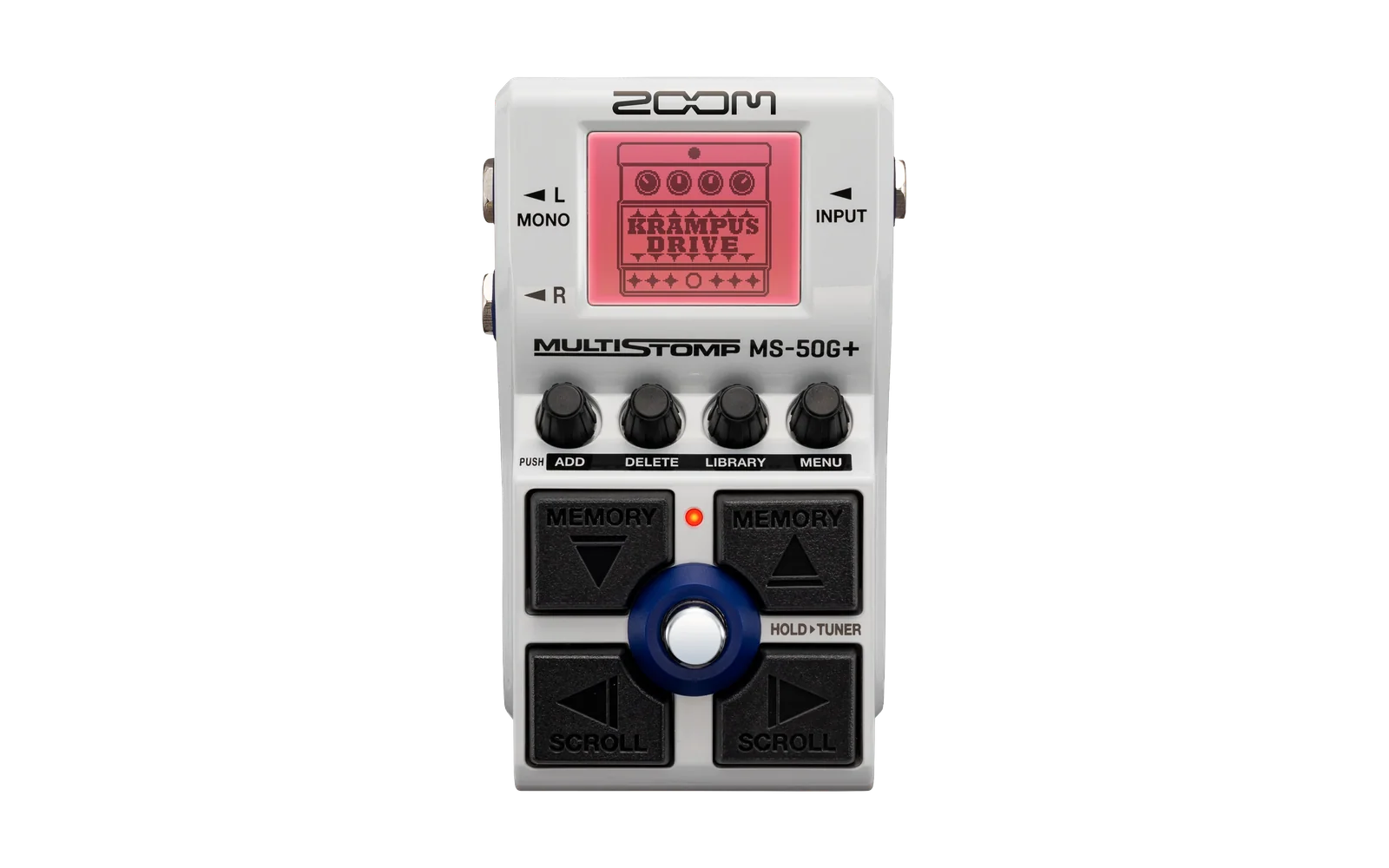
Stomphacks is a set of tools and documentation for building your own effects for the Zoom MS Plus series pedals. You write the effect in C, the pipeline here compiles it and packs it into a ZD2 effect file (the container format the MS Plus pedals load), and you install it on your pedal over USB-MIDI. It was worked out on, and hardware-tested on, an MS-70CDR+.
WARNING: a broken effect saved into a patch can brick your pedal, permanently, with no known recovery. Read SAFETY.md before you touch a pedal, and follow it exactly. The rules in there came out of real crashes on real hardware. None of them are theoretical.
What works today
The first release gave you one complete, hardware-proven effect and the safety tooling to install it without bricking anything. The second added three routing effects and the documentation for how they work. This release is about ids and names, so that effects from different people can live on the same pedal, and it fixes a bug that reset the first knob of an effect after the tuner was used.
The effect is effects/gain/: a level trim with a single knob (80 on the knob is
unity gain, 100 is +3.5 dB, on the same curve as a stock Zoom VOL knob). It is
small enough to read in one sitting (effects/gain/gain.c is under a hundred
lines), it follows every mandatory safety rule, and it is meant to be copied.
Duplicate the folder, change the identity fields and the math, rebuild, and you
have your own effect.
It is built clean-room, and the build is self-contained: the pipeline generates the whole DSP blob from its own assembly and synthesizes the ZD2 container and the icon from scratch, so nothing from a stock Zoom file enters the build and the result is yours to share. See docs/ip-and-licensing.md.
The routing family is effects/wfsplit/, effects/wfswap/ and
effects/wfmerge/, for running two independent effect chains on one pedal. WfSplit turns the stereo path into two mono groups (one
per input jack, or two copies of one instrument), WfSwap switches which group
the effects after it apply to, and WfMerge brings the groups back together,
with modes for separate outputs per group, an A/B switch on the footswitch,
and parallel blends. All three are hardware-tested on two separate MS-70CDR+
units.
Read docs/chain-routing.md before you combine them: it explains the bus model they share, gives a recipe for each scenario, and carries the one hard rule (never put a stock LINE SEL in the same patch as the split/swap/merge family). The container format facts behind the build live in docs/zd2-format.md.
New in this release:
- Ids and names. docs/effect-ids.md now says which ids to use on your own pedal and how to get a range of your own for effects you share, docs/id-scheme.md describes the proposal behind it, and ids/effect-authors.json lists who has which range. The category table covers all five MS Plus models.
- The build tool checks the filename prefix, and refuses a name that a stock effect already uses.
- The installer reads the pedal's effect list first, and refuses an effect whose id or filename is already installed.
- The installer checks the free space on the pedal before it writes
anything, and refuses an install that would leave less than 100 KB free.
--free-margin-kb Nsets a different margin, never below 32 KB. - A fix for the knob that reset after the tuner. The pedal writes a zero into one coefficient slot when the tuner closes, and the build tool used to give that slot to the first knob. It now uses slots 5 and up. Rebuild your effects to get the fix.
- A momentary footswitch. An effect can offer a LATCH / UNLATCH toggle, and WfMerge has one. See docs/building-effects.md.
- The example effects have new ids, and the gain file is now
XXGAIN. If the earlier builds are on your pedal, uninstall them before you rebuild, while you still have the build files they were installed from.
The gain is still the place to start if you want to write your own effect, and the philosophy has not changed: a small set of effects, built and installed the safe way.
If you would rather skip the toolchain entirely: one-click install of shared effects at https://sym.bios.is.
Getting started
You need:
-
A Zoom MS Plus pedal. Everything here is tested on an MS-70CDR+.
-
TI C6000 Code Generation Tools 8.5.0 (the
cl6xcompiler), free from Texas Instruments. The build looks for it at/Applications/ti/ti-cgt-c6000_8.5.0.LTSby default; theZOOM_TI_CGTenvironment variable points it anywhere else. For example:export ZOOM_TI_CGT=/Applications/ti/ti-cgt-c6000_8.5.0.LTS # Mac $env:ZOOM_TI_CGT = "C:\ti\ti-cgt-c6000_8.5.0.LTS" # Windows PowerShellThe whole path (build, install, readback compare, an audio audition, clean uninstall) has been run through and passed on real hardware on both macOS and Windows. On Windows, use
.venv\Scripts\python.exein place of.venv/bin/python3wherever it appears below. -
Python 3 and a virtual environment:
python3 -m venv .venv .venv/bin/pip install -r requirements.txt -
A clone of mungewell/zoom-zt2 inside this repo, so it sits at
zoom-zt2/in the root. The build uses it to read and write the ZD2 file format, the pedal scripts use it for the MIDI transfers, and both import it from there.The clone needs one fix that is not merged upstream yet, pull request 112. Without it, listing the files on the pedal can stop early, without an error, at a file with a 12-character name (the pedal's own effect list,
FLST_SEQ.ZT2, is one), so a backup can end up incomplete. Apply it in the clone:git -C zoom-zt2 fetch origin pull/112/head git -C zoom-zt2 cherry-pick -n FETCH_HEAD
Build the gain effect
One command turns the manifest and the C kernel into an installable effect:
.venv/bin/python3 tools/zd2_make_effect.py effects/gain/manifest.json
The output lands in effects/gain/build/: the upload pair XXGAIN.ZD2 and
XXGAIN.ZIC (the effect and its icon), and a REPORT.md. Every check in
REPORT.md must pass before the effect goes anywhere near a pedal. That report
is the gate between a green build and hardware.
Install it, the safe way
Read SAFETY.md first. What follows is the short version of the procedure in it; run the commands one at a time and check each result before the next.
-
Open the session. This connects, records the firmware version, turns autosave OFF and refuses to continue unless the pedal confirms it is off, and checks that the current patch uses only stock effects:
.venv/bin/python3 tools-pedal/safe_connect.py session/It should print
Autosave OFF - CONFIRMED by the pedal's own ACK. If it cannot confirm autosave is off, it says so and stops. Fix that on the pedal's menu before you go on. Autosave OFF is the one thing the whole anti-bricking model rests on. -
Back up the pedal before your first write to it (once per pedal is enough):
.venv/bin/python3 tools-pedal/backup_pedal.py backup/ -
Install the effect.
pedal_diy.pyonly ever installs or uninstalls your own DIY effects. It reads the effect id, name and filename out of the ZD2 and refuses unless the id sits in the DIY id range (docs/effect-ids.md) and nothing about the file, the icon name included, matches a stock effect. The stock check runs against a built-in catalog of every effect across the five MS Plus pedals, so the tool cannot mistake a stock effect for yours. It uploads the icon alongside the effect, and it confirms autosave is off (the pedal's own ACK) before it touches anything. Add--dry-runfirst to see exactly what it would do, and why, without touching the pedal:.venv/bin/python3 tools-pedal/pedal_diy.py install effects/gain/build/XXGAIN.ZD2 -
Read it back and compare it byte for byte against the exact file you uploaded (a fresh rebuild will differ - SAFETY.md explains why):
.venv/bin/python3 tools-pedal/readback.py XXGAIN.ZD2 session/XXGAIN-back.ZD2 cmp effects/gain/build/XXGAIN.ZD2 session/XXGAIN-back.ZD2 -
Load DIY Gain into a SCRATCH patch (the current temporary patch, not saved to a patch memory), play through it, and NEVER save. If anything sounds wrong, power-cycle: the pedal comes back on the last saved patch, which never had your effect in it.
-
Uninstall your effect at the end of the session. An installed effect runs its code whenever you scroll past it in the browser, so leave only effects you trust on the pedal:
.venv/bin/python3 tools-pedal/pedal_diy.py uninstall effects/gain/build/XXGAIN.ZD2
SAFETY.md has the full procedure, the reasoning behind each step, and what to do if the pedal misbehaves. Read it before you run any of this.
Docs
- SAFETY.md - read first. The anti-bricking rules and the full install procedure.
- docs/building-effects.md - the build walkthrough: the manifest, the kernel rules, what build/REPORT.md proves.
- docs/zd2-abi.md - how effect code talks to the pedal firmware: the entry points, the coefficient and state layout, the audio bus.
- docs/effect-ids.md - picking an effect ID and filename that collide with nobody.
- docs/ip-and-licensing.md - what this repo will never contain, and what you can and cannot share.
What this repo will never contain
Stock Zoom effect files, pedal firmware, disassemblies of either, or any code derived from them. Facts about the file format and the firmware interface are written here in my own words. Facts are free. Zoom's code is Zoom's. The full policy is in docs/ip-and-licensing.md.
Needs investigating
- Three container header fields are still undecoded. Builds ship them zeroed, which is hardware-proven to load and run (on an MS-70CDR+, for a simple SFX-class effect like the gain), but what the fields MEAN when stock effects set them is unknown, and other effect classes and pedal models are extrapolation until tested.
- Guitar Lab may not list a zeroed-field effect in its browser, and shows a blank icon in its edit window (the params are still editable there). The pedal itself is unaffected. Whether that is caused by the zeroed fields or is true of any DIY effect is untested.
- Effect IDs. The scheme is a proposal, not a settled standard. Two authors who pick ids by hand, without a range from ids/effect-authors.json, can still collide.
Useful links
- https://github.com/mungewell/zoom-zt2
- https://github.com/ELynx/zoom-fx-modding
- https://github.com/repeat98/ZoomMultistompZDL
- https://github.com/thammer/zoom-explorer
Acknowledgements
A huge thank you to everyone who reverse-engineered these pedals in the open and shared what they found. This release stands directly on their work.
mungewell (and the zoom-zt2 contributors): Stomphacks builds on zoom-zt2, which does the ZD2 file handling and every MIDI transfer here. The install tooling is a safety wrapper around it, the hard transport work is his.
ELynx, whose zoom-fx-modding research goes deep into how the effects themselves work, and whose DIY effects for the previous pedal generation showed how far a modder can take these boxes. His work is GPL licensed, so nothing from it is copied here, but I learned a lot from reading it.
repeat98, whose ZoomMultistompZDL worked out how to build effects from C for the previous pedal generation (the ZDL format, the predecessor to ZD2). It is the reason I believed this was within my reach on the MS Plus pedals (as I don't speak TI C6000 assembly yet).
And the people who worked out the MS Plus MIDI protocol in the open and answered a lot of questions along the way: mungewell, nomadbyte, and shooking.
License
MIT. See LICENSE. Copyright (c) 2026 Thomas Hammer (Waveformer).