SINCRIA
Evolving rhythms. Pixel-sized worlds.
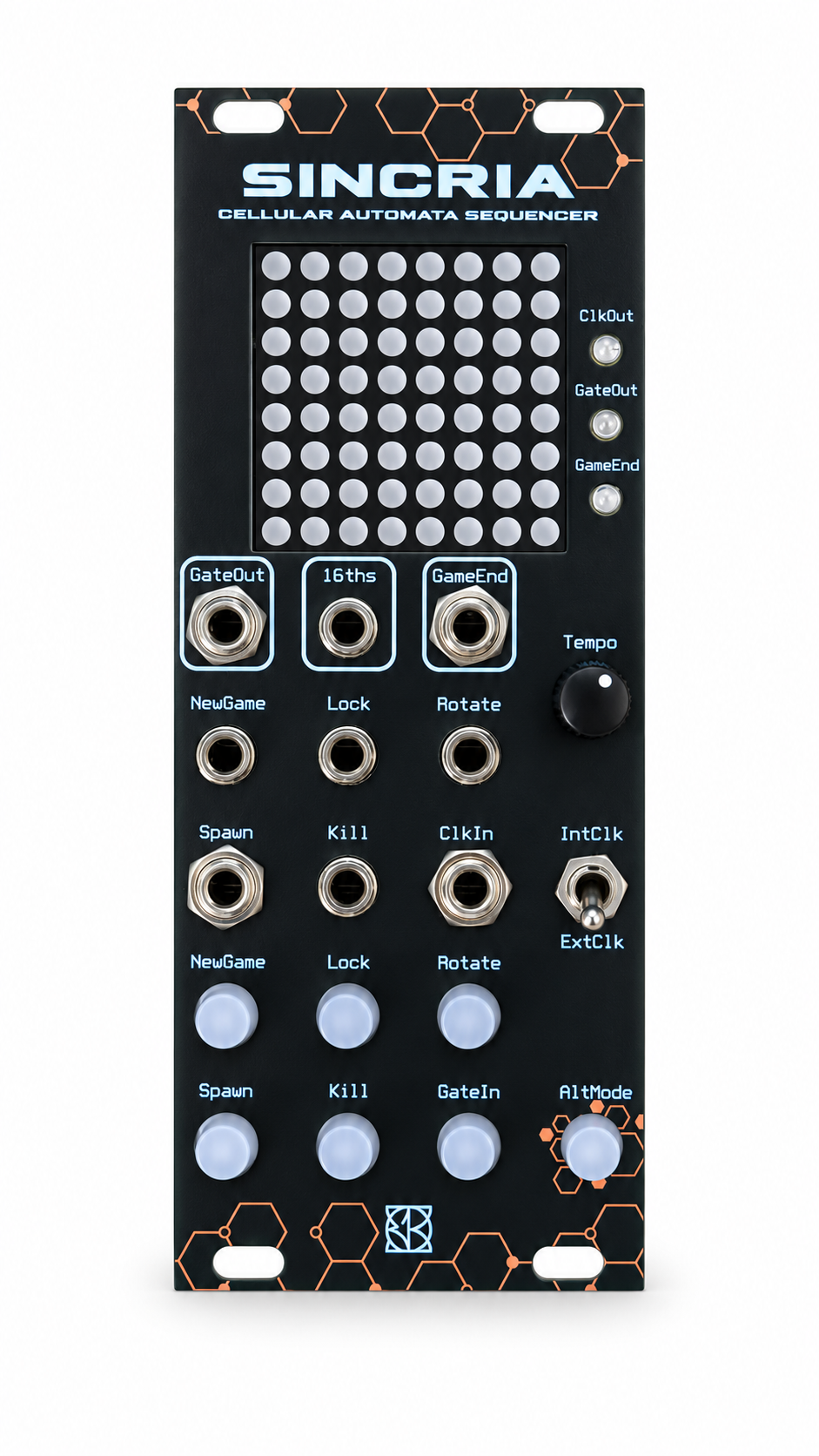
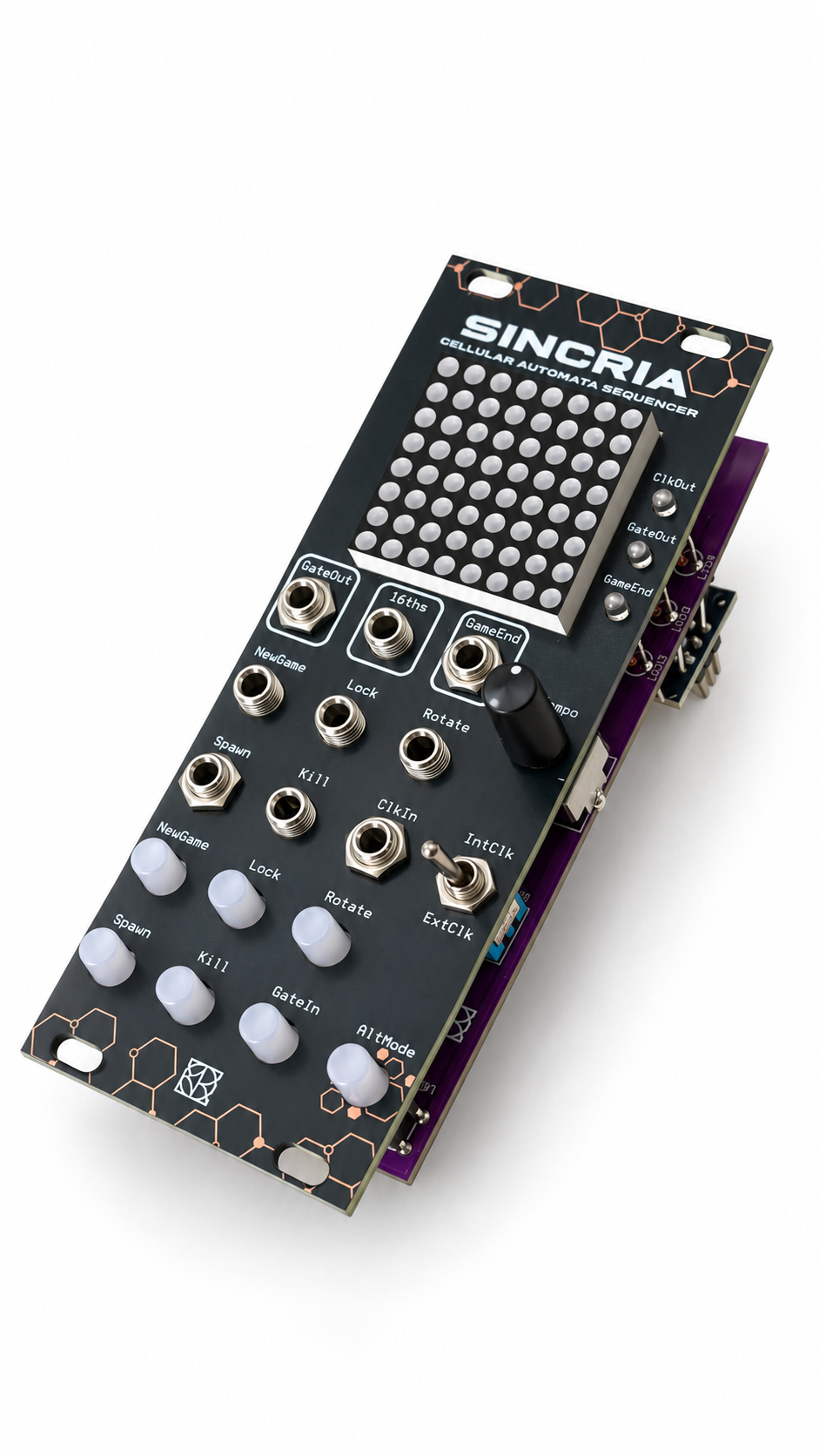
A Eurorack cellular-automaton sequencer with an arcade side. Build rhythmic patterns from an evolving 8 × 8 LED world, then reboot into EUROBOY to play Snake or draw an interactive Game of Life colony on the same module.
Sequencer guide · EUROBOY games · Firmware · Build and modify · Schematics
One module, three modes
| Mode | What it does | Start-up controls |
|---|---|---|
| SINCRIA sequencer | A 64-step scan turns living cells into rhythmic triggers | Power on normally |
| EUROBOY: Snake | Steer, collect food and fill the 8 × 8 world | Hold ALT MODE + SPAWN during power-on or reset |
| EUROBOY: Life | Draw a colony, animate it, pause and reshape it | Hold ALT MODE + KILL during power-on or reset |
Release the buttons after the game entry animation. To return to the sequencer, reboot without a game combination. Holding ALT MODE + SPAWN + KILL also selects the sequencer.
Let the pattern write the rhythm
SINCRIA scans the physical display from left to right, one row at a time from top to bottom. The inverted cursor marks the next step. CLOCK emits a pulse on every step, LIVE/GATE responds to living cells and END marks automatic regeneration.
- Internal clock: 30–300 BPM, four steps per beat, or an external clock.
- Conway B3/S23 evolution after a complete scan; the musical grid wraps across its columns.
- NEW GAME creates a new world; LOCK freezes evolution and regeneration.
- ROTATE, SPAWN and KILL reshape the pattern while it runs.
- Hold ALT MODE to access scan reset, grid shifts and live-cell painting with external clock.
- Empty patterns and short repeating cycles can regenerate into new material; LOCK keeps a chosen pattern in place.
Read the sequencer controls and timing details.
EUROBOY: the arcade inside your rack
Snake turns the LED matrix into a tiny playfield. Steer with the panel buttons, set the speed with the clock knob and wrap across the edges. Fill all 64 cells to win; press SPAWN after the end screen to restart.
Interactive Life gives you an editable pixel colony. Move the cursor, add cells with NEW GAME, erase with ROTATE and switch between INT to evolve and EXT to pause. Unlike the musical grid, this mode wraps across both axes and keeps still lifes and oscillators running without random regeneration.
| Direction | Panel control |
|---|---|
| Up | LOCK |
| Down | KILL |
| Left | SPAWN |
| Right | GATE IN |
Musical outputs remain low throughout both games. Use the module's normal power arrangement; USB powers the Nano but does not necessarily power the complete display/control circuit. Full arcade guide.
Install the firmware
Current firmware: Handheld Games, 28 October 2026, sketch SINCRIA_Scansione_Righe.
- Download and extract the repository.
- Install LedControl 1.0.6 in Arduino Library Manager.
- Open
firmware/SINCRIA_Scansione_Righe/SINCRIA_Scansione_Righe.ino. - Select Arduino Nano → ATmega328P, using Old Bootloader when required by the installed Nano.
- Upload, then start normally for sequencing or hold a game combination at reset.
The default input profile is 1, for the inverting transistor inputs used by Rev2.2/Rev2.3. Profile 0 supports the earlier active-high wiring. Check the pin map and board profile before flashing a different revision. The older SINCRIA_Rev2_OK sketch remains available for historical reference.
Open source
Full Arduino source, regression tests, development instructions and circuit schematic are included. Change the automaton, scan order, timing or games using the development guide. Validation results describe software coverage and resource use.
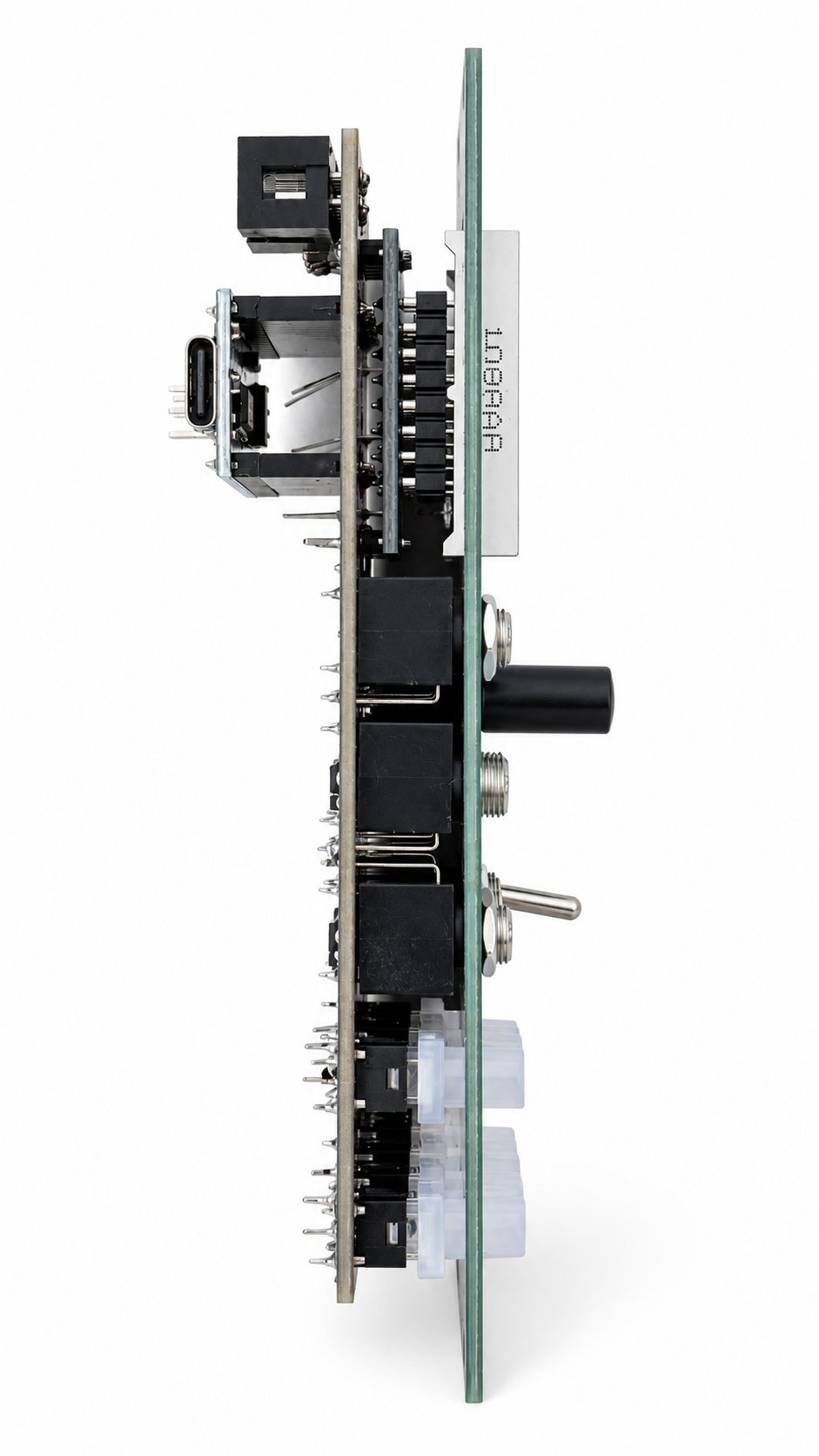
Side view
GNU GPL-3.0. License · Attribution · Contribute.