Stacks
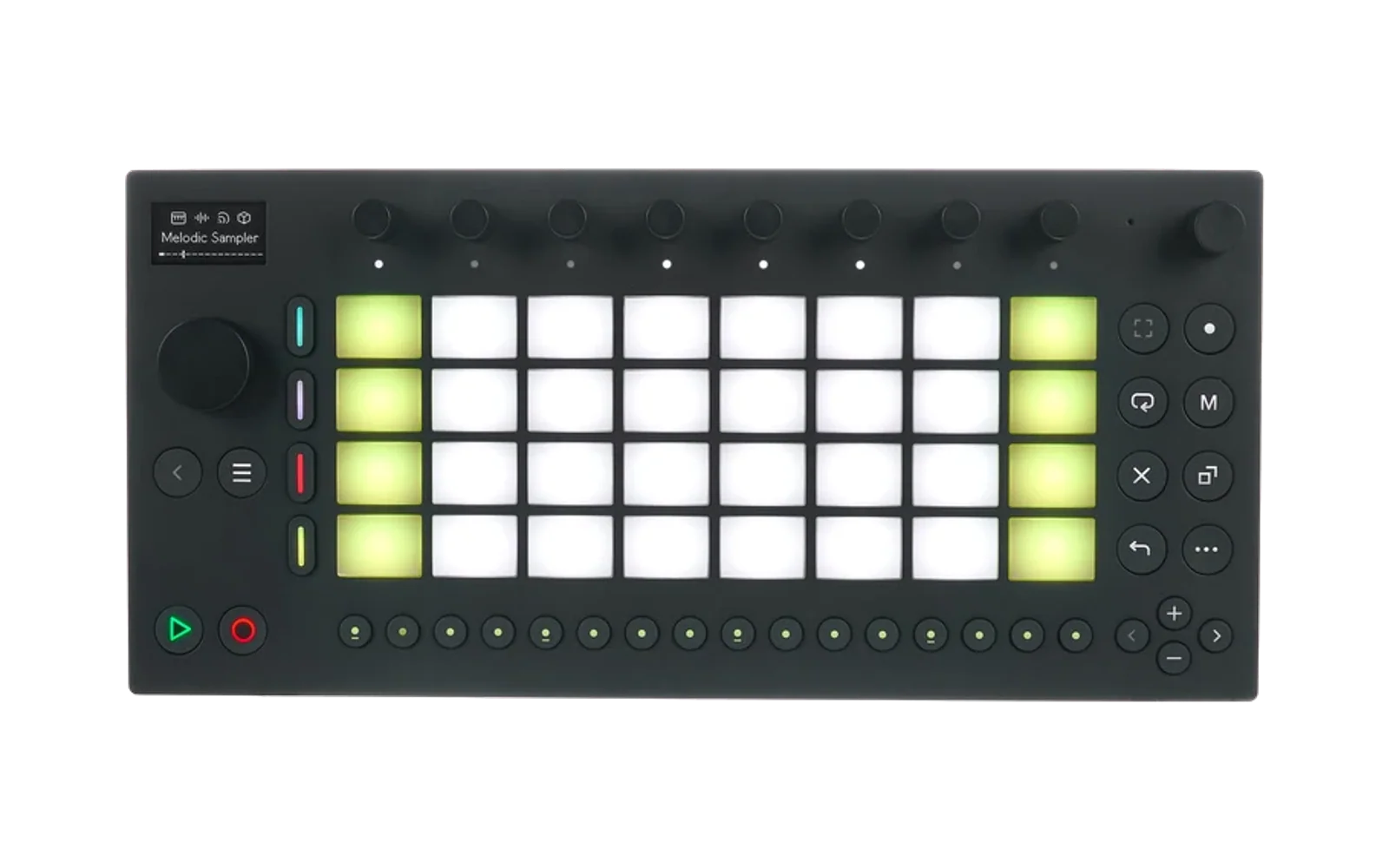
A chord-progression tool for Ableton Move running Schwung, opened from its Tools menu (Shift + Volume + Step 13).
Write a progression, hear it on a Move track, and let Move record it into a clip. It is edited from two places at once — the Move's own screen and a Remote UI panel in the browser's Tool tab — and both show the same selection, the same playhead and the same transport.
- 38 chord shapes in six families, 35 rhythm figures, 10 voicing colours, and a library of 140+ progressions filed under 17 genres — house, deep and melodic house, lo-fi, cinematic and the melancholic end of pop among them.
- The staff is the picture: pitches, the rhythm as the hits it plays, the chord names along the foot, and a keyboard down the side that lights the notes as they sound.
- Sixteen pattern slots, and you are always in one — tap a slot to switch, and everything you write belongs to it. Buffers, not clips: nothing touches the set, and each pattern carries its own clip length.
- Stamp to a clip by arming one lap: press Record on Move, and Move records what you just heard, on its own downbeat. Stacks keeps playing while parked; reopen it from the Tools menu to carry on where you were.
- It plays on the track you have selected on Move — Move puts an incoming note on the selected track whatever channel it carries — and Read Clip imports from the track Read Track names, which follows the track you select on Move (Schwung 1.6 or later) and can still be turned by hand.
- MAIN sets it up, CLIP is what you turn while it plays. Clip Transpose (±12 semitones) and Clip Octave shift what sounds — and what Stamp records — without rewriting anything: Key, Scale and the degree pads stay as written, and 0 is exactly where you were. Key is the other kind: it rewrites the progression into the new key. Per chord, Transpose (VOICE) and Chord Oct (CHORD) do the same for one chord.
- The control matrix — every bank, knob and gesture — is
docs/stacks-matrix.html, generated from the manifest bytools/gen_matrix.py. The browser panel, region by region, isdocs/panel.html, made from the panel itself bytools/panel/build.sh. - It remembers. The progression, all sixteen patterns and every setting are
saved to
/data/UserData/schwung/stacks/state.jsona moment after each edit and again on exit, and are there when you open it next — across reboots and reinstalls.
Install
Get stacks-module.tar.gz from the releases page and install it from the
Schwung web manager (http://move.local:7700) — it lands under
modules/tools/stacks — or build and push it yourself:
scripts/build.sh
scripts/install.sh --host=move.local --reload
Building
scripts/build.sh cross-compiles the DSP for aarch64 in Docker and writes
dist/stacks-module.tar.gz. Set CROSS_PREFIX to build without Docker.
Tests
for t in tests/*.sh; do bash "$t"; done
They compile the DSP natively and run it — the shape table against the
contract, the clip length through every door that changes it and Read Clip
through the one door that reads music in, both prog parsers over one corpus,
the chords' timing counted in MIDI clocks from Move's downbeat, a phrase
tiling a longer clip, the rhythm figures anchored to the bar with swing and
humanise reaching every hit, a named root sounding as named, every transpose
control moving what it says on the picture and on the injected notes, Read
Track following Move's selection (over a faked host export), a lap through the
tool entry's inject path, the ui.js lifecycle over stubbed overtake globals,
the Tool tab's state/rui_poll contract, the vendored host headers pinned
byte-for-byte to a Schwung release, and every device control present on the
browser panel.
Requires
Schwung on the device with overtake tools and the Tool tab (1.4 or later). Nothing is patched in the host. On 1.6 or later, Read Track follows the track you select on Move; before that it is a knob you set yourself.
License
MIT, see LICENSE. The Schwung plugin headers in src/host/ are
Charles Vestal's, also MIT: see THIRD_PARTY_LICENSES.md.
Stacks also runs on Ableton Push 3 as
push-hack-stacks.