M8 LPP Emulator for Schwung
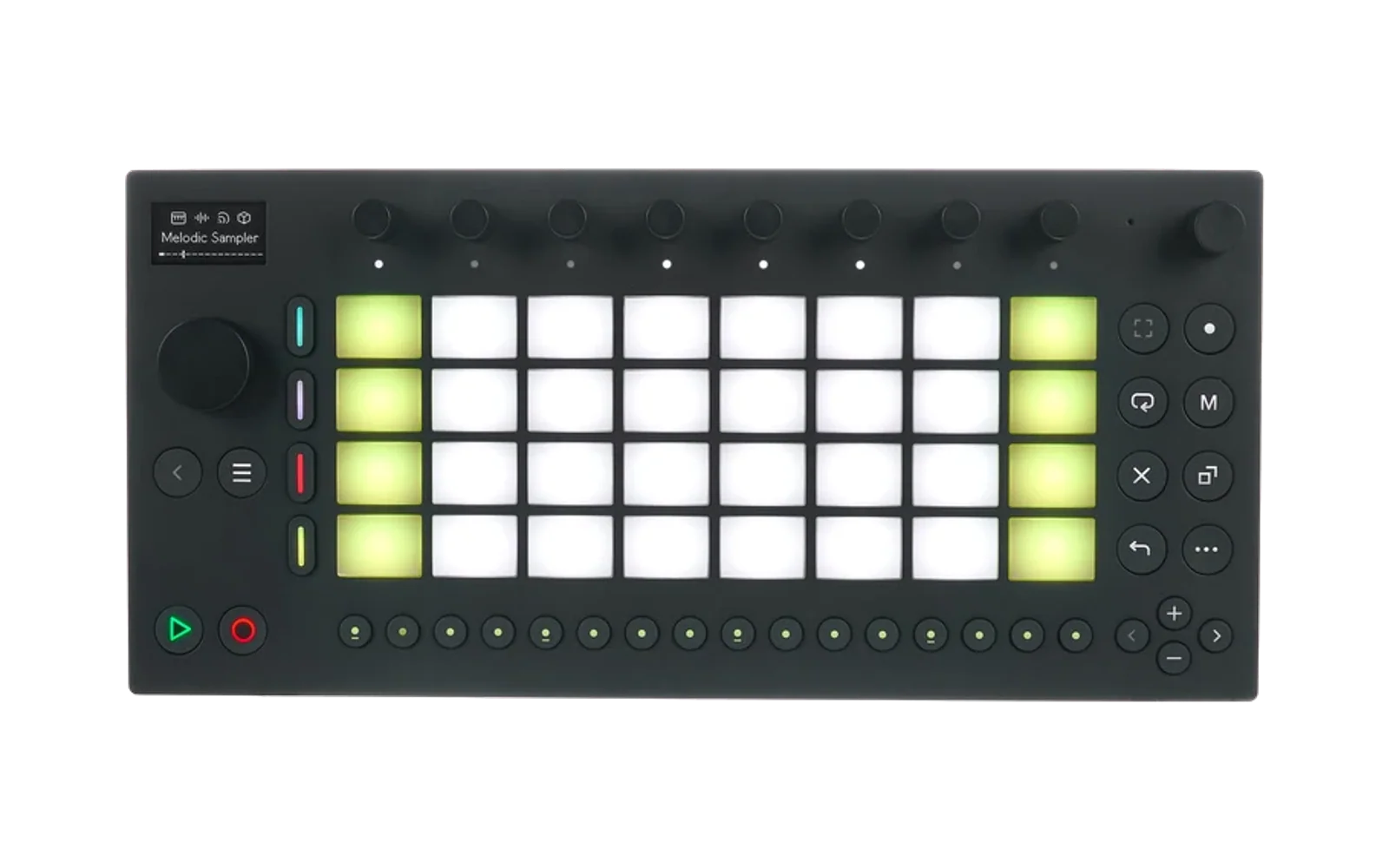
Novation Launchpad Pro emulation for Dirtywave M8, allowing you to use Ableton Move as an M8 controller.
The emulation began as bobbydigitales' M8 LPP module for Move-Anything. damian- added the first knob bank and the colour sweeps, and chaolue extended both for Schwung.
Prerequisites
- Schwung installed on your Ableton Move
- Dirtywave M8 hardware
Features
- The Launchpad Pro MK3 integration, emulated: the M8's session, note, sequencer and beat-repeat screens on Move's pads, with its colours, blinking and pulsing reproduced in software. Move shows half of the 8×8 grid at a time; the mode button you are already on switches halves, and each screen remembers its own.
- Named, CC-mapped knobs, added one at a time from a catalogue of M8's mixer, send-effect, per-instrument and EQ parameters. They read in the M8's own units — hex, decibels, hertz, a Q number — and some share a picture rather than each drawing a dial: a filter's response curve, an envelope, an LFO at its rate and depth.
- Songs: pages of knobs, switched from the eight step buttons the M8 leaves alone, and editable from a browser as well as the device.
- The screen is remembered across a reopen, so the pads come back without asking the M8 to repaint.
Building and testing
./scripts/test.sh       # the test suite
./scripts/build.sh      # package into dist/
./scripts/install.sh    # copy dist/ to the Move
install.sh only copies dist/, so build.sh has to run first or it
silently ships the previous package. The tests load the real src/ui.js
in Node and drive it over MIDI — see tests/README.md
— and are the only thing that catches the temporal-dead-zone
ReferenceError that node --check passes clean, so they are worth
running before every deploy.
Installation
Via Module Store (recommended):
- Launch Schwung → Module Store → Utilities → M8 LPP Emulator
Manual installation: ./scripts/build.sh && ./scripts/install.sh.
Usage
- Connect the M8 to the Move's USB-A port — or an iPad running the M8 app to the USB-C port, where only "Ableton Move Standalone Port" carries MIDI through to Schwung.
- On the M8, set MIDI Settings → CTRL SURFACE to "Launchpad Pro".
- Hold Shift and press step 13 to open Schwung's Tools menu, then pick the M8 module.
On the module: Jog Click raises a cursor over the eight knobs, Shift+step 1 opens the song list and Shift+step 2 the settings. The bar along the bottom of the screen names the rest, and changes while Shift is held.
Documentation
chaolue.github.io/schwung-m8 — the Launchpad Pro integration this module emulates, and the knobs, songs, graphics and web UI the Move adds.
The source is docs/index.html, one self-contained page
with no build step, served from /docs on main. Its screenshots are
captured from the device rather than drawn — see
scripts/capture-screen.py — so they cannot
drift from the layout they document.
A condensed version lives on the device itself, at Global Settings → System → Module Help.
Important: MIDI Channel Configuration
The M8 LPP Emulator communicates on MIDI channel 1-3. To avoid conflicts:
- Set Move tracks to use channel 4 or higher
- Set shadow mode slots to use channel 4 or higher (via receive/forward channel settings)
- Do not configure Move tracks to listen on channel 1-3 and output to channel 1-3, as this creates MIDI echo that interferes with M8 communication
This ensures M8's Launchpad Pro protocol doesn't trigger Move's synths or get echoed back.
AI Assistance Disclaimer
This module is part of Schwung and was developed with AI assistance, including Claude, Codex, and other AI assistants.
All architecture, implementation, and release decisions are reviewed by human maintainers.
AI-assisted content may still contain errors, so please validate functionality, security, and license compatibility before production use.