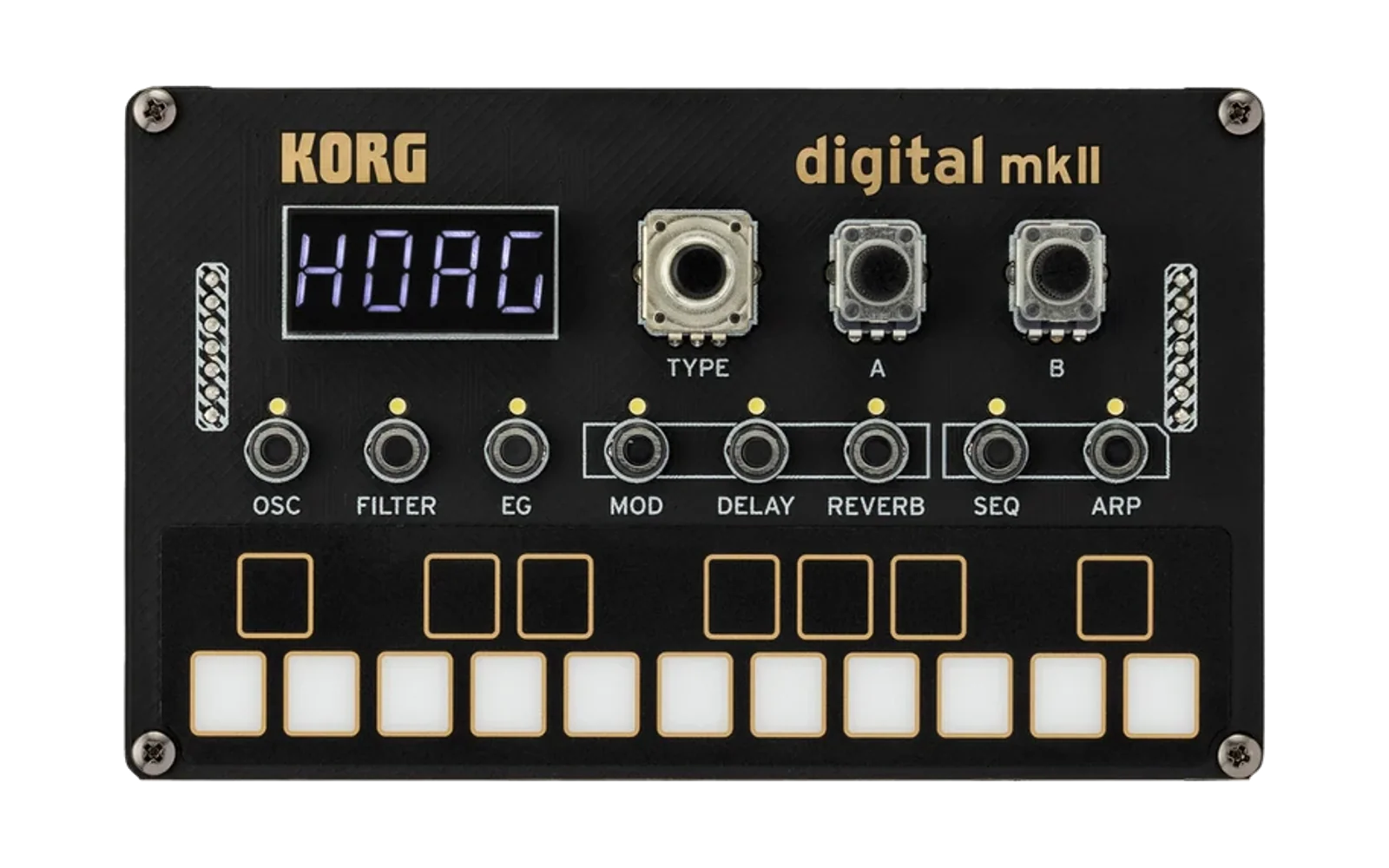
Python tools for working with the Logue-SDK and devices
The logue-sdk from Korg is a cool way to get into DSP programming and building custom effects.
It's part of a line of synthesizers and effects modules that are hackable and sound great, but their
host tools to interact with the devices seem to be lacking in open source and bug fixes.
Fortunately, they publish MIDI implementations for their devices, which includes the
programming and device interaction functions that their primary tool logue-cli normally would do.
This repository implements a custom version of the logue-cli tool's MIDI librarian and device management
functionality based on these MIDI implementation specifications for the Korg NTS1 Mk2.
This project is unaffiliated with KORG.
Getting Started
Create a new virtual environment and install the required module packages.
python -m venv .venv
source .venv/bin/activate
pip install -r requirements.txt
Note: The mido port backend currently must be python-rtmidi. See issue #10 for more information.
To contribute, also run the pre-commit setup steps:
pre-commit install
See Example Commands for usage of the tool.
Lint and Tests
Linting is enforced by the Python Black linter (through git pre-commit hooks).
Manually run the linter:
pre-commit run --all-files
Tests are implemented with Python's unittest framework. Manually run all tests:
python -m unittest discover tests/
Links
Example Commands
Listing connected ports
$ ./main.py -l
  Available Ports:
    port 0: Midi Through:Midi Through Port-0 14:0
    port 1: NTS-1 digital kit mkII:NTS-1 digital kit mkII NTS-1 di 32:0
    port 2: NTS-1 digital kit mkII:NTS-1 digital kit mkII NTS-1 di 32:1
Inquiring loaded programs for NTS1 Mk2
$ ./main.py -p 2 --type NTS1Mk2 --full-inquiry
Device SDK version 1.0
modfx slot 0 - EMPTY
modfx slot 1 - EMPTY
modfx slot 2 - EMPTY
modfx slot 3 - EMPTY
modfx slot 4 - EMPTY
modfx slot 5 - EMPTY
modfx slot 6 - EMPTY
modfx slot 7 - EMPTY
modfx slot 8 - EMPTY
modfx slot 9 - EMPTY
modfx slot 10 - EMPTY
modfx slot 11 - EMPTY
modfx slot 12 - EMPTY
modfx slot 13 - EMPTY
modfx slot 14 - EMPTY
modfx slot 15 - EMPTY
osc slot 0 - WAVES - dev_id 0x4b4f5247 unit_id 0x00050400 version 0x00020000
osc slot 1 - first - dev_id 0x2d54412d unit_id 0x00000001 version 0x00010000
osc slot 2 - dummy - dev_id 0x00000000 unit_id 0x00000000 version 0x00010000
osc slot 3 - EMPTY
osc slot 4 - EMPTY
osc slot 5 - EMPTY
osc slot 6 - EMPTY
osc slot 7 - EMPTY
osc slot 8 - EMPTY
osc slot 9 - EMPTY
osc slot 10 - EMPTY
osc slot 11 - EMPTY
osc slot 12 - EMPTY
osc slot 13 - EMPTY
osc slot 14 - EMPTY
osc slot 15 - EMPTY
delfx slot 0 - EMPTY
delfx slot 1 - EMPTY
delfx slot 2 - EMPTY
delfx slot 3 - EMPTY
delfx slot 4 - EMPTY
delfx slot 5 - EMPTY
delfx slot 6 - EMPTY
delfx slot 7 - EMPTY
revfx slot 0 - EMPTY
revfx slot 1 - EMPTY
revfx slot 2 - EMPTY
revfx slot 3 - EMPTY
revfx slot 4 - EMPTY
revfx slot 5 - EMPTY
revfx slot 6 - EMPTY
revfx slot 7 - EMPTY
Saving/loading active settings
Note: Save file format is not finalized, and may change in future versions.
$ ./main.py -p2 --type NTS1Mk2 save --file save.json
Device SDK version 1.0
ver 0.1.0 : osc dummy mod OFF  delay OFF  reverb PLATE PLA
$ ./main.py -p2 --type NTS1Mk2 load --file save.json
Device SDK version 1.0
ver 0.1.0 : osc dummy mod OFF  delay OFF  reverb PLATE PLA
Installing/backing up user modules
$ ./main.py -p2 -t NTS1Mk2 install -f fm.nts1mkiiunit -m osc -s 3
Device SDK version 1.0
osc slot 3 - EMPTY
Sending program in 2 messages
Sending msg osc slot 3 - packet 0 (out of 1) contains 3573 bytes
Sending msg osc slot 3 - packet 1 (out of 1) contains 883 bytes
Success
$ ./main.py -p2 -t NTS1Mk2 fetch -f fetched.nts1mkiiunit -m osc -s 3
Device SDK version 1.0
osc slot 3 - dummy - dev_id 0x00000000 unit_id 0x00000000 version 0x00010000
osc slot 3 - packet 0 (out of 1) contains 3573 bytes
osc slot 3 - packet 1 (out of 1) contains 883 bytes
Fetched program with expected length 4448 - actual length 4448
Clearing user modules
$ ./main.py -p2 -t NTS1Mk2 clear -m osc -s 3
Device SDK version 1.0
osc slot 3 - dummy - dev_id 0x00000000 unit_id 0x00000000 version 0x00010000
Success