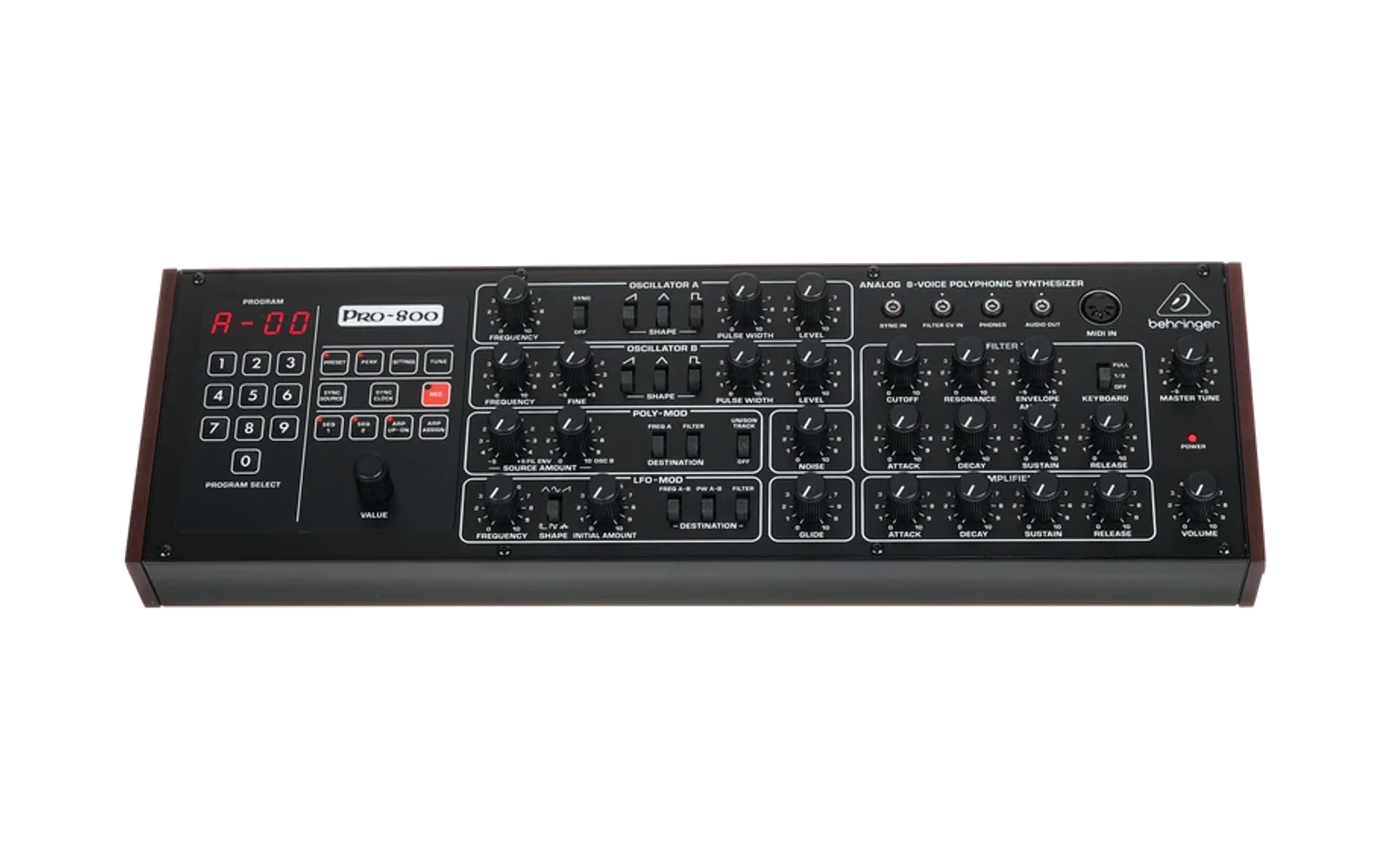
PRO800-Firmware-Packer
This tool can be used create custom Firmware update files that can be loaded to the Behringer PRO800
Schematics
The folder Schematics contains the schematics of the MAIN PCB. All the info about the MCU's ports usage and analog control can be found there.
MCU Binary Configuration
The MCU is an STMicroelectronics STM32F446. The reset handler must be linked to
address 0x08010000.
- File format must be BIN.
- Max. FW size is 128 kB.
- RAM size is 128 kB.
- Max. frequency is 180 MHz.
Creating an Update File
The bootloader on the PRO800 is fixed and resides at address 0x08000000. It receives
update files in SysEx format. The packaging and encryption methods are implemented in the
binary tool PRO800_update_gen.
The syntax is as follows:
PRO800_update_gen <binary FW file> <update file name> <version>
- Binary FW file: the file to be converted. The format must be BIN.
- Update file name: the name of the update file. It must have a
.syxextension. - Version: format is
XYZ(for example,101). The version is just for the bootloader, it will not appear on the display display asVX.Y.Z.
Example:
PRO800_update_gen my_fw.bin my_fw_update.syx 101
Setting the Unit to Update Mode
There are two ways to put the PRO800 into update mode.
Manual
Hold buttons 0 and 7 on the control panel during power-up.
Via SysEx Command
Send the following SysEx command:
F0 00 20 32 00 01 24 00 03 30 F7
The unit will restart and enter update mode.
Updating the PRO800
You can use any program that can send SysEx messages to update the unit, such as:
- MIDI-OX
- Bome SendSX
- SysEx Librarian
The max. data rate is 9.64 kB/s, about 3.2x the MIDI baud rate.
Risks
Because the bootloader is fixed and not affected by the update process, the unit can always be recovered via SynthTribe. In addition, the bootloader flash area is write-protected.
If an update fails, or if the FW image is corrupted, the PRO800 remains in update mode.
Caution!
The PRO800 flash memory area is protected/locked. Do not attempt to unlock it!, if an unlock process is started by means of a JTAG/SWD adapter, the entire flash area will be erased, resulting on a bricking the unit.
Use only the update method described above to load custom FW.