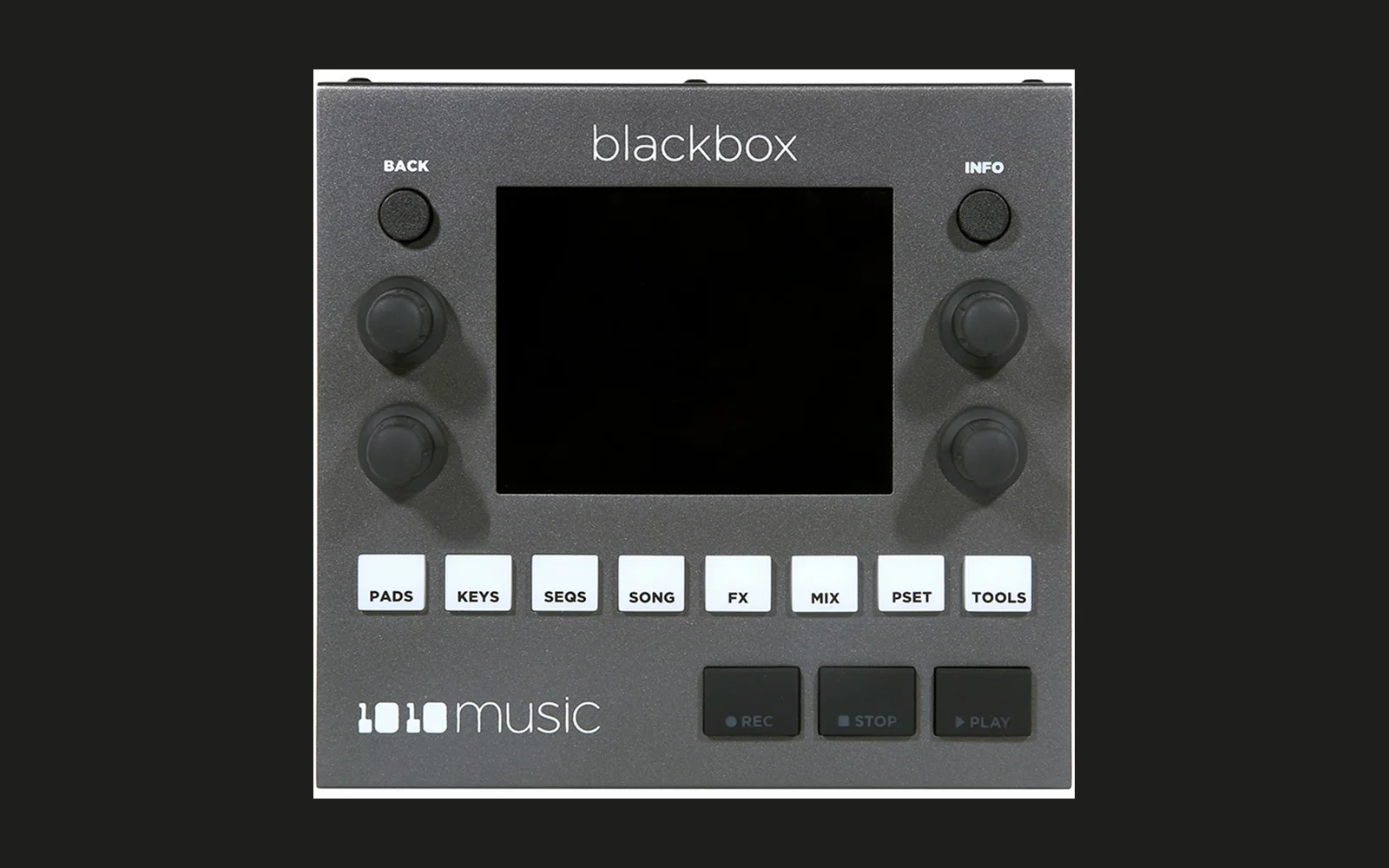
portkit for the 1010music Blackbox (JB1+pk)
Community firmware for the original 1010music Blackbox (firmware 3.1.9). It is Justin Joe's JOEBOX 1 with the portkit features from the bitbox micro added on top: master distortion, a third FX send with its own reverb, clip time-stretch tools, an SSL-style bus compressor and recording of the effect returns.
→ Patch your firmware in the browser
Unofficial. Not affiliated with or supported by 1010music or the JOEBOX author. Running modified firmware is at your own risk and may affect your warranty. Keep your stock
BLACKBOX.binso you can always go back.
Install
- Download the stock firmware 3.1.9 from 1010music and take the
BLACKBOX.binout of the zip. - Open the patcher page, drop that
BLACKBOX.binon it and download both files it gives you:BLACKBOX.binandBBEXTRA.BIN. Everything happens in your browser; nothing is uploaded. The page only accepts the unmodified 3.1.9 and checks the result against the tested build. - Copy both files to the root of the microSD card.
- Hold BACK + INFO while powering on. The unit installs, then restarts once by itself while it writes the second
flash bank (
BBEXTRA.BIN). - The splash and the Tools page show JB1+pk.
Going back: the same steps with the stock BLACKBOX.bin (or the official JOEBOX 1 release).
What you get
Everything from JOEBOX 1 stays: Master FX (VHS, Prism), per-pad inserts (phasers, flangers, gate), live input on a pad, compressor models and master clipper, delay types Munchi / Motion / Relapse / Confetti, reverb type Room, Fidelity and the 24 dB filter, saturation, LFO 2/3 with ENV/KEY sources, solo and MUTE/SOLO, chords, note conditions, sequence rotate, USB audio and MIDI, CPU readout. See the JOEBOX documentation for those.
Added by portkit (tested on a unit, except where noted):
| Feature | Where on the unit |
|---|---|
| Master distortion: Off / Soft / Hard / Fold / Tube with 2x oversampling; Drive, Tone, Mix, Level | Tools → Extra |
| FX3: a third send per pad with its own reverb: Plate / Room / Hall / Chamber; Decay, Damp, PreDly, Size, Level | Pad → Conf → FX3 Send; Tools → Extra |
| Clip Shift: moves the audio against the loop by −100..+100 ms | Clip pad → Pos → Shift ms |
| Clip Play Len: Full or 1/4..32 bars | Clip pad → Pos → Play Len |
| Clip Stretch: tempo −100..+100 %; Str Mode Auto / Jump / Smooth (Smooth keeps the pitch) | Clip pad → Pos → Stretch %, Str Mode |
| Clip Loop Fade: 0..50 ms fade at the loop seams (against clicks) | Clip pad → Pos → Loop Fade |
| Sync 1/32 as an extra Sync step | Clip pad → Pos → Sync |
| SSL compressor: ninth compressor model; Thresh, Ratio 2:1 / 4:1 / 10:1, Attack, Release (incl. Auto), Gain, Mix | Tools → Compressor: SSL, INFO for the controls |
| Record the effects only: Rec Input FX records just the FX1 + FX2 + FX3 returns, in stereo | record screen → Rec Input |
| Sends kept while recording: a pad's FX1 / FX2 / FX3 send settings no longer reset when it is recorded into | recording to a pad |
| Record from the computer: Rec Input USB records what the computer plays to the Blackbox over USB, stereo, 24 bit / 48 kHz; monitored like an input | record screen → Rec Input; computer on the power jack |
| Headphones on Out 3 (new, not yet tested on a unit): Out 3 plays the headphone mix at its own volume, independent of the headphone knob; USB channels 5–6 stay the real Out 3 | Tools → Headphone, INFO: Mirror On/Off, Mirror Vol |
| Performance macros MAC1–MAC4 (new, not yet tested on a unit): four toggle buttons on the Pads screen where the Velocity slider was; as modulation sources MAC1–MAC4 one button moves any number of parameters at once | Pads screen, right; Pad → modulation slot → Source MAC1–4 |
| The computer through a pad (new, not yet tested on a unit): pad Input USB plays the computer's stream through that pad all the time, with its insert, level, pan, sends and the master FX | Pad → Conf → Input: USB |
Signal order on the main output: pads (with inserts) → FX1 / FX2 returns → FX3 → distortion → Master FX → compressor → clipper.
Recording the effects only: select an empty pad, press INFO to open the record screen, set Rec Input to FX, start the transport with PLAY, then press REC (REC only works while the transport runs).
Recording from the computer: connect the computer to the power jack, as for JOEBOX's USB audio. The Blackbox now also shows up as an output device on the computer ("Blackbox", 2 channels, 48 kHz); play into it. On the record screen set Rec Input to USB and record as usual. The Blackbox follows the computer's clock (it matches the rate by itself), so nothing else has to be set. While nothing comes from the computer, USB records silence. With the record screen's monitor on you hear it through the Blackbox (about 8 ms behind the computer). Computers that saw an older build may need the device unplugged and plugged in again to notice the new output.
Performance macros: the Pads screen's right-hand column now starts with four buttons MAC1–MAC4 (the lower-right knob still steps through the other panels: clipboard, MUTE / SOLO, and the Velocity slider, now the fourth position). To set a macro up, open a pad's modulation, pick MAC1 (… MAC4) as the Source, a Destination (Level, Filter, Pitch, a send, …) and an Amount: that is where the parameter goes while the macro is on. Use as many slots and pads as you like with the same macro, so one button can, say, close two filters, raise a send and drop a pad's level together. Tapping the button switches the macro on (lit) or off; it glides there in about 30 ms. The routing is saved with the preset (as the engine's sources mod5–mod8); the on/off state is not, all macros start off.
The computer through a pad: on a pad's Conf page set Input to USB (next to JOEBOX's In 1 / In 2 / In 1+2). The computer's sound then runs through that pad like a live input: its insert, Level, Pan, FX sends, output and the master FX, with or without notes playing on the pad. Muting the pad mutes it. A pad and Rec Input USB can be used at the same time; they get the same signal.
Good to know
- Two files, one pair.
BLACKBOX.binandBBEXTRA.BINbelong together. IfBBEXTRA.BINis missing or from another build, the CPU readout shows a!and the effects that live there (distortion, FX3, SSL, Smooth stretch, Loop Fade, and JOEBOX's Prism, Confetti and inserts) pass the audio through unchanged. Copy both files again. - Presets stay compatible. Presets and settings store values by parameter name. Presets from stock firmware or JOEBOX load as before; the new controls start at their defaults.
- Going back to a build without a feature (e.g. from JB1+pk to plain JOEBOX) can leave values the other firmware
does not know, such as Sync 1/32 or compressor SSL. If you build from source,
bb/joebox/convert.pychecks a card and resets those values to the nearest stock setting (see below).
Build from source
Only needed if you want to change something or pick your own feature set. You need macOS or Linux, Python 3,
git, arm-none-eabi-gcc (macOS: brew install --cask gcc-arm-embedded, Debian/Ubuntu:
sudo apt install gcc-arm-none-eabi) and the stock 3.1.9 BLACKBOX.bin in firmware/
(SHA-256 281ae303d32e5eb52adca7817a648a34e4bd3848017f26673dd9df3905f1341d).
./setup.sh                                       # clones blackbox-mod, Python venv, firmware hash check
.venv/bin/python -I bb/joebox/build.py           # all features -> out/bb/jb/release/BLACKBOX.bin + BBEXTRA.BIN
.venv/bin/python -I tests/smoke_jb.py
.venv/bin/python -I tests/test_jb.py             # full test (all features)
The build exports the pinned JOEBOX commit (66329ad) from your clone, runs JOEBOX's own build and patcher, then applies
portkit's patches. Nothing is written unless every check passes: expected stock bytes at every patch site, all changes
inside registered ranges, every redirected call and pointer lands on a known function, the image fits where the
1010music installer accepts it. JOEBOX's own 30 test suites run on the merged tree (out/bb/jb/tree/test_*.py; all of them in parallel:
.venv/bin/python -I tests/run_joebox.py, about 6 min).
With PORTKIT_MICRO=<built portkit-micro checkout>, test_jb.py also checks that distortion and SSL are
bit-identical to the bitbox micro's.
Pick your own features: the builder dashboard
.venv/bin/python -I bb/joebox/dashboard.py # -> http://127.0.0.1:8765
Lists every change against stock (JOEBOX's and portkit's, 53 rows in bb/joebox/features.py) with a checkbox per
group, builds the selection, runs the checks and offers both files. Groups marked fest (fixed) are JOEBOX parts the
rest depends on. Runs on your machine only (it needs the firmware). The UI is German. Only the complete build goes
through the full test suite.
Presets across builds
.venv/bin/python -I bb/joebox/convert.py /Volumes/YOUR_SD             # report only
.venv/bin/python -I bb/joebox/convert.py /Volumes/YOUR_SD --apply     # zip backup first, then fix
Checks Presets/*/preset.xml and settings.tml against the last build's parameter list and sets values that build
does not have to the nearest stock entry (Sync 1/32 → 1/16, SSL → Glue, Rec Input FX → Resam, Fidelity modes →
Normal, Rec Input USB → L+R, pad Input USB → Off). Only those values change; every other byte of the files stays. Presets using JOEBOX's note conditions are
reported, not changed.
Updating the browser patcher
.venv/bin/python -I tools/make_web.py # needs a clean commit
Builds, tests, and writes docs/index.html + docs/patches/*.json. The patch holds only this project's bytes, no
1010music firmware: the script fails if any 32-byte run of the stock image turns up in it (two explained exceptions
are listed in the patch file). The JSON uses blackbox-mod's patch format, so its apply.py can apply it as well.
Commit docs/ and push; GitHub Pages serves the page.
Repository layout
| Path | What |
|---|---|
bb/joebox/ | the JB1+pk build: build.py, features.py, ids.py, patches/pk.py, src/ (bank 1 hooks, bank 2 DSP), dashboard, converter; details in bb/joebox/README.md |
bb/ (rest) | the first port on blackbox-mod 3.1.n, superseded (bb/README.md) |
tests/ | Unicorn test harness and tests, parameter manifest |
sim/ | Renode simulation of the unit (boot, screenshots, keys, SD card); sim/README.md |
tools/ | reverse-engineering helpers, browser patcher template and generator |
docs/ | the browser patcher (GitHub Pages) and firmware-mod.md, the general modding workflow behind this project |
re/blackbox.md | addresses, evidence and status of everything used (German) |
Sister project: portkit-micro for the bitbox micro.
Credits and licence
JOEBOX / blackbox-mod by Justin Joe (MIT), the base this build stands on; see THIRD_PARTY.md.
portkit's code: MIT, see LICENSE. The 1010music firmware is not part of this project and not covered by any
licence here. Please share the patcher link or the build instructions, not patched firmware files.