OctaChainer 2
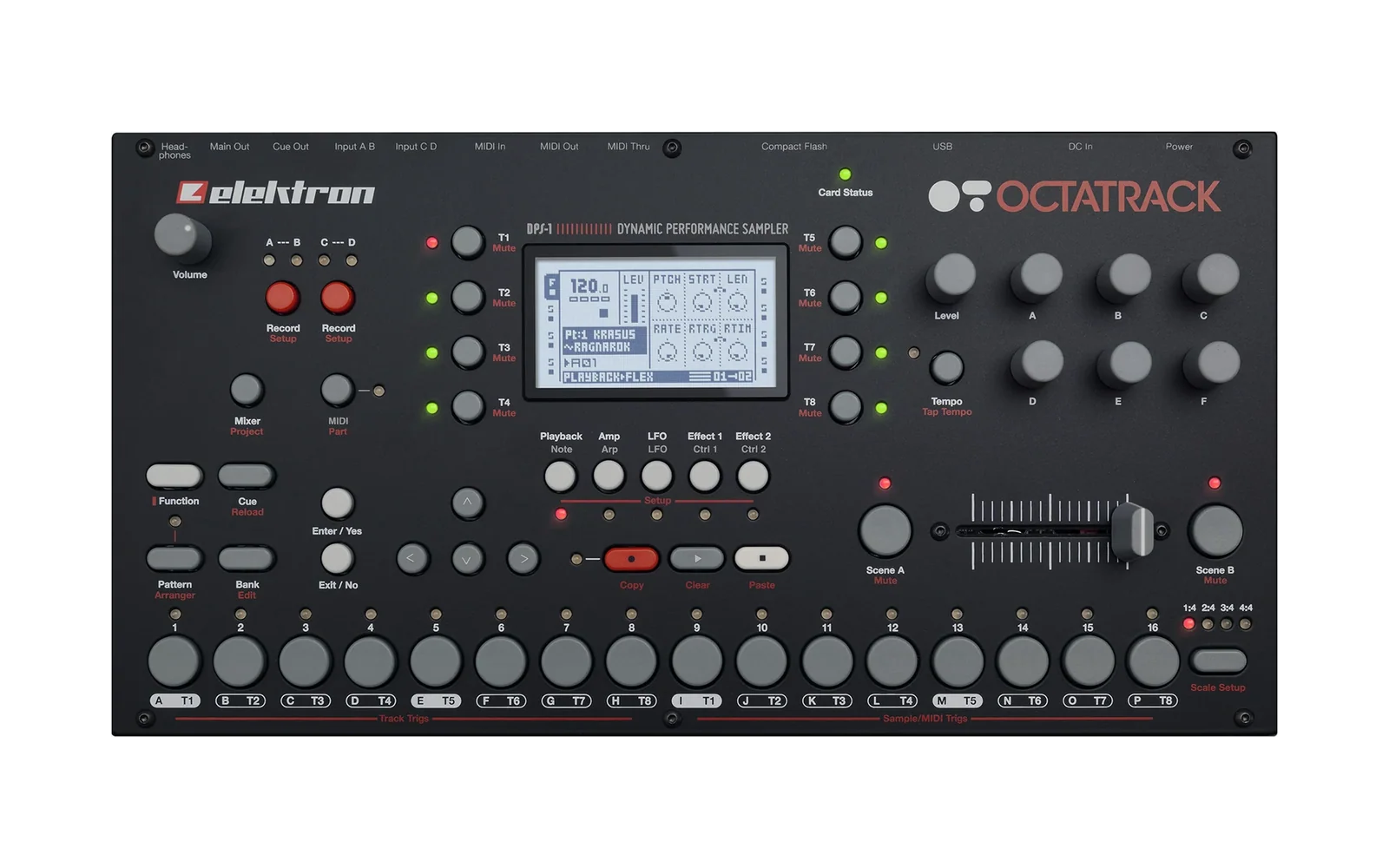
JUCE audio project configured with CMake for CLion. This project is a reimplementation of the old OctaChainer app. The original used the QT framework and was made in a hurry. This version is a rewrite with JUCE and CMake where the intent is to do things "properly". Partly for educational purposes, but also to have a more robust and maintainable codebase for future development.
The goal for the initial release is Windows and macOS standalone applications with close to feature parity with the original.
OctaChainer 2 is intended to be released both as a standalone application and as a VST3 plugin with support for DAWs with 'VST host drag-and-drop API' support.
Build setup
In CLion, choose the platform-specific CMake configure preset:
- Windows:
Windows DebugorWindows Release - macOS:
macOS DebugormacOS Release
macOS Releasebuilds a universal binary forarm64andx86_64.
Then choose one of the build presets:
Build appBuild plugin
Build app builds OctaChainer2_App.
Build plugin builds AudioPluginHost, which depends on OctaChainer2_VST3, so the plugin is built first if needed.
For Windows release builds, use Windows Release together with:
Build app [windows-release - windows-release-standalone-app]for the standalone executableBuild plugin [windows-release - windows-release-vst-plugin]for the VST3
To launch the host in CLion, create a CMake Application run/debug configuration for AudioPluginHost and use Build plugin as the before-launch build step.
If JUCE fetch fails in your environment, set OCTA_JUCE_SOURCE_DIR to a local JUCE checkout and reconfigure. The checkout must contain extras/AudioPluginHost.
For macOS signing and notarization, use the release instructions in docs/macos-release-signing.md.
Direct CMake commands
cmake --preset windows-debug
cmake --build --preset windows-debug-standalone-app
cmake --preset windows-release
cmake --build --preset windows-release-vst-plugin
cmake --preset macos-debug
cmake --build --preset macos-debug-vst-plugin
License
This project is licensed under the GNU General Public License v3.0.
See LICENSE for the full text.