Niagara Drift
Drone synth inspired by multi-oscillator drone instruments and subharmonic synths.
forM-VAVE FM-1·by@evanyerburgh
Unclaimed. Is this yours? Sign in with GitHub as @evanyerburgh to claim it.
niagara-drift-0.2.fwsc· 595 KB
GPL-3.0· evanyerburgh/niagara-drift·evanyerburgh.github.io/niagara-drift/·downloads come from the creator’s GitHub releases
v0.2Niagara Drift 0.2Latest1 file
A calmer, deeper instrument: slow movement by default, gestures and presets to play, scenes in banks you can crossfade with pressure. Tested on one FM-1. An update from 0.1 keeps your sound and scenes (scenes 1–12 go to bank A, 13–16 to B1–B4).
- A new starting sound (Preset P1, Niagara): slow and breathing, the filters swept by the LFO, the Swell on, delay and reverb in.
- Twelve Presets (SEL + G5), fixed: Niagara, Abyss, Eerie, Glass, Heaven, Tanpura, Tape, Whistle, Howl, Cathedral, Metal, Clean; each its own sound, movement and effects, levelled to each other. With Pitch lock on they keep your pitch. A new FM-1 starts on them.
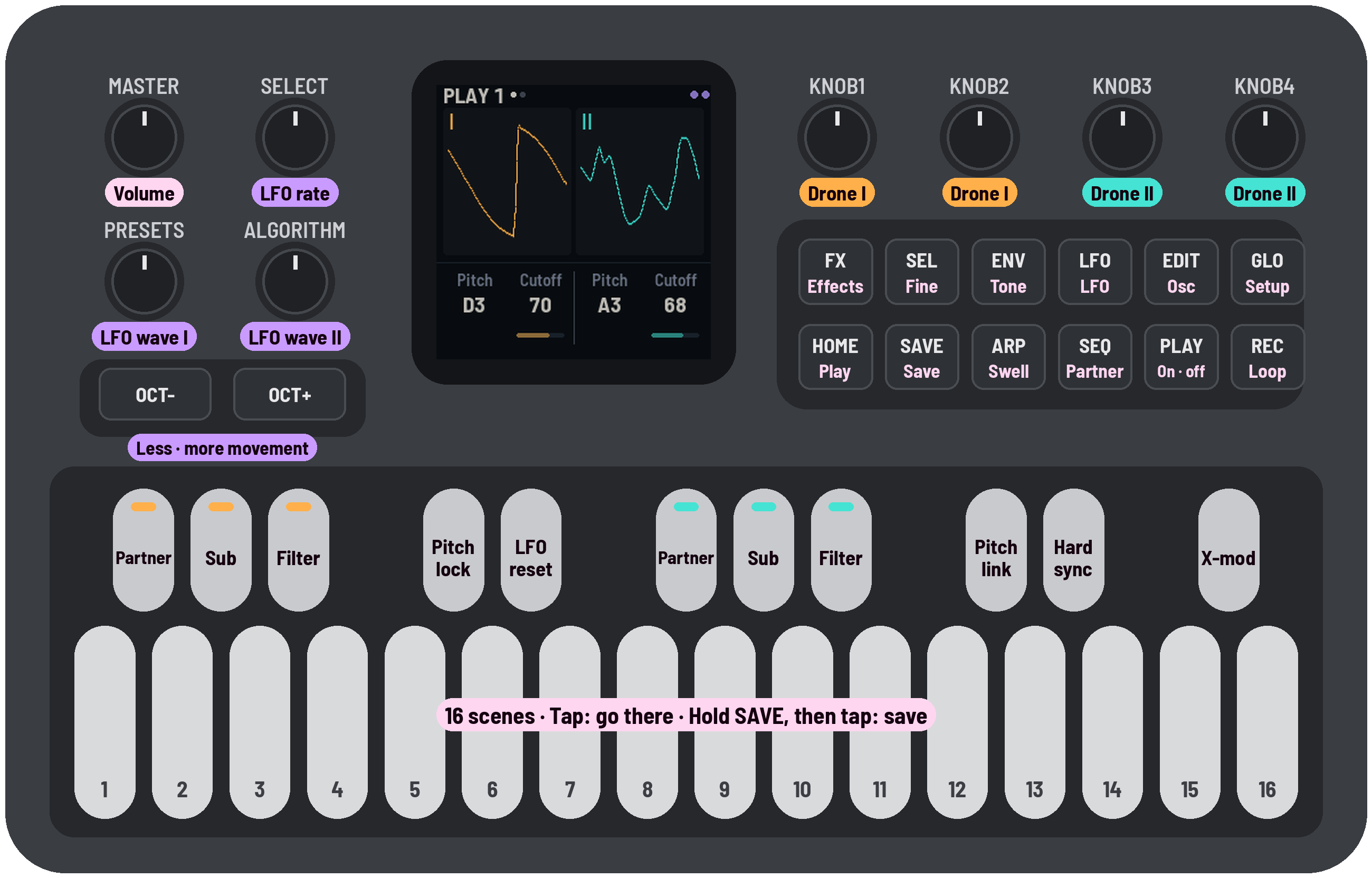
- Gestures on D5–G5: Weight (a full, warm bass), Shift (both drones move, up to a 5th either way), Clean (the dirt out, as loud), Wash (into the effects). Hold: in while held, out as slowly as you held it; tap: all the way, tap again to let go; SEL as you let go keeps it where it is. PRESETS sets Gesture time (x0.1–x10).
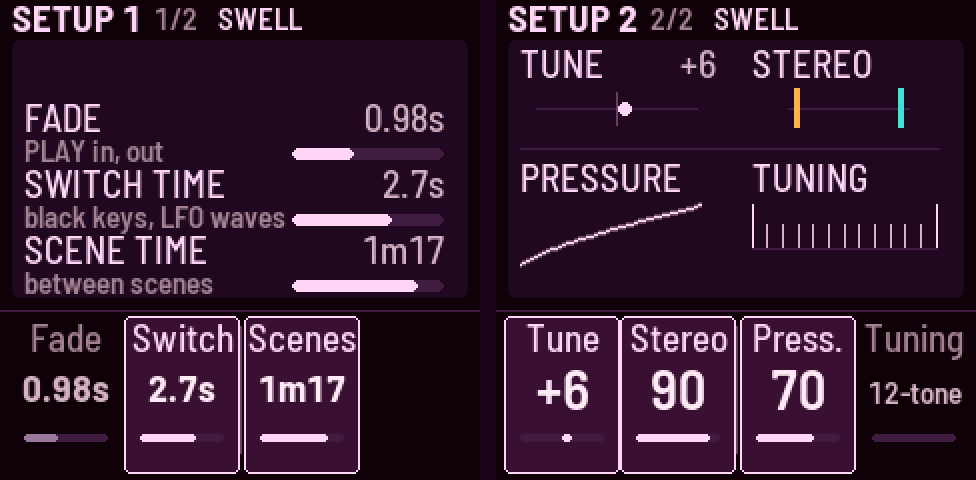
- Scenes in banks: 12 a bank on F3–C5; banks A, B, C and the Presets (SEL + D5..G5). A tap goes there over the Scene time.
- Crossfade by pressure: hold a scene key and press harder to move further into its scene; let go and the sound glides back. Press all the way to land in the scene (the key flashes); SEL while holding keeps the blend between the two. Pressure sensitivity is on Setup 2. The crossfade was Quixotic7's idea; the key pressure is read with MONK-1's method (Charles Vestal), from Velo's sensing.
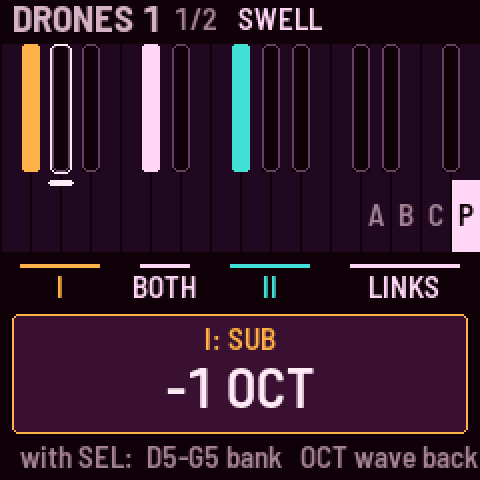
- Pitch lock (black key 4), on at start: the pitch knobs and scenes leave the pitch alone.
- The left encoders, always live: SELECT the LFO rate, ALGORITHM Movement, PRESETS Gesture time; OCT− / OCT+ pick LFO Wave I / II. Two pages on most page buttons (a button opens the one you last used).
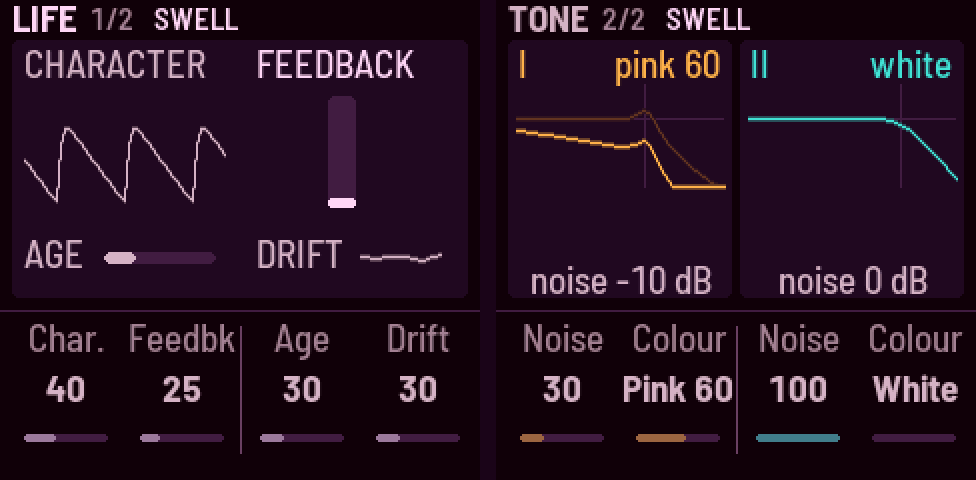
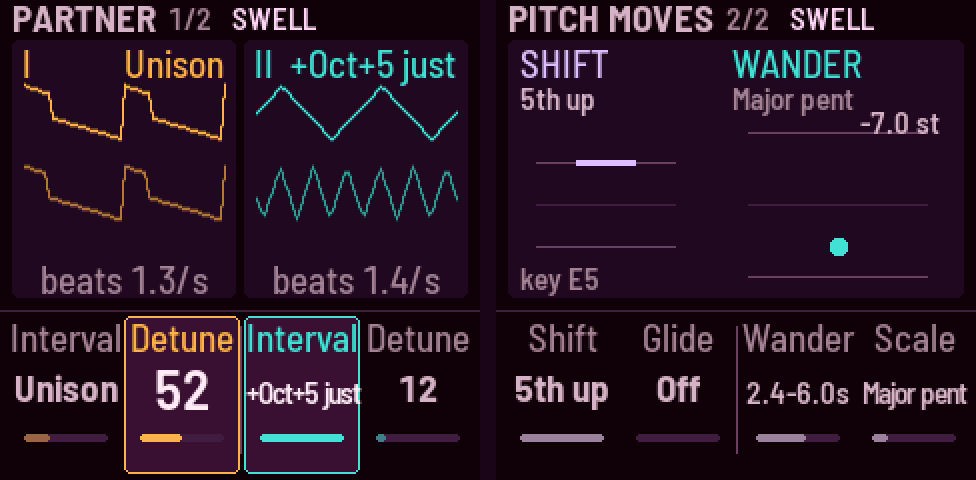
- New sounds and moves: Age (tape: darker, hiss, wow and flutter), Wander (drone II's slow random melody on a scale), Pitch glide, Shift's move, the 17 partner intervals (each tempered, then just), a noise colour blend.
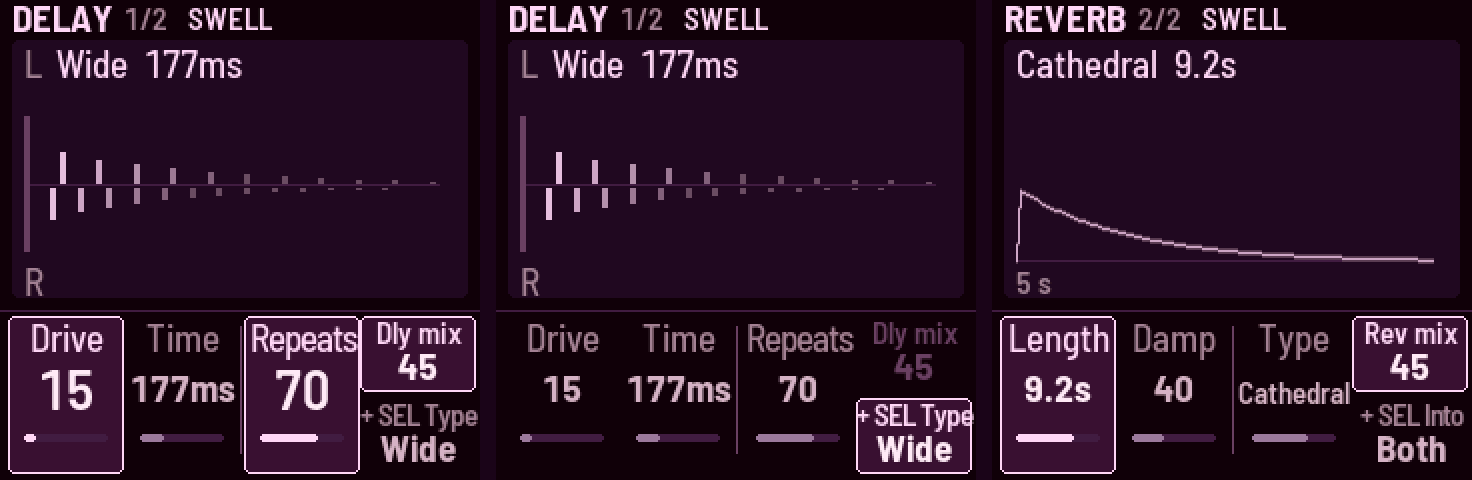
- New effects, after ChoralRoot's (Quixotic7), written anew: a stereo delay (Tape, Wide, Ping-pong, Clean) and an eight-line reverb (Room, Hall, Cathedral, Chorus hall; length to Inf, a freeze). Feedback rings in key and holds its loudness.
- The speaker and headphones: the FM-1 hears which is in use; the speaker gets a low cut, headphones the full range. MASTER's top fifth drives the output harder at the same loudness.
- Level is an audio taper (saved sounds keep their loudness; the numbers read higher). Band-pass and high-pass keep their loudness at high resonance.
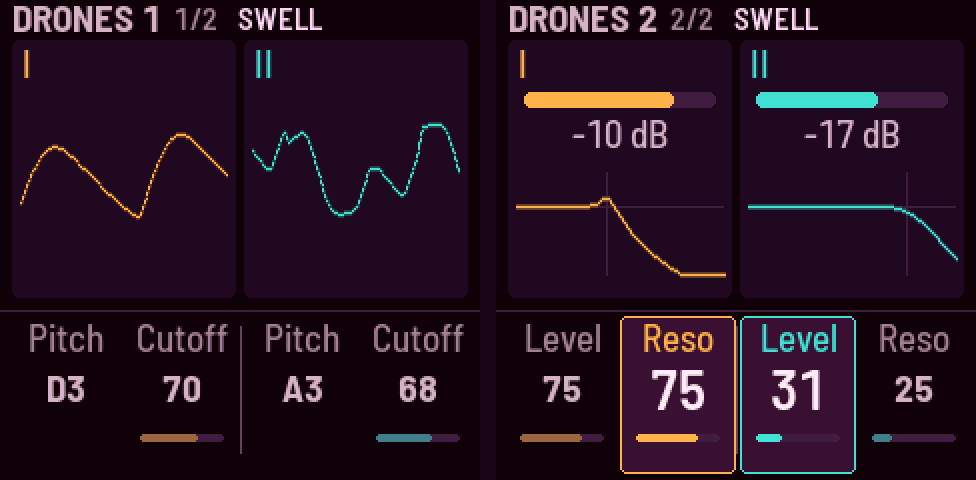
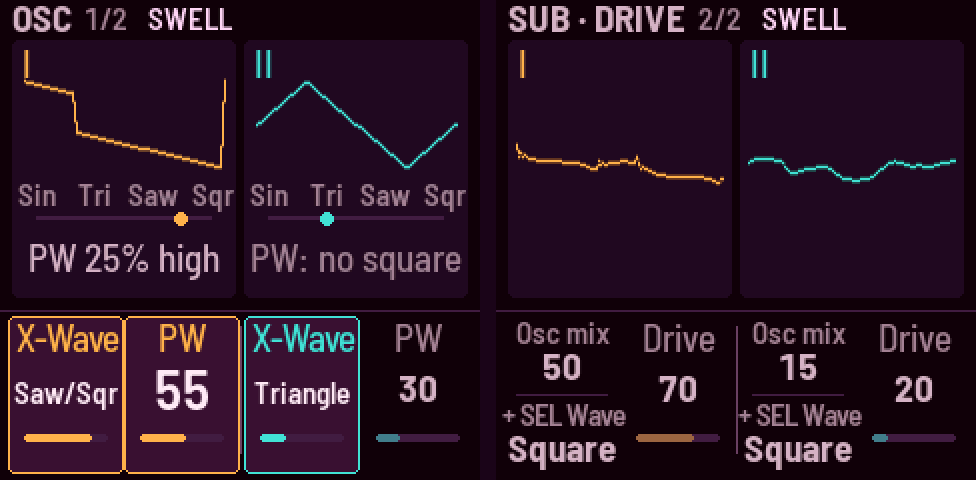
- The screen in the site's colours: what's turning shown large; SEL held draws the black keys as on the keyboard, and touching one names it. Lights at several brightnesses: the OCT lights pulse with the LFO waves, ARP breathes with the Swell.
- Knobs catch every click on slow, paused turns.
- Saving and backups: autosave 4 s after the last change, at most every 30 s.
fm1_install.py --backupsaves your sound, scenes and settings to a file and--restore FILEputs them back; installing over Niagara Drift from the terminal saves a backup first, in~/niagara-drift-backups/(the web installer doesn't yet). - The website: the emulator's FM-1 labelled with what every control does, the manual in the order you meet it (presets, gestures, scenes first), a link preview and an icon.
Thanks to ChoralRoot (Quixotic7) for the effects' design, the crossfade idea and the idea of a backup before installing, and to MONK-1 (Charles Vestal) for reading key pressure.
Install: open the web installer in Chrome or Edge, or from a terminal
python3 tools/fm1_install.py niagara-drift-0.2.fwsc. Try it first in the browser: https://evanyerburgh.github.io/niagara-drift/v0.1-betaNiagara Drift 0.1 betaBeta1 file
Install: open the web installer in Chrome or Edge, with the FM-1 connected by USB. Or download
niagara-drift-0.1-beta.fwscbelow fortools/fm1_install.py. Try it first in the browser: https://evanyerburgh.github.io/niagara-drift/The first public version, tested on one FM-1.
- Two drones, each with X-Wave (sine → triangle → saw → square), pulse width, a partner oscillator (interval, detune, equal or just tuning), a sub (−1, −2 octaves, ⅓, ⅕), white or pink noise, a 12 dB low-, band- or high-pass filter and drive.
- Links: pitch link, hard sync, cross-mod (drone I moves drone II's cutoff).
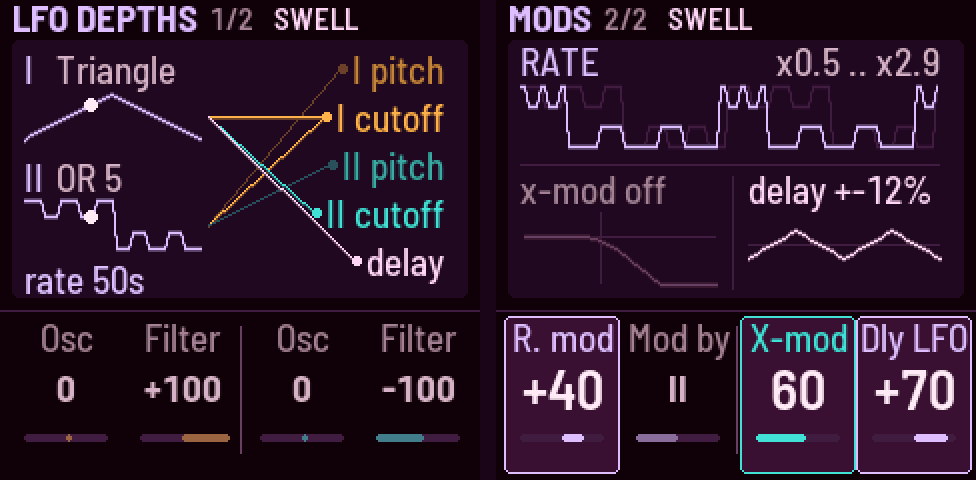
- The Ultra LFO: one rate (a cycle in 50 s to 70 Hz), two waves of eight shapes, routed to pitch / X-Wave and cutoff / resonance; rate mod; lock to the Swell. Movement (OCT− / OCT+) scales every depth 0–200 %.
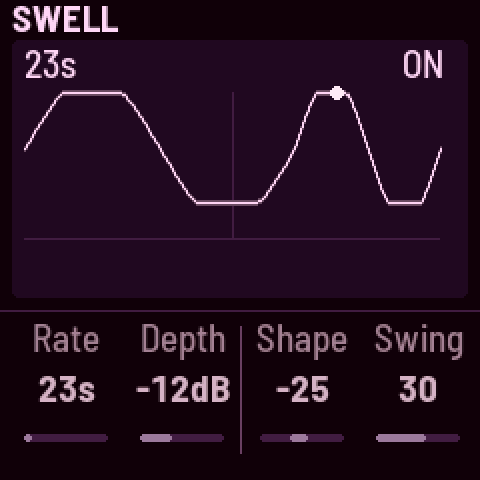
- The Swell: both drones breathing in time, with swing.
- Effects: a PT2399-style delay into a reverb (Room, Plate, Hall, Chorus hall); Feedback; Character; a Speaker low cut.
- Drift, Morph, 16 scenes on the white keys (the current one's key blinks), a 5-minute motion loop.
- SAVE writes at once, even while playing (the sound dips for ~50 ms); autosave when stopped.
- A browser emulator running the same code, and a web installer that can also put M-VAVE's firmware back.
Built on FoMni and X0X (Charles Vestal) and Felucca's FM-1 platform (Leo Kuroshita, Hügelton Instruments). FoMni's own versions are kept as the tags
fomni-v0.1…fomni-v0.3.2.Installing is at your own risk; the installer can also put M-VAVE's own firmware back. Problems and ideas: open an issue.