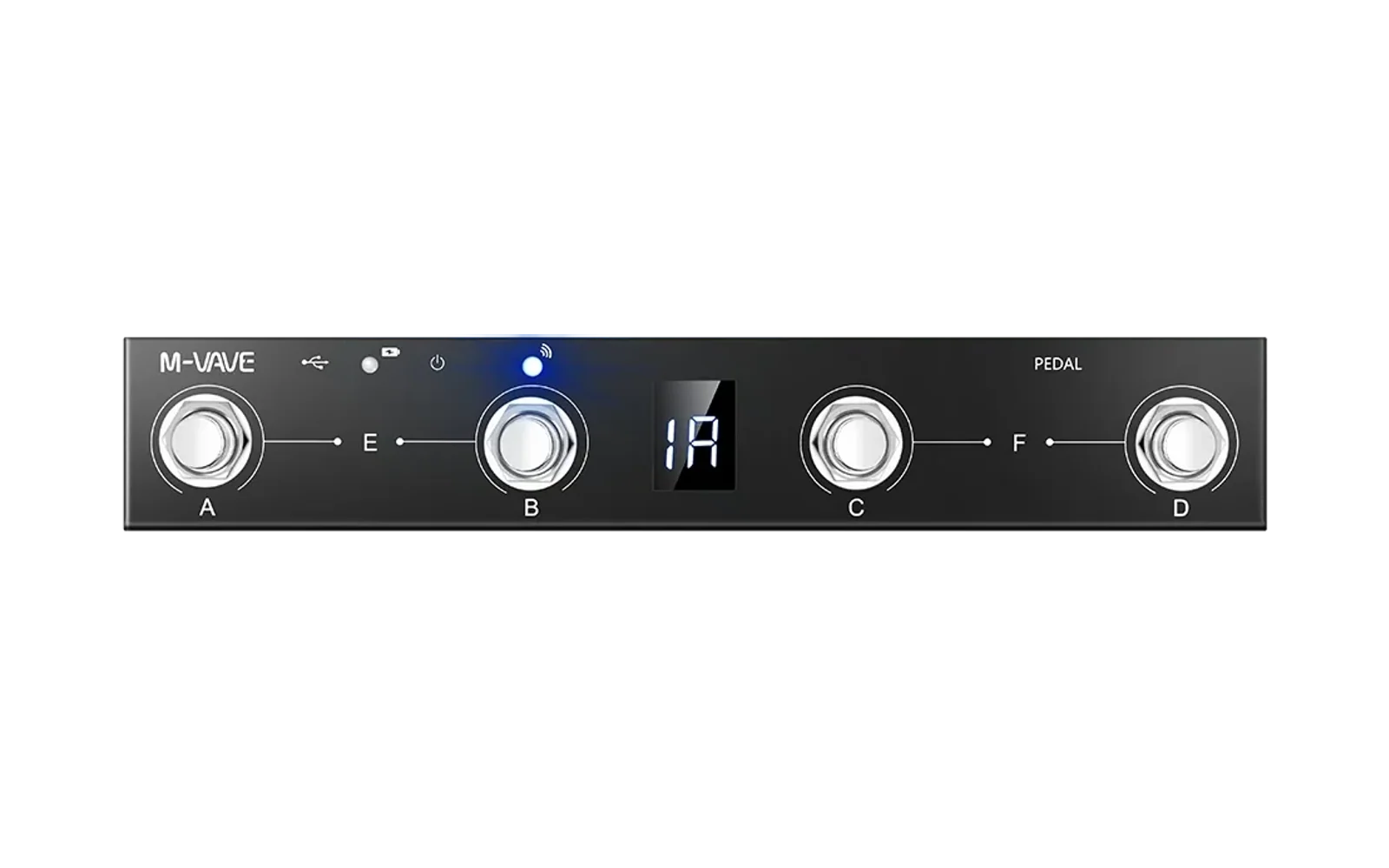
M-Vave Chocolate TUI
A terminal UI for configuring the M-Vave Chocolate Bluetooth MIDI footswitch controller on Linux.
No more Windows VM or Wine just to change footswitch assignments. Edit CC numbers, switch modes, and send SysEx config directly from your terminal.
Features
- Auto-detection — finds your Chocolate (SINCO/FootCtrl) via
/proc/asound/cards, no hardcoded paths - 16-switch grid — 4 banks × 4 switches, all visible and editable
- Real-time MIDI monitor — see footswitch presses as they happen
- SysEx configuration — sends proper Jieli-manufacturer SysEx to reprogram the device
- Mode switching — toggle between Custom CC, Program Change, Keyboard, and more
- Non-blocking I/O — writes use
amidisubprocess; reads run in background goroutine - Connection recovery — clean open/close, handles unplug/replug
Requirements
- Go 1.26+ (managed via asdf)
- alsa-utils (
amidicommand) - M-Vave Chocolate in U (USB) mode (not HOST)
Quick start
go run .
The TUI auto-detects your Chocolate and shows the switch grid.
Usage
| Key | Action |
|---|---|
e | Edit highlighted switch |
s | Send all config to device |
r | Read current config from device |
m | Change operating mode |
tab / l | Toggle MIDI log view |
↑↓←→ / h/j/k/l | Navigate switch grid |
q | Quit |
Editing a switch
- Press
eon the switch row you want to edit - Tab between fields: Type (cc/pc/note), CC/Note, Channel, On Value, Off Value, Latching
- Press
Enterto save the edit - Press
sto send all changes to the device
Connecting to your Ampero / multi-effects
- Set the Chocolate to Custom CC mode (press
m, select "Custom CC", pressEnter) - Edit each switch to match the CC numbers your Ampero expects
- Press
sto send - Connect the Chocolate MIDI OUT to your Ampero MIDI IN
How it works
The M-Vave Chocolate is a Jieli-based USB MIDI device (vendor 00 32). It accepts SysEx configuration messages to reprogram what each footswitch sends. The cbix project at cbix/mvave-chocolate-sysex documented the protocol.
- Reads: raw ALSA MIDI device (
/dev/snd/midiC*) opened O_RDONLY in a goroutine - Writes:
amidi -p hw:X,0,0 -S <hex>subprocess — uses ALSA library, never blocks the UI - Checksum:
0x28A - sum(all bytes) - subcommand - value(verified against 18 known-good examples from the cbix repo)
Testing
# All tests (unit + E2E with real device)
go test -v ./...

# Unit tests only (no device needed)
go test -v -run "TestKnown|TestBuild|TestChecksum|TestCC" ./...

# Headless E2E (requires Chocolate in U mode)
go test -v -run TestHeadless ./...

# Lint
golangci-lint run ./...
Troubleshooting
"device or resource busy" — a previous instance didn't close cleanly. Run:
fuser -k /dev/snd/midiC*
TUI can't find the device — make sure the Chocolate side switch is on U (USB), not HOST. Check with:
amidi -l
Should show SINCO MIDI 1.
Config not persisting — the Chocolate may store config in volatile memory. The SysEx is accepted (device responds OK) but some settings revert on power loss. The TUI reads current config on startup (r key).
License
GPL-3.0-or-later. See LICENSE.