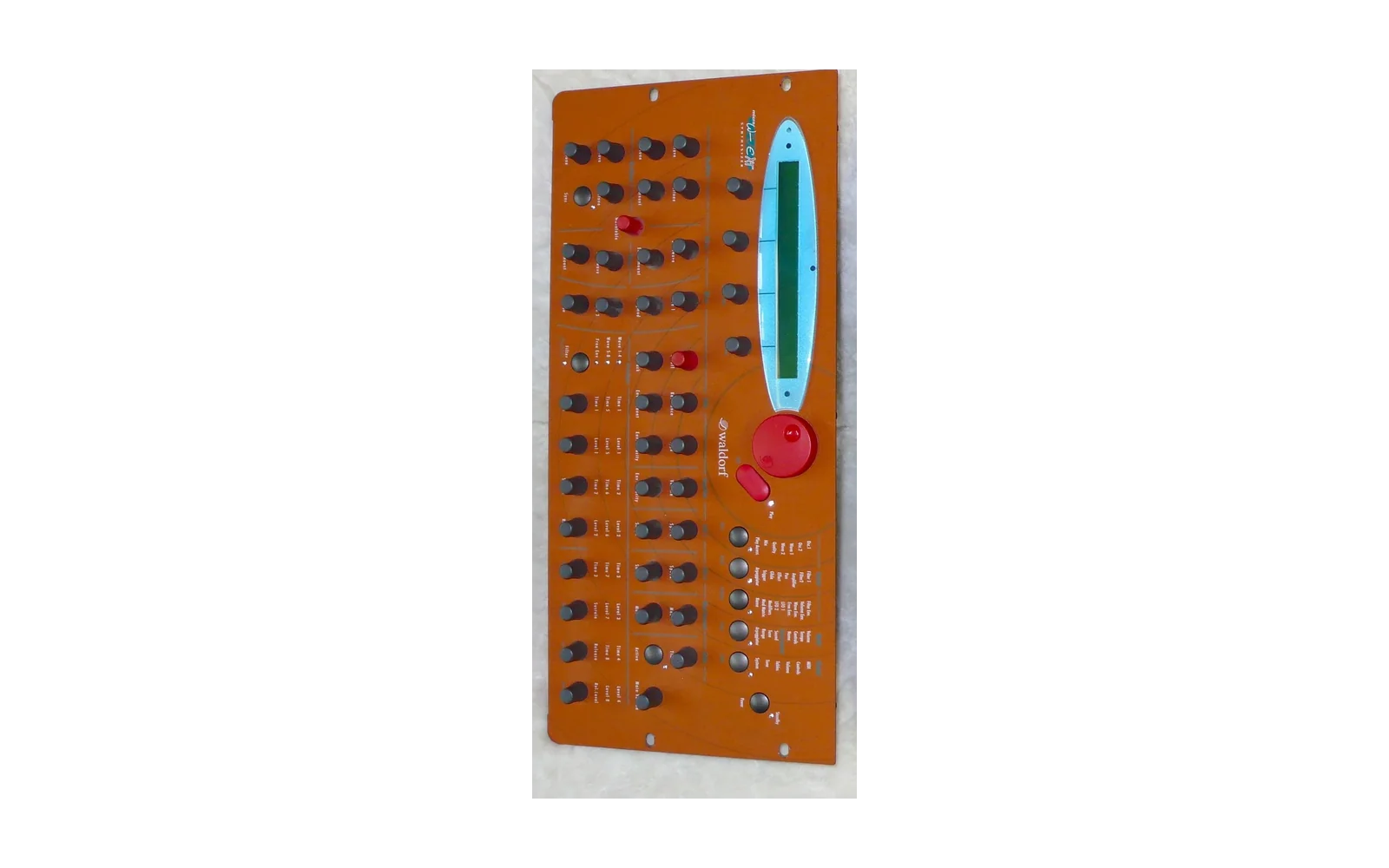
Microwave XT firmware - Tallent Edition
An unofficial firmware extension for the Waldorf Microwave II, XT and XTk, operating system 2.33:
- Independent wavetable selection for both oscillators.
- X-Mod: new Phase and Amplitude modulation modes for both oscillators (XT and XTk).
- Warp: nine ways to reshape each oscillator's wave as it plays, with two new modulation destinations, W1 Warp and W2 Warp (XT and XTk).
- New aliasing settings modeled after the Industrial Music Electronics Piston Honda Mk II Eurorack module.
- Interpolation: optional smooth wavetable scanning as on the Synthesis Technology E352 Cloud Terrarium and the Piston Honda, with Startwave in hundredths of a wave.
- FX Para 1-3: three new modulation destinations that move the effect's settings, such as its Speed, Feedback or dry/wet mix.
- MPE input, with per-note pitch bend, pressure and Y.
- MIDI controllers for every new setting.
- The Tallent Edition Sounds: 80 Sounds and nine wavetables that use the new features.
All original features remain. On an XT or XTk, the new pages sit behind Shift with the Wavetable, FM Amount and Env Amount knobs. A Microwave II plays 8 voices and reaches the new pages with the Page dial. Waldorf's update can be loaded again at any time.
See the New Features Guide for how everything works.
Installing
- Download Waldorf's operating system 2.33 update (
mw2_xt_xtk_sys_v233.mid) from Waldorf's Microwave II/XT/XTk page. - Open the patcher above and select that file.
mw2_xt_xtk_sys_v233_tallent.middownloads automatically. - Load the new file into a sequencer or MIDI file player and send its track to the MIDI interface connected to the XT's MIDI In. Switch off MIDI Clock and MIDI Time Code while you do this.
- Play the file. The display reads
Receiving System Update...for about two and a half minutes, thenUpdating System.... Don't switch the XT off while it does. - The XT restarts. As it starts up, the second line of the display names the Tallent Edition.
Your update file stays in your browser; nothing is uploaded. To use the patcher offline, click Save this tool for offline use on the page, then open the downloaded HTML file in a current browser.
To go back, play Waldorf's own mw2_xt_xtk_sys_v233.mid the same way. An
update replaces the operating system only: Sounds, Multis, wavetables and
Global settings stay as they are.
Versions
The patcher shows the version at the top of the page. On the XT, the second
line of the display reads Tallent Edition and the version as it starts up. A version
ending in -dev is a build between releases.
CHANGELOG.md lists the changes in each release. Releases has the patcher and the Tallent Edition Sounds for each release.
Sounds that use the new features still load in Waldorf's operating system, which ignores those settings.
Building from source
- Install The Macroassembler AS (
aslandp2bin). The published patcher is built with 1.42 Beta. - Install Node.js to apply the patch outside a browser.
make
make check
Apply the patch to Waldorf's update with the browser patcher under Node:
XT_STOCK_UPDATE=/path/to/mw2_xt_xtk_sys_v233.mid make check
Build the patcher page:
XT_STOCK_UPDATE=/path/to/mw2_xt_xtk_sys_v233.mid make release
This writes dist/microwave-xt-patcher.html, the patcher page with your build
inside it. Open it in a browser and use it as above.
File layout
src/hooks.asmthe bytes the patch replaces in the stock image, each at its stock addresssrc/features/the new features, assembled after the stock imagesrc/stock_abi.incthe stock addresses the code assembles against;src/patch_layout.jsonthe byte ranges the patch replacestools/make_patch.pybuilds the patch;web/applies it
License
Our original work is MIT licensed. No rights to Waldorf's software are granted by this repository.