microfreak-tools
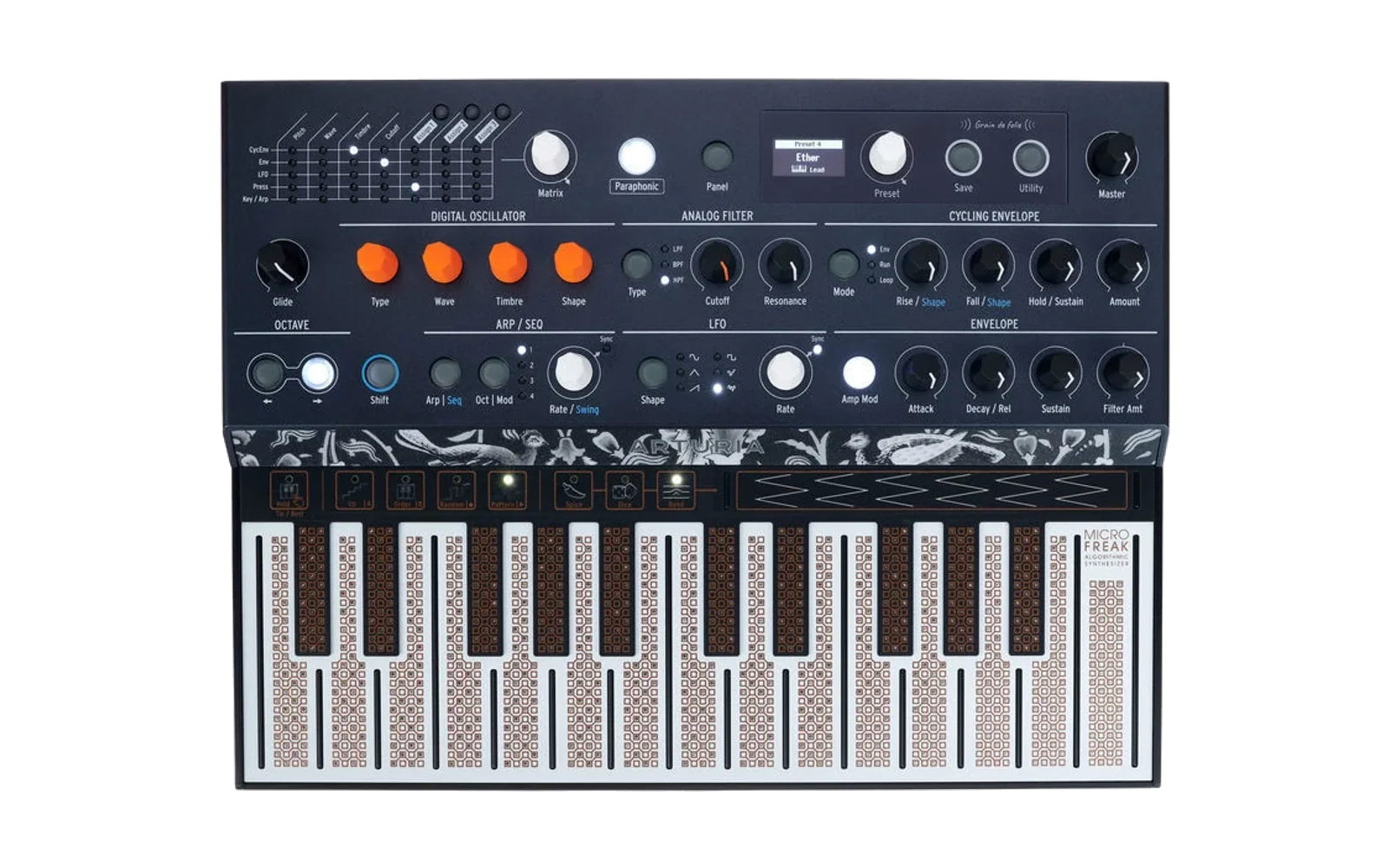
Command-line tools for the Arturia MicroFreak. Read and write presets, samples, wavetables and settings over MIDI, and patch and flash firmware. Plugins add custom firmware and the commands that use it, such as putting your own words on the Speech engine.
Not affiliated with, authorised by or endorsed by Arturia. No Arturia code or binaries are in this repository. Commands that need firmware take the path to an image you already own.
Install
uv tool install microfreak-tools # puts `mfreak` on PATH
With the plugins, add a --with for each:
uv tool install microfreak-tools --with mfreak-speech --with mfreak-peek
To upgrade, uv tool upgrade microfreak-tools. With pipx, pipx install microfreak-tools, then pipx inject microfreak-tools mfreak-speech for each
plugin.
From a clone, uv run mfreak doctor runs it without installing, with both
plugins.
Reading audio files needs ffmpeg (brew install ffmpeg). Recording and USB
support come with the package; on Linux, recording also needs the system
libportaudio2. mfreak doctor reports anything missing.
Start here
mfreak doctor                  what works on this machine, and fixes
mfreak speech preview "hello"  hear words as the Speech engine says them
Neither needs an instrument. speech preview, from the speech plugin, plays
text, an audio file or a recording the way the Speech engine will say it, and
reports which frames it will drop:
mfreak speech preview me.wav --no-play --note 60

119 frames, 2.98 s at 40 fps
  voiced    98  (82%)
  unvoiced  21  (18%)   noise excitation, not the glottal pulse
  SILENT    39  (33%)   energy 0 -- these play as nothing
       1 of them is INSIDE the word -- that is consonants being
       thresholded away. Raise their level relative to the vowels.
The commands
mfreak with no arguments lists them all, and mfreak <command> --help shows
each one's options. They are grouped by what they can do to your instrument.
Needs nothing plugged in. doctor, plugins, capabilities,
preset encode, preset decode, preset convert, sample encode,
wavetable encode, asset info, asset import, capture analyze,
fw info, fw patch, fw unpack, fw repack, speech preview,
speech analyze, speech embed. The fw commands and speech embed need a
firmware file you supply: the .mff from the MicroFreak page on
arturia.com, as downloaded. Commands that talk to the instrument are made for
firmware 5.0.
Reads the instrument. preset list, preset backup, preset read,
sample list, config read, wavetable list, wavetable backup,
wavetable read, fw probe, fw watch,
peek dump-bootloader. The file peek dump-bootloader writes contains your
serial number.
Writes the instrument. preset write, preset restore, preset erase,
preset select, play, render, config write, sample write,
sample restore, sample erase, wavetable write, wavetable restore,
wavetable erase,
speech say, speech banks, speech upload. The ones that overwrite
something show what they would write and ask first. --yes skips the
question, and without a terminal to answer it they write nothing.
Writes flash. fw flash and fw enter. These can leave the instrument
unresponsive until you recover it. They ask first, like the commands above.
See Before you flash.
Numbers are the ones the instrument shows: presets 1-512, samples 1-128, wavetables 1-16.
mfreak preset read 180 --out speech.mfpz
mfreak preset write 180 --file speech.mfpz --yes
Files are MIDI Control Center's: .mfpz, .mfsz and .mfwz for one preset,
sample or wavetable, and .mfprojz, .mfsbz and .mfwbz for banks of them.
They open in MCC, and MCC's exports work here.
Back up first
mfreak preset list                   # every preset name, in under a second
mfreak preset backup mine.mfprojz    # all 512 presets, about 50 s
A backup is an MCC project. preset restore writes it back, or any other
project or bank:
mfreak preset restore mine.mfprojz
mfreak preset restore Factory6.0.mfprojz --from 1 --to 64
It lists the presets it will write and asks first. Presets the file does not
have are left alone; --empty-unused empties them, so the instrument matches
the file. preset erase empties presets without a file:
mfreak preset erase 300
mfreak preset erase --from 100 --to 199
mfreak preset erase --all
Wavetables back up and restore the same way, as an MCC wavetable bank:
mfreak wavetable backup mine.mfwbz
mfreak wavetable restore mine.mfwbz
mfreak wavetable erase 16
Sample audio cannot be read back off the instrument, so keep the files you
upload. mfreak sample list shows names, lengths and free space.
sample restore writes an MCC sample bank, such as the factory one from
asset import, and sample erase deletes samples:
mfreak sample restore Factory.mfsbz --from 53 --to 60
mfreak sample erase 60
Global settings
mfreak config read --out settings.json           # save them
$EDITOR settings.json                            # change what you like
mfreak config write --from settings.json --yes   # put them back

mfreak config write "Knob Catch" Scaled --yes    # or change one
The file uses MIDI Control Center's names and values:
"MIDI Output Destination": "Both",
"Keyboard sensitivity": "60 %",
Only settings that differ are written, and each is read back. A typo stops the run before anything is sent. 31 of the 46 settings have names; the other 15 are unidentified but are saved and restored too.
Factory content and preset exports
mfreak asset import --list                    # what MCC has installed
mfreak asset import --outdir ~/mf-assets      # copy it out
mfreak asset info mine.mfprojz --extract dir  # one .mfpz per preset
With MIDI Control Center installed, asset import copies Arturia's factory
presets, samples and wavetables into MCC files. It is the only source of the
factory samples. A preset project from asset import or preset backup
feeds mfemu render --source in microfreak-emu.
Most factory presets were saved by older firmware, and newer firmware plays
them with the wrong engine. preset write and preset restore convert them
for the instrument's own firmware on the way, and refuse a preset from newer
firmware than the instrument's. preset convert does it to a file:
mfreak preset convert Factory6.0.mfprojz --check   # what would change
mfreak preset convert Factory6.0.mfprojz Factory6.0-5.0.mfprojz
mfreak preset convert Factory6.0.mfprojz F6-4.0.mfprojz --to 4.0
Playing and recording
mfreak play ode_to_joy.mid --preset 385
mfreak render --preset 385 --midi ode_to_joy.mid --out hw.wav
play plays a MIDI file on the instrument. render does the same and
records the instrument's output to a WAV, through an audio interface.
mfreak render --list-devices shows the inputs, and --device picks one.
render takes the same flags as mfemu render in microfreak-emu, so the
same command gives you the hardware and the emulated version to compare.
The instrument listens on one channel, Channel 1 by default. --channel N
picks one part of a multi-part file.
Plugins and custom firmware
A plugin adds a firmware patch and the commands that use it, under its own
name. mfreak plugins lists the installed ones and the ones you can add, and
mfreak fw patch --list lists the patches. Two come with this repository, in
plugins/:
-
speech puts your own words on the Speech engine:
mfreak fw patch speech MicroFreak_Firmware_Update_5_0_0_2084.mff --out speech.mff
mfreak fw flash speech.mff
mfreak speech say "i am microfreak"
mfreak speechshows the steps, from hearing words first to putting them on the instrument.speech embedwrites your words into a firmware file in place of the built-in ones, so they stay after power-off.The patch adds a SysEx upload and a memory read, and gives up one factory word.
-
peek is stock firmware that can also read its own memory. With it installed,
mfreak peek dump-bootloaderreads your bootloader out.
fw patch takes Arturia's firmware 5.0.0.2084 as downloaded, and refuses any
other build. mfreak fw info FILE shows whether a file is stock or patched,
and mfreak doctor shows which patch the instrument is running. To go back,
flash the stock .mff.
To write your own, see microfreak/plugin.py and the two in plugins/. A
plugin is a Python package with an entry point in the mfreak.plugins group.
A patched build answers a version request exactly as stock 5.0.0.2084 does, so
MCC works with it. It names itself through a SysEx opcode of its own, which
mfreak doctor shows as a letter and revision, such as speech rev 19. Give
your plugin a letter nobody else uses, and add it here:
| Letter | Plugin |
|---|---|
P | peek |
S | speech |
W | stock with words from speech embed |
Before you flash
Using this voids your warranty, and the risk is yours. See LICENSE.
The bootloader is never written, so a bad flash is recoverable. Hold SHIFT + ARP + OCT/MOD while powering on to enter recovery, then flash again or use Arturia's updater. Learn this before you need it.
fw flash lists the images it will write and asks first. --plan shows the
USB requests it would send, with nothing plugged in. After a flash it waits
for the instrument to restart and reports the firmware it runs.
Scripting
Add --json to any command. stdout is then exactly one JSON object, and
everything else goes to stderr:
$ mfreak preset read 8 --json
{"ok": true, "command": "preset read", "exit": 0,
 "slot": 7, "panel": 8, "name": "08 Waveshaper", "bytes": 4672, "out": null}
Exit codes are 0 success, 1 failure and 2 usage. mfreak capabilities
describes all 40 commands as JSON, and the plugins' too: what each needs and
what it writes.
AGENTS.md covers what a program driving this tool should know.
No instrument? Use the emulator
microfreak-emu runs the instrument's firmware under Renode, and this tool can talk to it instead of hardware. From the microfreak-emu checkout:
mfemu serve --preset 8=Speech              # in one shell
MFREAK_EMULATOR=1 mfreak preset read 8     # in another
Tests
uv run python tests/test_cli_surface.py       # about 4 s
uv run python tests/test_config_roundtrip.py  # under 1 s
uv run python tests/test_mccfile.py           # under 1 s
uv run python tests/test_convert.py           # under 1 s
uv run python tests/test_render.py            # about 3 s
tests/test_preset_roundtrip.py needs a running emulator, and says how to
start one.
Provenance
The Speech engine is Mutable Instruments' Plaits LPC speech synthesiser,
matched byte for byte against pichenettes/eurorack. That source is MIT
(Copyright 2016 Emilie Gillet), so the tables in microfreak/lpc.py
and plugins/speech/mfreak_speech/render.py can be redistributed. NOTICE carries the
licence. The factory word banks are not included; commands that need them
read them from your own image.
This project's own code is Apache-2.0. See LICENSE and NOTICE.
Related
- microfreak-emu: the emulator, the firmware map, and the research behind this tool.
- docs/related-projects.md: other projects that patch this firmware, and where their findings agree with this one.