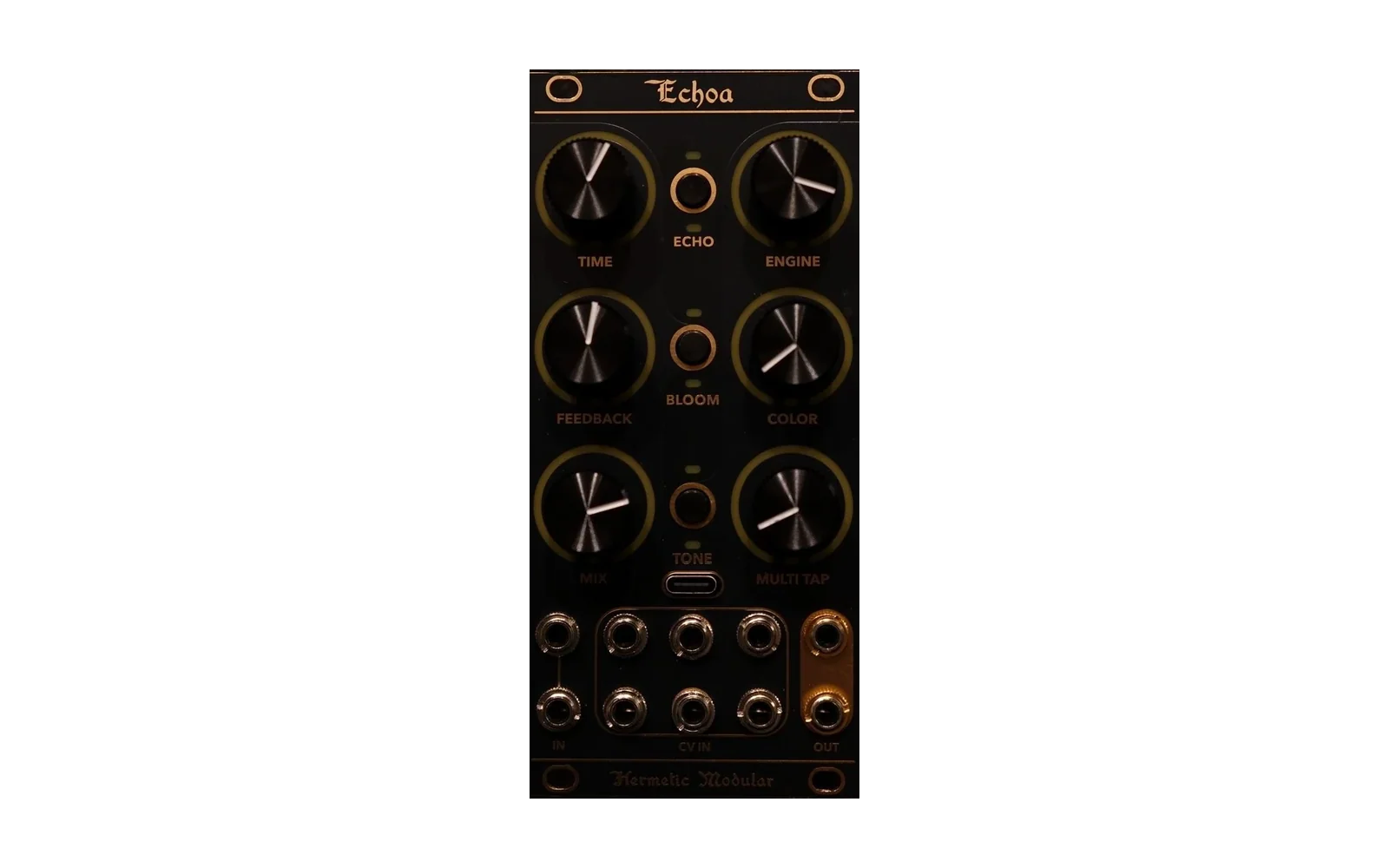
mi-alchemy
Loud87/100Mutable Instruments Clouds, Elements, Marbles and Plaits for the Hermetic Alchemy Lab V2: four firmwares from one repo, with SD-card firmware switching
mi-alchemy is a mod for the Hermetic Modular Alchemy Lab, by @timncox.
forHermetic Modular Alchemy Lab·by@timncox
Unclaimed. Is this yours? Sign in with GitHub as @timncox to claim it.
Betami-alchemy-sd-card-v0.2.3.zip· 2.1 MB· +9 files
Custom license· timncox/mi-alchemy·downloads come from the creator’s GitHub releases
v0.2.3v0.2.3 · Beads Setup fixed, detents, Elements knob recordingBeta10 files
Beads: the Setup page opens now. Hold B3 for the Mod page, then press B1: you get Setup (QUALITY, INPUT, IN GAIN, SEED IN, OUTPUT). Let go of B1 to go back to Mod, or let go of both for the Play page. On every earlier build the Setup page could never be reached, because a second hold on top of B3 was ignored. Thanks to the tester who reported it.
Beads: virtual detents. The Alchemy Lab's knobs have no centre click, so the flat spots in Beads' own knob curves are now wider and easier to land on:
- PITCH holds each interval (unison, semitone, minor and major third, fifth, octave, two octaves) over twice as much of the turn as before.
- TIME, SIZE, PITCH and SHAPE random (the Mod page, hold B3) have a wide flat spot at noon that means no randomness.
Elements: knob recording. Turn Settings P2 (B1) up to Record, then hold B1 and move knobs: each knob you move loops what it did, up to 16 seconds, and keeps looping after you let go. Gate, the default, plays notes as before. See the Elements manual's Record section.
Status: these three changes have been tested in the Alchemy Lab emulator and on a computer, not yet on a module. Settings saving (v0.2.2) is unchanged.
Install: unzip
mi-alchemy-sd-card-v0.2.3.ziponto the card's top level, so the.binfiles land in/alchemyandelements.smpin/mi(unchanged since v0.2.0), then pick a firmware in Settings. Checksums are inSHA256SUMS.txt.v0.2.2v0.2.2 · settings now actually saveBeta10 files
Settings now actually save. In v0.2.0 the panel was supposed to save to the SD card (
/alchemy/state/<name>.st), but it never did: the CPU-load readout kept re-flagging a change on every frame, so the five-second save countdown never finished. Because v0.2.0 also stopped saving to the preset slots, no settings survived a power-off in any of the seven. Fixed for all seven: a knob change is saved five seconds after the last change (or 30 seconds after the first, whichever comes first).Checked on a real Alchemy Lab with Elements: after a knob turn,
/alchemy/state/elements.stappears, and after a restart the knobs come back where they were.Also in this release (unreleased v0.2.1): fixes for out-of-table reads and NaNs found by running the firmwares under the emulator's address and undefined-behaviour sanitizers.
Status: Elements has been played on a module; Clouds, Marbles, Meld, Plaits, Warps and Beads are built and tested on a computer, so this is still a pre-release.
Install: unzip
mi-alchemy-sd-card-v0.2.2.ziponto the card's top level, so the.binfiles land in/alchemyandelements.smpin/mi(unchanged since v0.2.0), then pick a firmware in Settings. Checksums are inSHA256SUMS.txt.Seven
.binfiles,elements.smp, the SD-card zip andSHA256SUMS.txt.v0.2.0v0.2.0 · Beads, and settings saved on the card (untested on hardware)Beta10 files
Beads joins Clouds, Elements, Marbles, Plaits, Warps and Meld. Emilie Gillet released Beads' source on 2026-10-12 (pichenettes/eurorack@d8f4739), and this is that code, compiled for the Alchemy Lab with one upstream switch: Beads' 48 kHz path. The 32 kHz "Clouds" quality is resampled around the engine. Panel, jacks and caveats: src/beads/DESIGN.md.
Settings now live on the SD card. Each firmware saves its panel to
/alchemy/state/<name>.stinstead of a preset slot. Coming from v0.1.0, the first boot copies your settings from the old slot (6–11) onto the card. After that, slots 6–11 are free for presets you save by hand.Status: built and tested on a computer, not yet run on a module, so this is still a pre-release. The new card-saving code has never run on hardware either. After flashing, check that
/alchemy/state/appears and that a knob comes back after a power cycle.Install: unzip
mi-alchemy-sd-card-v0.2.0.ziponto the card's top level, so the.binfiles land in/alchemyandelements.smpin/mi, then pick a firmware in Settings. Checksums are inSHA256SUMS.txt.Seven
.binfiles,elements.smp, the SD-card zip andSHA256SUMS.txt.v0.1.0v0.1.0 · six Mutable Instruments ports (untested on hardware)Beta9 files
Mutable Instruments ports for the Hermetic Modular Alchemy Lab V2: Clouds, Elements, Marbles, Plaits, Warps (Parasites) and Meld.
Not yet run on a module. Every firmware builds and each engine passes its test suite on a computer, but none has been flashed or heard. Please report what you find: the CPU readout on P1 after a busy session is especially useful.
Install from the SD card
The easy way: download
mi-alchemy-sd-card-v0.1.0.zipand unzip it onto the top level of the Lab's SD card. That gives you:/alchemy/clouds_alchemy.bin /alchemy/elements_alchemy.bin /alchemy/marbles_alchemy.bin /alchemy/plaits_alchemy.bin /alchemy/warps_alchemy.bin /alchemy/meld_alchemy.bin /mi/elements.smp Elements' exciter samplesOr download single
.binfiles into/alchemy. Elements also needselements.smpin/mi, or its strike and blow exciters are silent.Then, on any firmware that has the picker (Mark, Smack, Belt, or one of these), hold B2 + B3 for two seconds to open Settings, press B1 for the firmware page, choose the file with P1, and fire P2: turn it below about 85 %, then all the way up.
First time on a stock Lab: hold B3 at power-on for update mode and flash a
.binwith Hermetic's web programmer.Each firmware keeps its settings in its own preset slot (Meld 6, Warps 7, Clouds 8, Elements 9, Marbles 10, Plaits 11), so switching doesn't lose them.
Manuals: https://timncox.github.io/mi-alchemy/
Custom firmware
Hermetic Modular and Mutable Instruments didn't write or test these ports and can't support them. Please don't contact them about it. The DSP is Emilie Gillet's (MIT); Parasites is Matthias Puech's (MIT).
Built from 42c5b50. SHA-256 checksums are in
SHA256SUMS.txt.