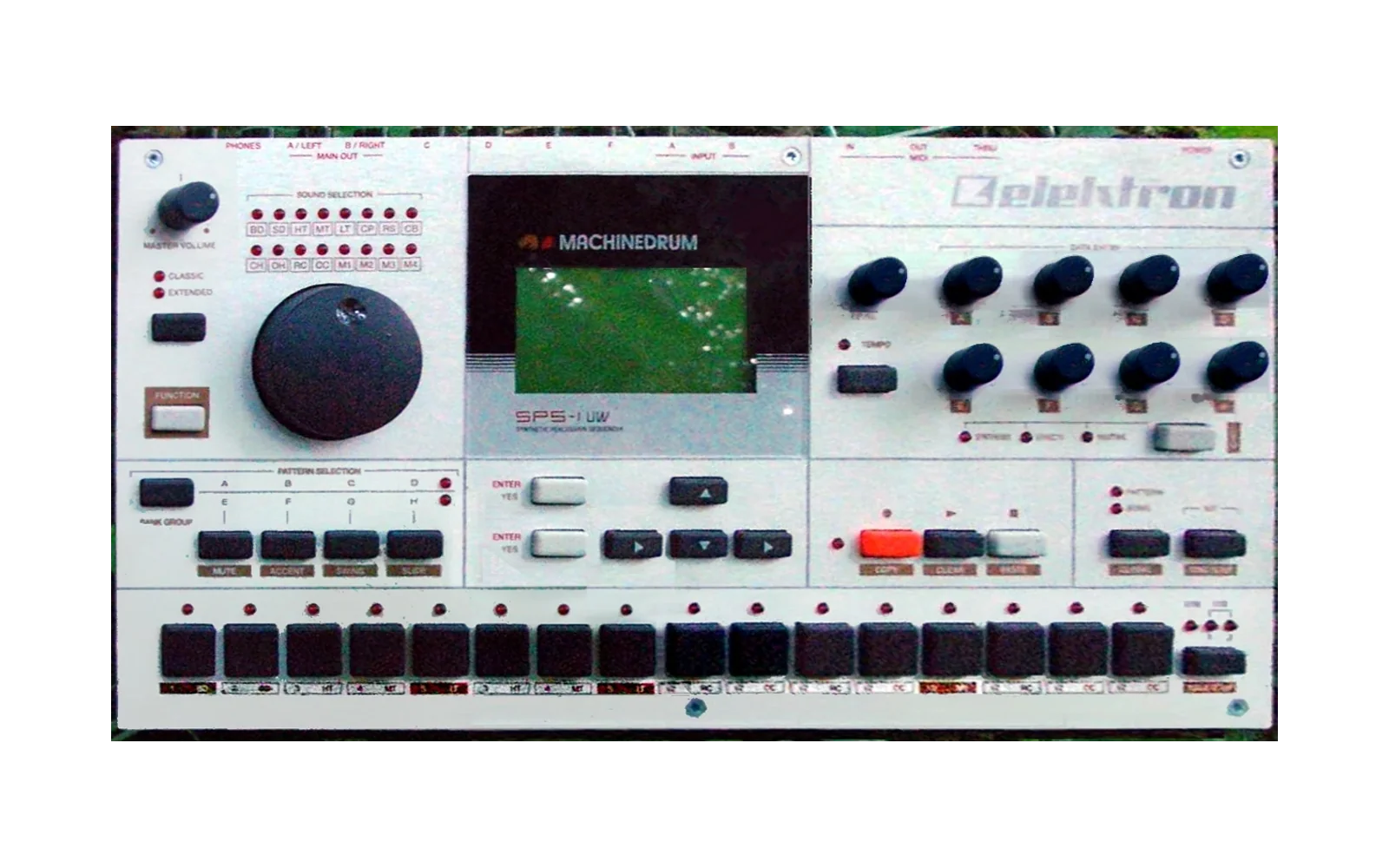
Machinedrum Kit
Copyright (c) 2026 Janne Heikkarainen (janne808@radiofreerobotron.net)
Reverse-engineered documentation for building custom machines into Elektron Machinedrum SPS-1UW firmware. It covers:
- the firmware image and update formats;
- the ColdFire OS structures behind the machine menus and kits;
- the DSP voice ABI;
- the audio path;
- how to write, pack and verify a new machine.
Everything here refers to one firmware: Machinedrum SPS-1UW OS 1.63,
image SHA-256 68542e30917b9918ccaee2b2237df62c8a00479938680b85aca93ce4fbca44c8
(elektron_sps1-1uw_os1.63.bin, 8,388,608 bytes). Addresses are specific to that
image.
This repository contains no firmware bytes and no disassembly listings. It describes structures, algorithms, calling conventions and procedures, with pseudocode where that is clearer than prose. The disassembly guide shows how to produce your own listings from your own copy of the firmware.
Installation
The documentation needs nothing. The tools need Linux; everything below was run in order from a fresh clone.
1. Prerequisites
| Tool | Needed for |
|---|---|
| git, Python ≥ 3.10 | Everything (mdkit uses only the standard library) |
| CMake ≥ 3.16, Ninja, a C++17 compiler | Building the emulator |
| GNU m68k binutils | ColdFire handlers of custom machines, and the monitor's ColdFire disassembly |
| curl (for rustup) | Only for building the DSP assembler (step 6) |
On Debian or Ubuntu:
sudo apt-get install git python3 cmake ninja-build build-essential binutils-m68k-linux-gnu curl
2. Clone
git clone <repository-url> machinedrum-kit
cd machinedrum-kit
Do not use --recursive. The emulator's third-party code is a git
submodule with many nested submodules (JUCE, RmlUi, freetype, …) that the
headless build does not need. The next step fetches only the four
repositories it uses.
3. Fetch the emulator sources
git submodule update --init tools/emulator/third_party/gearmulator
python3 tools/emulator/setup.py
The first command checks out Gearmulator (joelanders/gearmulator-md-mm) at
its pinned commit. setup.py then:
- initializes the three nested submodules the build needs: the DSP56300 emulator, the ColdFire core and AsmJit;
- checks that all four are at their pinned commits;
- applies the kit's patches from
tools/emulator/patches.
It prints third-party sources pinned and patched, and it is safe to run
again. python3 tools/emulator/setup.py --check only verifies, and
--reset removes the patches.
4. Build the emulator
cd tools/emulator
python3 harness.py build            # setup.py, CMake configure (Ninja), build; about 2 min on 8 cores
cmake --build build --target check  # 4 regression tests; no firmware needed
cd ../..
This produces tools/emulator/build/md-harness, md-monitor, md-kernel
and md-debug-hooks-test. harness.py build --jobs N limits parallelism. To
build by hand instead: cmake -S tools/emulator -B tools/emulator/build -G Ninja && cmake --build tools/emulator/build.
5. Add your firmware and run the tests
The firmware is not part of the kit. Put your copy anywhere and check it:
sha256sum elektron_sps1-1uw_os1.63.bin
# 68542e30917b9918ccaee2b2237df62c8a00479938680b85aca93ce4fbca44c8

python3 tools/emulator/harness.py verify --firmware elektron_sps1-1uw_os1.63.bin --output out/verify
# PASS: out/verify/report.json   (boot, SysEx reply, panel, audio)

cd tools && python3 -m unittest discover -s tests && cd ..     # mdkit, no firmware needed
cd tools/emulator && MD_FIRMWARE=../../elektron_sps1-1uw_os1.63.bin \
    python3 -m unittest discover -s tests -v && cd ../..       # monitor, about 1.5 min
MDKIT_FIRMWARE=… python3 -m unittest discover -s tests in tools/ adds
mdkit's checks against the real image. Start the debugger with
python3 tools/emulator/monitor.py --firmware elektron_sps1-1uw_os1.63.bin
(type help).
6. Build the DSP assembler (for custom machines)
The example machines need dsp56300-asm from
mborgerson/dsp56300 at commit
5b96b127. Its rust-toolchain.toml pins Rust 1.98.1, which rustup installs
on first use:
curl -sSf https://sh.rustup.rs -o rustup-init.sh
sh rustup-init.sh -y --profile minimal --default-toolchain none
source "$HOME/.cargo/env"

git clone https://github.com/mborgerson/dsp56300 ../dsp56300
git -C ../dsp56300 checkout 5b96b127413cc173143250c8c8226fb36cb99b3a
(cd ../dsp56300 && cargo build --locked --release -p dsp56300-asm)
../dsp56300/target/release/dsp56300-asm --version    # dsp56300-asm 1.0.0
Skip the rustup lines if you already have rustup.
7. Build and verify the examples
FW=elektron_sps1-1uw_os1.63.bin
ASM=../dsp56300/target/release/dsp56300-asm

python3 tools/examples/gnd-sw/build.py --firmware $FW --asm $ASM --output out/gnd-sw
python3 tools/examples/gnd-sw/verify.py --build out/gnd-sw --firmware $FW

python3 tools/examples/nfx-gn/build.py --firmware $FW --asm $ASM --output out/nfx-gn
python3 tools/examples/nfx-gn/verify.py --build out/nfx-gn

python3 tools/examples/nfx-sv/build.py --firmware $FW --asm $ASM --output out/nfx-sv
python3 tools/examples/nfx-sv/verify.py --build out/nfx-sv

python3 tools/examples/nfx-4p/build.py --firmware $FW --asm $ASM --output out/nfx-4p
python3 tools/examples/nfx-4p/verify.py --build out/nfx-4p
Each build writes a firmware image and an OS update: out/*/machinedrum-*.bin
and .syx. Each verify.py ends with ALL PASS: kernel tests, then a booted
run of a few minutes. --kernel-only skips the boot. Output directories must
not exist yet.
Updating
After pulling changes that move the submodule pin or the patches:
python3 tools/emulator/setup.py --reset
git submodule update --init tools/emulator/third_party/gearmulator
python3 tools/emulator/setup.py
python3 tools/emulator/harness.py build
If setup.py reports that a patch does not apply, a submodule has local
edits; setup.py --reset discards them.
Reading order
| # | Document | What it covers |
|---|---|---|
| 0 | Conventions | Number formats, address spaces, fixed point, how certainty is marked |
| 1 | System overview | CPUs, links, audio block timing, who does what |
| 2 | Memory maps | ColdFire, DSP2 and DSP1 address spaces, including what custom machines may use |
| 3 | Firmware image | Flash layout, blob chain, version record, boot sequence, DSP upload stream |
| 4 | Compression | The LZSS-family codec: exact decoder and encoder rules |
| 5 | SysEx OS updates | Update packet format and what the boot-ROM updater does |
| 6 | ColdFire OS | MainOS layout, kits, MIDI, globals and conversion tables |
| 7 | Machine catalogue structures | Descriptors, ID table, families, menus, control handlers |
| 8 | DSP2 voice ABI | Dispatcher, entry registers, state block, output banks, neighbour tap |
| 9 | DSP1 audio path | Track effects, generated mixer, master effects, routing, block scheduler |
| 10 | Stock machines | All 135 descriptors, entry points, algorithms, measured costs |
| 11 | Writing a custom machine | End-to-end walkthrough with a from-scratch example |
| 12 | Packing firmware | Every edit a build makes, flash bank layouts, checks, SysEx export |
| 13 | DSP programming notes | DSP56300 techniques and pitfalls, cycle budgeting |
| 14 | Custom machine reference | The kit's machines, GND-SW, NFX-GN, NFX-SV and NFX-4P: algorithms, packets, state, cost |
| 15 | Disassembly guide | Extracting and disassembling ColdFire and DSP code correctly |
| 16 | Emulation and verification | Emulator limits, test methodology, hardware lessons |
| 17 | Open questions and errata | What is unknown, and corrections to older notes |
| 18 | Emulator harness | Building and using the emulator, monitor and kernel runner in tools/emulator |
| — | Glossary | Terms used throughout |
To add a machine, read 0, 1, 7, 8 and 11 first, then 12 and 13, and start
from the example in tools/examples/nfx-gn.
Tools
tools/ contains:
mdkit, a standard-library Python package with a command line: the codec, extraction, packing and checks, SysEx conversion and machine registration, with tests;emulator/, the headless emulator used for every result here: a smoke test, a three-processor debugger and a kernel runner. Third-party code is pulled in as git submodules and patched at build time (doc 18);- example machines with build scripts, reference models and verifiers: GND-SW, NFX-GN, and the NFX-SV and NFX-4P filters.
Where this comes from
The findings come from:
- static analysis of the image;
- execution in an instrumented emulator: a Gearmulator Machinedrum board model with ColdFire Musashi and dsp56300 DSP cores;
- testing custom firmware on a real Machinedrum.
The emulator, its debugger and the example verifiers are in tools/, so the
emulator results can be reproduced with your own copy of the firmware.
Where emulator and hardware can differ, the text says so. Emulator timing is optimistic: it charges no external-memory wait states and does not model the DSP instruction cache. A build that passes in the emulator can still overrun on hardware (see emulation and verification).
Legal
This work is not affiliated with or endorsed by Elektron. Elektron owns the Machinedrum firmware. This repository documents its structure for interoperability and contains none of the firmware. You need your own copy of the firmware to use it. Images built with the kit contain Elektron’s firmware, so don’t share them; share your machine’s source and let others build it from their own copy. Flashing modified firmware is at your own risk. The boot-ROM updater never erases its own sector, so a bad OS can usually be replaced by sending the stock OS update (see SysEx updates). There is one exception. On every boot, MainOS can erase and rewrite the boot sector, updater included, from a copy it carries. An image that alters that copy or its check can leave a device that only an external flash programmer can recover. Never edit those MainOS bytes; see first-run boot-sector programming.