legio-stutterer
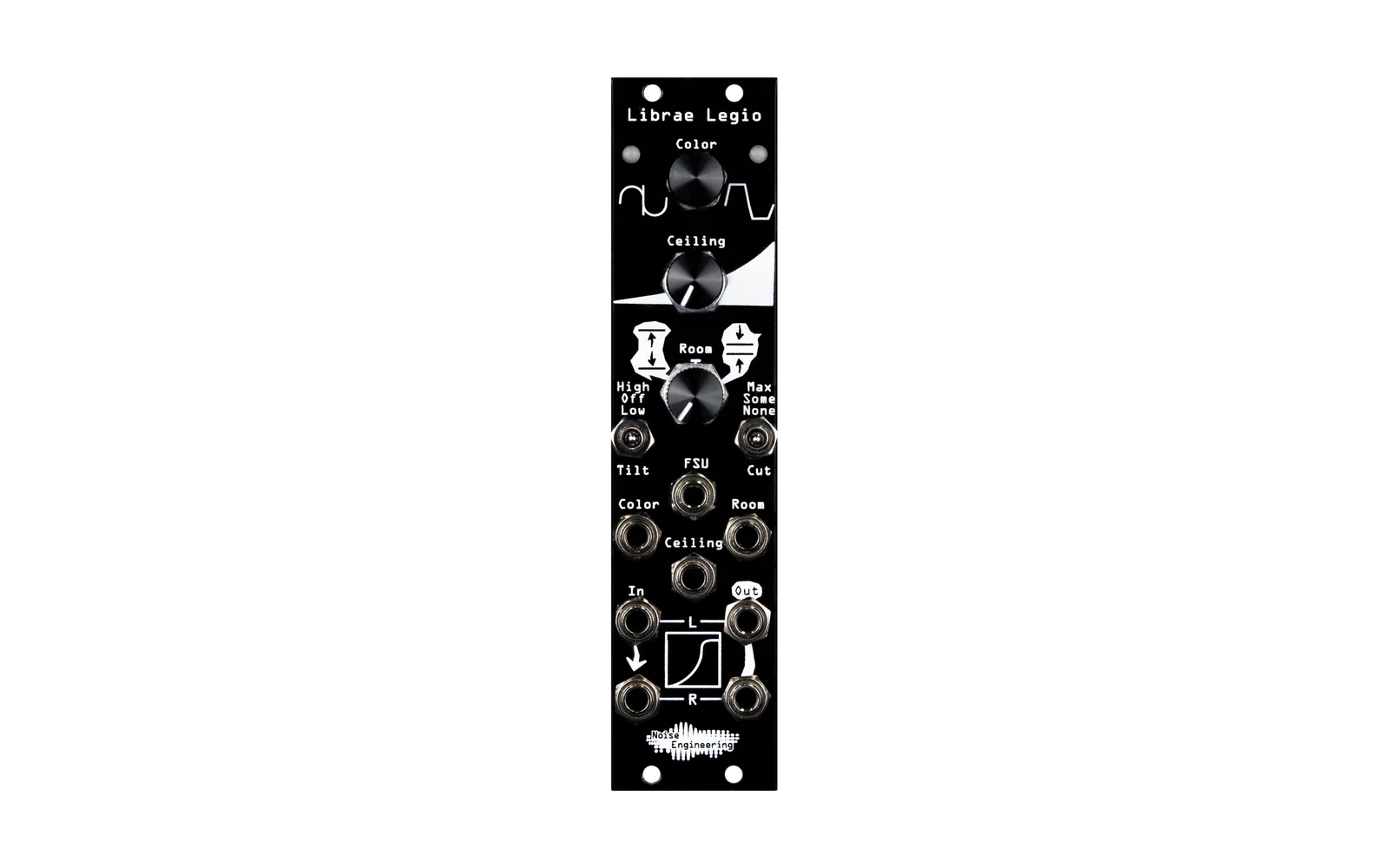
Alternative firmware for the Noise Engineering Legio Eurorack module. The build target is legio_tape. This firmware runs a stuttering looper, a tape delay, and a DJ filter, in stereo, with clock sync.
This firmware is part of a family of alternative firmwares for the Noise Engineering Legio platform (Daisy Patch SM, STM32H750):
- legio-sawstack — supersaw oscillator.
- legio-stutterer — stutter, tape delay, DJ filter (this firmware).
- legio-drifter — random Bézier panner, crossfader, and CV source.
You can flash any of these firmwares onto a Legio module through DFU. To restore the stock firmware, use Noise Engineering's customer portal.
Signal chain
input → stutter → tape delay (wet/dry) → DJ filter → soft clip → output
Controls
| Control | Function |
|---|---|
| Top encoder, rotate | Sets the tape speed. Turn clockwise to speed up, counterclockwise to slow down. The speed change is inertial. |
| Top encoder, short tap | Turns the stutter on or off. |
| Top encoder, long-press (0.75 s or more) | Resets the tape speed to 1×. |
| Middle knob | Sets the stutter subdivision: 1, 1/2, 1/4, 1/8, 1/16, or 1/32, across the knob's travel. |
| Bottom knob | Sets the DJ filter. Turn counterclockwise for a low-pass sweep, or clockwise for a high-pass sweep. Noon is bypass. |
| Left switch | Sets the clock multiplier for the tape and the stutter: ×2, =1, or ÷2. |
| Right switch | Sets the wet/dry mix: 100%, 50%, or 0%. |
| Gate input | External clock input. If the input receives no edges for 2 seconds, the clock falls back to 120 BPM. |
| V/OCT input | Currently disabled. The firmware reads this jack but ignores the value. This input is intended to pitch the tape, added to the value set by the encoder. Before you re-enable it, calibrate the ADC for your module. See "Open issues" in AGENTS.md. |
| Top CV (above the middle knob) | Modulates the stutter subdivision. The hardware sums this signal with the middle knob. |
| Bottom CV (above the bottom knob) | Modulates the filter. The hardware sums this signal with the bottom knob. |
Bypass mode
To start the module in bypass mode, hold the encoder while you power on the module, or while you press the Daisy reset button. In bypass mode, audio passes through with no DSP applied, and both LEDs show solid dim white. Use this mode to check the audio path separately from the DSP. To return to normal mode, power-cycle the module without holding the encoder.
Build
make -C lib/libDaisy   # one-time
make -C lib/DaisySP    # one-time
make                   # builds build/legio_tape.bin
Flash
- Put the module into DFU mode. See the Legio documentation. On most modules, hold BOOT and RESET on the Patch SM submodule.
- Run
make program-dfu.
Read the serial debug output
ls /dev/tty.usbmodem*
screen /dev/tty.usbmodem<TAB> 115200
The firmware prints a status line at about 5 Hz: clk=...ms ext=... stut=... sp=... filt=... wet=.... To quit screen, press Ctrl-a k, then y.
Run host-side tests
make -C test
This command builds and runs the DSP unit tests on your host machine, with g++. You do not need Daisy hardware.
Spec and design notes
See docs/superpowers/specs/2026-05-09-legio-firmware-design.md and AGENTS.md for the file layout, behavior notes, and Legio hardware notes.
License
MIT. See LICENSE. The libDaisy and DaisySP submodules are MIT-licensed by Electrosmith.