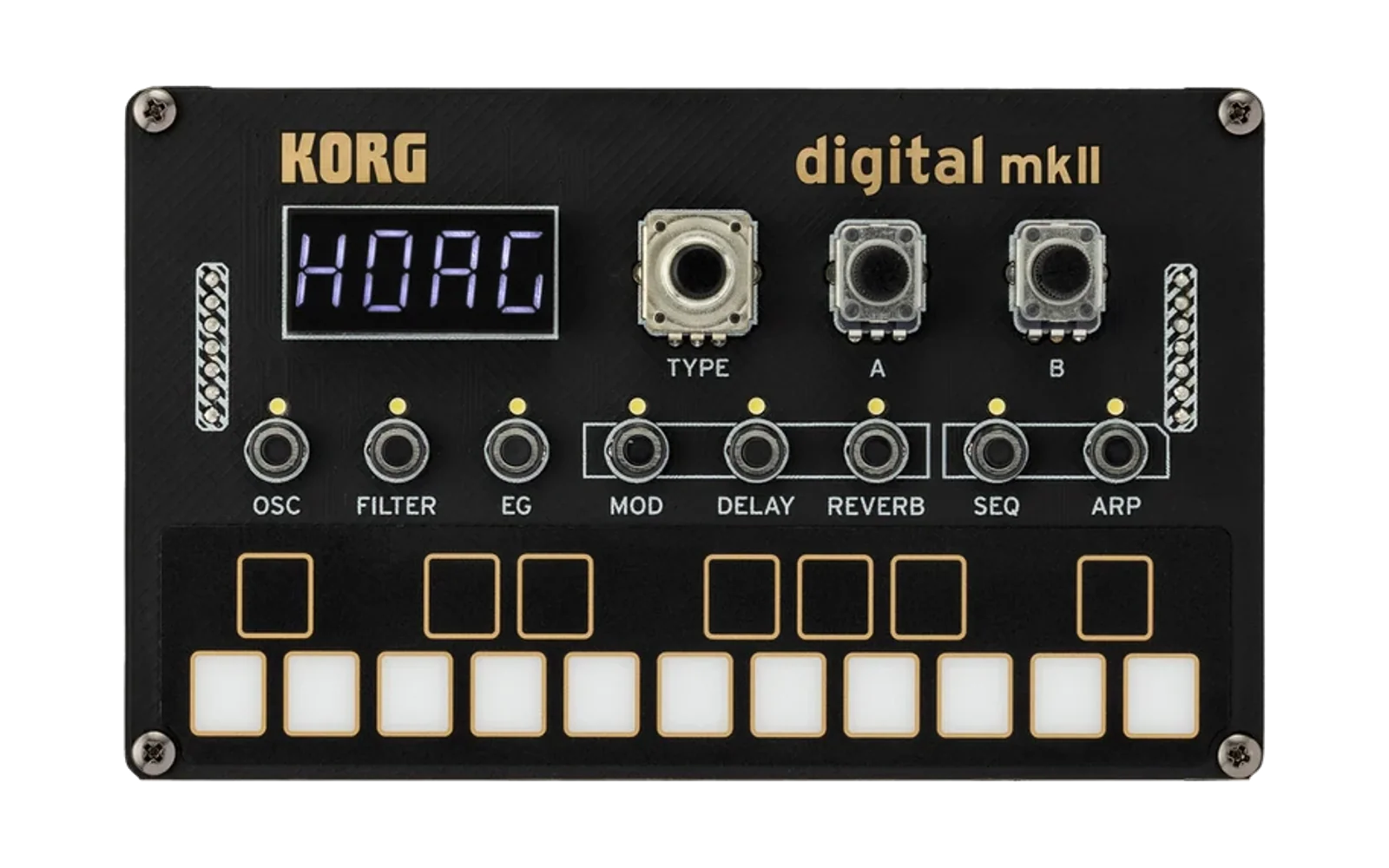
hvcc External Generator for NTS-1 mkII
This project is an external generator for hvcc. It generates code and other necessary files for the KORG logue SDK for NTS-1 mkII from a Pure Data patch. Such a patch can be converted to an oscillator unit, a modulation effect unit, a delay effect unit, or a reverb effect unit.
Installation
Clone this repository, and ensure that both hvcc and the logue SDK are installed. You also need GCC/G++ for your development environment to estimate the required heap memory size (see the Appendix for details).
Usage
-
Add the
hvcc_nts1mkiidirectory to yourPYTHONPATHby running:export PYTHONPATH=$PYTHONPATH:path-to-hvcc_nts1mkii -
To convert your patch, decide the type of unit and run:
hvcc YOUR_PUREDATA_PATCH.pd -G nts1mkii_{type} -n PATCH_NAME -o DESTINATION_DIRwhere
{type}is one ofosc,modfx,delfx, orrevfx.Check the
DESTINATION_DIRdirectory; it should contain four directories namedc,hv,ir, andlogue_unit. -
Move the directory named
logue_unitunder the logue SDK platform directorylogue-sdk/platform/nts-1_mkii. -
In the
logue_unitdirectory, run:make installAlternatively, you can specify your platform directory path via a compile-time option:
make PLATFORMDIR="~/logue-sdk/platform/nts-1_mkii" install
Examples
A separate repository containing sample patches for this project is available at:
https://github.com/boochow/nts1mkii_hvcc_examples
All examples for logue SDK v1 are also compatible with this project.
Receiving Parameters in Your Pure Data Patch
OSC Unit
Knobs
- The
[r shape @hv_param]object receives the knob A value as an integer (0 to 1023). Alternatively,[r shape_f @hv_param]receives a floating-point value between 0.0 and 1.0. - The
[r alt @hv_param]object receives the knob B value as an integer (0 to 1023). Alternatively,[r alt_f @hv_param]receives a floating-point value between 0.0 and 1.0.
Pitch and LFO
- The
[r pitch @hv_param]object receives the oscillator pitch frequency in Hz. Alternatively,[r pitch_note @hv_param]receives the oscillator pitch as a floating-point note number. - The
[r slfo @hv_param]object receives the shape LFO value, which ranges from 0.0 to 1.0. Remember that the shape LFO is a control value, not a signal value.
Note Events
- The
[r noteon_trig @hv_param]object receives abangwhen a MIDI Note On event occurs. - The
[r noteoff_trig @hv_param]object receives abangwhen a MIDI Note Off event occurs.
ModFx / DelFx / RevFx Unit
Knobs
-
The
[r time @hv_param]object receives the knob A value as an integer (0 to 1023). Alternatively,[r time_f @hv_param]receives a floating-point value between 0.0 and 1.0. -
The
[r depth @hv_param]object receives the knob B value as an integer (0 to 1023). Alternatively,[r depth_f @hv_param]receives a floating-point value between 0.0 and 1.0. -
With DelFX and RevFX units, the
[r mix @hv_param]object receives the mix knob (DELAY or REVERB button + knob B) value as an integer (-1000 to 1000). Alternatively,[r mix_f @hv_param]receives a floating-point value between -1.0 and 1.0. Logue SDK assumes that -1000 and -1.0 represent 100% dry sound, zero represents 50% dry/50% wet sound, 1000 and 1.0 represent 100% wet sound.
Parameters (available for all types of units)
Any [r] object whose variable name does not match those described above but includes the @hv_param parameter is recognized as a parameter. Up to eight parameters can be used for oscillator units and modFx units, seven for delFx and revFx units.
Specifying Parameter Slot Number
Optionally, you can specify the parameter slot by adding a prefix _N_ (where N is a number from 1 to 8) to the variable name. The remainder of the name is used as the variable name on the synthesizer’s display. For example, the variable name _3_ratio assigns the parameter "ratio" to slot 3.
Receiving Floating-Point Values
By default, all variables receive raw integer values from the logue SDK API. You can specify a minimum value, a maximum value, and a default value like this:
[r varname @hv_param 1 5 3]
When the minimum, maximum, and default values are omitted, they are assumed to be [0 1 0]. The default value must be specified when the minimum and the maximum values are specified.
A variable with the postfix _f receives a floating-point value between 0.0 and 1.0 (mapped from integer values between 0 and 1023). You can optionally specify the minimum, maximum, and default values using the syntax:
[r varname @hv_param min max default]
Parameter Type
mix and mix_f are always considered as a k_unit_param_type_drywet type parameter. All other parameters are defined as floating-point type or integer type according to whether their name ends with _f or not.
Restrictions
DAC and ADC
The logue SDK oscillator units support only a 48,000 Hz sampling rate. The number of channels of [dac~] object must be 1 for oscillator units, 2 for other types of units. The number of channels of [adc~] must be 2 for all types of units.
Memory Footprint
A unit must fit within the Max RAM load size. While no error will occur in the build process when the binary file might exceed this limit, a warning message below will appear after build process:
 Memory footprint: 29796 bytes
 WARNING: Memory footprint exceeds 24576
msg_toString() does not work
To reduce the memory footprint, hv_snprintf() is replaced by an empty function. The msg_toString() function does not work because it requires hv_snprintf().
Appendix
Differences between unit types
| unit type | max size | max SDRAM | knob A | knob B | mix | num. of params | predefined | DAC |
|---|---|---|---|---|---|---|---|---|
| osc | 48KB | 0 | shape, shape_f | alt, alt_f | - | 8 | pitch, pitch_note, slfo, noteon_trig, noteoff_trig | 1ch |
| modfx | 16KB | 256KB | time, time_f | depth, depth_f | - | 8 | - | 2ch |
| delfx | 24KB | 3MB | time, time_f | depth, depth_f | mix, mix_f | 7 | - | 2ch |
| revfx | 24KB | 3MB | time, time_f | depth, depth_f | mix, mix_f | 7 | - | 2ch |
Size of the Heap Memory
To ensure that your unit will fit within the memory space limitation, you must specify the heap size of your unit before the build process. The heap size can be set as a compiler flag:
-DUNIT_HEAP_SIZE=3072
The heap size estimation process is integrated into config.mk, or you can manually specify the size like this:
make HEAP_SIZE=4096
For automatic estimation, this external generator creates testmem.c and Makefile.testmem. When GCC and G++ are available, testmem.c is built and executed from config.mk, and the estimated heap size will be saved in logue_heap_size.mk.
You can check the malloc() calls and the total requested memory for generating the first 960,000 samples by running:
make -f Makefile.testmem
./testmem
If GCC and G++ are not available in your development environment, the default heap size (3072 bytes) is used. (Note: In the Docker image version of the logue SDK build environment, GCC/G++ are not provided, so the default heap size is always used.)
Size of the SDRAM allocation
The source code generated by this external generator allocates memory blocks whose size are larger than 256 bytes in the SDRAM area. This feature is enabled for the modfx, delfx, and revfx units to store large data such as a delay line.
Since logue SDK requires units to allocate SDRAM blocks in their initialization process, you must specify the total SDRAM size of your unit before the build process. The size for your unit is estimated within the same process as heap memory size estimation, so usually you do not need to estimate it by yourself.
Math Functions Approximation
Some math functions have been replaced with logue SDK functions that provide approximate values. If you get inaccurate results, comment out the following line in config.mk:
UDEFS += -DLOGUE_FAST_MATH
to disable the fast math approximation. Note that disabling this may result in a larger binary size.
Internal Sampling Rate
To reduce processing load, enabling the -DRENDER_HALF option allows the oscillator unit to calculate only half of the requested sample frames and interpolate the rest. This results in the sound lacking harmonics above 12 kHz, and many artifacts may appear in higher notes if no band-limiting technique is used. You can edit the config.mk file and enable the commented line:
UDEFS += -DRENDER_HALF
to turn on this feature.
Filling a Table with White Noise
Any table whose name ends with _r that is exposed using the @hv_table notation is always filled with white noise using the logue SDK function osc_white(). This feature can be used to replace the [noise~] object with the much lighter [tabread~] object.
However, note that:
- Filling the buffer with
osc_white()requires significant processing time, so keep the table size as small as possible (typically 64 samples). - To generate white noise, you also need a
[phasor~ freq],[*~ tablesize], and[tabread~]object. The value offreqshould be48000 / tablesize.
Credits
- Heavy Compiler Collection (hvcc) by Enzien Audio and maintained by Wasted Audio
- logue SDK by KORG
- Pure Data by Miller Puckette