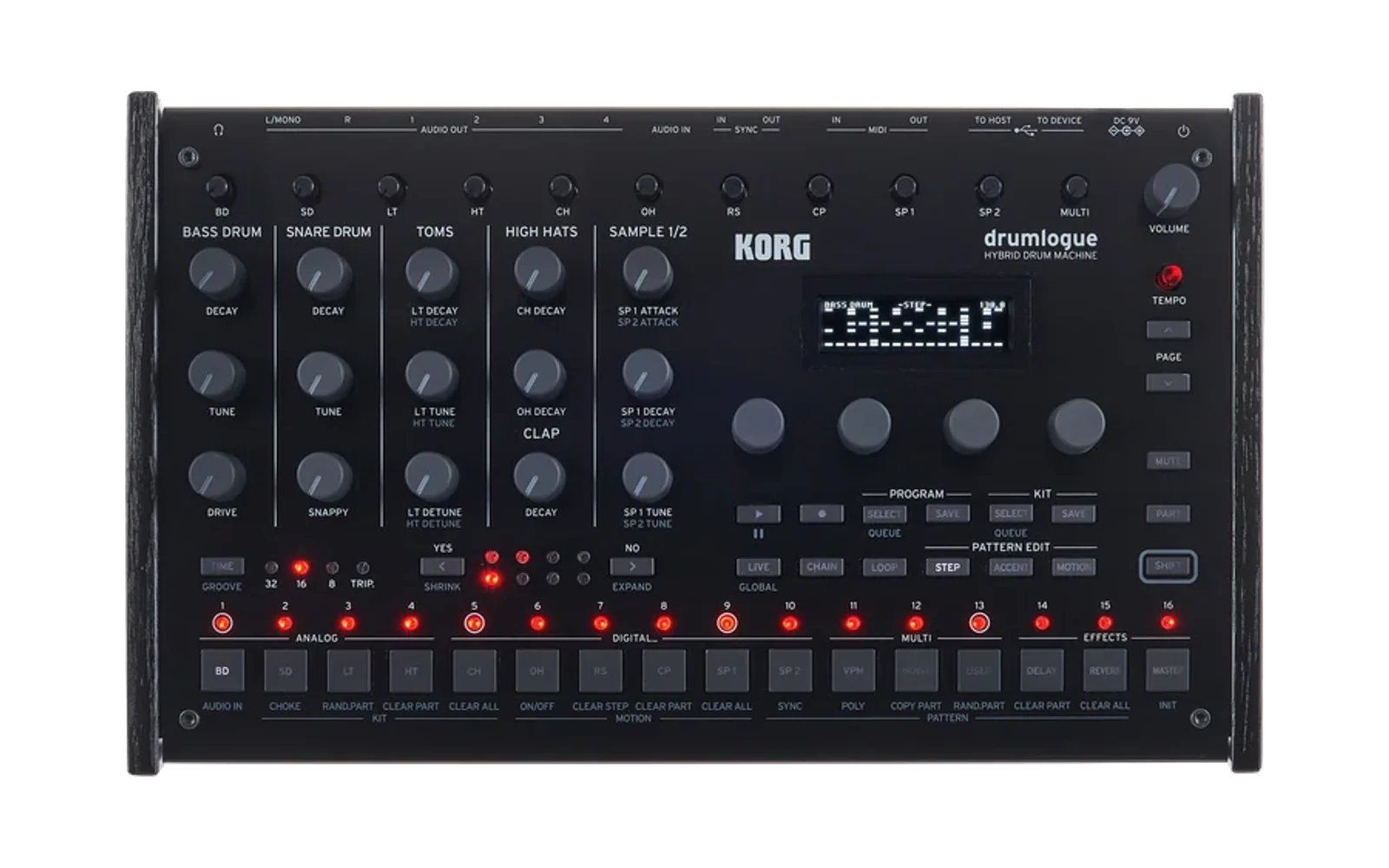
hvcc External Generator for drumlogue
This project is an external generator for hvcc. It generates code and other necessary files for the KORG logue SDK for drumlogue from a Pure Data patch. Such a patch can be converted to a synth unit, a delay effect unit, a reverb effect unit, or a master effect unit.
Installation
Clone this repository, and ensure that both hvcc and the latest logue SDK are installed. If you are new to the logue SDK, read the document of logue SDK for drumlogue first.
Usage
-
Add the
hvcc_drumloguedirectory to yourPYTHONPATHby running:export PYTHONPATH=$PYTHONPATH:path-to-hvcc_drumlogue -
To convert your patch, decide the type of unit and run:
hvcc YOUR_PUREDATA_PATCH.pd -G drumlogue_{type} -n PATCH_NAME -o DESTINATION_DIRwhere
{type}is one ofsynth,delfx,revfx, ormasterfx.Check the
DESTINATION_DIRdirectory; it should contain four directories namedc,hv,ir, andlogue_unit. -
Move the directory named
logue_unitunder the logue SDK platform directorylogue-sdk/platform/drumlogue. -
In the
logue_unitdirectory, run:make installAlternatively, you can specify your platform directory path via a compile-time option:
make PLATFORMDIR="~/logue-sdk/platform/drumlogue" install
Examples
A separate repository containing sample patches for this project is available at:
https://github.com/boochow/drumlogue_hvcc_examples
Restrictions
- The logue SDK oscillator units support only a 48,000 Hz sampling rate.
- The number of channels of
[dac~]object must be 1 or 2 for all types of units. - The number of channels of
[adc~]must be 4 formasterfxunits, and 2 for other types of units.
Parameters
Parameter Basics
Any [r] object that includes @hv_param as the second argument is recognized as a parameter of the user unit. Parameters are exposed to the logue SDK unit and controlled using the knobs on drumlogue. The first argument of the [r] object, a symbol name, is recognized as the target that any parameter changes are sent to. Also it is used as the parameter name in the drumlogue's parameter menu.
Since drumlogue has 24 parameter slots, you can declare up to 24 parameters in your Pure Data patch.
By default, all [r symbolName @hv_param]objects receive raw integer values from the logue SDK API. You can specify a minimum value, a maximum value, and a default value as the third, fourth, and fifth arguments like this:
[r symbolName @hv_param 1 5 3]
When the minimum, maximum, and default values are omitted, they are assumed to be 0 1 0. The default value must be specified when the minimum and the maximum values are specified.
The range of integer parameter values is limited to the range between -32768 and 32767. When min and max values exceed these limits, they are clipped to between -32768 and 32767.
Specifying Parameter Slot Number
Optionally, you can specify the parameter slot by including a prefix _N_ (where N is a number from 1 to 24) in the symbol name. The prefix is removed for the parameter name on the drumlogue's parameter menu.
For example, the symbol _3_ratio assigns the parameter "ratio" to parameter slot 3.
When the specified slot is already in use, the specification is ignored and a warning message is printed.
Receiving Floating-Point Values
A symbol name with the postfix _f can be used to receive floating-point values. You can optionally specify the minimum, maximum, and default values using the syntax:
[r symbolName_f @hv_param 0 1 0.5]
The postfix is removed for the parameter name on the drumlogue's parameter menu.
All floating-point parameters have 100 steps from the minimum to the maximum value. For example, the parameter generated from the [r symbolName_f @hv_param 0 1 0.5] will increase or decrease by 0.01 for each click of the knob encoder.
Available Parameters
Aside from user parameters exposed by @hv_param, there are fixed parameters and built-in parameters for each unit type.
| type | use a parameter slot | Pd declaration required |
|---|---|---|
| fixed | Yes | unnecessary |
| built-in | No | unnecessary |
| user | Yes | necessary |
The fixed parameters are special parameters for specific type of the unit. They are always available regardless of whether corresponding [r] object is in your patch or not, and placed at the first place in the parameter slots. The fixed parameters use a single parameter slot for each, and the rest of the parameter slots are used for user parameters.
A set of built-in parameters is provided to send/receive information to/from the logue SDK unit. The built-in parameters are also always available. They will never appear as unit parameters, so they require no parameter slots and you cannot change them with the knobs and menus on drumlogue.
The table below shows built-in parameters available for drumlogue.
| unit type | name | type | format | s/r | description |
|---|---|---|---|---|---|
| all | sys_tempo | built-in | f | r | sent when a tempo change occurs. |
| synth | note | fixed | f | r | a MIDI note number. |
All types of units have a built-in parameter sys_tempo which receives a float number when the tempo is changed on drumlogue. You can use this value for tempo-synced delay, etc.
The synth units have a fixed parameter note as the first parameter, so 23 parameters are left for your patch. The main purpose of note parameter is to specify the default note for drumlogue's sequencer, but it is also possible to access this parameter from your patch.
Displaying the Parameter Units
Drumlogue can change the formats of displaying parameter values. You can specify the parameter unit as the sixth argument of [r] object.
Currently available sixth arguments and corresponding display formats are:
| Pure Data receive object | Display |
|---|---|
[r symbolName @hv_param 0 100 50 percent] | 50% |
[r symbolName @hv_param 0 100 50 db] | 50db |
[r symbolName @hv_param 0 100 50 cents] | +50C |
[r symbolName @hv_param 0 100 50 hertz] | 50Hz |
[r symbolName @hv_param 0 100 50 khertz] | 50kHz |
[r symbolName @hv_param 0 100 50 ms] | 50ms |
[r symbolName @hv_param 0 100 50 sec] | 50s |
[r symbolName @hv_param 0 100 50 semi] | +50 |
[r symbolName @hv_param 0 4 2 oct] | +2 |
[r symbolName @hv_param -100 100 10 drywet] | D90 |
[r symbolName @hv_param -100 100 -10 pan] | L10% |
[r symbolName @hv_param -100 100 -10 spread] | <10% |
[r symbolName @hv_param 0 1 0 onoff] | OFF |
[r symbolName @hv_param 0 127 60 midinote] | C4 |
MIDI Events
For drumlogue, Pure Data object [notein], [bendin], [touchin] can be used in patches for synth units. The [ctlin] object does not work because all MIDI control messages are used to control the parameters of drumlogue instruments.
Only the first 16 parameters of each unit can be controlled via MIDI control change messages. See "MIDI Implementation Chart" in the drumlogue user guide for the mapping between MIDI control change and units parameters.
How to set up MIDI channel of drumlogue
Note that you also need to appropriately set the MIDI input channel in the global menu of drumlogue to send / receive MIDI control change messages. Usually you need to set your drumlogue to multi channel mode by selecting "A-B" style option in the menu.
For example, if you want to control a synth unit via MIDI channel 1, set the MIDI channel to "7-2". This configuration sets MIDI ch 7 for BD, ch 8 for SD, ..., ch 16 for SP2, and ch 1 for MULTI and ch 2 for EFFECTS. In this configuration, MIDI CC #16-#31 on MIDI ch 1 control USER SYNTH PARAM 1-16, and MIDI CC #12-#112 on MIDI ch 2 control EFFECT parameters.
The MIDI channel number outlet of [notein] object always sends zero regardless of the above settings, because the logue SDK provides no API for acquiring the current MIDI channel settings of drumlogue.
Using Sample Sounds in Your Pure Data Patch
Preparing Tables for Sample Sounds
Sample audio data on drumlogue can be copied to a table whose name ends with _s and has the third argument @hv_table. The table can be used with [tabread~] and [tabread4~].
When a table for sample data is declared, corresponding symbols and parameters below become available.
| symbol | type | format | send/receive | value |
|---|---|---|---|---|
tableName_s | table | array of f | - | sample audio data |
tableName_set | output parameter | s f | s | specify meta data |
tableName_size | built-in parameter | f | r | sample length |
tableName_bankMenu | input parameter | f | r | selected bank number |
tableName_indexMenu | input parameter | f | r | selected index number |
You can specify the sample data to be copied and its format by sending messages to the symbol whose name ends with _set. The table below shows available meta data that can be used in a message.
| symbol | value | specifying |
|---|---|---|
bank | 0, 1, 2, 3, 4, 5, 6 | CH, OH, RS,CP, MISC, USER, EXP |
index | 0 .. 127 | sample index number |
chan | 1, 2 | monaural, stereo |
guard | 0, 1 | no guard samples, 3 guard samples for [tabread4~] |
Selecting Bank and Index
The sample sound bank number is between 0 and 6. The genres and the maximum index numbers for each bank are:
| 0 | 1 | 2 | 3 | 4 | 5 | 6 |
|---|---|---|---|---|---|---|
| Closed HH | Open HH | Rim shot | Clap | Misc | User | Expansion |
| 15 | 15 | 15 | 15 | 63 | 127 | 127 |
The special parameter _bankMenu shows the genre name and _indexMenu shows the sample name instead of a number on the drumlogue's menu screen to allow the user to select sample data.
You can specify the minimum, maximum, and default values for these parameters.
For example,
[r sampleBuffer_bankMenu @hv_param 0 1 0] [r sampleBuffer_indexMenu @hv_param 0 15 0]
allow selecting one of the 32 closed or open hi-hat sounds.
Since _bankMenu and _indexMenu aim to help the user but not to configure the table, the selected parameter values will not be sent to the _set parameter. You need to send the received parameter values explicitly in your Pure Data patch.
Using Sample Length
The sample length, usually necessary for playing back the sound, is sent only to the _size parameter whenever a new sample sound is copied to the corresponding table.
Due to current hvcc implementation, whenever the table is resized to a larger size than its original declaration, you need to send a [set tableName_s ( message to the [tabread~] object.
This is because the code converted from [tabread~] object may check the index range to limit the index number to the size of the table, which is captured only upon the patch initialization phase. The [set ( message lets the [tabread~] object re-capture the table size.
Specifying Sample Sound Format
Stereo Samples
Both monaural and stereo sounds can be copied into a table. By default, stereo samples are down-converted to monaural sound while copying. You can set a table to hold stereo samples by sending the [chan 2 ( message to the _set parameter.
Stereo tables have the left channel samples in the first half and the right channel samples in the second half. When the source sample sound is monaural, the same data is copied to the first half and the second half.
The sample length received via _size parameter is the same both for monaural and stereo tables.
Adding Guard Samples for Interpolation
The Pure Data object [tabread4~] needs extra single sample at the head of the table and two samples at the tail of the table for smooth interpolation. It can be automatically added while copying sample data from drumlogue to a table. To enable this feature, send [guard 1 ( message to the _set parameter. Sending [guard 0 ( message disables the feature.
The sample length is the same regardless of the guard value. Just start playback from the second sample of the table with the guard samples.
When the table holds the stereo samples, both left and right channel samples have 3 guard samples. So, the start points of each channel are:
- left: 1
- right: length + 4
Appendix
Filling a Table with White Noise
Any table whose name ends with _r that is exposed using the @hv_table notation is always filled with white noise. This feature can be used to replace the [noise~] object with the much lighter [tabread~] object.
This feature is originally added for logue SDK v1 devices, NTS-1 mkII, and NTS-3. It is not necessary for drumlogue because drumlogue has no strict memory footprint limitation, but it remains for compatibility with other devices.
Credits
- Heavy Compiler Collection (hvcc) by Enzien Audio and maintained by Wasted Audio
- logue SDK by KORG
- Pure Data by Miller Puckette