Hagiwo/Modulove
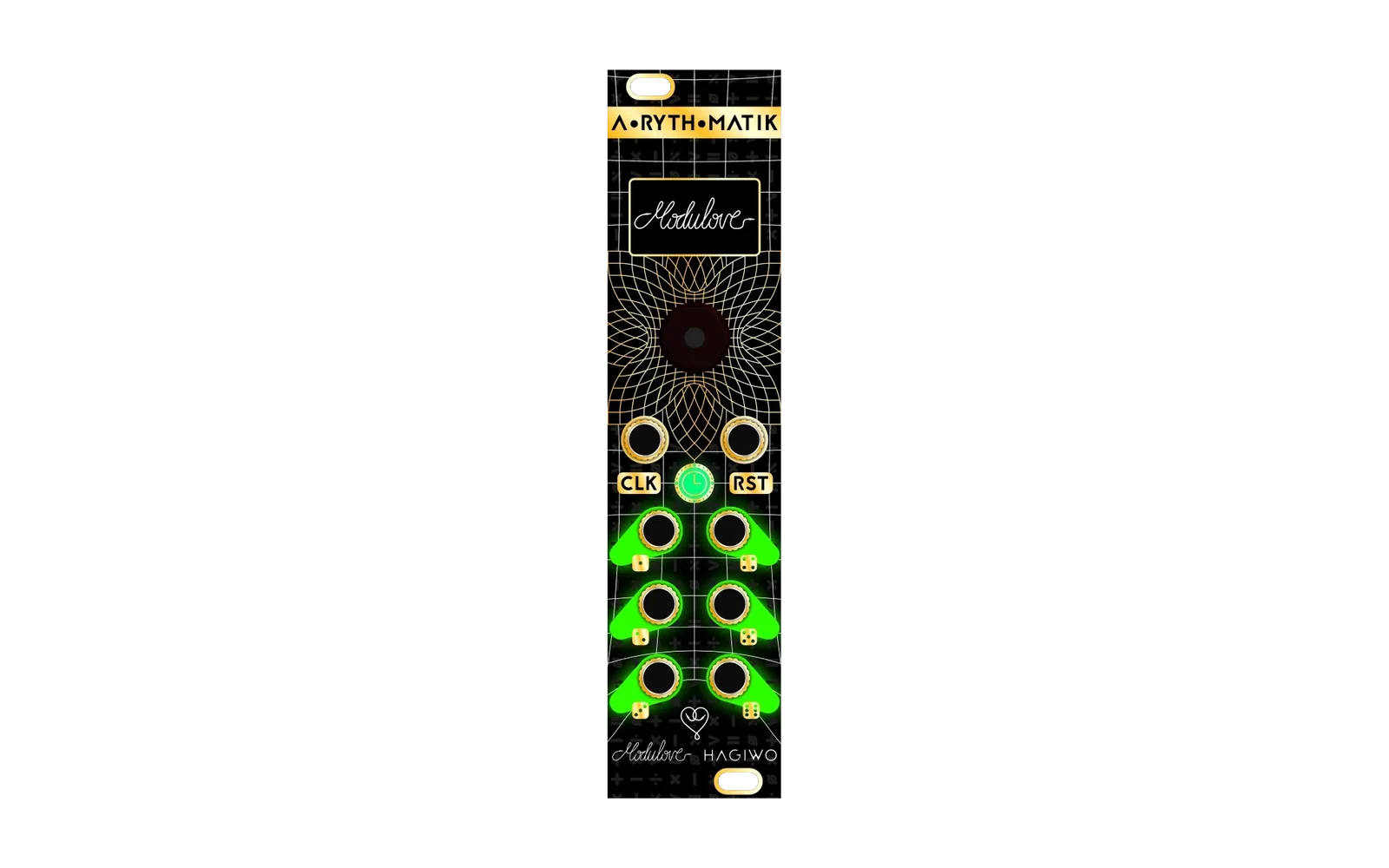
This is a collection of open source alternative firmwares for Modulove's Sync LFO and A-RYTH-MATIK.
Documentation for each alt firmware is available at https://awonak.github.io/HagiwoModulove/. This site also provides the ability to flash the firmware to your module directly from your web browser! No need to compile or upload from the Arduino IDE!
Original open source hardware/firmware and design can be found here:
Hagiwo
Modulove
Firmware Development
Clone the repo and dependencies
# Clone the HagiwoModulove repository
$ git clone https://github.com/awonak/HagiwoModulove.git
# Install libmodulove from GitHub using the arduino cli.
$ arduino-cli config init
$ arduino-cli config set library.enable_unsafe_install true
$ arduino-cli lib install --git-url https://github.com/awonak/libModulove.git
# OR optionally clone libmodulove for local development
$ git clone https://github.com/awonak/libModulove.git
$ ln -s `pwd`/libmodulove ~/Arduino/libraries
Configure Visual Studio Code for your IDE
Required Extensions:
Configure the Arduino extension
Arduino Board Configuration: Arduino Nano
Select Programmer: AVRISP mkii
Additional Intellisense configuration
CMD + Shift + P > C/C++: Edit Configurations (JSON)
Within the Arduino configuraiton, add -mmcu=atmega328 to the compilerArgs list:
"compilerArgs": [
    "-mmcu=atmega328"
]
Next add your Arduino libraries path to the includePath list:
"includePath": [
    "${HOME}/Arduino/libraries/**",
    "${HOME}/.arduino15/packages/arduino/hardware/avr/1.8.6/libraries/**"
]
To make sure the Arduino extension does not overwrite these changes, update .vscode/arduino.json and add the following config:
"intelliSenseGen": "disable"
Additional User Settings for Arduino extension configurations.
Additional board config for an LGT8F328P Arduino Nano clone
"arduino.additionalUrls": [
    "https://raw.githubusercontent.com/dbuezas/lgt8fx/master/package_lgt8fx_index.json",
],
You're now ready to start hacking!