FM-1 to SMK-37: run your FM-1 firmware on the SMK-37
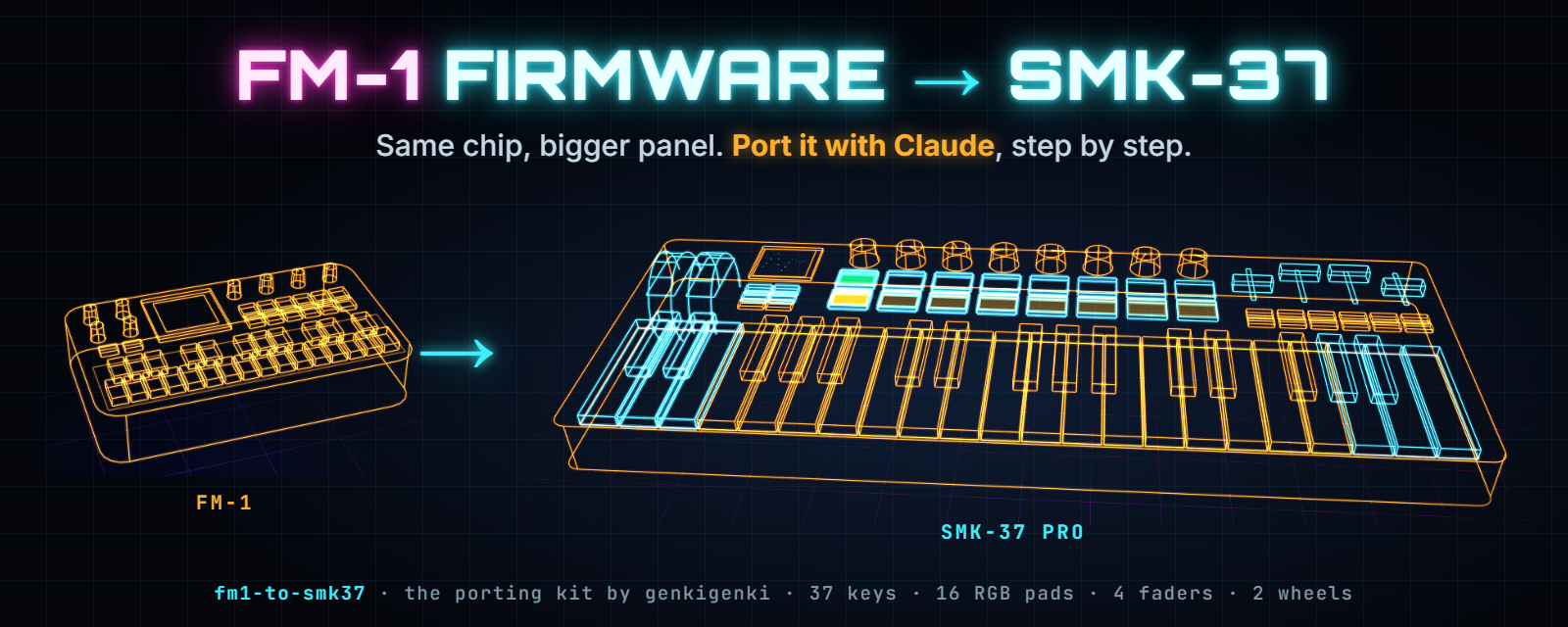
A kit to migrate open M-Vave FM-1 firmwares to the M-Vave SMK-37 with a coding agent such as Claude Code, and to develop for both boards from one source.
Website · Agent playbook · Mapping patterns · Setup file · Develop for both · Pitfalls · Install the ports · by genkigenki
Steps to migrate
- Start Claude Code in an empty folder on your PC (Windows with WSL, or Linux) and paste the prompt.
It clones the firmware and this kit and sets up the toolchain; you approve each command:
Clone <firmware repo> and github.com/genkigenki/fm1-to-smk37, then port the firmware to the SMK-37. Follow fm1-to-smk37/AGENTS.md step by step. Ask me the setup questions first. Keep the FM-1 build byte-identical. Never write the protected flash ranges. Ask me before you flash the SMK-37. - Answer the questions. What should the 16 pads, 4 faders, 10 outer keys, wheels and knobs do? Claude
writes your answers into
smk37-port.yaml; the mapping patterns and the examples show the options. - Let it build. Claude works through
AGENTS.md: baseline build, the board layer (the SLOOP commits for SLOOP forks, the Felucca commits for Felucca forks), storage, controls, all three models, tests. It stops after each area, so you can check what it did. The FM-1 build stays byte-identical. - You do the hardware. Full flash backup first, then install, play, and tell Claude what works and what doesn't (or paste the serial console). It fixes, rebuilds, you install again.
- Send it upstream. A pull request to the original firmware: everything behind
BOARD_SMK37, the project's own name and look, a neutralSMK37.mdand one README line. Until it is merged, the build lives in your fork of the original, with its releases there.
Any other coding agent that can read AGENTS.md and run a shell works too. At your own risk, as always.
Already ported this way
| Port | From | What the SMK adds | Upstream |
|---|---|---|---|
| Makkuro37 | new firmware | pads gate eight drone voices, a CHAOS pad, fader banks | |
| SLOOP, SMK-37 build | SLOOP | pads in track colours, pad sound picker, fader banks, outer-key drums. The reference port. | isod89/sloop-fm1#112 (hardware), #130 (optional Snoop37 look, branch snoop37) |
| X0X, SMK-37 build | fm1-x0x | pads as a 16-step grid | charlesvestal/fm1-x0x#13 |
| FoMni, SMK-37 build | fm1-fomni | pads as a strum plate, keybed holds the chords | charlesvestal/fm1-fomni#2 |
| MAKU, SMK-37 build | maku | an ambience machine: verbs on the buttons and wheels | okumurari2/maku#4 |
| Rainbow mode, SMK-37 build | felucca-rainbow | a toy for children: pads in note colours, a volume cap on K1, no menus; the full Felucca behind a combo | joshbartlettband-web/felucca-rainbow#1 |
| GHOULBOX, SMK-37 build | ghoulbox-fm1-dungeon-synth | outer keys through the key path (chords, drone latch, splits), fader banks | jasonpersinger/ghoulbox-fm1-dungeon-synth#5 |
| Felucca, SMK-37 build | Felucca | the SMK-37 as a build target | hugelton/Felucca#237 |
All of them install from the browser at genkigenki.github.io/smk37.
Why this works
The FM-1 has a lively open firmware scene. It started with Felucca by Leo Kuroshita / Hügelton Instruments, and forks such as SLOOP, sloopDX, X0X, FoMni-1 and Melodee followed. The SMK-37 is a 37-key controller with 16 RGB pads, 8 encoders, 4 faders, pitch and mod wheels, a colour screen and a built-in synth. Inside it uses the same JieLi AC791N (WL82) chip as the FM-1, the same second-stage bootloader, the same update loader and the same chip key. Only the panel wiring is different.
So an FM-1 firmware can run on the SMK-37 once you replace its board layer: the keyboard matrix, the analog inputs, the display pins, the pad LEDs and the flash map. This guide documents that layer and shows how to carry it over to any Felucca-family firmware.
Reference implementation
The SMK-37 build of SLOOP, in the fork genkigenki/sloop-fm1, is the working reference for this guide.
smk37(isod89/sloop-fm1#112) holds the board layer as commits on SLOOP 2.6: board switch, flash map, update path, input HAL, display, pad LEDs, wheels, UI mapping, the Elite and MKE-P37 builds,SMK37.md. Apply it when you port a SLOOP fork. docs/03-porting-steps.md explains how.snoop37adds the optional Snoop37 look (SNOOP37=1, isod89/sloop-fm1#130); the default build stays SLOOP.
For Felucca forks, the same layer is branch smk37 of genkigenki/Felucca
(hugelton/Felucca#237), commits on Felucca 1.6. The branches rainbow-smk37 (1.1.5 fork), ghoulbox-smk37
(1.4.1 fork) and maku-smk37-2 there show it on other Felucca forks.
What can be ported
| Firmware | Base | Effort |
|---|---|---|
| SLOOP, sloopDX and other SLOOP forks | SLOOP | Low. Cherry-pick the SLOOP layer (branch smk37 of genkigenki/sloop-fm1, on SLOOP 2.6). Conflicts appear mainly where the fork changed the UI code. |
| Felucca and its direct forks (X0X, FoMni-1, MAKU, Rainbow mode, GHOULBOX, Melodee, ...) | Felucca | Medium. Cherry-pick the Felucca layer (branch smk37 of genkigenki/Felucca, on Felucca 1.6, = hugelton/Felucca#237); conflicts appear where the fork changed the build, flash header and UI. Storage and the UI mapping follow the fork's own objects and layout. |
Firmware that does not use the Felucca HAL (firmware/hal/fm1_*.h) | other | High. Use docs/01-hardware.md as a datasheet and write the board layer yourself. |
Expect about one evening for a SLOOP fork if you already have a working build setup. A Felucca fork with its own storage layout takes a day. Most of that time goes into the controls mapping, not the hardware.
Safety first
The SMK-37 has 1 MiB of flash. Some of it is unique to your unit and cannot be downloaded again:
| Flash range | Contents | Rule |
|---|---|---|
0x00000-0x03FFF | flash header, second-stage bootloader, boot config | never write |
0xC0000-0xC0FFF | BTIF: Bluetooth pairing data | never write |
0xC1000-0xC1FFF | USRTRIM: factory key, pad and wheel calibration (trimdat record) | never write |
0xF4000-0xFDFFF | USR: stock resources (kept so that a return to stock works) | do not write |
0xFF000-0xFFFFF | key_mac: the chip's key and MAC data | never write |
If the stock firmware finds the calibration record missing, it writes default curves over it, and your unit's factory key and pad tuning is gone for good. The reference port therefore uses an explicit allow-list of writable flash ranges with compile-time checks, plus a second guard in the flash driver itself. Keep both in any port.
Before you install anything, make a full flash backup. In short:
- Start an install of a custom SMK package. The stock firmware checks the package and restarts into the custom update loader. At this point the app area has not been rewritten yet.
- Send the loader the soft key
F0 22 24 35 7D F7. The keyboard restarts into the chip's mask-ROM bootloader (WL82 UBOOT1.00, a USB mass-storage device). - Read the full 1 MiB twice with jl-uboot-tool and compare
the two dumps. Check that the text
trimdatsits at offset0xC1224. - Power-cycle the keyboard, then finish the install or go back to stock.
This path was verified on a real unit. The full procedure, recovery and rollback are in docs/02-update-and-recovery.md.
Rollback. The stock update package for your model (.fwsc) can be installed again at any time through
M-Vave's own updater, or through the SLOOP-style installer once it understands the SMK's 36-block package
container. A custom firmware that follows this guide never touches the ranges above, so the stock firmware comes
back with its calibration intact.
You do all of this at your own risk. A port that ignores the flash rules can permanently damage your unit's calibration.
Contents
| File | What |
|---|---|
| docs/01-hardware.md | The SMK-37 hardware map compared with the FM-1: SoC, flash, display, pad LEDs, key matrix, velocity, buttons, encoders, ADC muxes, faders, wheels, pedal, battery, audio, MIDI out, USB |
| docs/02-update-and-recovery.md | Update protocol, package format, full flash backup, install, recovery, return to stock |
| docs/03-porting-steps.md | Step by step: source, patch series, conflicts, UI mapping, build, test on the device, install, rollback |
| docs/04-controls-mapping.md | FM-1 to SLOOP to SMK-37 control tables (SLOOP as the example) |
| docs/05-reverse-engineering.md | How the facts were obtained, and how to reproduce them with public tools |
| docs/06-mapping-patterns.md | Mapping patterns that worked: pads, faders, outer keys, wheels, knobs, buttons, screen rules |
| docs/07-develop-for-both.md | One source for both boards: capability layer, build and test matrix |
| docs/08-pitfalls.md | What went wrong in earlier ports, and the fix |
| docs/10-smk37-to-fm1.md | The reverse port: a firmware made for the SMK-37 gets an FM-1 target |
| AGENTS.md | The agent playbook: questions, then baseline to release, with hard rules |
| smk37-port.yaml | The setup file: every mapping decision for one port; filled examples in examples/ |
| assets/smk37-panel.png | The SMK-37 panel map (SVGs in assets/panel/, drawn by tools/make_panels.py) |
Each fact in the hardware map is marked as either verified (checked on a real SMK-37 Pro) or analysis (read from the stock firmware but not yet confirmed on hardware).
Credits and links
This guide builds on the work of many people:
- FM-1-RE by AL-255: the FM-1 reverse-engineering work this all builds on, and a large index of FM-1 firmwares and tools.
- kagaimiq: jielie (JieLi chip documentation), jl-misctools (firmware package tools), jl-uboot-tool (mask-ROM flash access) and ghidra-jieli (pi32v2 processor module).
- Felucca by Leo Kuroshita (@kurogedelic) / Hügelton Instruments: the open FM-1 firmware with its HAL, update loader and installer.
- SLOOP by isod89: the groovebox firmware the reference port is based on.
- SMK-37 community documentation: smk-37-pro-docs by jonathaslacerda (manuals and stock firmware history) and smk37-firmware-custom-mod by amalahama.
- FM-1 rescue dongles, for when the mask-ROM bootloader is not reachable by software: FM-1 Transporter, MvaveFM1Unbricker, mvave-fm1-open-firmware.
- The JieLi AC79 SDK (
fw-AC79_AIoT_SDK, published by JieLi) for the SPI pin-group tables.
License
The text and tables of this guide are licensed under CC BY-NC 4.0. See LICENSE.
The firmware code this guide refers to (Felucca, SLOOP and their SMK-37 layers) is not part of this repository. It is licensed under GPL-3.0 in its own repositories, and those licenses apply to it.
M-Vave, SMK-37 Pro and FM-1 are names of their respective owners. This project is not affiliated with M-Vave or JieLi.