fm1-glider
Loud86/100GLIDER – drone synth firmware for the M-VAVE FM-1 (FM1 Open based, beta)
fm1-glider is custom firmware for the M-VAVE FM-1, by @ttreu.
forM-VAVE FM-1·by@ttreu
Unclaimed. Is this yours? Sign in with GitHub as @ttreu to claim it.
BetaFM1-GLIDER.fwsc· 477 KB· +1 file
Custom license· ttreu/fm1-glider·subcity.at/fm1-glider/·downloads come from the creator’s GitHub releases
v0.5.0-betaGLIDER 0.5.0 betaBeta2 files
Beta. Tested on one FM-1 (November 2026). Test reports from more FM-1 owners are very welcome.
New in this release
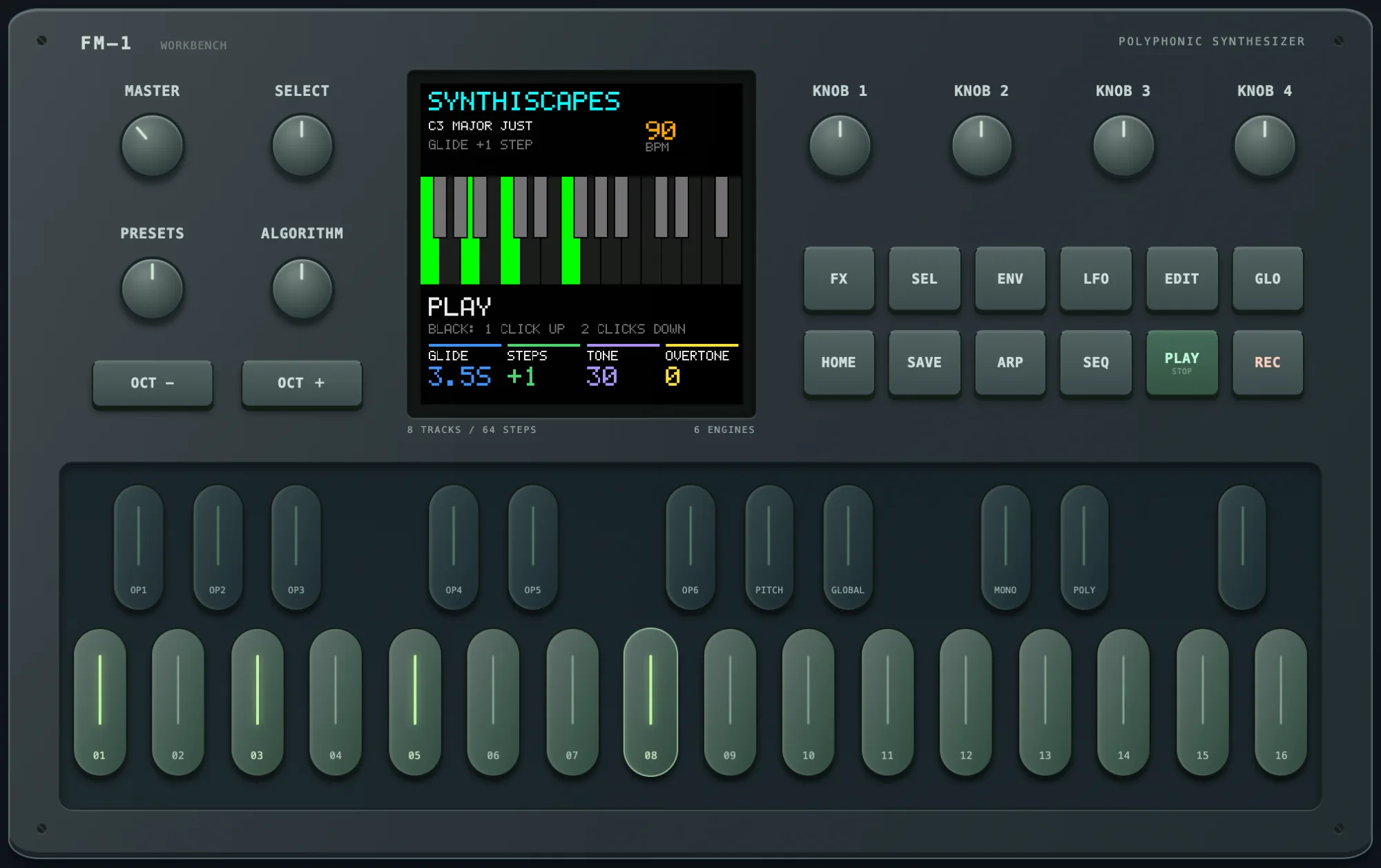
- Button lights: all 14 panel buttons (OCT- and OCT+ included) glow faintly so their labels can be read, light fully while held, and light fully to show the open page (HOME, EDIT, ENV, LFO, SEL, FX), drum mode (SEQ, ARP), a shifted keyboard (OCT-/OCT+), running drums (REC) and MIDI clock (GLO).
- PLAY is green while the sequencer runs (the FM-1's green PLAY LED), white glow when stopped.
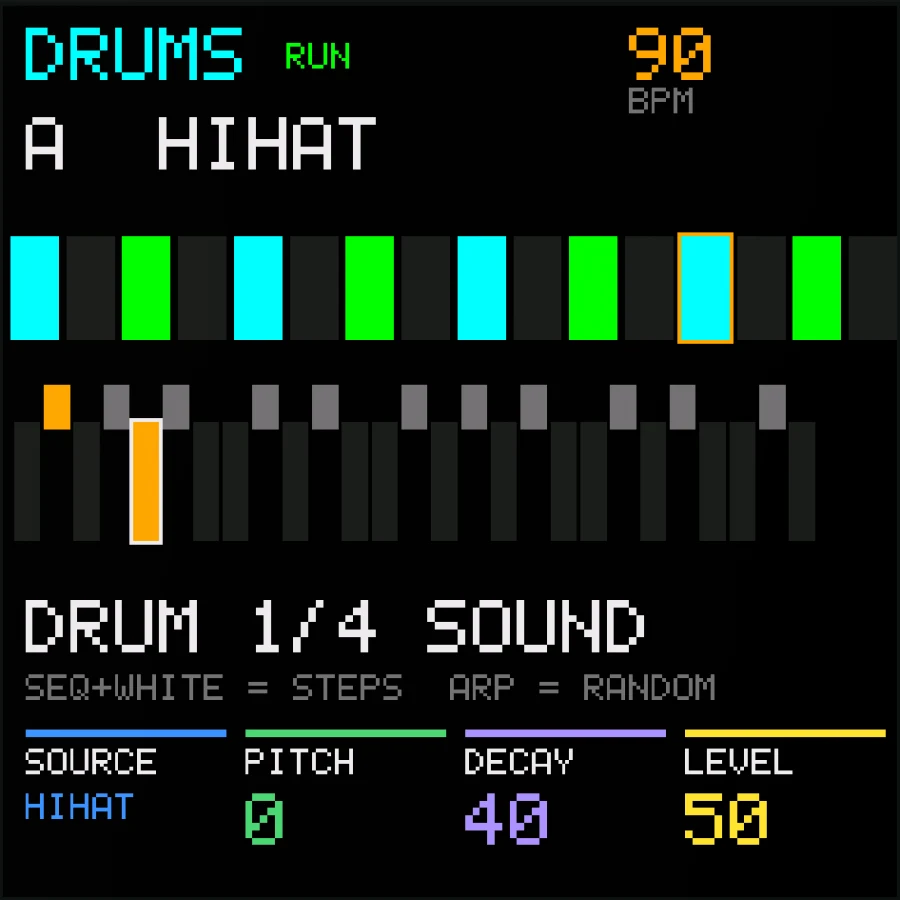
- PLAY starts / stops the drum sequencer in tone mode too. Hold PLAY for 1 s to switch all tones off (that was a short press before). SEL + PLAY still taps the tempo.
Install
- Back up projects, voices and samples with the firmware that is on your FM-1 now.
- Open the web installer at https://subcity.at/flash/fm1-glider/ (or download FM1-GLIDER.html and open it) in Chrome or Edge, connect the FM-1 by USB, choose Device update. Keep power and USB connected.
- From another FM1 Open firmware (GLIDER, GLITCH, ARPHONY, Official Open) the normal update works.
- From the original V15 or another firmware: Recovery & force update → Force flash.
- Back to stock: same page, Recovery & force update, Restore original V15.
On an FM1 Open firmware you can also flash
FM1-GLIDER.fwscwithpython3 tools/flash_fm1.py flash(macOS).Files
FM1-GLIDER.html– flashing page with this firmware and the original V15 recovery imageFM1-GLIDER.fwsc– firmware package (identityFM-1_8730100, build19841d7fcbd73523, SHA-256ffddad082da13cad5dfaa32efbf211865fe32db0fbb59a7fcdab5ebee118946d)
Manual: GLIDER.md
Show all 2 filesHide 1 files
Other filesv0.4.0-betaGLIDER 0.4.0 betaBeta2 files
Beta. Tested on one FM-1 (October 2026). Test reports from more FM-1 owners are very welcome.
New in this release
- Own update identity
FM-1_8730100instead of FM1 Open'sFM-1_8000014, so tools and the hub can tell which firmware is on a connected FM-1. Tested on an FM-1: switching between GLIDER, GLITCH and ARPHONY, back to the original V15, and from V15 again.
Install
- Back up projects, voices and samples with the firmware that is on your FM-1 now.
- Open the web installer at https://subcity.at/flash/fm1-glider/ (or download FM1-GLIDER.html and open it) in Chrome or Edge, connect the FM-1 by USB, choose Device update. Keep power and USB connected.
- From another FM1 Open firmware (GLIDER, GLITCH, ARPHONY, Official Open) the normal update works.
- From the original V15 or another firmware: Recovery & force update → Force flash.
- Back to stock: same page, Recovery & force update, Restore original V15.
On an FM1 Open firmware you can also flash
FM1-GLIDER.fwscwithpython3 tools/flash_fm1.py flash(macOS).Files
FM1-GLIDER.html– flashing page with this firmware and the original V15 recovery imageFM1-GLIDER.fwsc– firmware package (identityFM-1_8730100, buildae4d5d2921f78590, SHA-256e961e151f0f4766b2c115d85bd7a016d1af7e6f342e8732f7cb49791220133d4)
Manual: GLIDER.md
Show all 2 filesHide 1 files
Other files- Own update identity