fm1-arphony
Loud88/100ARPHONY – modal arpeggiator firmware for the M-VAVE FM-1 (FM1 Open based, beta)
fm1-arphony is custom firmware for the M-VAVE FM-1, by @ttreu.
forM-VAVE FM-1·by@ttreu
Unclaimed. Is this yours? Sign in with GitHub as @ttreu to claim it.
BetaFM1-ARPHONY.fwsc· 473 KB· +1 file
Custom license· ttreu/fm1-arphony·subcity.at/fm1-arphony/·downloads come from the creator’s GitHub releases
v0.4.0-betaARPHONY 0.4.0 betaBeta2 files
Beta. Tested on one FM-1 (October 2026). Test reports from more FM-1 owners are very welcome.
New in this release
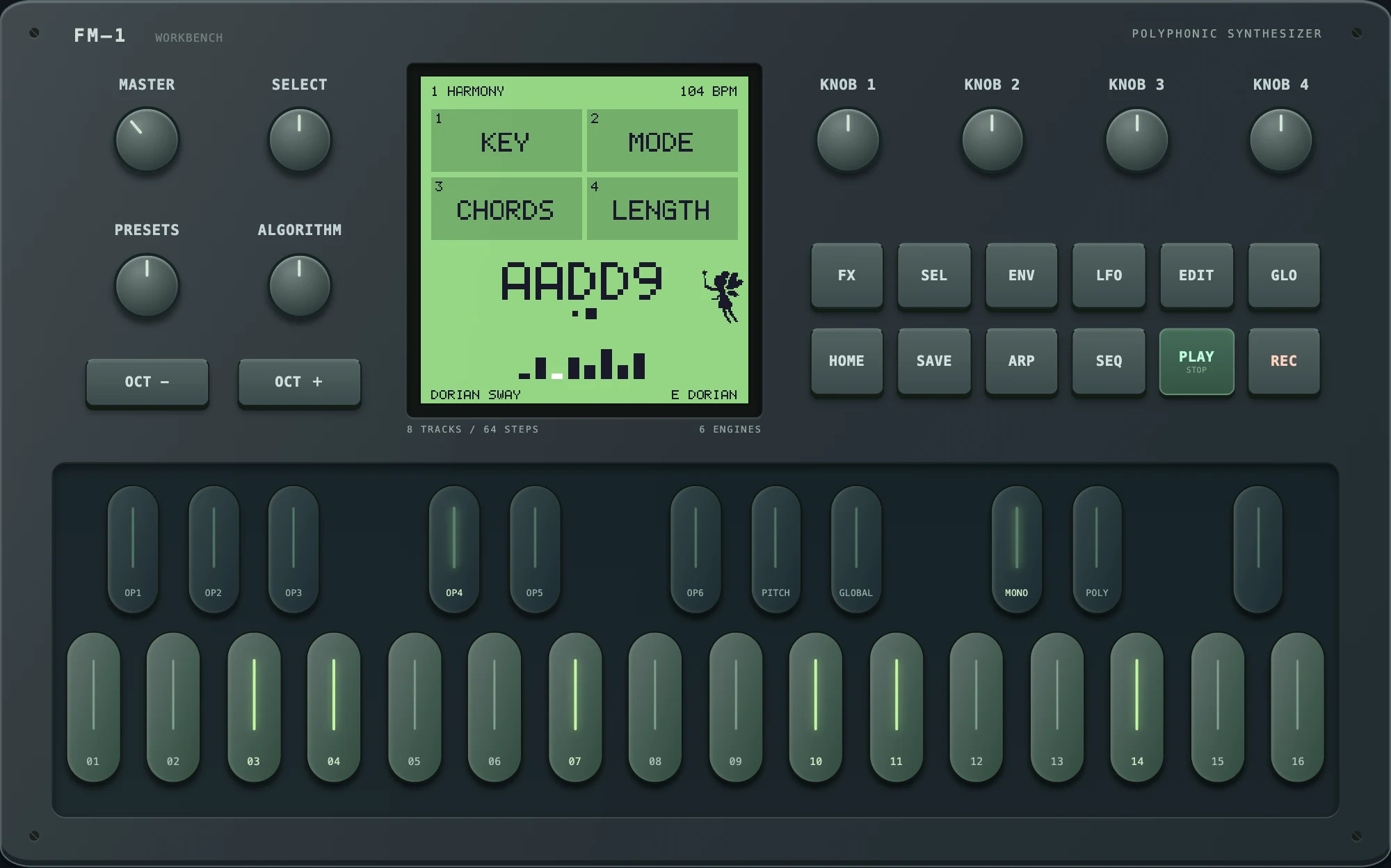
- Button lights. All 14 buttons glow faintly so their labels can be read, and light fully while held. The button of the open page lights (HOME, SEL, GLO, EDIT, ENV, LFO, FX); ARP while the chord is held (HAND); SEQ while a RANDOM riff or RANDOM chords play; SAVE while a user preset plays. PLAY is green while the arpeggiator runs and glows white when stopped. Nothing blinks. Tested on an FM-1.
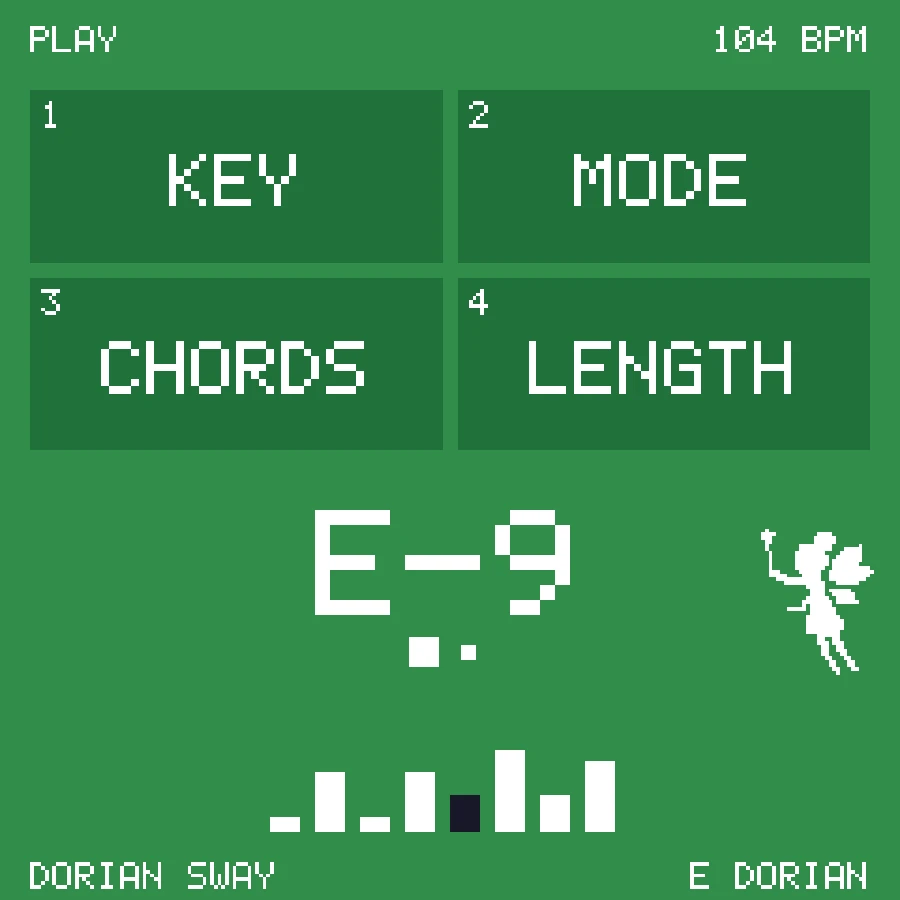
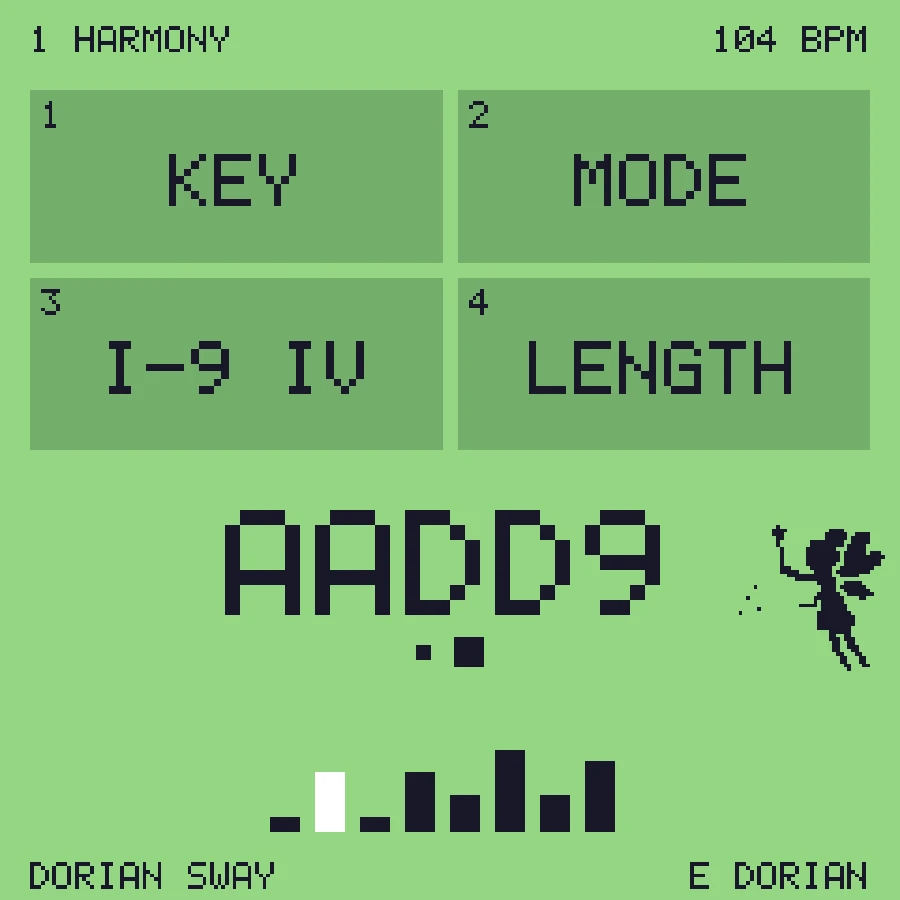
- Still in: the fairy next to the chord name (0.3.0).
Install
- Back up projects, voices and samples with the firmware that is on your FM-1 now.
- Open the web installer at https://subcity.at/flash/fm1-arphony/ (or download FM1-ARPHONY.html and open it) in Chrome or Edge, connect the FM-1 by USB, choose Device update. Keep power and USB connected.
- From another FM1 Open firmware (GLIDER, GLITCH, ARPHONY, Official Open) the normal update works.
- From the original V15 or another firmware: Recovery & force update → Force flash.
- Back to stock: same page, Recovery & force update, Restore original V15.
On an FM1 Open firmware you can also flash
FM1-ARPHONY.fwscwithpython3 tools/flash_fm1.py flash(macOS).Files
FM1-ARPHONY.html– flashing page with this firmware and the original V15 recovery imageFM1-ARPHONY.fwsc– firmware package (identityFM-1_8730300, build4fd63c81d60fe69a, SHA-2567b7b8ff8e88efac0f8ee3e4e8a15f7dbbf3a84460b71d471f4d5566cc5074237)
Manual: ARPHONY.md
Show all 2 filesHide 1 files
Other filesv0.3.0-betaARPHONY 0.3.0 betaBeta2 files
Beta. Tested on one FM-1 (October 2026). Test reports from more FM-1 owners are very welcome.
New in this release
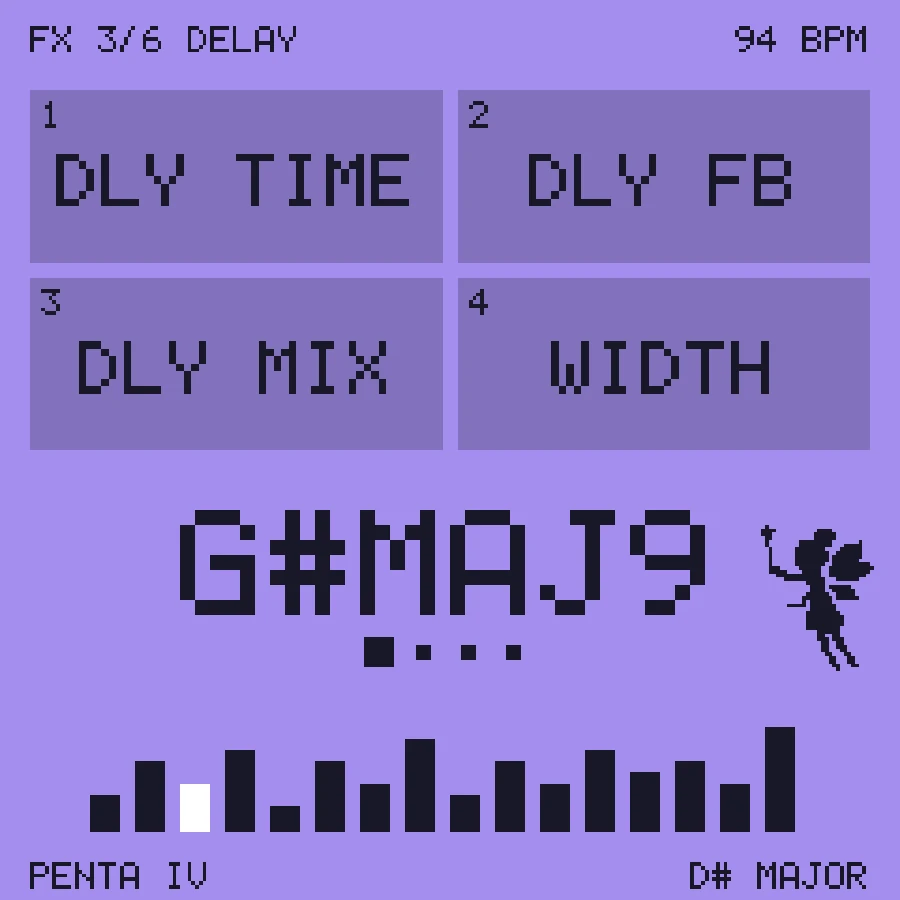
- A fairy on the display. She hovers to the right of the chord name in the screen's ink colour and beats her wings. Shortly before the next chord she winds up her wand; on the change she swings it towards the chord and it sprays a few small stars. She hides when a long chord name needs the room. Display only: the sound is unchanged.
Install
- Back up projects, voices and samples with the firmware that is on your FM-1 now.
- Open the web installer at https://subcity.at/flash/fm1-arphony/ (or download FM1-ARPHONY.html and open it) in Chrome or Edge, connect the FM-1 by USB, choose Device update. Keep power and USB connected.
- From another FM1 Open firmware (GLIDER, GLITCH, ARPHONY, Official Open) the normal update works.
- From the original V15 or another firmware: Recovery & force update → Force flash.
- Back to stock: same page, Recovery & force update, Restore original V15.
On an FM1 Open firmware you can also flash
FM1-ARPHONY.fwscwithpython3 tools/flash_fm1.py flash(macOS).Files
FM1-ARPHONY.html– flashing page with this firmware and the original V15 recovery imageFM1-ARPHONY.fwsc– firmware package (identityFM-1_8730300, buildbf1d6ce0dad7f1a1, SHA-256c1d57fd6d502b16b6793aeed1a3751fe5acc97a099ab5b481983a62701d0effd)
Manual: ARPHONY.md
Show all 2 filesHide 1 files
Other filesv0.2.0-betaARPHONY 0.2.0 betaBeta2 files
Beta. Tested on one FM-1 (October 2026). Test reports from more FM-1 owners are very welcome.
New in this release
- Own update identity
FM-1_8730300instead of FM1 Open'sFM-1_8000014, so tools and the hub can tell which firmware is on a connected FM-1. Tested on an FM-1: switching between GLIDER, GLITCH and ARPHONY, back to the original V15, and from V15 again. - First tagged release.
Install
- Back up projects, voices and samples with the firmware that is on your FM-1 now.
- Open the web installer at https://subcity.at/flash/fm1-arphony/ (or download FM1-ARPHONY.html and open it) in Chrome or Edge, connect the FM-1 by USB, choose Device update. Keep power and USB connected.
- From another FM1 Open firmware (GLIDER, GLITCH, ARPHONY, Official Open) the normal update works.
- From the original V15 or another firmware: Recovery & force update → Force flash.
- Back to stock: same page, Recovery & force update, Restore original V15.
On an FM1 Open firmware you can also flash
FM1-ARPHONY.fwscwithpython3 tools/flash_fm1.py flash(macOS).Files
FM1-ARPHONY.html– flashing page with this firmware and the original V15 recovery imageFM1-ARPHONY.fwsc– firmware package (identityFM-1_8730300, build19910a8f4b4be46d, SHA-256b1084b327530d8e9c5b67c2f1130667715a1a7452038ec3acbcac063f39ed7fb)
Manual: ARPHONY.md
Show all 2 filesHide 1 files
Other files- Own update identity