fm_lab
Rising79/100FM Lab: a learning-focused FM synth firmware for the M-VAVE FM-1
fm_lab is custom firmware for the M-VAVE FM-1, by @jsmith13. Open source under GPL-3.0, latest release v1.1.0 (October 2026), 21 stars on GitHub.
forM-VAVE FM-1·by@jsmith13
Unclaimed. Is this yours? Sign in with GitHub as @jsmith13 to claim it.
fmlab-1.1.0.fwsc· 596 KB
GPL-3.0· jsmith13/fm_lab·downloads come from the creator’s GitHub releases
v1.1.0FM Lab 1.1.0Latest1 file
Added
- OVERSAMPLE (GLOBAL, last bank,
ONto start). The operators run at 88.2 kHz and a half-band filter brings the sound back to 44.1 kHz, so the harmonics FM makes above 22 kHz no longer fold back into the audible range as tones that don't belong to the note: about 40 dB less of them on a bright patch played high. It roughly doubles the engine's CPU: ~72 % (82 % peak) with eight voices, the filter and every effect on.OFFgives that back. - BIT DEPTH (GLOBAL, last bank): the voices cut to 16, 12 or 8 bits before the filter and the effects,
for the sound of older hardware. It starts at
24 BIT, which is FM Lab as before.
Changed
- 24-bit output. The sound used to be cut to 16 bits right after the voices were mixed, and only then sent to the 24-bit DAC. The mix leaves room for an 8-voice chord, so a single soft note used only ~11 of those 16 bits, and its decay ran out of steps and turned gritty (the DC blocker's rounding added a distortion that followed the note). The mix, the filter, the effects and MASTER now carry 24 bits to the DAC. USB audio stays 16-bit and is dithered. The delay's echoes are still stored at 16 bits, which saves 128 KiB of RAM.
Install: download
fmlab-1.1.0.fwscand flash it as described in the README. Settings saved by 1.0.x carry over; OVERSAMPLE starts ON and BIT DEPTH at 24.- OVERSAMPLE (GLOBAL, last bank,
v1.0.1FM Lab 1.0.11 file
Fixed
- The 3.5 mm MIDI IN jack works. It was switched off in the platform FM Lab is built on, so a keyboard or pad controller on the jack played nothing; only USB-MIDI was heard. The jack now feeds the same input as USB — the GLOBAL
MIDI CHANNELfilter andPROG CHANGEapply to both. It takes notes and program changes; SysEx and MIDI out stay on USB. Through a TRS-to-DIN adapter: if nothing plays, try the other type (A / B). The reader is Felucca's, as dxsloop carries it.
Install:
python3 tools/fm1_install.py fmlab-1.0.1.fwsc, or the FM-1 Firmware Hub. Your user voices and settings are kept. GLOBAL's top-right corner saysV1.0.1.All changes: CHANGELOG.md
- The 3.5 mm MIDI IN jack works. It was switched off in the platform FM Lab is built on, so a keyboard or pad controller on the jack played nothing; only USB-MIDI was heard. The jack now feeds the same input as USB — the GLOBAL
v1.0.0FM Lab 1.0.01 file
The first release of FM Lab: a six-operator FM synthesizer for the M-VAVE FM-1, built to learn FM on.
What is in it
- The DX7 engine (Dexed's, by way of dxsloop): 8 voices, 32 algorithms, feedback, per-operator envelopes, keyboard scaling, the LFO and the pitch envelope
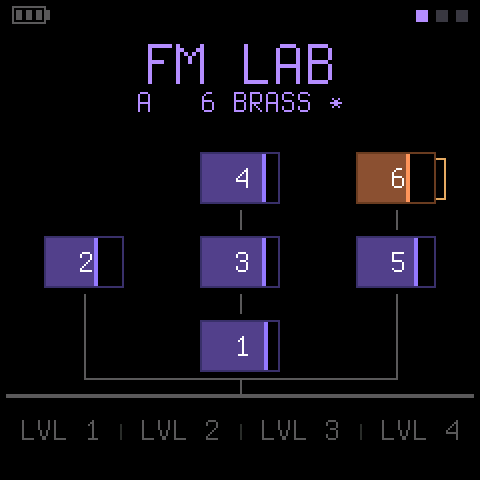
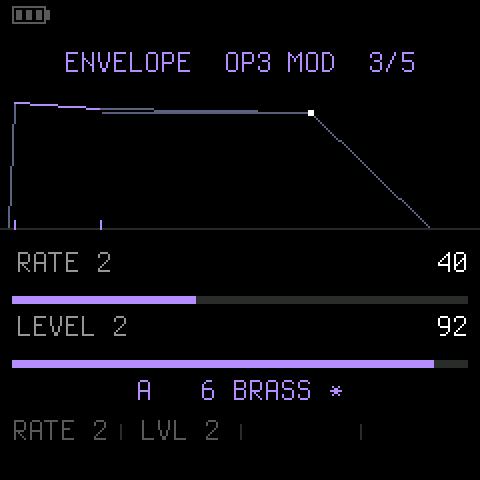
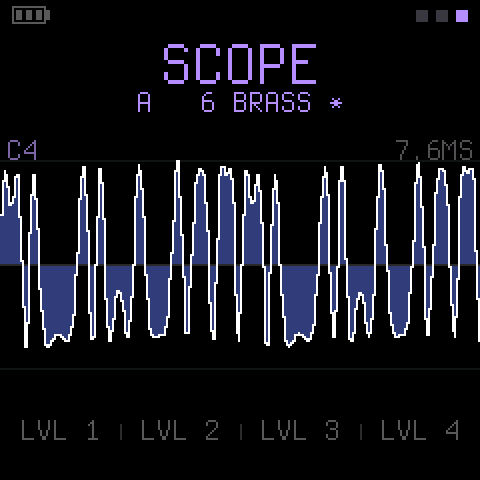
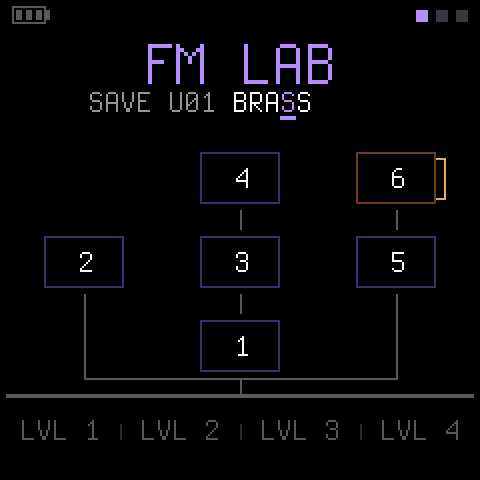
- The algorithm drawn live, a spectrum analyser and a scope, and envelopes drawn to scale
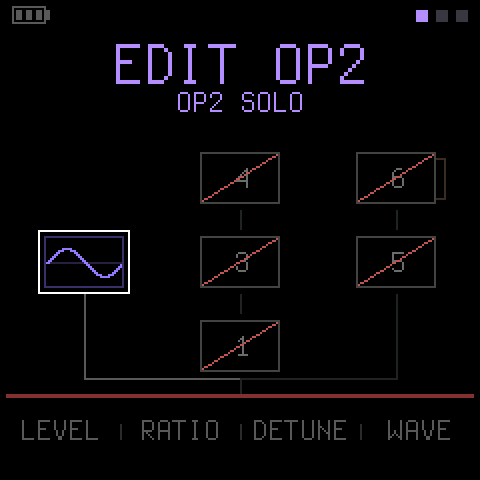
- Every parameter under a knob with the sound playing; operator mute, solo and an A/B compare
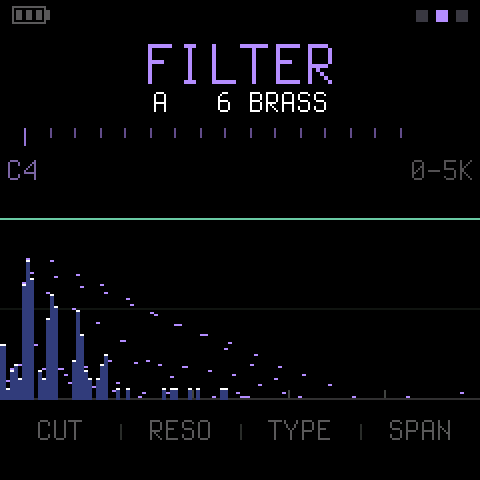
- Operator waves, a global amp envelope, a filter, and chorus, phaser, delay and reverb
- A small arpeggiator and a one-phrase looper with a step view
- 20 factory voices and 32 user slots; DX7 SysEx in and out; MIDI channel and program change
Install:
python3 tools/fm1_install.py fmlab-1.0.0.fwsc, or the FM-1 Firmware Hub. Hold OCT- while switching on for the USB rescue. Installing firmware is at your own risk.Package identity
FM-1_970; the GLOBAL page saysV1.0.0in its top-right corner. Every control is in docs/QUICK-REFERENCE.md; the README says why.