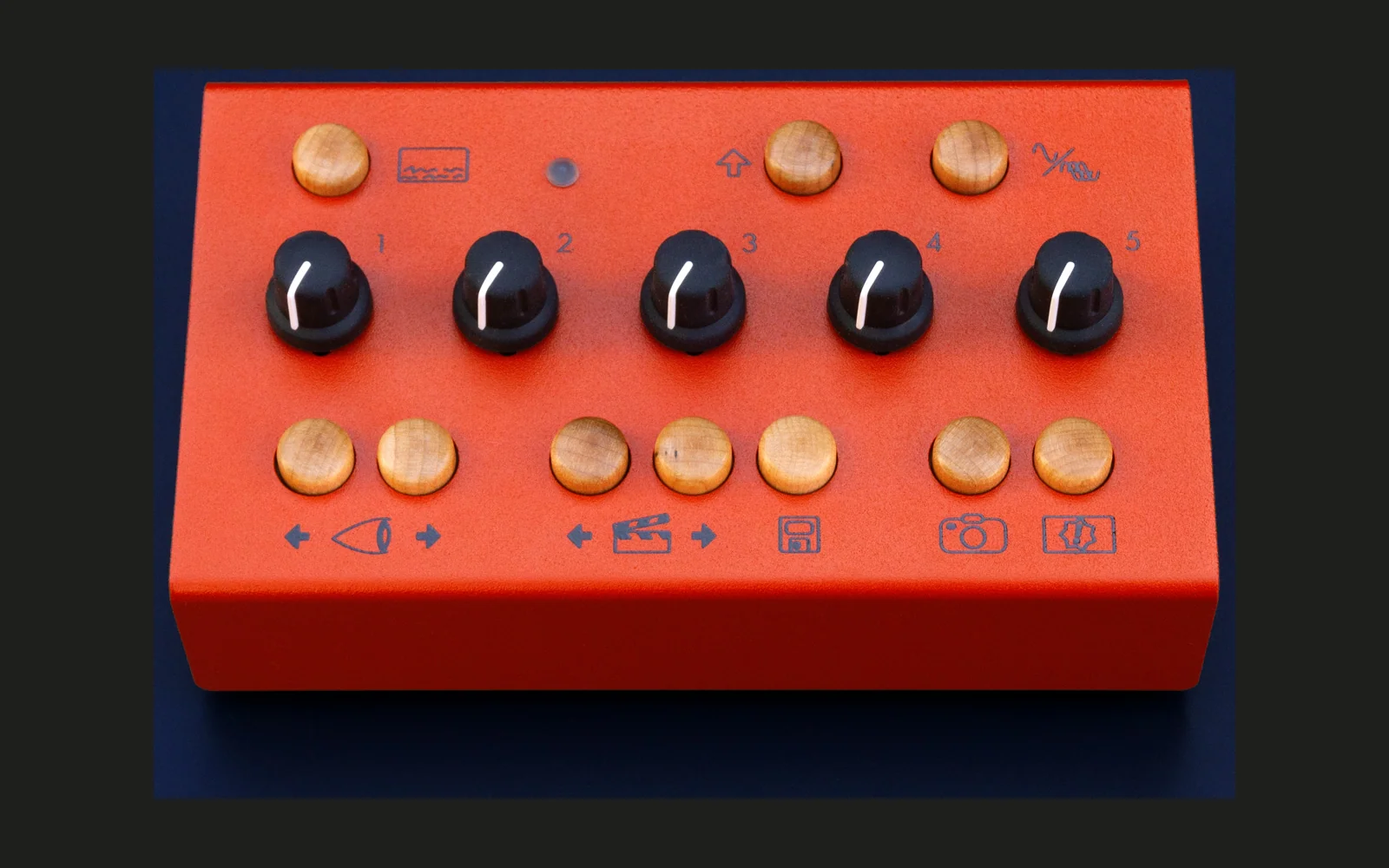
EYESY on Raspberry Pi with Patchbox OS and Blokas PiSound




The operating system for the Critter & Guitari EYESY video synthesizer, remixed for Raspberry Pi with Patchbox OS and Blokas PiSound.
Installation
Run:
./install.sh
Usage
- Connect a display to the HDMI output.
- Boot up your Raspberry Pi.
- Push the button once to start EYESY.
- Push it twice to stop EYESY.
MIDI CC Control
- 21, 22, 23, 24: Knobs 1 to 4
- 25: Background Color
- 26: Previous Scene
- 27: Next Scene
- 28: Save or delete (long hold)
- 29: Auto Clear Toggle
- 30: Previous Mode
- 31: Next Mode
- 32: Take Screenshot
- 33: Shift Key
- 34: Input Gain
- 35: Trigger Source
- 36: Info Display
- 37: Send Trigger
Web Editor
The web editor lets you edit the pygame scripts that generate the visuals on the fly. It should be accessible at:
Refer to the EYESY manual for more details on how the web editor works.
Audio Input
You can use the stereo input in your modes. In Python, these are available as:
etc.audio_left
etc.audio_right
In the scripts, etc.audio_in remains L + R. [page:1]
Uninstall
From the shellscript folder, run:
./uninstall.sh
Step-by-step Guide
Back in 2021 I wrote the original tutorial EYESY on RasPi4 w/ Pisound (step-by-step guide). I also copied it here in the repo in case something will break during the installation.