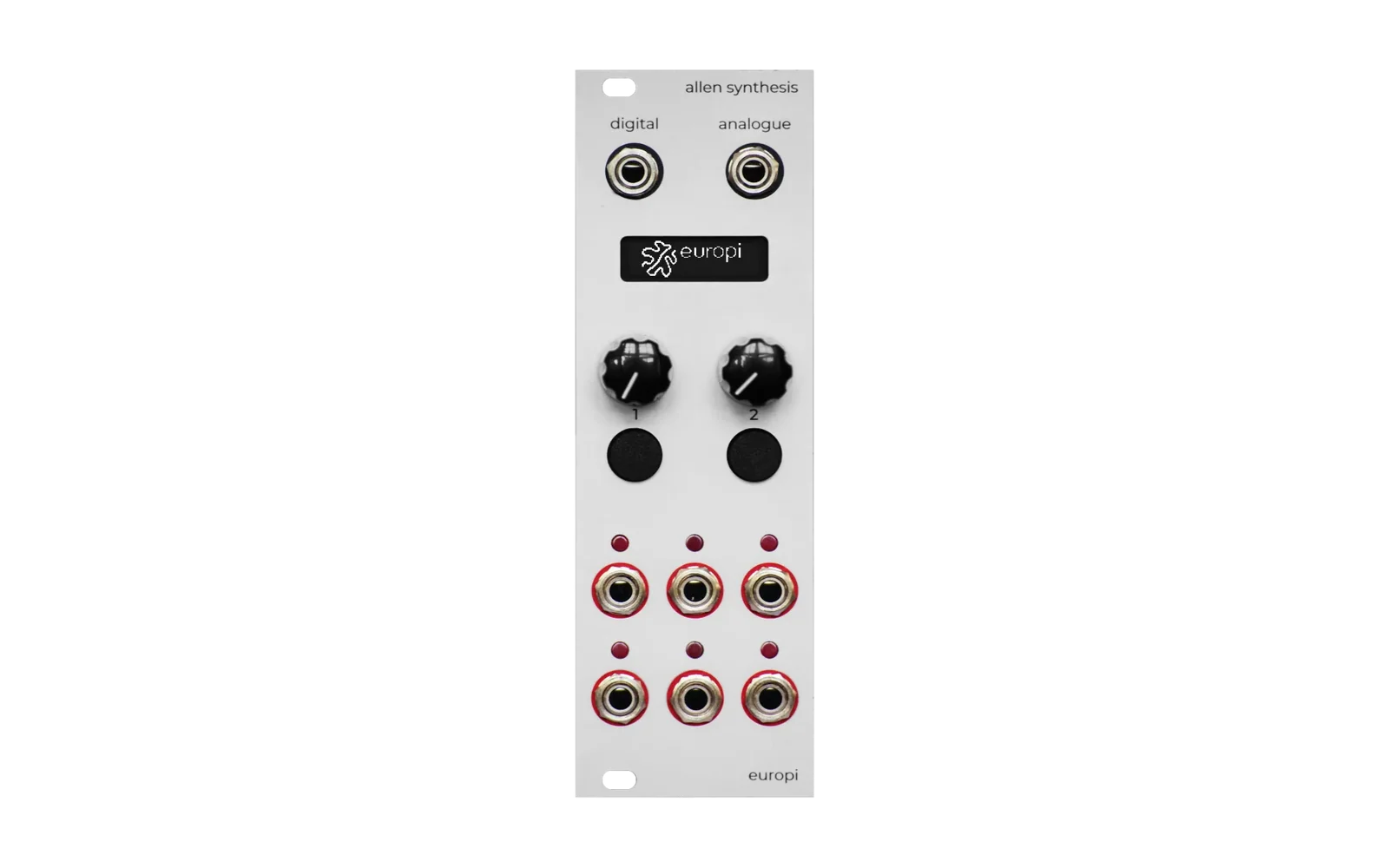
EuroPiAlt
Alternate firmware for EuroPi Prototype designed with reusable components and a bootloader for switching scripts loaded onto the module.
Links to original firmware and official website:
https://github.com/roryjamesallen/EuroPi-Prototype
Firmware
Bootloader
When the Raspberry Pi Pico starts up, the main.py script will enter Bootloader mode.
This is a Python module used to initialize your scripts and add them to a list which can be loaded by the EuroPi in the bootloader mode. While a script is running, you can long press both buttons to return to the Bootloader.
To add a new script, start by adding your Python file to the scripts foler.
Your script must be a class for handling script state and logic, and must contain an async method called start.
The start method should register your button handlers, enter the main loop, and call await asyncio.sleep_ms.
class MyScript:
    ...

    async def start(self):
        # Register the button handlers and module state.
        ...
        # Start the main loop.
        while True:
            ...
            await asyncio.sleep_ms(...)
Once you have created and tested your script, you can add it to the bootloader script list here.
The 4 digital LEDs are used to show the list of scripts available.
Scripts
| Display | Script | Description |
|---|---|---|
| ○○○○ | Arpeggiator | Cycle through a sequence of notes in a scale. |
| ○○○● | Clock Divider | Provide 4 divisions of the master clock set by knob 1. |
| ○○●○ | Sequencer | 4 channels sequencer with 8 programmable steps of quantized pitch. |
| ○○●● | Turing Machine | Play a sequence that changes notes within a scale according to the probability set by knob 2. |
| ○●○○ | Smooth Random Voltage | Random cv with adjustable slew rate. |
| ○●○● | Euclidean Rhythms | Configurable number of steps and pulses distributed as evenly as possible. |
| ○●●○ | Coin Toss | Two pairs of clocked probability gates. |
Transferring scripts using rshell
Here are helpful resources to get you started:
- https://www.mfitzp.com/tutorials/using-micropython-raspberry-pico/
- https://github.com/dhylands/rshell
Start rshell before connecting the EuroPi USB cable.
Verify your EuroPi pico is recognized by rshell.
$ > boards
Copy the EuroPiAlt firmware files to the pico.
$ > rsync ./src /pyboard
From rshell run the bootloader:
$ > repl pyboard ~ import main ~ main.bootloader()
Troubleshooting
Occationally I will get the error message:
timed out or error in transfer to remote: b''
This causes rshell to no longer detect the Raspberry Pi Pico.
I resolve this by reflashing the MicroPython firmware:
https://micropython.org/download/rp2-pico/
For extreme cases I will nuke the flash memory with this file:
https://www.raspberrypi.com/documentation/microcontrollers/raspberry-pi-pico.html#resetting-flash-memory