eight-bells
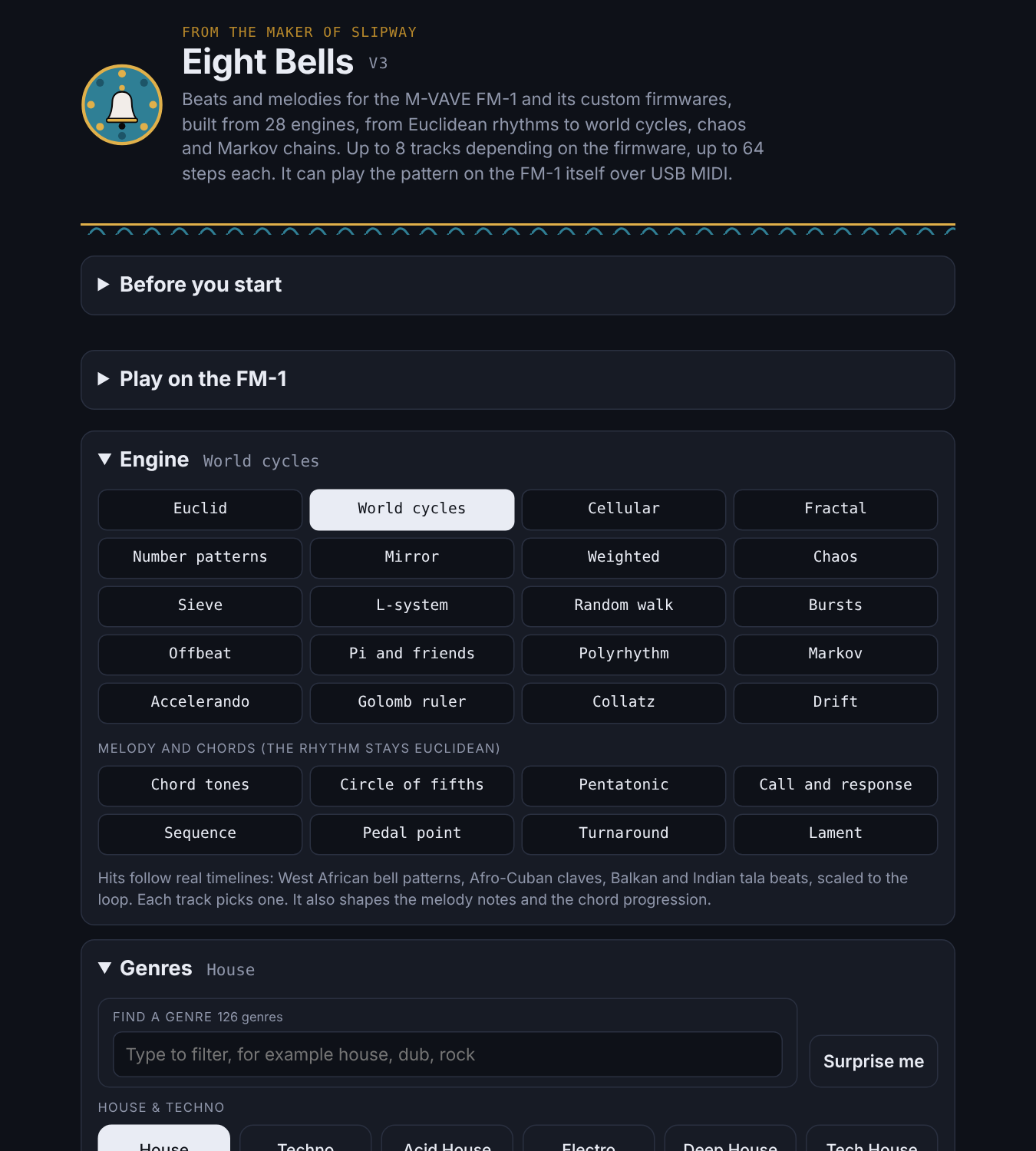
Peaking96/100Euclidean beats and melodies for the M-VAVE FM-1 and its custom firmwares
eight-bells is custom firmware for the M-VAVE FM-1, by @Discodave-Glitch. Open source under MIT, latest release v3.1.0 (October 2026), 2 stars on GitHub.
forM-VAVE FM-1·by@Discodave-Glitch
Unclaimed. Is this yours? Sign in with GitHub as @Discodave-Glitch to claim it.
Eight-Bells-3.1.0-portable.exe· 71 MB· +3 files
MIT· Discodave-Glitch/eight-bells·discodave-glitch.github.io/eight-bells/·downloads come from the creator’s GitHub releases
v3.1.0Eight Bells v3.1.0Latest4 files
Eight Bells 3.1.0 adds the Stage: a full-screen animation overlay with 320 scenes that move to your live tracks and patterns.
What's new
- The Stage has 320 scenes, from cars, animals, food and funfairs to everyday objects like umbrellas, compasses, balloons and garden tools.
- Each scene reacts to the eight tracks: kick, snare, hat, perc, bass, chord, lead and sample.
- It holds still when nothing is playing, and winds down smoothly when you press Stop.
- Full screen fits without cropping or black edges. On phones and tablets it starts on its own when you turn the device sideways.
- Full screen has a Play/Stop button and Previous/Next scene buttons.
Fixes
- The marble maze can now be completed.
- The bobsleigh no longer takes off.
- Santa's sleigh and reindeer are the right way round.
- The LCD scene now shows the BPM correctly.
Downloads
- Windows: Eight-Bells-3.1.0-portable.exe runs with no install. Eight-Bells-Setup-3.1.0.exe installs it.
- Mac: Eight-Bells-3.1.0-x64.dmg is for Intel Macs. Eight-Bells-3.1.0-arm64.dmg is for Apple silicon (M1 and newer).
The apps are not code-signed. On Windows, click More info, then Run anyway. On Mac, right-click the app and choose Open the first time.
Nothing touches the MIDI bytes.
v3.0.0Eight Bells V34 files
Eight Bells V3
Preview sounds you can play with no FM-1, plus a Sample track and tools around it. Nothing here changes what is sent to the FM-1: with an FM-1 connected the MIDI is byte-for-byte the same as V2.
New
- 142 preview instruments in 8 groups (basses, keys and organs, stabs, brass and reeds, pads, leads, strings, plucks and bells, world) and 20 drum kits that follow the genre.
- Your own sounds: add audio files of any length, play them from on-screen keys or a MIDI keyboard, give any track or drum lane a sample, and Slice a long recording into parts.
- Sample track: a floating 9th track, up to four voices, 204 sounds (vowels, ad-libs, scat, styles, 146 spoken-style words), male / female / deep / child voices, pitch, pitch patterns, humanise, held notes that glide, and reverb. Saved with your patterns. Never sent to the FM-1 as MIDI.
- Device voices: say the words with your device's own male and female voices (clearer than the built-in synth).
- Mix in the FM-1's sound through a sound input, so one speaker plays the FM-1 and the samples together.
- Record to WAV, preview volume with a limiter, performance view, and a delay-the-FM-1 slider.
- iPhone and iPad: works through the Web MIDI Browser app.
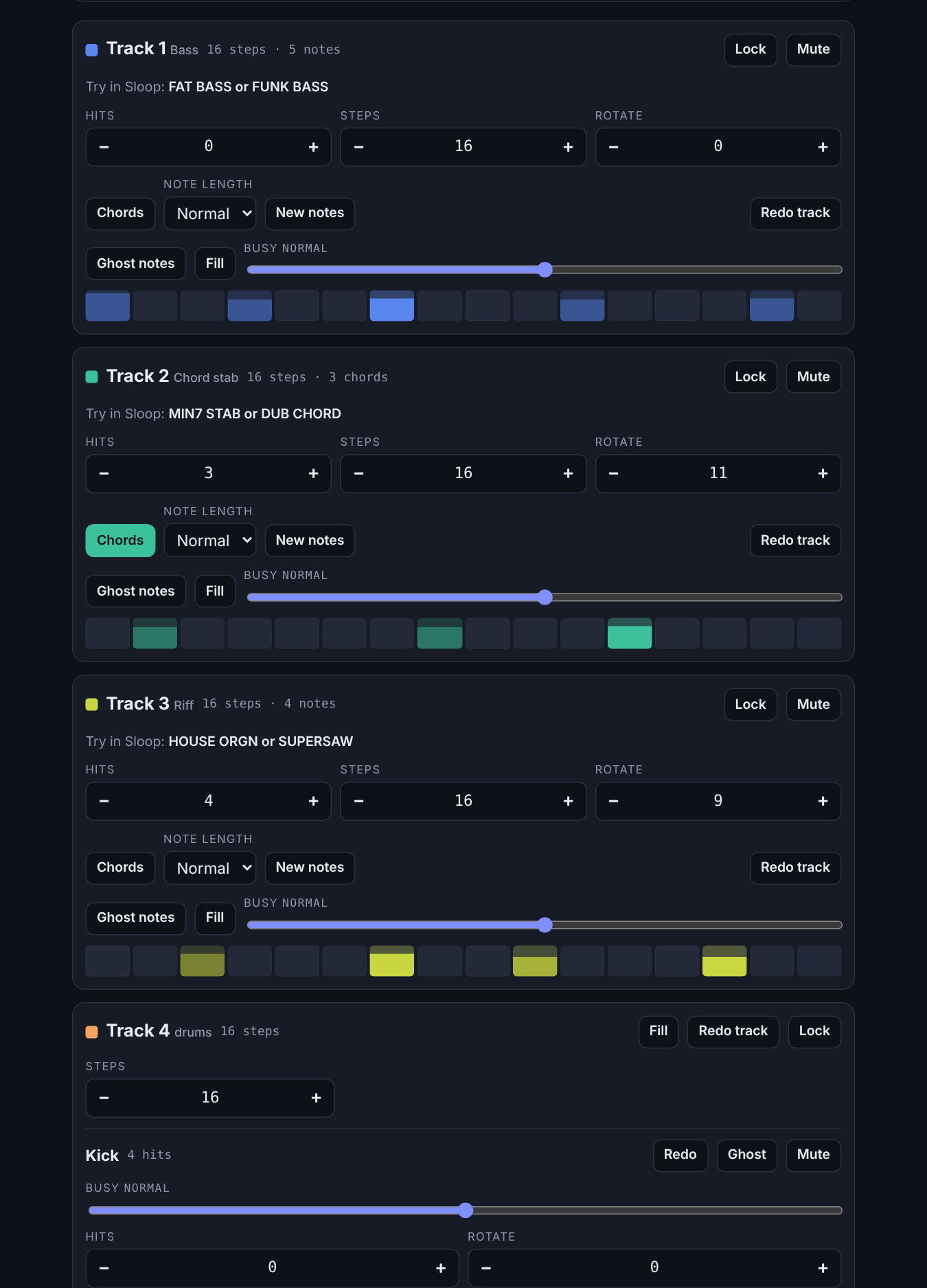
- Live view: a one-screen performance page for phones (upright) and tablets (either way). Now/Next box, every track as a strip with Mute, Solo and Lock, tap a track (Sample included) to edit one bar with big steps, queue the next pattern, 16 punch effects, tempo, swing, volume, Record, and all ten dice.
- Recordings button: the last 10 recordings stay in your browser with Play, Download and Delete.
- Solo dice picks all tracks or 1, 2 or 3 tracks; Split drums lets Kick, Snare, Hat and Perc be soloed one by one.
- Fixes: iPhone/iPad tap-jump, even column heights, sample track colour, Live view fills tall Android screens.
Honest limits
- The built-in voices and words are synthesised and robotic. For natural words, load real recordings.
- Preview sounds are approximations, not the real FM-1 sounds.
- Not yet tested on hardware: Mac app, FM-1 sound input from line-in, Auto song over MIDI.
v2.0.0Eight Bells V24 files
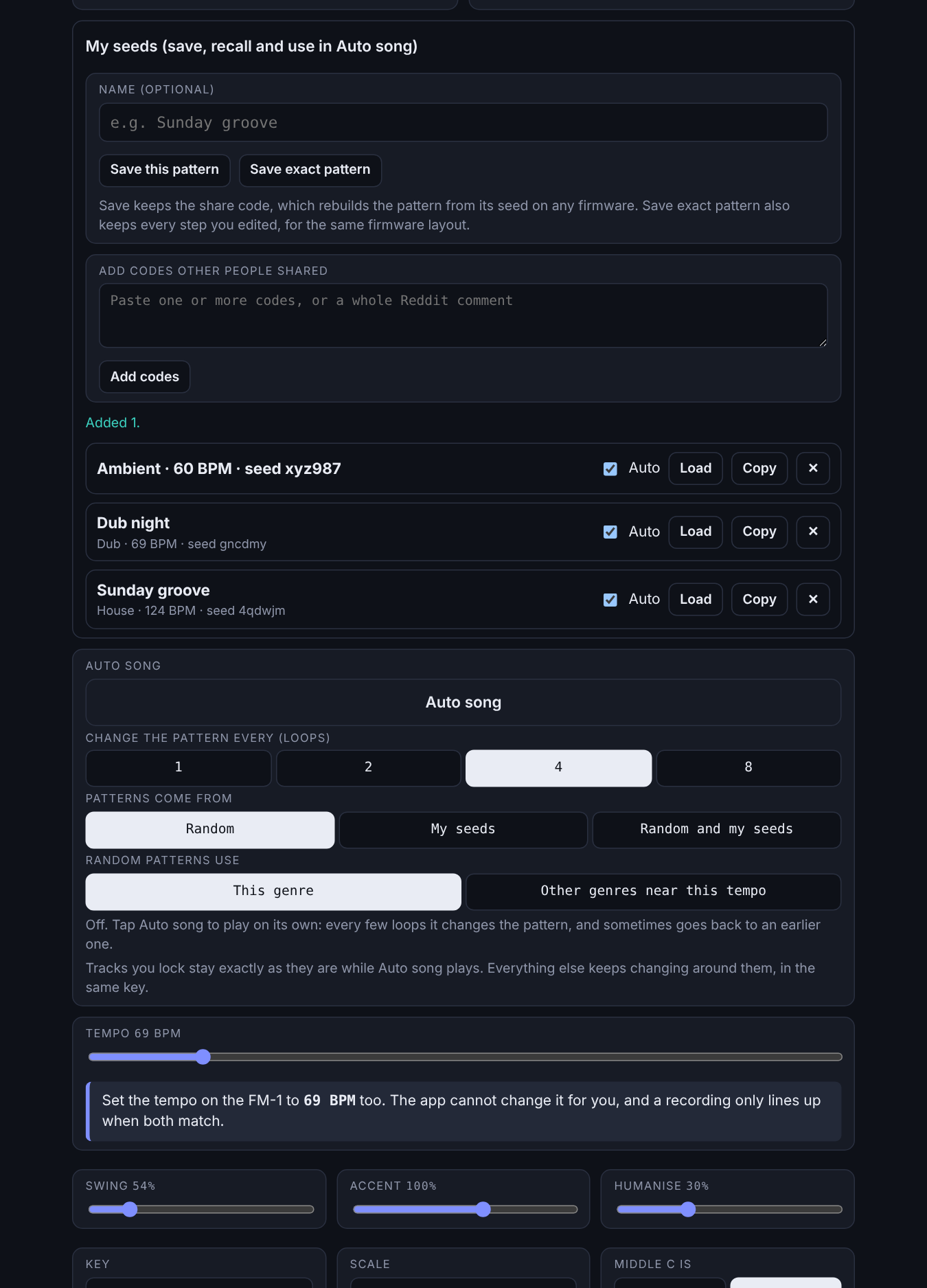
Eight Bells V2: 28 engines, 126 genres, a song builder, and Auto song that keeps your locked tracks.
- Windows: Eight-Bells-2.0.0-portable.exe runs with no install. Delete the file to remove it. Eight-Bells-Setup-2.0.0.exe is the installer, and Windows Settings > Apps removes it.
- Mac: Eight-Bells-2.0.0-x64.dmg for Intel Macs, Eight-Bells-2.0.0-arm64.dmg for Apple silicon.
- Or use it in the browser, with nothing to install: https://discodave-glitch.github.io/eight-bells/
The apps aren't code-signed, so Windows or macOS may warn you the first time you open them.
v1.0.01.0.06 files
First release of Eight Bells.
Windows: download "Eight-Bells-1.0.0.exe" to run it with no install, or "Eight-Bells-Setup-1.0.0.exe" to install it. The app isn't code-signed, so Windows may show a warning. Choose More info, then Run anyway.
Mac: download "Eight-Bells-1.0.0.dmg" for Intel Macs or "Eight-Bells-1.0.0-arm64.dmg" for Apple silicon (M1 and newer). The app isn't code-signed, so the first time, right-click it and choose Open. If macOS still refuses, go to System Settings, then Privacy & Security, and choose Open Anyway.
You can also use it straight in Chrome or Edge: https://discodave-glitch.github.io/eight-bells/
Portable: no install needed. To remove it, delete the file. Installer: adds Eight Bells to Settings > Apps, where you can uninstall it. Saved seeds and colours are stored in a folder called "Eight Bells" or "eight-bells" inside %AppData%. Delete that folder to clear them.