easy-spin-effects
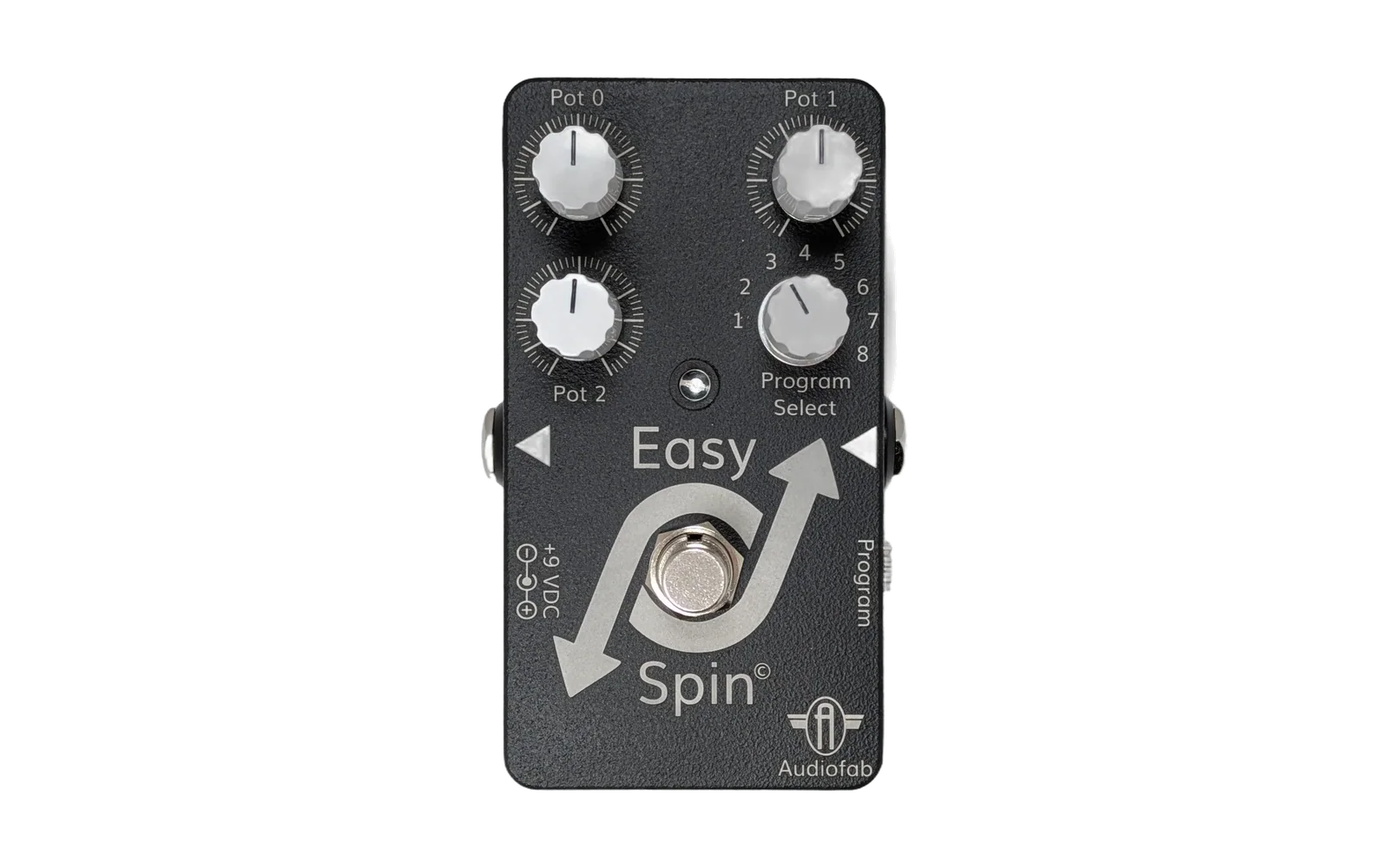
A curated, open database of great-sounding effects for Audiofab's Easy Spin pedal. Every effect in this repository is an FV-1 program (.spn, .spndiagram or .hex) paired with a small JSON metadata file that describes the effect, its controls, its author and any license information. The Easy Spin web tool reads this repository directly so that users can browse, preview, and flash any of these effects onto their Easy Spin pedal with a single click.
Repository layout
effects/
├── delay/                   <- one folder per category
│   ├── digital-delay.spn    <- FV-1 assembly source
│   └── digital-delay.json   <- metadata (name, description, pot labels, ...)
├── distortion/
├── modulation/
├── pitch_chorus/
├── reverb/
└── index.json               <- generated; do not edit by hand
Each effect is defined by two files that share the same basename:
- A source file —
.spn(FV-1 assembly),.hex(pre-assembled), or.spndiagram(Audiofab Block Diagram). - A metadata file —
.json— with a stableid, human-readable name, description, tags, author, and per-pot labels.
effects/index.json is generated automatically by scripts/build-index.ts and committed by a GitHub Action on every push to main. You should never need to edit it yourself.
Contributing an effect
Building your own effect
How do you build your own effects? The easiest way is to use Audiofab's FV-1 Visual Studio Code extension. You can also use the excellent SpinCAD Designer.
If you do build something cool, we'd love to add your effect to the library! There are two ways to contribute, depending on how comfortable you are with Git.
Option 1 — Submit an issue (easiest)
- Open a new issue using the Submit an effect form.
- Fill in the name, category, description, tags, per-pot labels, and author.
- Attach your Easy Spin source file by dragging it into the "Source file" field (or paste the source into a code block).
- Submit. An Audiofab maintainer will try out your effect, and if it sounds great we'll add it to the repository and credit you as the author.
Option 2 — Open a pull request
If you're comfortable with Git, you can skip the issue form and contribute directly:
- Fork the repository.
- Pick the right category folder under
effects/(or create a new one if nothing fits). - Add your source file — for example
effects/reverb/my-great-reverb.spn. - Add a matching metadata file —
effects/reverb/my-great-reverb.json— using the schema below. - Open a pull request. The PR template will walk you through the checklist.
You do not need to touch effects/index.json — it is regenerated on merge.
Metadata schema
Minimum required fields:
{
  "id": "my-great-reverb",
  "name": "My Great Reverb",
  "version": "1.0.0",
  "description": "A one- or two-sentence description of the effect.",
  "category": "Reverb",
  "tags": ["reverb", "lush"],
  "author": "Your Name",
  "hasSource": true,
  "controls": [
    { "pot": 0, "name": "Decay", "description": "Length of the reverb tail.",     "unit": "", "range": [0, 1] },
    { "pot": 1, "name": "Tone",  "description": "High-frequency damping.",        "unit": "", "range": [0, 1] },
    { "pot": 2, "name": "Mix",   "description": "Blend between dry and wet signal.", "unit": "", "range": [0, 1] }
  ]
}
Optional fields:
license— add this if the effect has a special license (e.g."Not free for commercial use").
Rules of thumb:
idmust be unique across the repository and should match the filename (kebab-case).categoryis free-form but we strongly prefer one of the existing folders so the effect groups with similar effects in the web UI.- Every pot (0, 1, 2) should have an entry in
controls, even if it's unused — in that case, set the name to"Not Used".
License
See LICENSE. Individual effects may carry their own licensing terms in the metadata's license field — please respect those when you reuse an effect.