DU-INO Eurorack Custom Modules
Custom open-source functions for the Detroit Underground DU-INO Arduino-based Eurorack module
🎛️ Included Modules
1. r-EUCLID (Euclid/)
A dual-channel Euclidean rhythm and random stepped-CV generator.
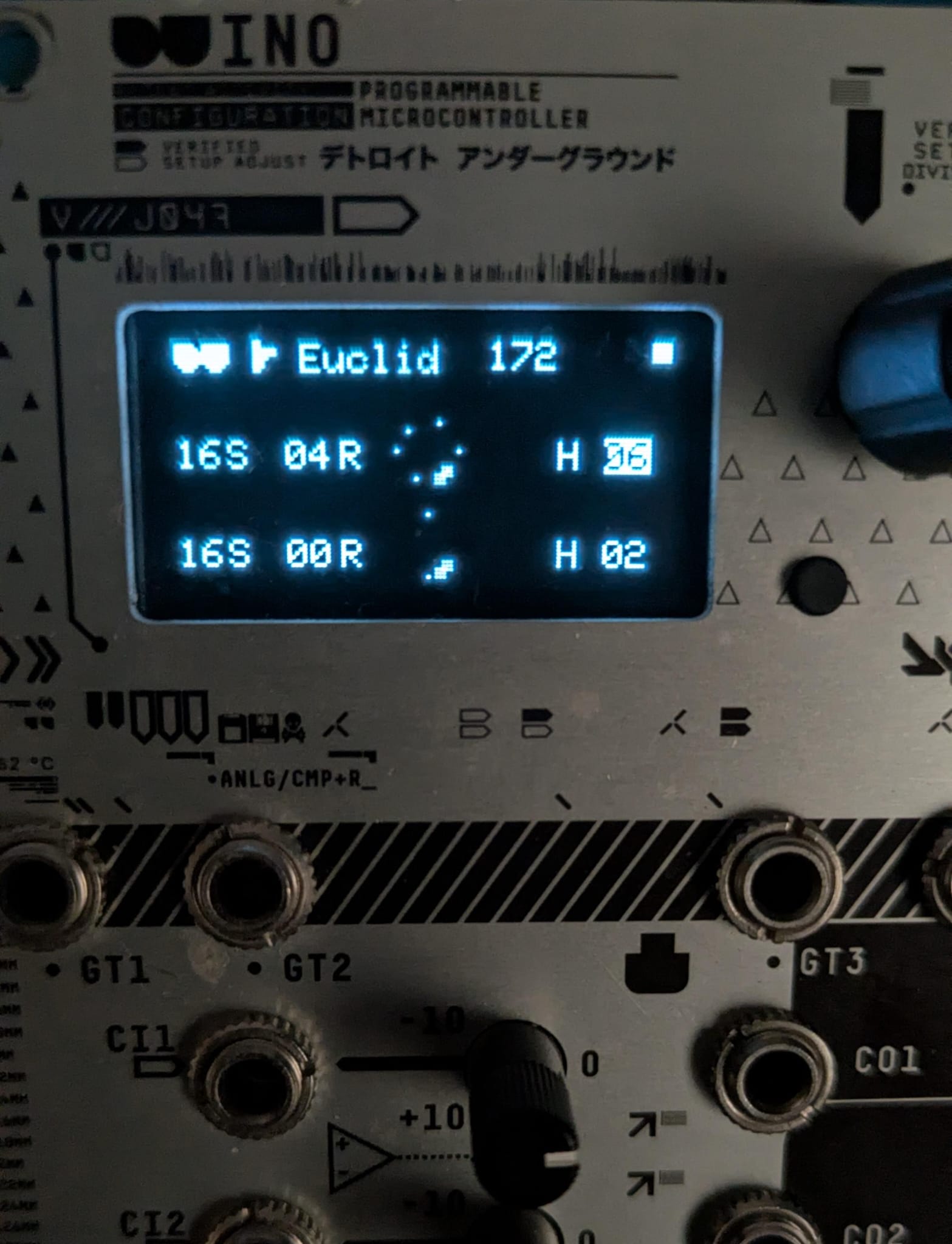
-
GT1 (Out): Channel 1 Trigger Out (Euclidean beat).
-
GT2 (Out): Channel 2 Trigger Out (Euclidean beat).
-
GT3 (In): External Clock In (Supports interrupt sync).
-
GT4 (In): Reset In.
-
CO1 (Out): Channel 1 Random Stepped CV (0–5V).
-
CO2 (Out): Channel 2 Random Stepped CV (0–5V).
Switch Configuration
SG2    [^][^]    SG1
SG4    [_][_]    SG3
SC2    [^][^]    SC1
SC4    [_][_]    SC3
2. Celestial Modulator (CelestialModulator/)
A perpetual 4-body gravitational simulation acting as a chaotic quad-LFO and orbital rhythm generator.
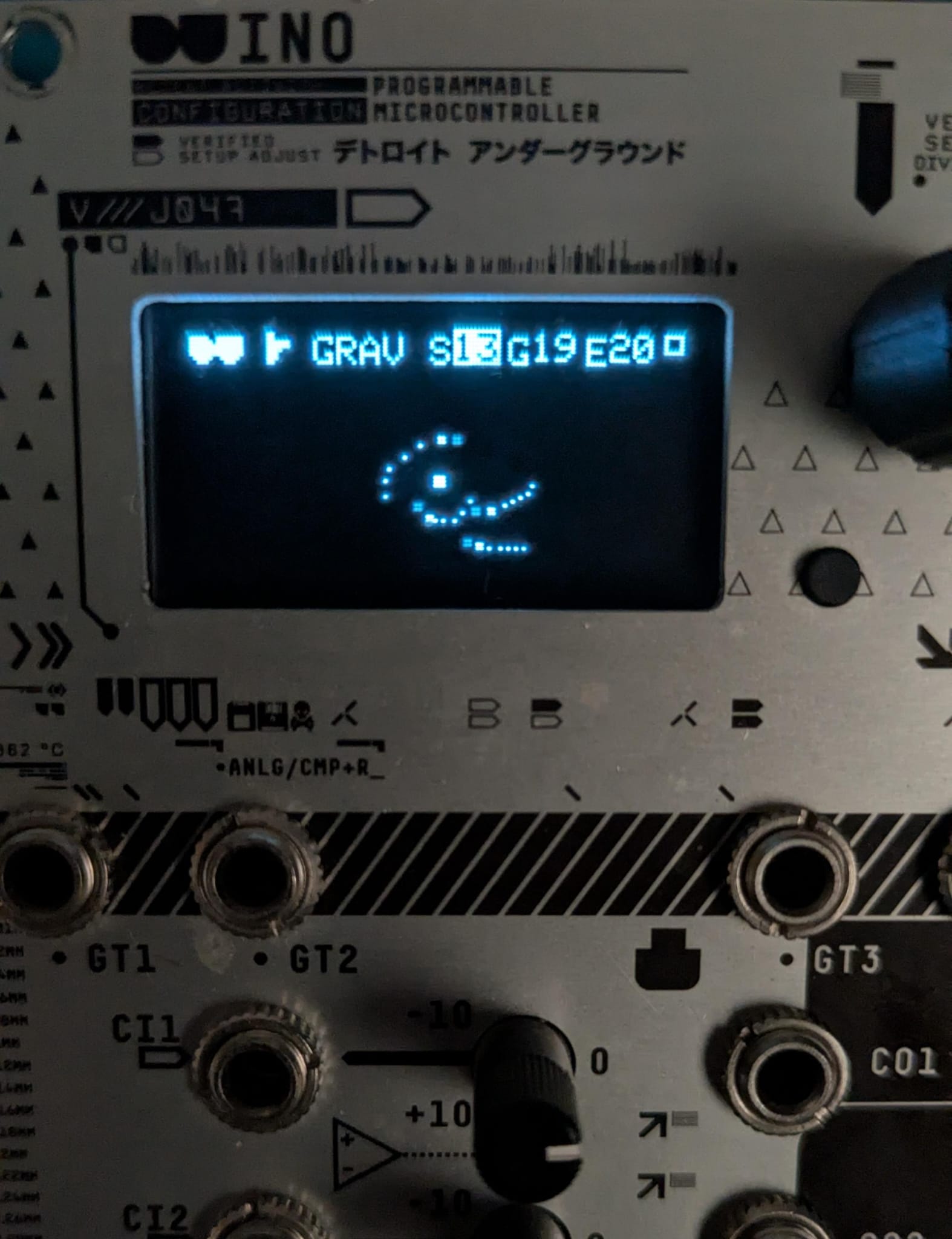
-
GT1 (Out): Planet 1 Orbital Clock/Trigger (Fires each full orbit).
-
GT2 (Out): Planet 2 Orbital Clock/Trigger (Fires each full orbit).
-
GT3 (In): Big Bang (System Reset) — Triggerable via Jack GT3 or Button 1.
-
GT4 (In): Solar Storm (Chaos Injection) — Triggerable via Jack GT4 or Button 2.
-
CO1 (Out): Planet 1 Orbit LFO (0–5V).
-
CO2 (Out): Planet 2 Orbit LFO (0–5V).
-
CO3 (Out): Planet 3 Orbit LFO (0–5V).
-
CO4 (Out): Planet 4 Orbit LFO (0–5V).
Parameters (Interactive Encoder):
- S (Speed): Simulation orbital speed.
- G (Gravity): Central star mass / gravitational pull.
- E (Entropy): Solar wind & cosmic turbulence.
Switch Configuration
SG2    [^][^]    SG1
SG4    [_][_]    SG3
SC2    [^][^]    SC1
SC4    [^][^]    SC3
Installation & Requirements
Install the official DU-INO Library in your Arduino IDE.
Ensure you have the required dependencies (such as SPI and AVR libraries).
Open the desired .ino sketch and upload it to the module via USB (Board: Arduino Uno).
Set the rear DIP switches according to the module's ASCII diagram above.
License
Released under the MIT License.