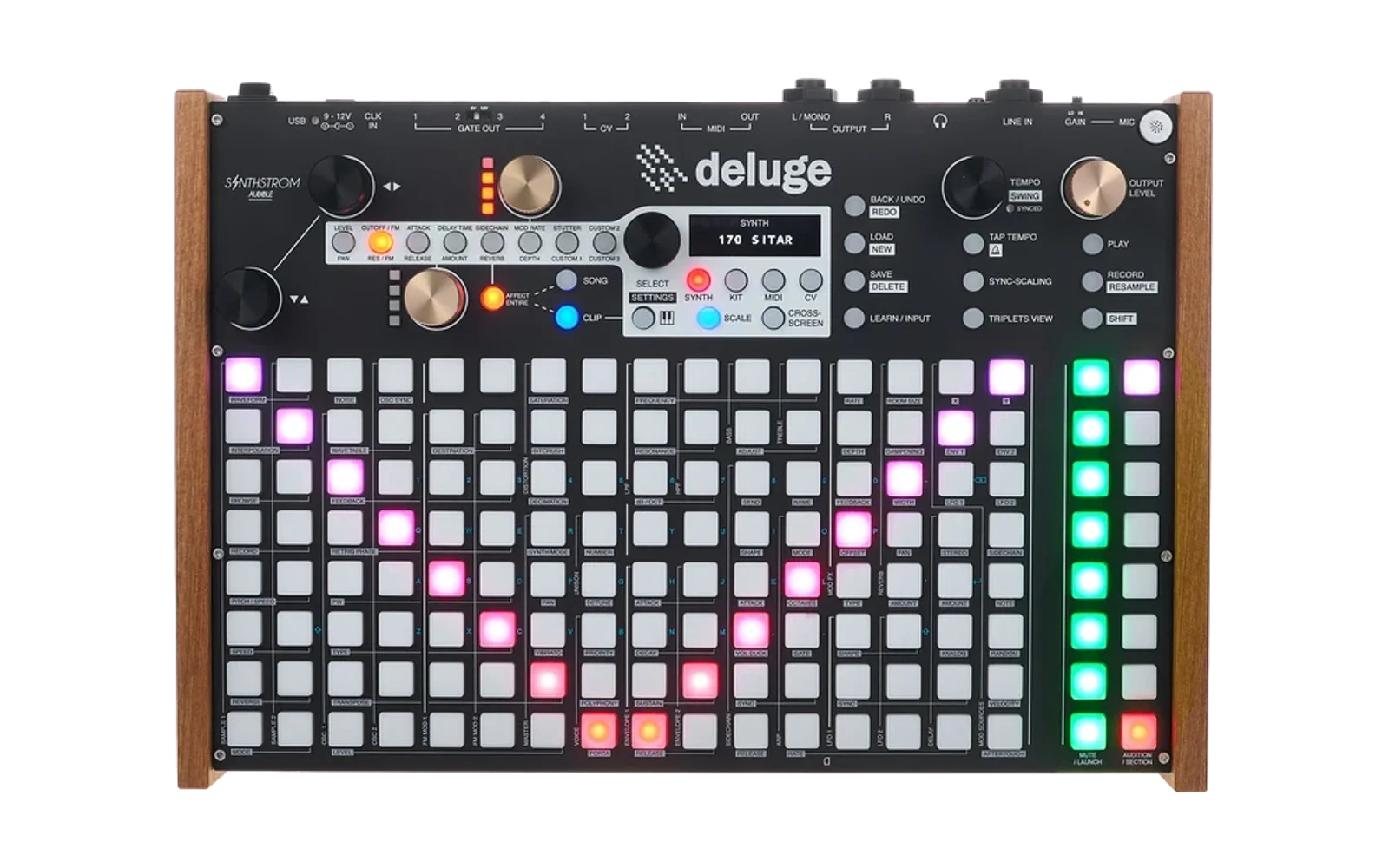
Decent Sampler → Deluge Converter
A Python CLI tool for converting Decent Sampler presets (.dspreset/.dslibrary) to Synthstrom Deluge multisample instrument format.
Features
- ✅ Convert Decent Sampler presets to Deluge multisamples
- ✅ Support for .dslibrary files (multiple presets)
- ✅ Preserves pitch mappings and sample zones
- ✅ Handles tuning/cents adjustments
- ✅ Automatic MIDI note range calculation
- ✅ Optional sample file organization and copying
Installation
Option 1: Download Standalone Executables (Recommended for Non-Developers)
Download pre-built executables for your platform from the Releases page:
- Windows:
ds2deluge-windows.zip- Extract and runds2deluge-gui.exe - macOS:
ds2deluge-macos.zip- Extract and runDS2Deluge.app - Linux:
ds2deluge-linux.tar.gz- Extract and run./ds2deluge-gui
No Python installation required!
Option 2: Install from PyPI (Python Package)
pip install ds2deluge
Option 3: Install from Source
# Clone the repository
git clone https://github.com/yourusername/ds2deluge.git
cd ds2deluge

# Install in development mode
pip install -e .

# Or install normally
pip install .
Verify Installation
# Command line version
ds2deluge --help

# GUI version
ds2deluge-gui
Usage
GUI Version (Recommended)
Launch the graphical interface:
ds-deluge-converter-gui
The GUI provides:
- Drag & Drop: Drop .dslibrary files or directories directly onto the interface
- Batch Processing: Convert multiple libraries to a single output folder
- Visual Progress: Real-time conversion status and detailed logging
- Easy Configuration: Point-and-click settings for output paths and options
Command Line Version
ds-deluge-converter <input.dspreset> [options]
Options:
-o, --output DIR- Output directory (default: ./deluge_output)-s, --samples-dir PATH- Base path for samples in Deluge (default: SAMPLES/Multisamples)--copy-samples- Copy and organize sample files automatically--samples-output DIR- Where to copy samples (default: {output}/samples)
Examples:
# Convert a single preset
ds-deluge-converter MyPiano.dspreset -o ./deluge_synths

# Convert a library with multiple presets
ds-deluge-converter MyLibrary.dslibrary -o ./deluge_synths

# Specify custom sample base path
ds-deluge-converter Piano.dspreset -o ./output -s SAMPLES/Custom

# Copy and organize samples automatically
ds-deluge-converter Piano.dspreset --copy-samples --samples-output ./my_samples
What happens:
- Reads the Decent Sampler XML structure
- Extracts sample mappings, root notes, and ranges
- Converts to Deluge's sampleRanges format
- Creates XML files in Deluge format
- If input is .dslibrary, creates separate XML files for each preset
- Optionally copies and organizes sample files
Output structure:
deluge_output/
├── MyPiano.XML           # Deluge synth preset
└── MyStrings.XML         # Another preset (if from .dslibrary)
With --copy-samples:
deluge_output/
├── MyPiano.XML
└── MyStrings.XML

samples/
├── MyPiano/
│   ├── sample1.wav
│   └── sample2.wav
└── MyStrings/
    ├── sample1.wav
    └── sample2.wav
Understanding the Formats
Decent Sampler Format (.dspreset)
Decent Sampler uses XML to define:
- Groups: Collections of samples (can be for round-robins, velocity layers, etc.)
- Samples: Individual audio files with:
path: File locationrootNote: The "natural" pitch of the sample (MIDI note number)loNote/hiNote: MIDI note range this sample coversloVel/hiVel: Velocity rangetuning: Fine-tuning in cents
Example:
<DecentSampler minVersion="1.0.0">
  <groups>
    <group name="Main">
      <sample path="./samples/C3.wav" rootNote="60" loNote="57" hiNote="62"/>
      <sample path="./samples/C4.wav" rootNote="72" loNote="69" hiNote="74"/>
    </group>
  </groups>
</DecentSampler>
Deluge Multisample Format (.XML)
Deluge uses XML with:
- sampleRanges: Defines which samples play at which notes
- sampleRange: Individual sample with:
fileName: Path to sample filerangeTopNote: Highest MIDI note for this sampletranspose: Semitone offset from middle C (60)cents: Fine-tuning adjustment
Example:
<sound>
  <osc1 type="sample">
    <sampleRanges>
      <sampleRange fileName="SAMPLES/Multisamples/Piano/C3.wav"
                   rangeTopNote="62" transpose="0" cents="0">
        <zone startSamplePos="0" endSamplePos="2147483647"/>
      </sampleRange>
      <sampleRange fileName="SAMPLES/Multisamples/Piano/C4.wav"
                   rangeTopNote="74" transpose="12" cents="0">
        <zone startSamplePos="0" endSamplePos="2147483647"/>
      </sampleRange>
    </sampleRanges>
  </osc1>
  <!-- Additional oscillator and parameter settings -->
</sound>
Workflow Examples
Example: Converting a Decent Sampler Library
Using the GUI (Recommended):
- Launch
ds-deluge-converter-gui - Drag and drop .dslibrary files into the interface
- Configure output directory and settings
- Click "Convert All"
- Copy the generated files to your Deluge SD card as instructed
Using Command Line:
# 1. Download a Decent Sampler library (e.g., from Pianobook)
wget https://example.com/MyPiano.dslibrary

# 2. Convert to Deluge format with automatic sample organization
ds-deluge-converter MyPiano.dslibrary -o ./deluge_presets --copy-samples

# 3. Copy files to Deluge SD card
# Copy XML files from ./deluge_presets/ to: /SYNTHS/
# Copy sample folders from ./deluge_presets/samples/ to: /SAMPLES/Multisamples/
Technical Details
MIDI Note Mapping
Both formats use MIDI note numbers (0-127):
- Middle C (C3) = 60
- A4 (440Hz) = 69
Decent Sampler:
rootNote: The sample's natural pitchloNote/hiNote: Define the key range
Deluge:
transpose: Offset from middle C (60)- 0 = C3 (MIDI 60)
- 12 = C4 (MIDI 72)
- -12 = C2 (MIDI 48)
rangeTopNote: Highest key for this sample
Conversion Logic
DS → Deluge:
- Reads sample groups and individual samples
- Calculates
transposeas:rootNote - 60 - Uses
hiNoteasrangeTopNote - Preserves tuning as
cents
File Paths
The converter handles sample file paths intelligently:
- Removes Deluge's base path prefix when converting to DS
- Adds appropriate base path when converting to Deluge
- Maintains relative paths where possible
Limitations
Current Limitations
- Only converts sample mappings (no effects, envelopes, LFOs)
- Velocity layers require manual setup in Decent Sampler groups
- Loop points are not fully preserved
- No support for Decent Sampler round-robin sequencing
- One-way conversion only (Decent Sampler → Deluge)
Workarounds
- Velocity layers: Use multiple Decent Sampler groups, then manually configure on Deluge
- Effects: Apply separately in Deluge
- Complex mappings: May require manual XML editing
Troubleshooting
"Sample not found" warnings
- Ensure sample files are in the correct location relative to the preset
- For .dslibrary files, samples are extracted automatically
- Check that sample file extensions match (.wav, .aif, etc.)
- Use
--copy-samplesto automatically organize files
Deluge shows "FILE" error
- Verify sample paths in the XML match your SD card structure
- Check that samples are in the correct folder
- Ensure proper subfolder structure under SAMPLES/Multisamples/
- Use
--copy-samplesto ensure correct organization
Missing notes or incorrect pitch
- Verify the original preset's note mappings
- Check transpose values in the XML
- MIDI note ranges should be continuous
Advanced Usage
Custom Sample Paths
Edit the XML after conversion to customize sample locations:
<!-- Change from: -->
<sampleRange fileName="SAMPLES/Multisamples/MyInstrument/sample.wav" .../>

<!-- To: -->
<sampleRange fileName="SAMPLES/Custom/Path/sample.wav" .../>
Batch Conversion
# Convert all .dspreset files in a directory
for file in *.dspreset; do
    ds-deluge-converter "$file" -o ./deluge_batch
done
Modifying Deluge Defaults
Edit the default_params in the script to change:
- Filter settings (lpfFrequency, lpfResonance)
- Envelope settings
- Volume and pan defaults
For Developers
Building Installers Locally
Use the provided build scripts to create standalone executables:
Linux/macOS:
./build_installers.sh
Windows:
build_installers.bat
Or use PyInstaller directly:
# Install PyInstaller
pip install pyinstaller

# Build CLI version
pyinstaller ds2deluge.spec

# Build GUI version
pyinstaller ds2deluge-gui.spec
Publishing to PyPI
-
Install build tools:
pip install build twine -
Build the package:
python -m build -
Test upload to TestPyPI (optional):
twine upload --repository testpypi dist/* -
Upload to PyPI:
twine upload dist/*
GitHub Actions CI/CD
This project includes automated workflows for:
Build Installers (.github/workflows/build-installers.yml):
- Triggered on version tags (e.g.,
v1.0.0) or manually - Builds Windows, macOS, and Linux executables
- Creates GitHub releases with artifacts
Publish to PyPI (.github/workflows/publish-pypi.yml):
- Triggered when a GitHub release is published
- Automatically builds and publishes to PyPI
- Uses trusted publishing (no API token needed)
Setting up PyPI Publishing
- Go to PyPI Trusted Publishers
- Add your repository:
yourusername/ds2deluge - Workflow name:
publish-pypi.yml - Environment name:
pypi
Creating a Release
To trigger builds and PyPI publishing:
# Tag a new version
git tag v1.0.0
git push origin v1.0.0

# Or create a release on GitHub
# GitHub → Releases → Create a new release
Contributing
This converter is designed to be extensible. Key areas for enhancement:
- Loop point preservation
- Effect parameter mapping
- Velocity layer automation
- Additional format support (SFZ, etc.)
Resources
- Decent Sampler Documentation
- Deluge Manual
- Synthstrom Forums
- Pianobook (Free Decent Sampler Libraries)
License
This tool is provided as-is for the music production community. Feel free to modify and share.
Changelog
Version 1.0.0
- Initial release
- Decent Sampler → Deluge conversion
- .dslibrary multi-preset support
- Basic pitch and range mapping
- Command-line interface
- Installable Python package
- Automatic sample file organization
Note: Always keep backups of your original presets and samples before conversion!