digikit
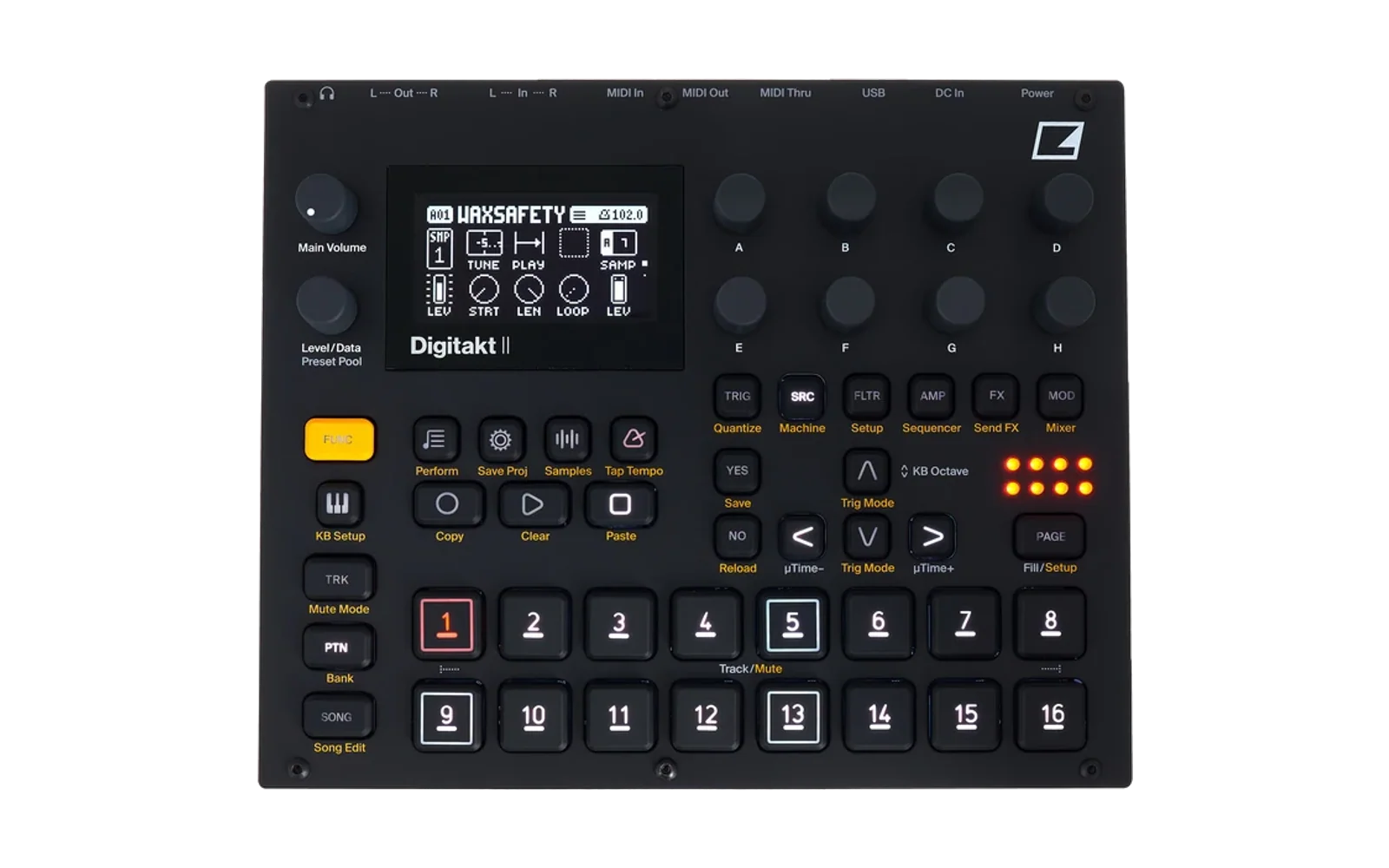
digikit adds new machines and effects to the Elektron Digitakt II and Digitone II. It patches your own copy of the stock firmware with a small runtime. The runtime loads modules from its own area on the device's card, so you can add or change a machine without flashing again. An emulator runs the real firmware on your computer, so you can test everything before it goes near the device.
Experimental. Flashing modified firmware is at your own risk. Only flash images that pass
mise run patch:preflight. digikit never changes the bootloader, so the stock OS can always be restored (see Recovery). No Elektron firmware is in this repository: you supply your own.syxfile.
Features
- Runtime on the device: a SETTINGS > DIGIKIT menu, modules loaded from the card at boot, upload over USB, and a debug log you can follow on your computer.
- Storage: the runtime keeps modules (and, on the Digitone II, samples) in a store of its own on the card, in an area the stock firmware never uses (the Digitakt II's is 82 MiB, the Digitone II's about 22 GiB). Samples for the Digitakt II go to its +Drive over USB. The workbench's Transfer page has a Modules and a Samples tab for both.
- Run-time machines: new machine types next to the stock ones, with their own parameters and DSP code. A safety guard mutes a misbehaving machine instead of silencing the whole device.
- Run-time effects: up to 3 effects of your own, each with its own page in FUNC + FX. An effect runs as a master insert or as a send effect like delay, reverb and chorus, with a send amount for each track on a second page of the FX key; the route is chosen in SETTINGS > DIGIKIT > FX ROUTES. Digikit's settings live in its own store on the card, not in your projects or kits.
- Emulator: the real firmware (ColdFire and SHARC DSP) runs on your computer, with the front panel, display and audio.
- Module tests: every machine is checked against a standard set of tests (parameter limits, modulation, long notes), in seconds, before it reaches a device.
- Browser patcher: patch your firmware in the browser (
pnpm dev, page/patch); nothing is uploaded.
Modules
| Module | What it does | Emulator | On a device |
|---|---|---|---|
| digikit runtime | Menu, module loading, upload, debug log | Digitakt II, Digitone II | Digitakt II (OS 1.17) |
| PLUCK | Plucked-string synth: decay, pick position, brightness, colour. A run-time module: load it with mise run dk:run | Digitakt II, Digitone II | Digitakt II (OS 1.17) |
| Frequency shifter | Moves every frequency up or down by the same number of Hz (an FX page with SHIFT and MIX). A run-time module; a send effect by default, or a master insert | Digitakt II, Digitone II | not yet |
Supported firmware: Digitakt II OS 1.17 and Digitone II OS 1.12. Download them from Elektron's support site and
put them in firmware/ (Digitakt_II_OS1.17.syx, Digitone_II_OS1.12.syx). Device work so far is on the Digitakt II.
Setup
You need mise and uv. Then, once:
mise install
mise run setup        # Python and web dependencies
mise run patch:toolchains   # the compilers for module code
Flash the runtime (Digitakt II)
- Build and check the image:
mise run patch -- --firmware firmware/Digitakt_II_OS1.17.syx \ --modules core/runtime,core/digikit-menu,core/health,core/dynreg,core/dyndsp -o out/patch/digikit-dt2.syx mise run patch:preflight -- out/patch/digikit-dt2.syx # must print PREFLIGHT OK - Open Elektron Transfer, connect the Digitakt over USB, and drop
out/patch/digikit-dt2.syxon it while the device shows its main screen. When the transfer ends, the device asks to upgrade: press YES. - After the restart, SETTINGS > DIGIKIT shows the runtime (ABOUT shows its version).
Put a module on the device
With the runtime flashed and the Digitakt connected over USB:
mise run dk:run -- digikit/pluck --port Digitakt --seconds 60
This builds the module, uploads it to the store, selects it, restarts the Digitakt and shows the log. Then pick PLUCK as the machine of a track. You can also tick modules by hand in SETTINGS > DIGIKIT > MODULES and choose APPLY & RESTART.
Useful while testing:
mise run dk:log -- --port Digitakt follow                       # follow the debug log (saved under out/runs/device-logs/)
mise run dk:log -- --port Digitakt level debug                  # log more: levels error, warn, info (default), debug, trace
mise run dk:screen -- --port Digitakt out/runs/shots/screen.png # a screenshot of the display
mise run dk:store -- --port Digitakt ls                         # the files of the store
Run the emulator
mise run emu:ready -- dt2 --syx firmware/Digitakt_II_OS1.17.syx   # once: boot the firmware and save its state (about 2 minutes)
mise run workbench -- firmware/Digitakt_II_OS1.17.syx   # the stock firmware
mise run workbench -- out/patch/digikit-dt2.syx         # your patched image
The emulator's DSP does not run in real time yet, so audio plays slower than on the device. The dk:* commands work
with the emulator too: use --emu instead of --port Digitakt.
Recovery
If a patched image misbehaves, flash the stock .syx the same way (step 2 above). If the device does not start, hold
FUNC while powering on to reach the STARTUP menu, and send the stock OS over MIDI DIN
(PATCHING.md, "Recovery").
More
- Writing modules and the SDK; SDK plan: docs/plans/sdk-api.md
- Module reference: manifest fields, the typed sections, generated files
- Patching, flashing and the device steps in detail
- Architecture: the layers (module, SDK, runtime, adapters, firmware), what each may depend on, how a new device fits
- Developing digikit: open a module, the DIGIKIT menu or UI demo (
mise run dk:module IDfor zero-DSP machine UI preview, add--dspfor audio;mise run dk:menu,mise run dk:ui-demo), fast iteration, tests, analysis tools, repository layout - Testing:
mise run testverifies affected work;mise run test:planexplains selection first.test:changedis cheap preflight. - Releasing: independent module/runtime versions, previewing and applying version metadata
- Results of the research
- Contributing
Licence
digikit (github.com/ElekLabs/digikit) is licensed under AGPL-3.0-or-later (LICENSE), with additional terms under section 7 of the AGPL (attribution, origin and names) in NOTICE. Keep NOTICE and the attribution "digikit by Em D - https://github.com/ElekLabs/digikit" in copies and modified versions; a user interface of a covered work shows it in its About, credits or footer area.
The licence covers the code here only; it gives no rights to Elektron's software or
firmware. digikit is not affiliated with or endorsed by Elektron. Digitakt, Digitone and
Syntakt are trademarks of Elektron Music Machines. Container format knowledge comes from
mischa85/elektron-firmware-tool (MIT); some architecture facts from
lalzart/digitakt-ii-firmware-research-public. The public SHARC+ assembler ElekLabs/selache (a fork of js216/selache)
is used only as a read-only cross-check. tools/coldfire/ghidra/ColdfireEMAC contains files from
Ghidra under the Apache License 2.0.
Writing modules
A module adds a machine, an effect or interface code to a Digitakt II or Digitone II, and loads at boot from the card as a .dkm. Start with mise run module:new -- machine AUTHOR/NAME and follow docs/MODULE-AUTHORING.md.