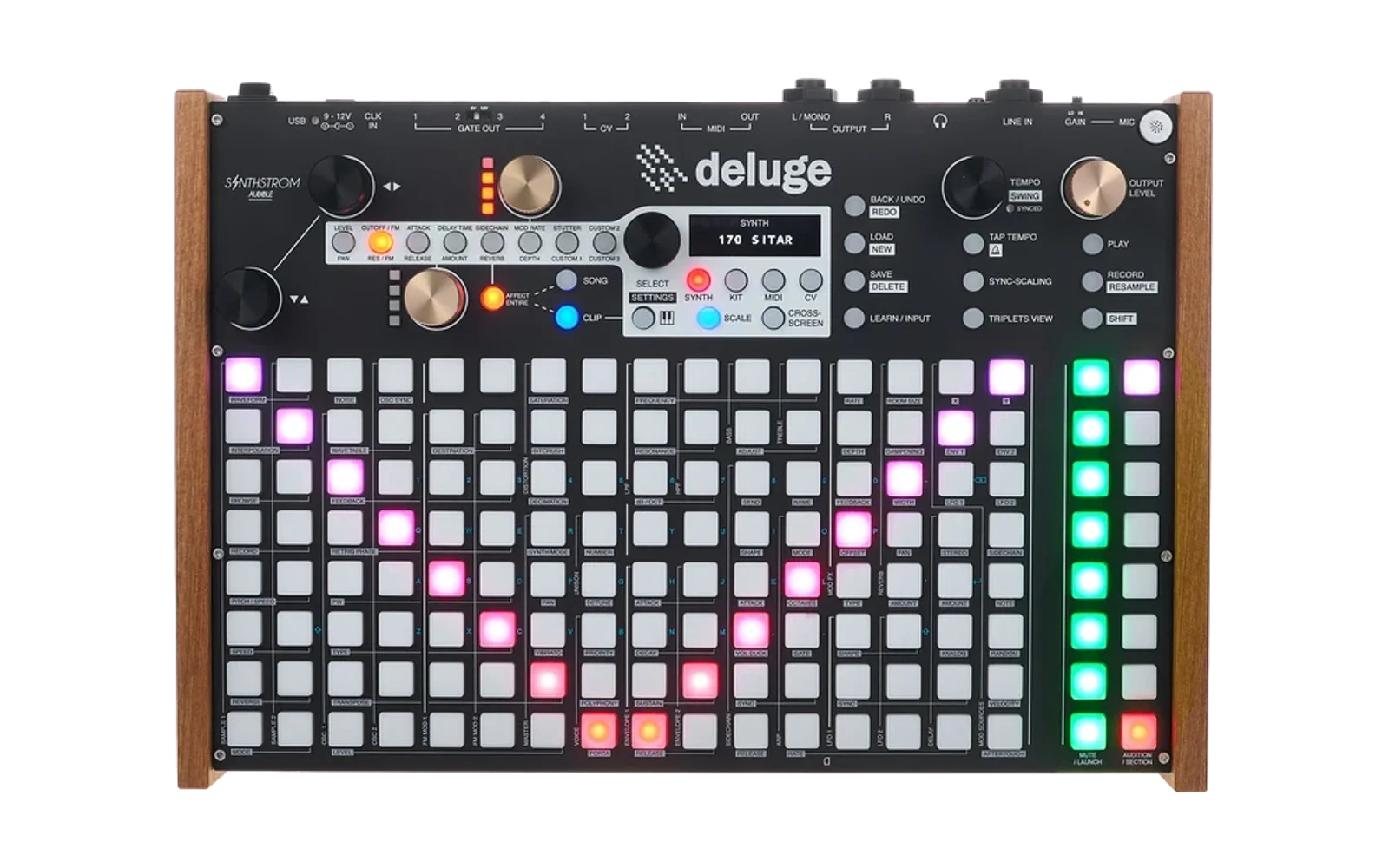
Deluge DX7 Preset Generator
A web application that generates random Synthstrom Deluge DX7 instrument presets and drum kits from a curated database of over 16,000 patches, organized into 18 instrument categories with special folder structures for drums and percussion.
Quick Start
# Clone or download the repository
git clone <repository-url>
cd deluge_dx7

# Start the web server
./run.sh

# Open in browser: http://localhost:8000
# Click "Generate DX7 Presets" to download your ZIP file!
Overview
This tool generates a curated collection of 210 DX7 presets plus 5 drum kits, automatically organized into the proper Synthstrom Deluge folder structure. Each generation creates a unique collection with randomly selected patches from different subcategories, ensuring variety in your preset library.
Key Features
- 210 Random Presets: Selects variable numbers from 18 instrument categories
- 5 Drum Kits: Automatically generated kits combining drum and percussion patches
- Special Folder Structures: Drums organized in subfolders (Kick, Snare, etc.), percussion in category folder
- Random Naming: Each preset gets a unique adjective + noun combination
- Proper Numbering: 3-digit prefixes for organized browsing
- ZIP Download: Everything packaged as a single downloadable file
Project Structure
deluge_dx7/
├── index.html          # Main web interface
├── script.js           # Core application logic and patch generation
├── style.css           # Web interface styling
├── run.sh              # Development server launcher script
├── test.sh             # Test runner script
├── README.md           # This file
├── test/               # Test suite
│   ├── test.js         # Main test runner
│   └── test_*.js       # Individual test files
├── admin/              # Data maintenance scripts
│   ├── split_csvs.py   # CSV file splitting utility
│   └── split_patches.sh # Patch organization script
└── assets/
    ├── SYNTH_TEMPLATE.XML   # Deluge instrument template
    ├── KIT_TEMPLATE.XML     # Deluge drum kit template
    ├── adjectives.txt       # Random name generation
    ├── nouns.txt           # Random name generation
    └── patches/            # DX7 patch database
        ├── Bass/
        │   ├── Acoustic Bass.csv
        │   ├── Electric Bass.csv
        │   ├── Fretless Bass.csv
        │   └── Synth Bass.csv
        ├── Drums/
        │   ├── Clap.csv, Cowbell.csv, Cymbal.csv, Drums.csv
        │   ├── Hi-Hat.csv, Kick.csv, Snare.csv, Tom.csv
        ├── Percussion/
        │   ├── Agogo Bells.csv, Congas.csv, Glockenspiel.csv
        │   └── ... (15 more percussion subcategories)
        └── ... (15 more instrument categories)
Patch Database Structure
The patch database is organized hierarchically:
Categories and Preset Counts
- Synth Bass: 15 presets (Synth Bass subcategory only)
- Non-Synth Bass: 10 presets (Acoustic, Electric, Fretless, general Bass)
- Synth: 20 presets (Analog, Digital, Filter, Lead, etc.)
- Keyboard: 10 presets (Piano, Organ, Electric Piano types)
- Guitar: 4 presets (Acoustic, Electric, Banjo, Mandolin)
- Pad: 4 presets (Pad, Glass Pad)
- Strings: 4 presets (Violin, Cello, Ensemble, etc.)
- Voice: 4 presets (Voice effects and samples)
- Brass: 4 presets (Trumpet, Trombone, Horn, etc.)
- Bell: 3 presets (Bell, Celeste)
- Pluck: 3 presets (Pluck instruments)
- Woodwinds: 3 presets (Flute, Saxophone, Clarinet, etc.)
- Orchestral: 3 presets (Strings, Choir, Orchestra)
- Ethnic: 3 presets (Sitar, Koto, Ethnic instruments)
- Effect: 5 presets (Delay, Echo, Sci-Fi effects)
- Miscellaneous: 5 presets (Space, Weird, Special effects)
- Drums: 80 presets (10 from each of 8 subcategories)
- Percussion: 30 presets (rotating across all subcategories)
- Kits: 5 drum kits (combined drum/percussion presets)
Special Structures
Drums Folder Structure
Drums are organized in subfolders by type, with exactly 10 presets per subcategory:
SYNTHS/DX7_[RandomName]/Drums/
├── Clap/
│   ├── [Adjective] [Noun] Clap.xml
│   └── ... (9 more)
├── Cowbell/
├── Cymbal/
├── Hi-Hat/
├── Kick/
├── Snare/
├── Tom/
└── Drum/
Percussion Folder Structure
Percussion presets are all in one folder, using subcategory names:
SYNTHS/DX7_[RandomName]/Percussion/
├── [Adjective] [Noun] Agogo Bells.xml
├── [Adjective] [Noun] Congas.xml
├── [Adjective] [Noun] Glockenspiel.xml
└── ... (27 more)
Other Categories
Regular instruments use category-based folders:
SYNTHS/DX7_[RandomName]/
├── Bass/
├── Synth/
├── Keyboard/
├── Guitar/
├── Pad/
├── Strings/
├── Voice/
├── Brass/
├── Bell/
├── Pluck/
├── Woodwinds/
├── Orchestral/
├── Ethnic/
├── Effect/
└── Miscellaneous/
Drum Kits
Five drum kits are generated in the KITS/ folder, each containing 16 combined drum and percussion sounds with proper Deluge kit formatting.
Patch Naming System
File Naming Convention
- Format:
[Adjective] [Noun] [Subcategory].xml - Examples:
Crystal Moon Piano.xmlThunder Storm Kick.xmlSilent River Glockenspiel.xml
Folder Naming Convention
- DX7 Root:
DX7_[Adjective]_[Noun](spaces converted to underscores) - Example:
DX7_Crystal_Moon
Random Name Generation
- Adjectives and nouns are loaded from
assets/adjectives.txtandassets/nouns.txt - Each generation session uses one global adjective+noun pair for the main folder
- Individual presets get unique random names within that session
Usage Instructions
Running the Application
-
Start the Server:
./run.shThis script automatically detects Python 3 and starts a local web server on port 8000.
-
Open in Browser: Navigate to
http://localhost:8000 -
Generate Presets: Click the "Generate DX7 Presets" button and wait for completion.
-
Download: The ZIP file (named
DX7_[Adjective]_[Noun].zip) will download automatically.
Server Requirements
The run.sh script tries multiple server options in order of preference:
- Python 3 (recommended - supports gzip compression)
- Python 2 (fallback)
- Node.js (if available)
- PHP (if available)
- Ruby (if available)
Browser Requirements
- Modern browser with ES6+ support
- Fetch API support
- Gzip decompression support (automatic fallback if not available)
Testing
Run the test suite to verify functionality:
./test.sh
This script:
- Checks for Node.js availability
- Runs the main test suite (
test/test.js) - Executes individual test files for specific components
- Reports pass/fail status
Test Coverage
The test suite covers:
- Patch selection logic
- CSV parsing and data loading
- XML generation
- Folder structure creation
- Random name generation
- ZIP file creation
- Error handling
Data Management
CSV File Structure
Each CSV file contains DX7 patch data in the format:
category,subcategory,dx7patch
Bass,Acoustic Bass,5F1E1432635F000029000000...
Admin Scripts
split_csvs.py
Splits large CSV files by subcategory into separate files:
cd admin
python3 split_csvs.py
split_patches.sh
Organizes patches by category from a master CSV file:
cd admin
./split_patches.sh
Performance Notes
- Data Loading: ~2MB of compressed CSV data (80% reduction)
- Generation Time: 5-10 seconds on modern connections
- Memory Usage: ~50MB peak during ZIP creation
- Gzip Support: Automatic compression detection for faster loading
Technical Details
Libraries Used
- PapaParse: CSV parsing and processing
- JSZip: ZIP file creation and compression
- FileSaver.js: Automatic file downloads
- Native APIs: Fetch API, DecompressionStream (modern browsers)
Browser Compatibility
- Chrome 80+
- Firefox 78+
- Safari 13.1+
- Edge 80+
File Formats
- Input: CSV files with DX7 SysEx data
- Output: Synthstrom Deluge XML instrument files
- Packaging: Standard ZIP compression
Development
Modifying Categories
Edit the categoryConfig array in script.js to change:
- Number of presets per category
- Category names
- Special structure flags
Adding New Patches
- Add CSV files to appropriate
assets/patches/[Category]/subdirectories - Update the
subcategoryMapinscript.jsif needed - Run tests to ensure compatibility
Customization Options
- Modify random name lists in
assets/adjectives.txtandassets/nouns.txt - Adjust ZIP compression settings in
createAndDownloadZip() - Change XML templates (
SYNTH_TEMPLATE.XML,KIT_TEMPLATE.XML)
Troubleshooting
Server Issues
If ./run.sh fails:
# Manual Python server
python3 -m http.server 8000

# Or with Node.js
npx http-server --gzip

# Or with PHP
php -S localhost:8000
Tool Version Managers
If you use asdf, pyenv, or similar:
# For asdf users
asdf install python 3.11.5
asdf local python 3.11.5

# For pyenv users
pyenv install 3.11.5
pyenv local 3.11.5
Browser Issues
- Ensure you're running from
http://localhost:8000(not file://) - Check browser console for error messages
- Try a different modern browser if issues persist
License
This project includes DX7 patch data and Synthstrom Deluge templates for educational and creative purposes. The DX7 patches are from the public domain ROM dumps and cartridge data.