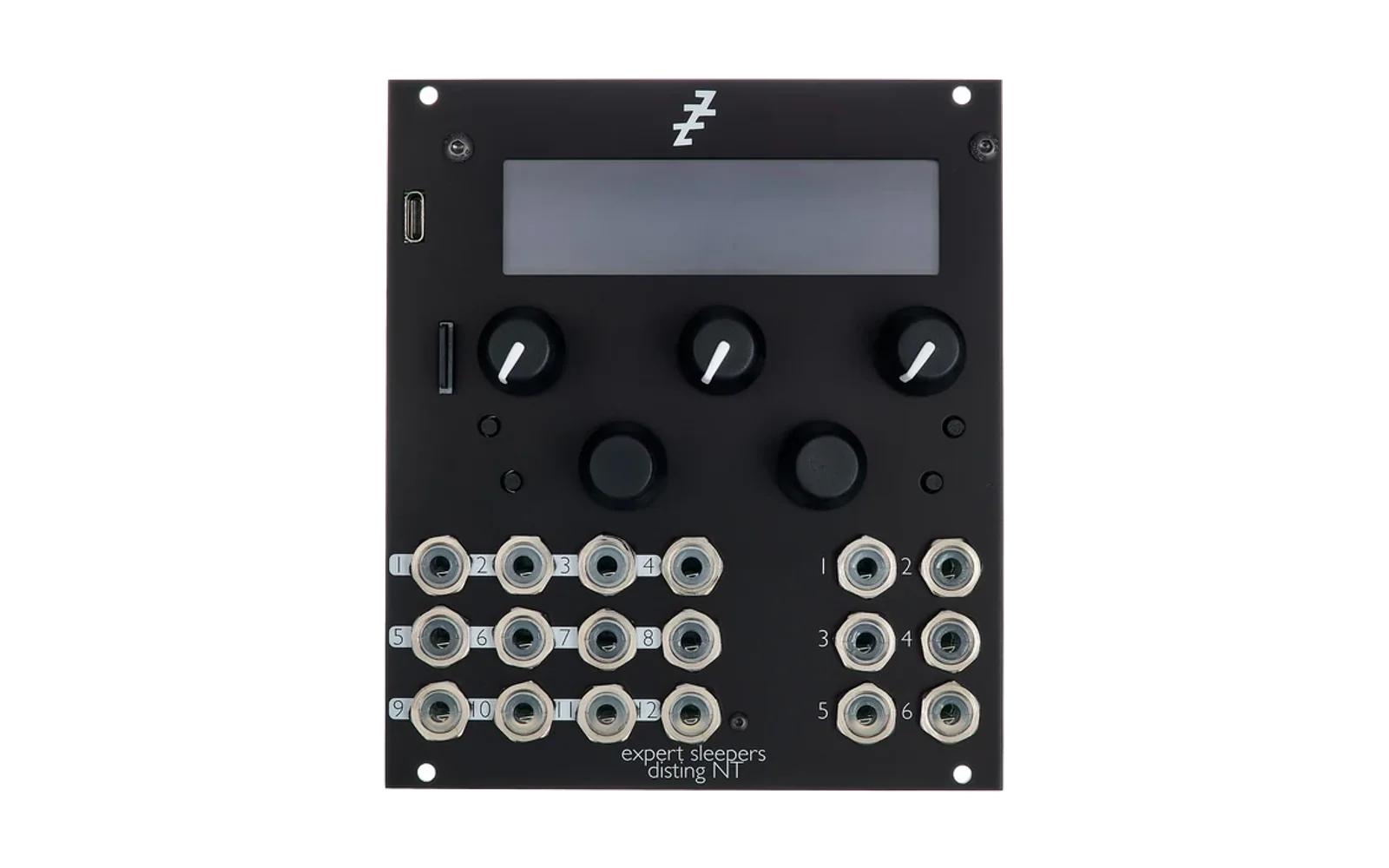
Codex-NT Development Repository
Development repository for Disting NT plugins. Individual plugins are automatically synced to their own dedicated repositories.
Plugin Repositories
Each plugin has its own dedicated repository for releases and standalone use:
-
VTrig - 6-Track Trigger Sequencer
https://github.com/corygraddy/VTrig -
V3Seq - 3-Output CV Sequencer
https://github.com/corygraddy/V3Seq -
VFader - 32 Virtual MIDI Faders
(Main repo only - not yet split)
Development Workflow
Making Changes
- Work on plugins in this repository (Codex-NT)
- Commit and test your changes locally
- Push to Codex-NT:
git add .
git commit -m "Your commit message"
git push origin main
Syncing to Plugin Repositories
After pushing to Codex-NT, sync changes to individual plugin repos:
./sync_plugins.sh
This script uses git subtree push to sync:
VTrig/directory → github.com/corygraddy/VTrigV3Seq/directory → github.com/corygraddy/V3Seq
Note: The sync script only pushes files from the plugin subdirectories. Each plugin repo contains only its own files (no shared dependencies or other plugins).
Repository Structure
Codex-NT/
├── VFader/              # 32 Virtual MIDI Faders
├── VSeq/                # Combined CV + Trigger Sequencer (deprecated)
├── V3Seq/               # 3-Output CV Sequencer → github.com/corygraddy/V3Seq
├── VTrig/               # 6-Track Trigger Sequencer → github.com/corygraddy/VTrig
├── distingNT_API/       # Disting NT API (submodule)
├── sync_plugins.sh      # Sync script for plugin repos
└── CHANGELOG.txt        # Project-wide changelog
Build System
Each plugin has its own Makefile and build process:
cd VTrig && make              # Build VTrig
cd V3Seq && make              # Build V3Seq
cd VFader && make             # Build VFader
Deploy to Disting NT SD card:
cd VTrig && ./BuildTransfer.sh
Creating Releases
For Individual Plugin Repos (VTrig, V3Seq)
- Build and test in Codex-NT
- Update version in release files
- Commit and push to Codex-NT
- Run
./sync_plugins.shto sync to plugin repos - Create release on plugin repo's GitHub page
Release Structure
Each plugin has a release/ folder:
PluginName.o- Compiled binaryPluginName-BuildX.zip- Release packageREADME.md- Full documentationRELEASE_NOTES.md- Version historyGITHUB_RELEASE_INSTRUCTIONS.md- Release guide
Adding New Plugins
To add a new plugin to the sync workflow:
- Create the plugin directory in Codex-NT
- Create the dedicated GitHub repository (empty)
- Add remote to Codex-NT:
git remote add newplugin-repo git@github.com:corygraddy/NewPlugin.git - Add to
sync_plugins.sh:git subtree push --prefix=NewPlugin newplugin-repo main
Git Subtree Background
This setup uses git subtree to maintain separate repositories:
- Codex-NT is the primary development repository
- Changes in subdirectories (e.g.,
VTrig/) are extracted and pushed to dedicated repos - Each plugin repo has full git history for its own directory
- Plugin repos are standalone - users can clone just the plugin they need
Why Subtree vs Submodules?
- Subtree (what we use): Development in main repo, push out to separate repos
- Submodule: Separate repos included in main repo
Subtree is better for our workflow because:
- All development happens in one repo (Codex-NT)
- No submodule update hassles
- Plugin repos automatically stay in sync
- Users can clone individual plugins without the full Codex-NT repo
Requirements
- ARM EABI toolchain (
arm-none-eabi-gcc) - Disting NT with latest firmware
- SD card for plugin deployment
- Git with subtree support (built-in to modern Git)
Credits
Developed by Cory Graddy
Built using the Expert Sleepers Disting NT API
Made with the help of GitHub Copilot: Claude Sonnet 4.5
License
See LICENSE file for details.