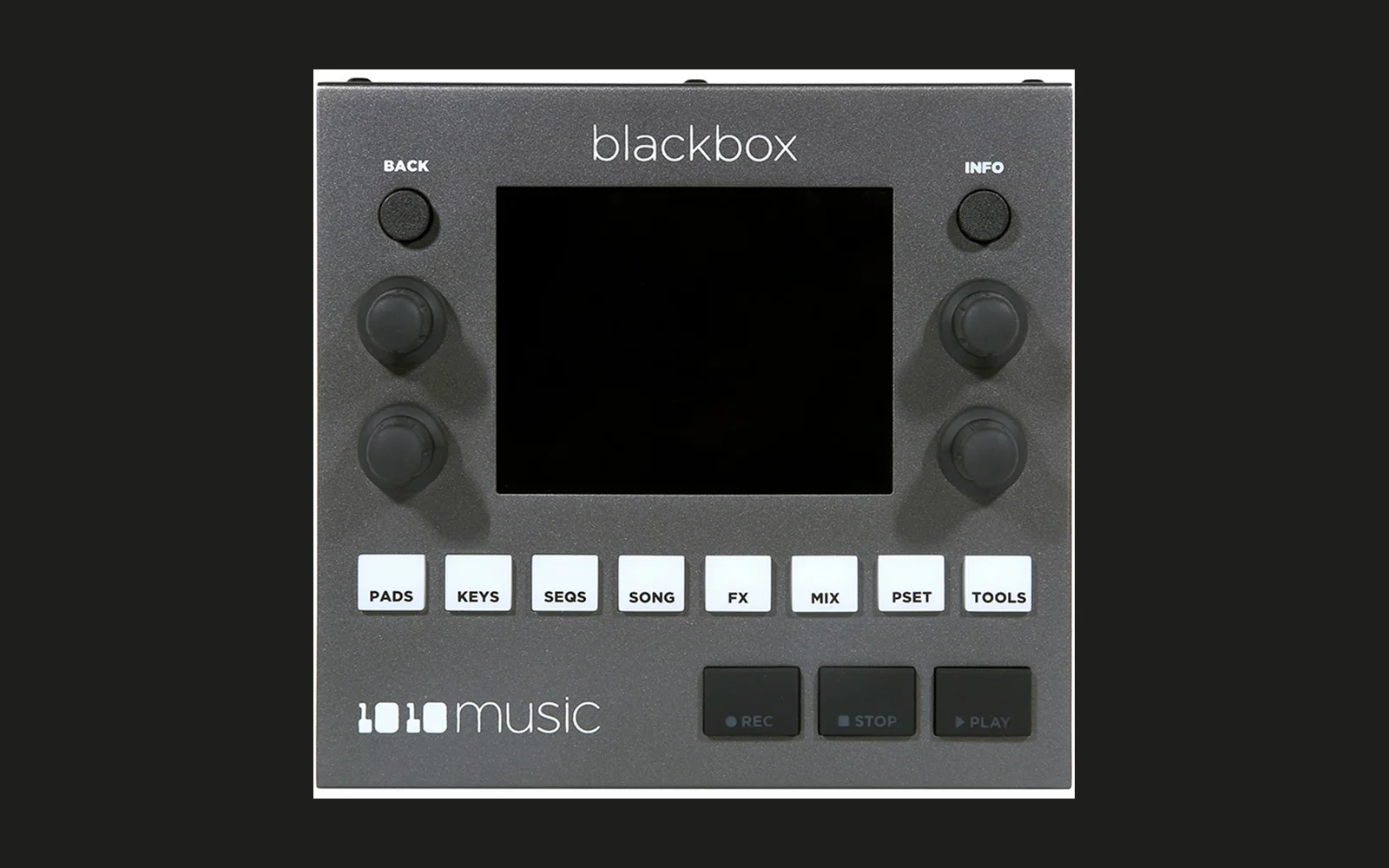
Blackbox PocketRave mod
An unofficial mod for the original 1010music Blackbox, applied on top of stock firmware 3.1.9. It is not affiliated with, endorsed by, or supported by 1010music. "1010music" and "Blackbox" are trademarks of 1010music LLC. This repository does not contain or distribute 1010music's firmware; the mod only modifies the copy you supply. Use at your own risk; modified firmware may affect your warranty. It has been tested on one unit. Project page: https://pocketrave.live/#/projects/blackbox.
What it adds
- Boots into SEQS instead of PADS.
- L3 clip launcher: 8 columns x 5 rows, launches quantized to PrCh Quant.
- Per-clip Duty / Quant / Step Len / Step Count, so polyrhythms are possible (a 5-step clip loops every 5 steps).
- Step Len and Quant Size go down to 1/64T and 1/128.
- Column page (long press a column header): Step Mode, MIDI Out, and rename with the stock keyboard.
- CLEAR / UNDO menu (long press a clip).
- MIDI notes 109 / 110 select the previous / next preset; notes 111-118 launch or stop columns 1-8.
- PrCh Quant setting in TOOLS > Clock, kept across power cycles.
- Colour-blind-safe palette.
- 12x16 Spleen font for the large text.
- Elektron-style trig conditions in the piano roll's Event mode (PLAY knob): 1:2 ... 8:8, 1ST / -1ST, PRE / -PRE, FILL / -FILL, next to the stock chances. Loops count from the clip launch; one-step clips play conditions always. Notes with a condition or chance are drawn green.
- FILL: hold BACK on SEQS (selected clip), MIDI notes 119-126 (columns 1-8 of the selected row), or the FILL toggle in the piano roll. A clip with FILL notes turns bluish green while fill is on.
- Piano roll top row: MIDI, Edit, Event, FILL (+ the pad miniature in KEYS mode).
- SEQS: thin clip separators, scroll arrows, a tap on a column header stops it; INFO on a column's Name row renames it.
- The bars:beats counter in the header is right-aligned and grows to the left.
- FX send page (FX opens it first, then XY FX, then EQ): the 16 pads, each with its DLY and RVB send level, and full-height DLY / RVB bars at the sides. BR / BL select a pad or a bar, TL / TR set the selected pad's DLY / RVB send. INFO on a bar opens that effect's settings; INFO on a pad opens a page with only "DLY amount" and "RVB amount".
- MIDI CC controls the per-pad sends: on that page, INFO on a row opens its MOD page with the sources none / CC and Learn. Learn a controller knob; Amount sets the range (50 % = the knob covers 0..50 %), a negative Amount inverts it. One CC can drive several pads and both sends. The mapping is saved with the preset.
- Per-clip colour and label: the clip's INFO x2 page has a Colour row (Default + 10 muted colours) and a Label row (stock keyboard, up to 8 characters). The SEQS grid fills the clip with its colour and shows the label at the top left. Both are saved with the preset; CLEAR keeps them. Editing them (or a column name) enables PSET Save.
- PADS and the FX send page show the clip progress as a bar with a 1-px frame; the FX send stripes sit above it.
- FX send page pad menu: the waveform button is hidden; the miniature opens the pad picker and then the picked pad's DLY / RVB menu.
- A green "M" left of the counter lights for 150 ms on each incoming MIDI Note On / Note Off / CC (MIDI IN and USB-A host, any channel).
- Splash shows
3.1.9(NN), the mod release number.
Known issues
- Fill state is not saved; it is off after boot.
- A MIDI note-off 119-126 on any channel clears that column's fill.
- On stock firmware, notes with a trig condition play always.
- The sends take only CC as a modulation source. The CC writes the send value itself, like the knob on the page, so the two overwrite each other. Amount 0 % sets the send to 0 on every CC.
- The pad page opened from the FX send page leaves an empty strip where the tabs are on the normal pad page.
- The MIDI "M" does not light while a preset loads (the stock firmware drops incoming notes and CC then).
Install
- Download the stock 3.1.9 firmware from 1010music.
- Patch it in your browser at https://pocketrave.github.io/blackbox/ (the page in
docs/; your file never leaves your computer), or withpython apply.py path/to/BLACKBOX.bin(writesout/BLACKBOX.bin). - Keep the stock file.
- Copy the patched file to the SD card root as
BLACKBOX.binand boot holding A+B; the update runs. - The splash shows
3.1.9(NN).
Going back: do the same with the stock file.
Build from source
Put the stock image at firmware/BLACKBOX-3.1.9.bin (see firmware/README.md), then:
pip install -r requirements.txt
python mod/build.py 70
The result is byte-identical to release v070: check out/BLACKBOX.bin against output_sha256 in
docs/patches/v070.json. Tests: python -m pytest tests -q and node --test tests/js/patcher.test.mjs.
How it works
mod/*.pygenerate Thumb-2 machine code directly (thumb.pyencoders, self-tested against Capstone).- Hooks redirect stock call sites; every hook checks the stock bytes it replaces (
bbpatch.Patcher.expect). A wrong firmware fails the build loudly. - Caves are appended after the stock image.
- Releases are diff-only (
tools/patchlib.py).
What is and isn't in this repository
Source for the mod, the patcher, tests and the release patches (only bytes this project writes) are here. There is no 1010music firmware, no patched image and no disassembly. Please don't add them in issues or PRs.
Licence
MIT, see LICENSE; third-party material in THIRD_PARTY.md. "1010music" and "Blackbox" are trademarks of 1010music
LLC. If you represent 1010music and have a concern, open a GitHub issue.