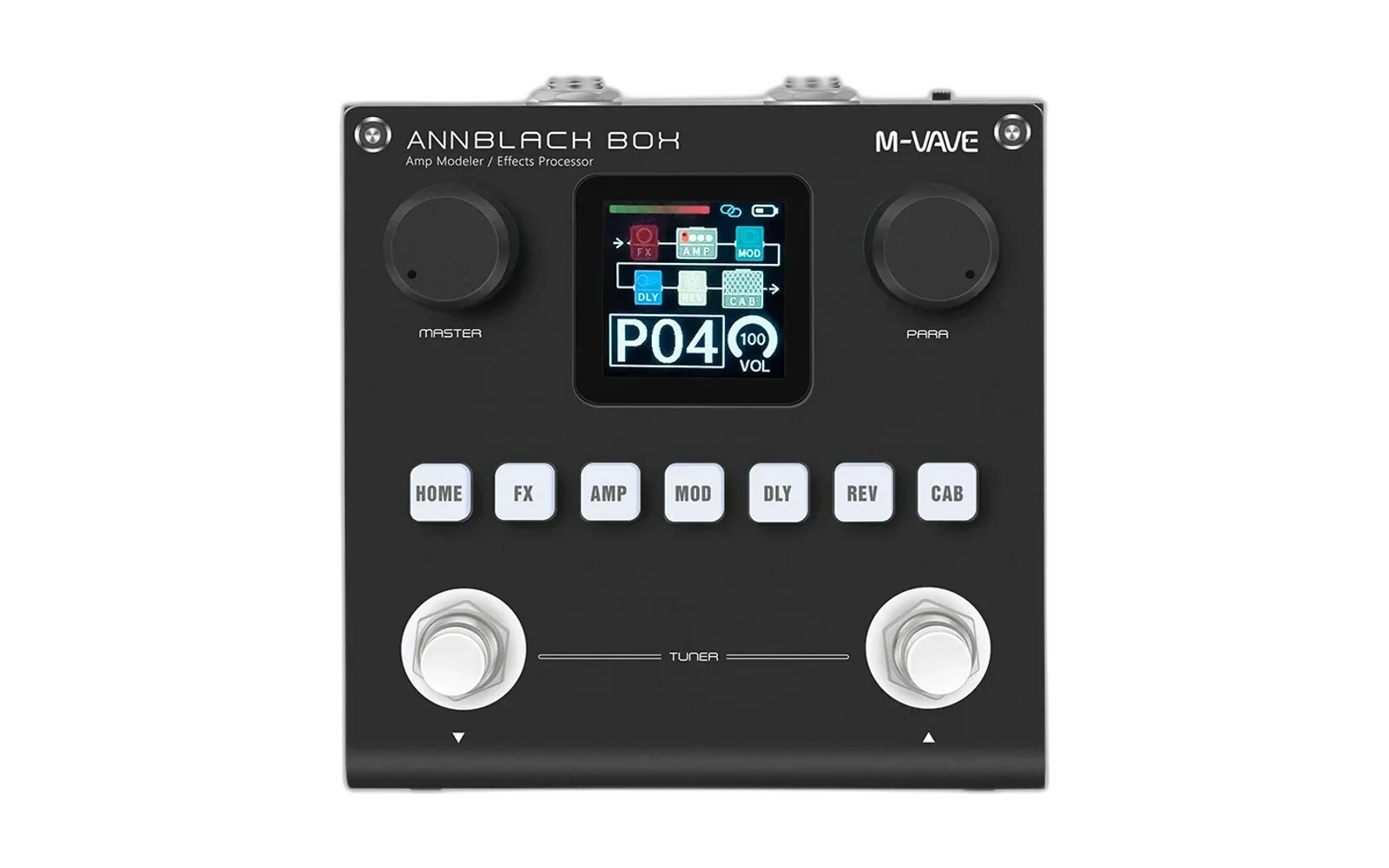
ANNBLACKBOX — Custom Firmware Installer
A Windows utility for flashing custom .fwsc images or restoring factory V20 on the Sinco / M-VAVE BlackBox. Python patches a disposable copy of M-UPGRADE-NTFS-BLACKBOX.exe; the original vendor updater still performs the USB-MIDI/OTA transfer.
Hardware-tested on my own ANNBLACKBOX running official V20. Other versions, hardware revisions and custom images are not guaranteed. File-size validation alone does not establish firmware safety.
How it works
This method came from my own reverse engineering and decompilation of:
I located a 700,436-byte embedded firmware payload inside the vendor PE executable and two host-side version gates. The installer applies three fixed-length patches:
| EXE offset | Binary operation | Result |
|---|---|---|
0x2E66BF | Overwrite 700,436 bytes with the selected .fwsc | Replace the bundled firmware |
0x31C7A | 0F 85 13 01 00 00 → 90 E9 13 01 00 00 | Bypass the same-version guard (JNE → unconditional jump) |
0x32762 | 7F 32 → EB 32 | Bypass the UI version gate (JG → JMP) |
Pipeline: SHA-256-check the pristine updater → restore a working copy → verify opcode signatures and .fwsc size → patch and read back every modified region → launch M-UPGRADE → trigger its update control → monitor the vendor's logs. On a known Verification timeout following an interrupted OTA cycle, a best-effort recovery routine tries available firmware candidates before retrying the requested image.
This effectively tricks the host updater, not the pedal: its bootloader and device-side validation remain unchanged. The patches do not guarantee downgrades, recovery or compatibility with arbitrary firmware.
Usage
Windows x64, Python 3.8+ (tkinter), bundled updater and a direct USB data cable. Windows 10/11 are the primary targets; Windows 8 has not been verified here.
Run annblackbox-custom-firmware-installer.py and select Install custom firmware, Restore V20 factory, or Cancel. Never disconnect the pedal during flashing.
python annblackbox-custom-firmware-installer.py --selftest
python annblackbox-custom-firmware-installer.py --probe
python annblackbox-custom-firmware-installer.py --flash factory
python annblackbox-custom-firmware-installer.py --flash "C:\path\to\custom.fwsc"
--selftest checks patch mechanics, not the pedal. Logs: logs/ and windows/official-updater/LOG/.
Personal note
I decompiled the host software and tested this on my own hardware, with development assistance from DeepSeek 4.1 Flash. I bricked my ANNBLACKBOX several times in OTA upgrade mode while experimenting and had to recover it. Those failures helped me refine the process; this build is more stable in my V20 testing, not universally proven safe.
My longer-term goal is a more advanced Python version for Windows, macOS and Linux. Python is portable, but this Windows updater is not: genuine cross-platform support would require a properly implemented OTA transport, device discovery, validation and recovery. For now, tricking the official M-UPGRADE is the most viable, least broken approach I've found, because it preserves the vendor's functioning transfer engine.
Please be patient. I work slowly because I prefer real-device verification over shipping untested AI slop that might brick somebody else's pedal. I'll improve this as I can.
Disclaimer
Unofficial; not affiliated with or endorsed by M-VAVE or Sinco. Their updater and trademarks remain theirs. Provided as is, without warranty. Flashing can brick hardware, lose data or void warranties. Use at your own risk; recovery is not guaranteed.