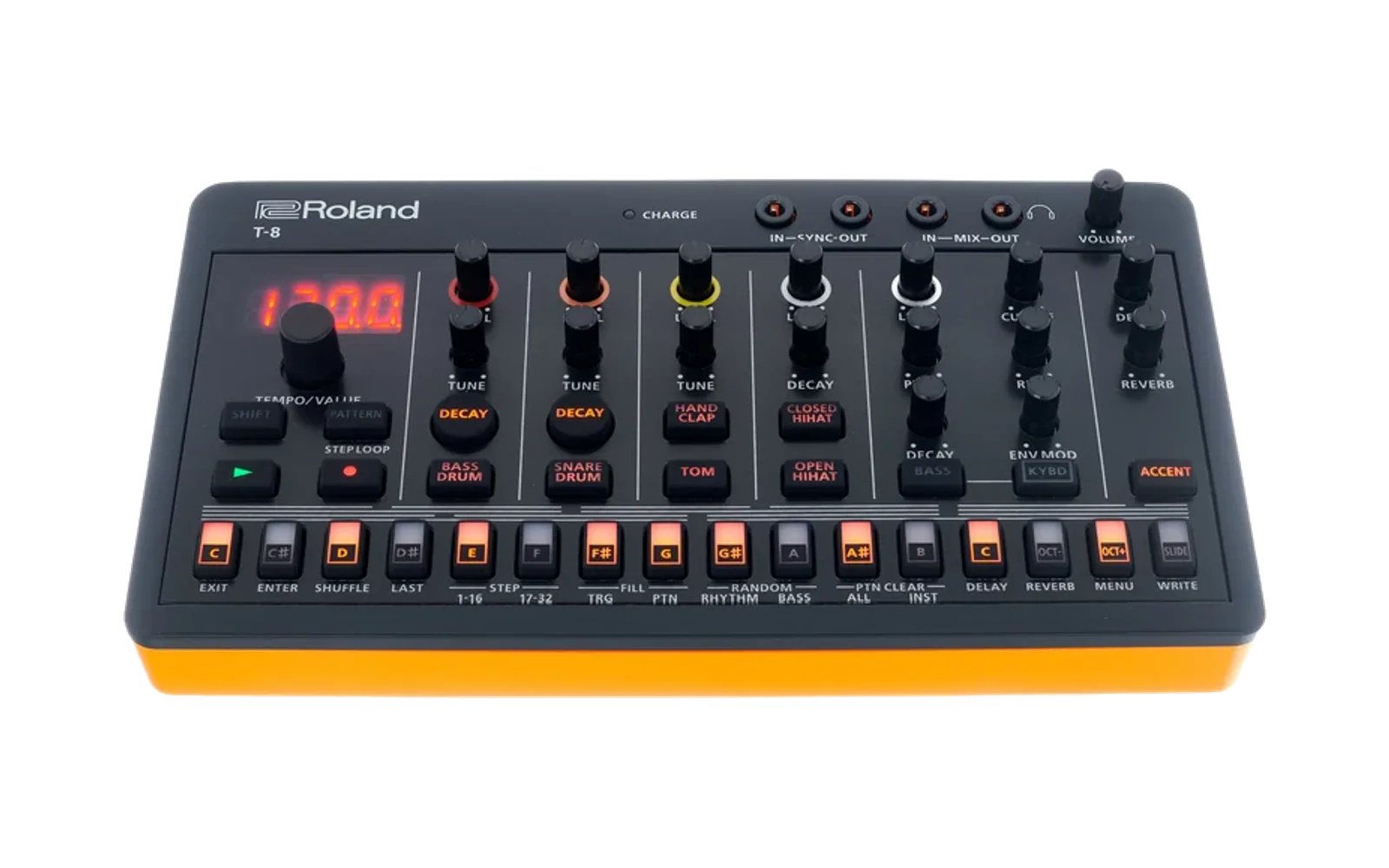
Roland Aira T-8 Rhythm Pattern Editor
A Flutter web app that can read and edit rhythm pattern backup files from the aira compact T-8.
See the manual instructions for backup and restore.
Controls
In normal mode (neither "Prob" or "Vel" buttons are enabled)
- Left Click: Toggle step on/off
- Scroll Wheel: Change repeat type on voiced steps (only works on blue cells).
Click "Prob" to enter probability mode.
- Left Click on non-empty step: Open a dialog to adjust the step probability, and the sub-step probability if the step is using sub-step repeats.
- Scroll Wheel: Change the step probability.
Click "Vel" to enter velocity mode.
- Left Click on non-empty step: Open a dialog to adjust the step velocity.
- Scroll Wheel: Change the step velocity.
Running the App
flutter run -d web-server --web-port 8080
Then open http://localhost:8080 in your browser.