Ableton Push Hack

Push Hack is an unofficial extensible hack framework for Ableton Push 3 Standalone. It started as an experiment and it quickly evolved into something bigger than expected but it is still a prototype more than a finished product. While it works, it's not intended for everyday or production use, especially in professional contexts and environments.
If you have a Push 2 or a Push 3 Tethered please see this project.
This project is inspired by the work done for Ableton Move in the Move Anything and Schwung.
- 📕 Read the Manual
- 🛟 Would you like to contribute to the project?
- 💬 Join the Discord Community to discuss this project.
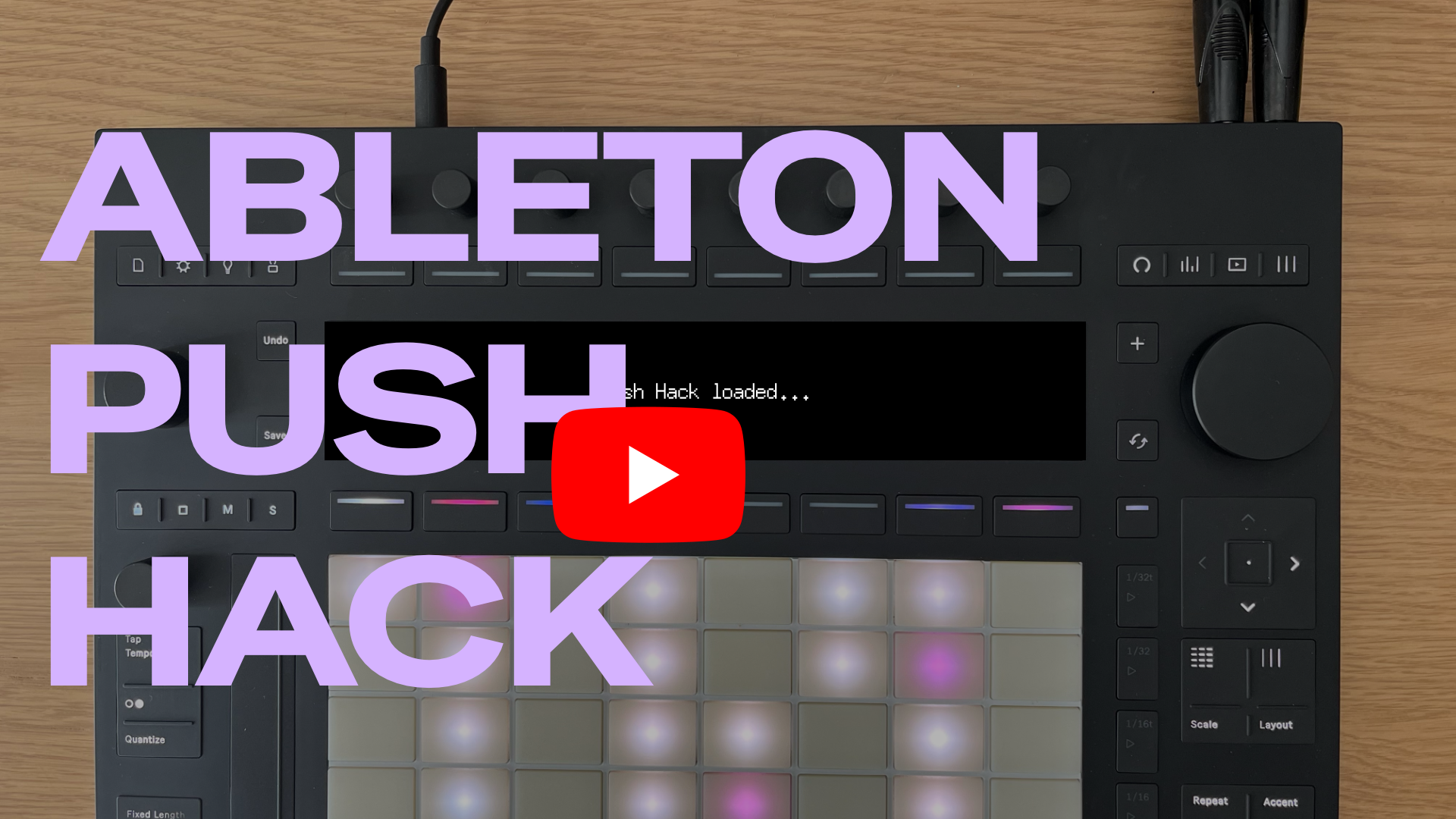
- 🎥 Watch the demo video on YouTube
⚠️ Please, read this carefully ⚠️
[!WARNING] This project is NOT approved, endorsed or supported by Ableton. Use at your own risk. Back up important sets, files and samples before installing the hack and familiarize yourself with the official recovery methods for Push 3 Standalone in case you need to restore your device.
[!CAUTION] Push Hack must be uninstalled an reinstalled manually after any Push's software update. Because of that, make sure that your Push is on the latest version available before installing the hack for the first time. You can read more about this in the manual.
📺 Demo Video
This video is not up to date with the latest developments. However, it can still be used as a reference to understand the capabilities of Push Hack.
🤖 AI Disclosure
This project and much of its codebase were generated by coding agents, mainly Claude Code, under human supervision. If that makes you uneasy or you're not on board with that approach, no worries at all. Either way, thanks a lot for taking the time to check this project.
🏗️ Architecture [WIP]
Push Hack only works on Push 3 Standalone because it installs additional software on top of what's already available on Push. It doesn't replace, overwrite or change any original functionalities.
This hack can't interact directly with what's happening inside Live on Push (unless via Remote Scripts, as explained below), so I had to come up with a series of workarounds:
- Create virtual MIDI I/O ports to send and receive MIDI messages from and to Live on Push. This is required, for example, to take over all the controls (knobs, buttons, LEDs). Some modules might require the user to route MIDI messages inside Push's MIDI Preferences pane.
- Create virtual audio soundcard to send and receive audio from and to Live on Push. This is required, for example, if you want to run a standalone sound module. Users then need to activate the virtual sound card in Push's audio preferences and then route the audio on Push's audio tracks/mixer.
- Use the PushHack Remote Script, one script that ships with Push Hack, to interact with Live on Push: load presets, read and set tempo, tracks, clips, devices and the selection. The limit is what the Remote Script (Python) Live API offers. Select PushHack once in a control-surface slot in Live's preferences. See docs/pushhack-remote-script.md.
- From an UI perspective there are two options: run a WebUI and access everything from another device via push.local or implement a custom made ShadowUI if you want all the controls to be accessible on Push's directly.
push-managerandpush-catalogfor example, use both options. - A module that takes over Push's whole screen, buttons and pads is an app of Push Hack Home, push-manager's switcher. Press Shift + Help on Push to open Home and pick an app or a tool; star the ones you use most, and make one the superstar to open it straight away with Shift + Help, Help. Press Help to go back to Live; hold Help for half a second to open Home, as Shift + Help does. See Push Hack Home.
Main components
The main component is the core library: a shared Go module that can be used and referenced by any additional modules.
There are three required base modules:
- Push Manager: it's the main component of the hack. It looks like a mobile-friendly web app inspired by Move Manager but under the hood it does many different things (see below for all the details)
- Push Display: this module is required to fully control the screen and be able to draw on it.
- Push Catalog: an on-device installer for modules made by the community.
Install and uninstall Push Hack
To install and uninstall Push Hack on your Push 3 Standalone you have two options:
- Use the new cross-platform Push Hack Installer
- Use the included scrips. See docs/scripts.md for every flag and standalone
push-displayre-deploy.
Update Push Hack
Push Manager checks GitHub once a day for a newer Push Hack release. It includes alpha and beta releases. It makes no other call to the internet for this, and it never calls ableton.com.
When a newer release exists, a yellow bar shows on the Push screen and on the web page. You choose when to install it. The install keeps Live and the audio running. If the new version does not start, Push Manager puts the old version back.
You can switch the automatic check off on the System page of the web app. Read the manual for the steps.
Adding a new hack
See docs/adding-a-hack.md for the full walkthrough — folder layout, hack.json/Makefile examples, port rules, and the core/ shared library.
Reference
docs/ = architecture, API, and Push hardware/OS references; each hack documents itself in its folder README.
Framework and API (docs/):
docs/architecture.md— deploy framework, hack structure,core/shared library, per-hack file layoutdocs/api-reference.md— HTTP routes, the RemotePanel contract, the push-display shared-memory protocoldocs/scripts.md— every flag fordiscover.sh,install.sh,uninstall.sh, andhacks/push-display/deploy.shdocs/adding-a-hack.md— full walkthrough for a new hack: folder layout,hack.json/Makefileexamples, port rules,core/shared library
Push hardware / OS (docs/):
docs/push3-internals.md— OS, filesystem, XMOS USB protocol, display, MIDI routingdocs/push3-button-map.md— Push 3 button/encoder MIDI mapdocs/push3-led-colors.md— full 128-entry LED color palettedocs/push3-assets.md— Push UI image assets (/api/assets/<path>)
Shared library:
core/README.md— package-by-package guide to the shared Go module (push3, gfx, display, httpx, hackcfg, sse, pmclient, alsaseq, alsapcm, audiobus)
Per-hack (folder README):
hacks/push-manager/README.md— full API reference, features, display control, MIDI monitorhacks/push-display/README.md— LD_PRELOAD display/MIDI hook, shared-memory layout, build/deployhacks/push-catalog/README.md— on-device installer API, how the catalog install flow works
Catalog (catalog/): catalog/ARCHITECTURE.md, catalog/schema.md, catalog/PUBLISHING.md — the push-catalog model and how to publish a hack into it
License
MIT - See LICENSE