386DX for the M-VAVE FM-1
This project is inspired by and an homage to Alexei Shulgin, an artist in Russia who performed briefly as 386 DX, which he billed as “the world’s first cyberpunk band.” At shows, Alexei was introduced by a computerized voice announcing that the human onstage was merely a decoration. He’d then “perform” onstage, air-strumming a computer keyboard like an electric guitar as text-to-speech singing voices played along to MIDI covers of pop songs.
In so many ways, Alexei was—and still is—ahead of his time, and he’s been an inspiration to many who’ve discovered his music in the decades since 386 DX performed.
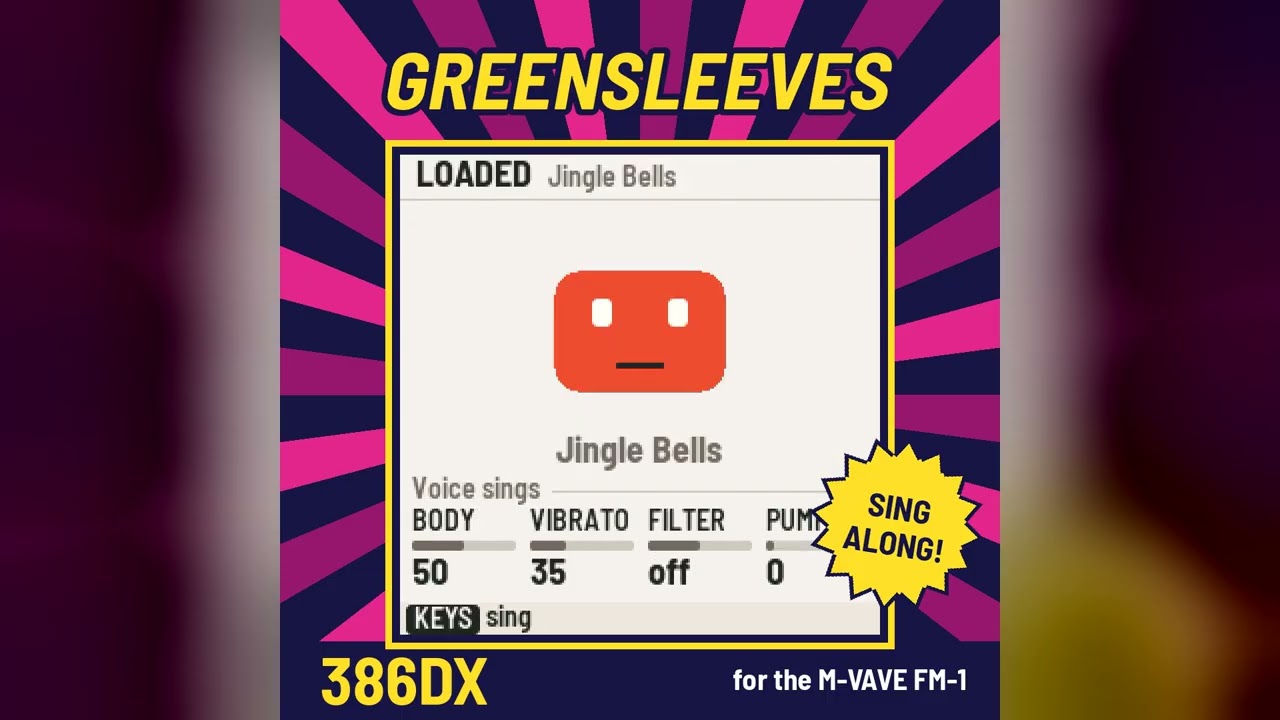
386DX turns the M-VAVE FM-1 into a karaoke robot with a band. It sings songs you bring in from karaoke and MIDI files, and lines you type on the FM-1 itself, to notes you play on its keys. Its face is the voice: the mouth opens with the sound, the eyes ride the pitch, the head shakes with the vibrato. Keys, Bass and Drums play along, with a step sequencer, patterns you can shift, pitch and weave together, and sixteen effects that punch in under your fingers.
- The web page: https://386dx.linecross.ing (Chrome or Edge, with the FM-1 plugged in). It installs 386DX on your FM-1 and keeps it up to date, puts songs in the FM-1's eight slots (thirteen public-domain standards come with it, or import a .kar or .mid file), lists what changed in each version, and runs the whole firmware in the browser, no FM-1 needed.
- Read the manual: docs/MANUAL.md, with a five-minute start and every page
- Releases: the installable package (
.fwsc) of each version is on the releases page. The web page is the easier way to install it.
Installing is at your own risk, though it's hard to get stuck: an FM-1 that keeps crashing starts in a safe mode, and an update that was cut off finishes when you install again.
Running the web page
The page is plain static files; Web MIDI needs it served from localhost (or https://). With the
firmware built (see below), from this folder:
python3 -m http.server 8000 --directory web
Then open http://localhost:8000/ in Chrome or Edge. The emulator is at
http://localhost:8000/emu/. tools/make_companion.py gathers the same page, with the firmware
package and its licence texts, into build/companion/ for publishing.
Building and testing
See BUILDING.md. ./build.sh builds the firmware and checks its flash, RAM and pool
budgets, and puts the package beside the web page. tests/run_tests.sh --host-only runs everything
on the computer: the simulator's scenarios (the firmware's UI, voice and engine from scripts, with
screenshots and a WAV in build/sim/), the import of every library song through the firmware's own
engine in WebAssembly, and the storage and speech tests. LICENSING.md says where the
code comes from.
The singing voice is its own project, 386 DX Engine: built for this firmware, usable without it. This firmware is where the engine shows what it can do, and the web page runs the same engine in your browser.